Supermarket aisle synced to a 110-BPM track
Wide low-angle dolly down a supermarket aisle, single character walking, every step landing on a downbeat, snap zoom onto a coffee can mid-aisle and snap back.
Edit prompt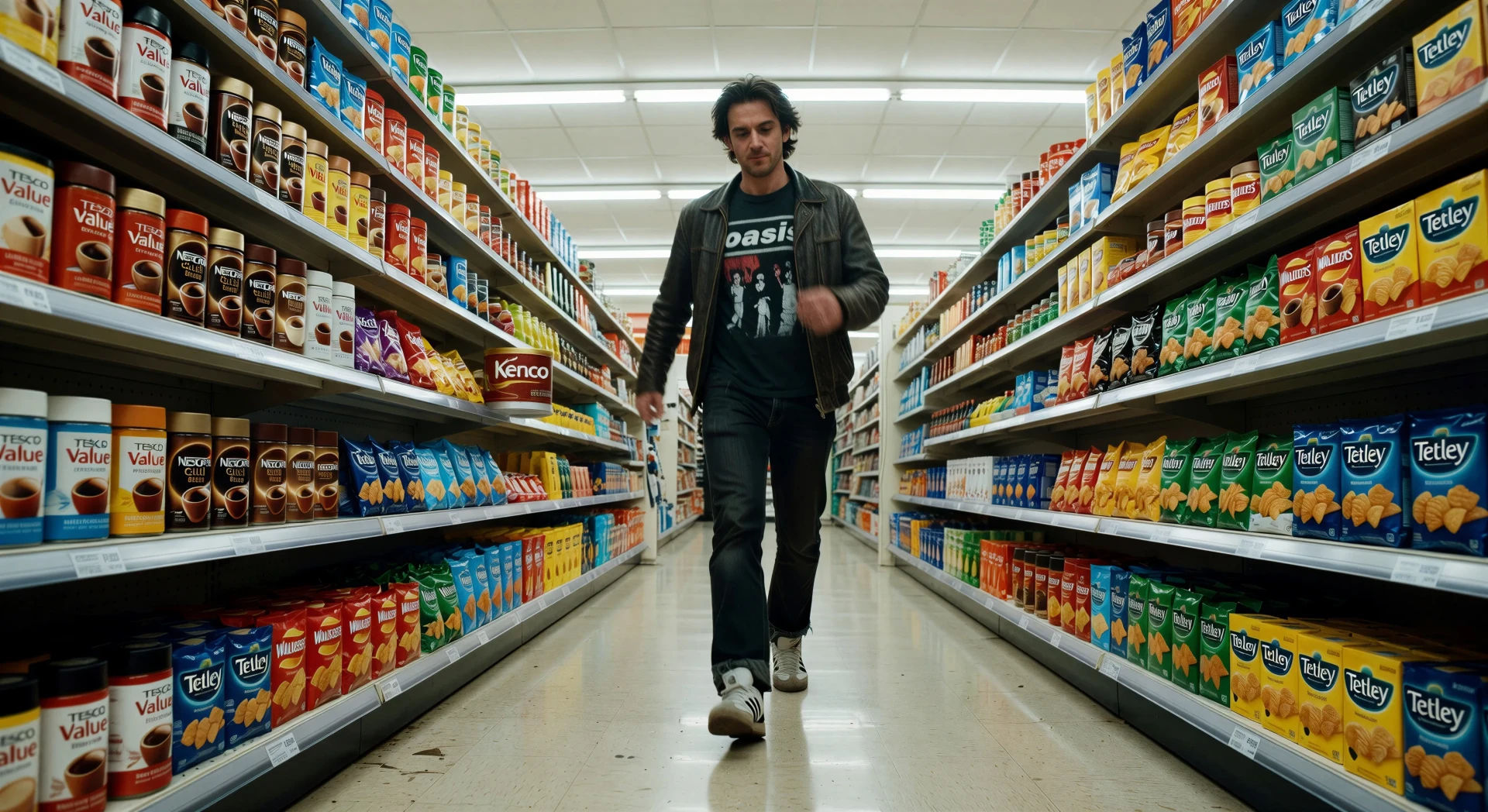
Direct kinetic comedy in your browser with Morphic's Edgar Wright style AI video generator. Generate an aisle walk synced to a 110-BPM track or a snap zoom onto a vinyl sleeve, lock every cut to the beat with Music, then cut a music-driven short in the Canvas.
Wide low-angle dolly down a supermarket aisle, single character walking, every step landing on a downbeat, snap zoom onto a coffee can mid-aisle and snap back.
Edit promptTight push-in on the front door of an English pub, hand grabbing the handle on a snare hit, push through into a wood-panel interior, jukebox glowing in the corner.
Edit prompt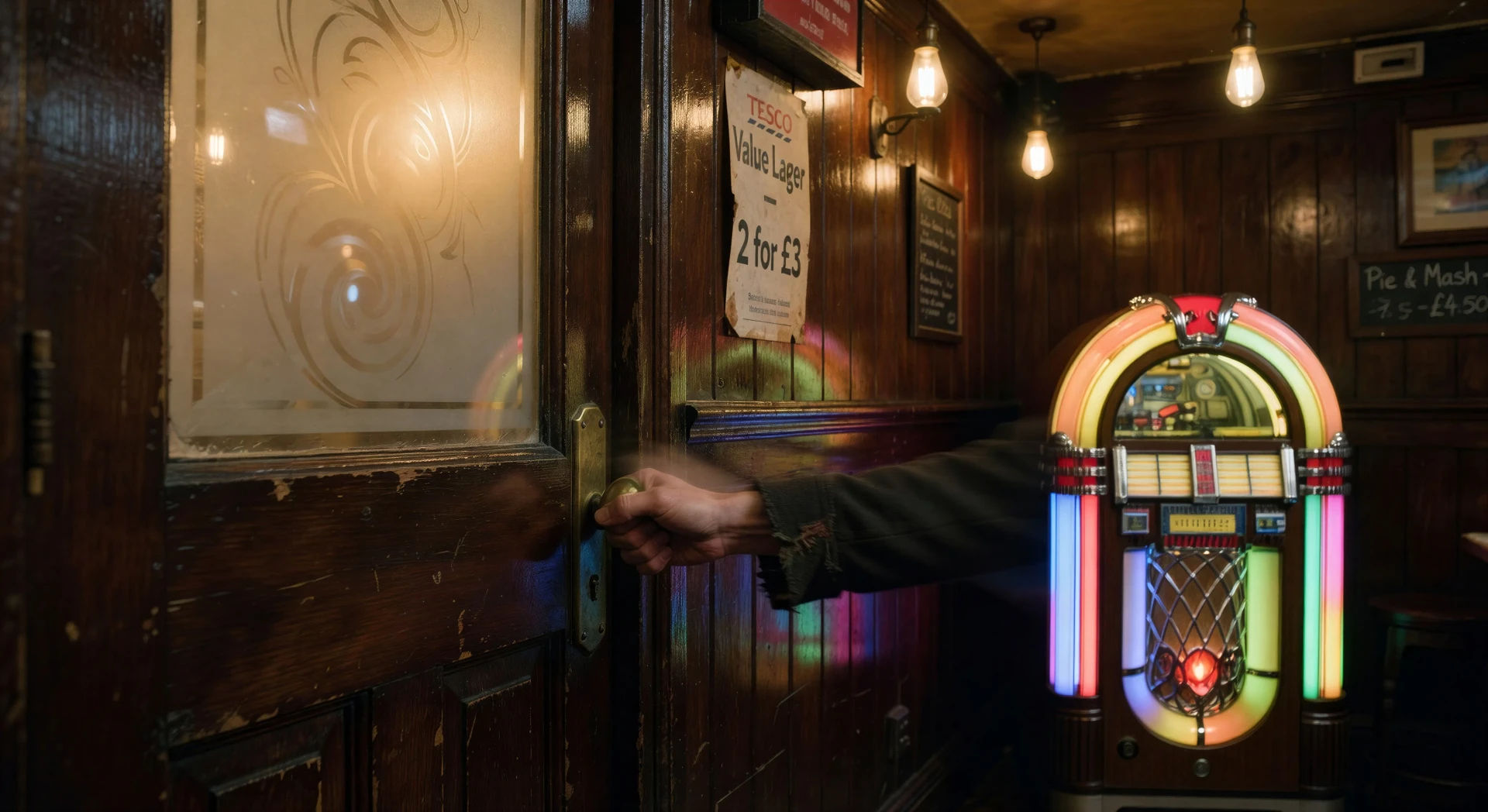
Wide of a small vinyl record store, owner behind counter, snap zoom onto a 7-inch sleeve in a customer’s hand on a downbeat, snap back out one frame later.
Edit prompt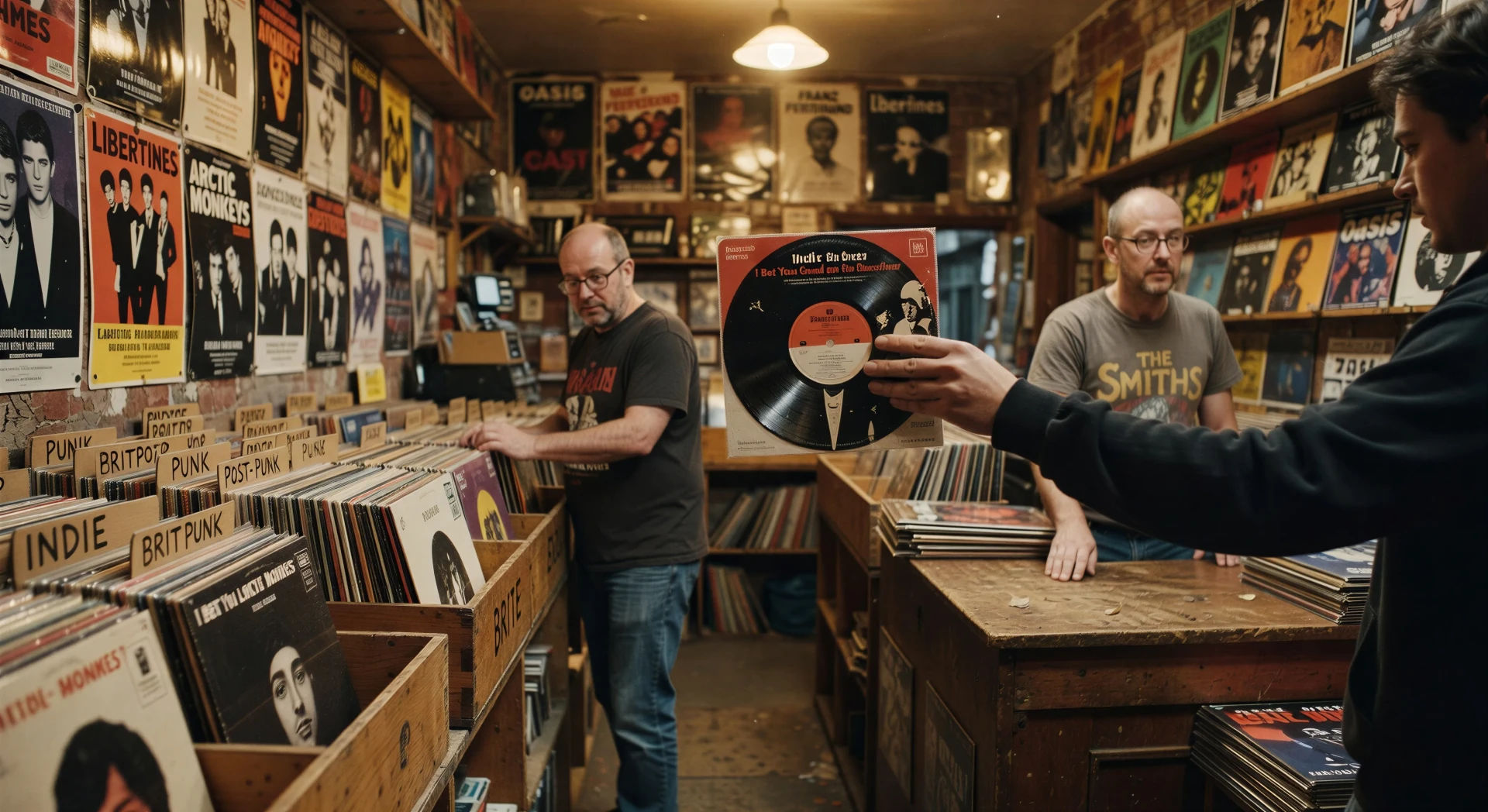
Tidy English suburban kitchen, kettle whistles, sound-cued match-cut to a car horn at the front door, mum waving toast in the foreground, 110-BPM rhythm.
Edit prompt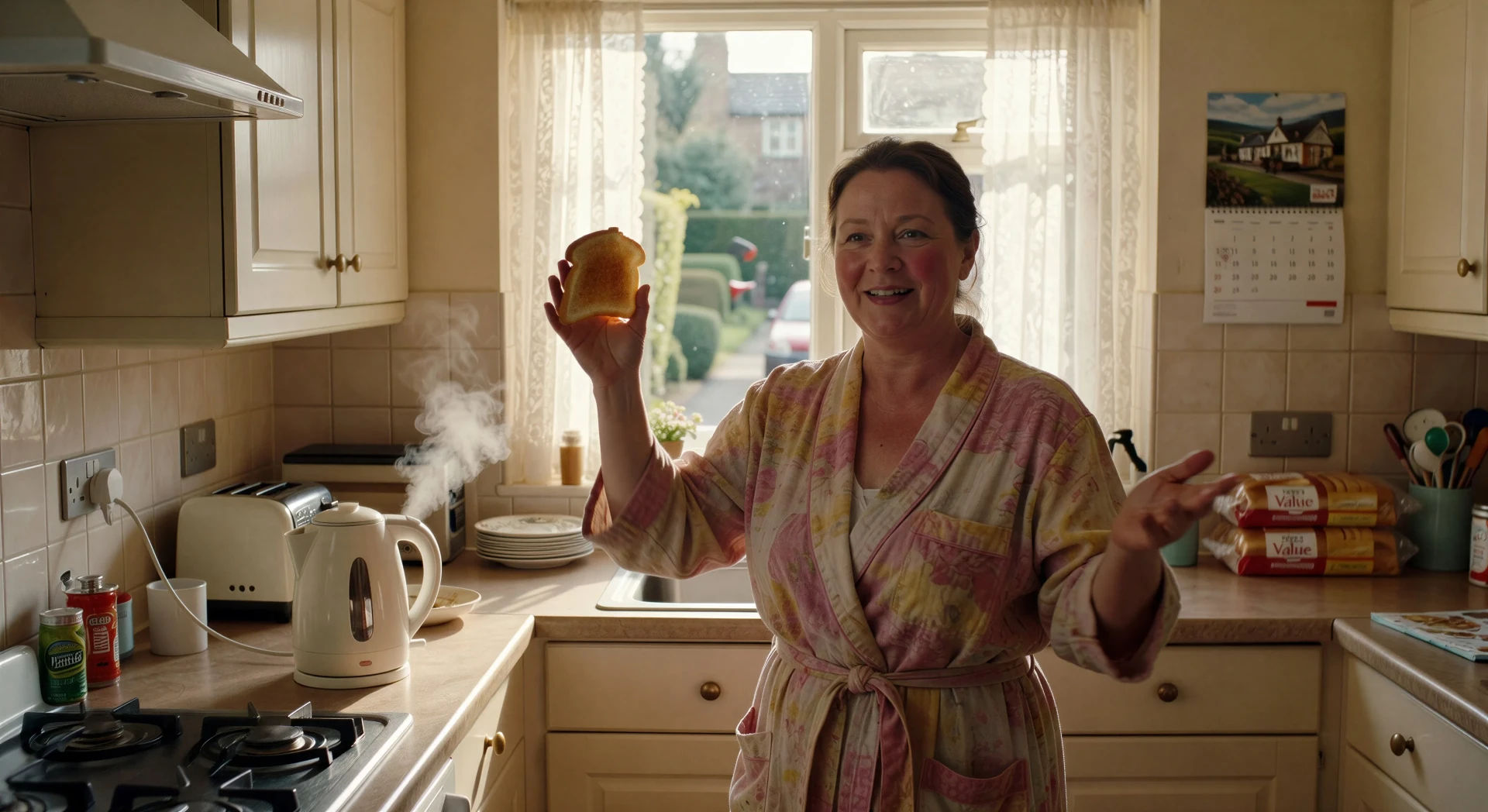
Write the Edgar Wright scene you want, in plain words.
Morphic generates a cinematic, frame-ready clip on your canvas in seconds.
Tweak the prompt, regenerate variations, then download or share the shot.

Share a scene description with character references. Get a full storyboard with shot angles and mood.
One image to a 9-scene cinematic video.

Dramatize any text conversation into a cinematic multi-shot video.
Cinematic time-freeze short film for any scene
Drop in a photo of yourself. Get a 12-second cinematic movie with animation and a matched soundtrack.

Feed in a single image. Get 9 cinematic beats laid out as a 3x3 storyboard grid.
Tarantino AI Videos
Generate Quentin Tarantino style videos with Morphic. Trunk shots, retro pulp palettes, dialogue tension, and prompt-led scenes you can run in your browser.
Fincher AI Videos
Generate Fincher style videos with Morphic. Desaturated palettes, geometric framing, deep shadows, and prompt-led scenes you can run in your browser.
Wes Anderson AI Videos
Generate Wes Anderson style videos with Morphic. Symmetrical framing, pastel palettes, deadpan tableau scenes, and prompt-led shots you can run in your browser.
Wong Kar Wai AI Videos
Generate Wong Kar Wai style videos with Morphic. Step-printed motion, neon Hong Kong nights, saturated color, and prompt-led scenes you can run in your browser.
Get started for free today, with the option to upgrade or cancel anytime.
Basic
1100 monthly credits
1 user only
All models
Workflows
Standard
3625 monthly credits
1 user only
All models
Workflows
Pro
6350 shared monthly credits
1 user
All models
Workflows
Pro Max
24650 shared monthly credits
1 user
All models
Workflows
Enterprise
For higher limits
Custom
pricing and billing terms
Free
For playing around
$0
forever free