How to make giallo style videos with AI

Direct the saturated dread of Italian giallo in your browser with Morphic's giallo style AI video generator. Generate giallo video scenes like a black-gloved killer slipping under a magenta gel, a J&B bottle backlit on a velvet bar, or a final girl running rain-slick cobblestones, and pair them with the Music tool to sync a prog-rock score. Stitch the saturated set pieces into an Argento-grade giallo short inside the Canvas.

giallo characters you can create

giallo scenes you can direct

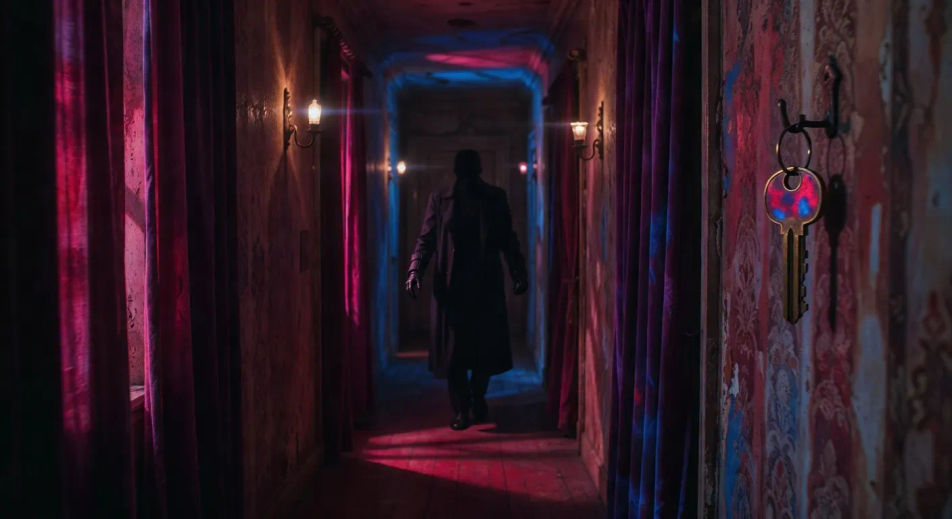
Black-gloved killer in a magenta corridor

Long Roman pensione corridor washed in magenta gel from a single off-frame source, black-gloved figure stepping into frame at the far end, brass key glinting on a hook, slow tracking dolly past velvet drapes.

Edit prompt
Black-gloved killer in a magenta corridor

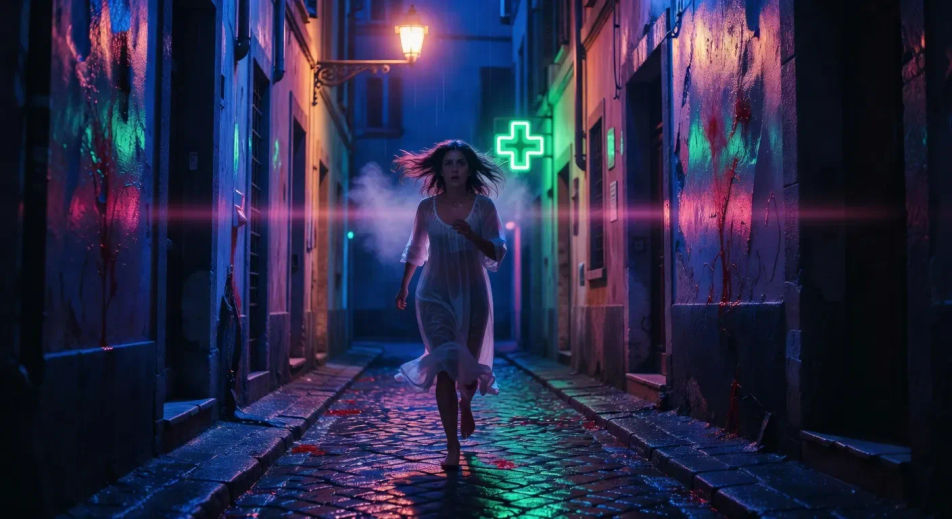
Final girl on rain-slick cobblestones

Cobalt 3am Italian alley, cobblestones reflecting a single sodium-vapour lamp, final girl running barefoot toward camera, breath visible, neon pharmacy cross flickering in the background.

Edit prompt
Final girl on rain-slick cobblestones

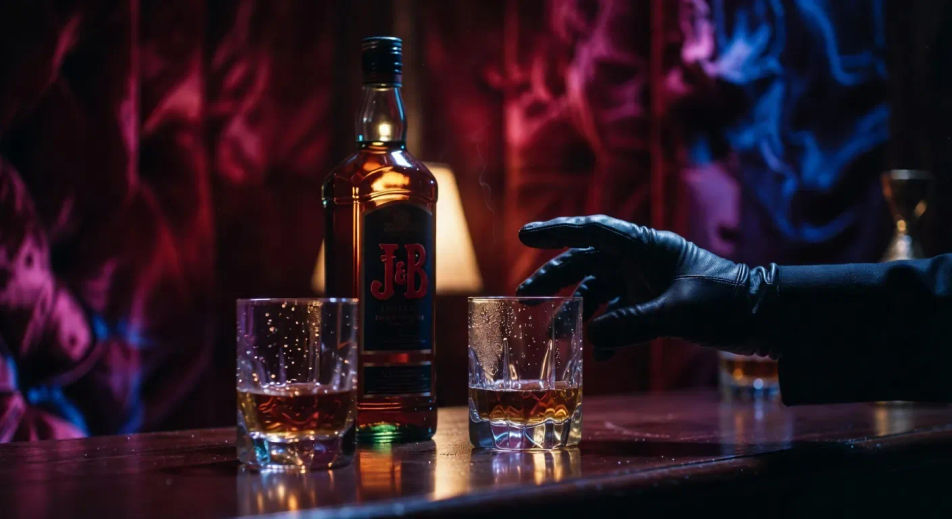
J&B bottle backlit on a velvet bar

Tight close-up of a J&B whisky bottle backlit gold against a wine-velvet bar wall, two crystal tumblers half-empty, gloved hand reaching into frame, prog-rock score implied.

Edit prompt
J&B bottle backlit on a velvet bar

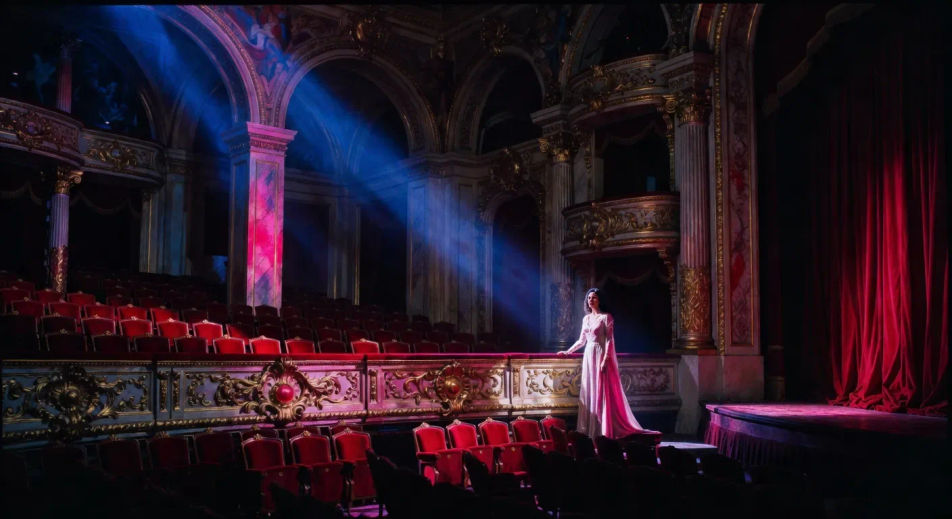
Opera-house mezzanine in cobalt and red

Empty Roman opera-house mezzanine lit half cobalt and half blood red, a single follow-spot finding the ingenue at the railing, velvet drape rippling at the edge of frame.

Edit prompt
Opera-house mezzanine in cobalt and red

Make giallo videos in three steps

  1. 01

    Describe your giallo scene

    Write the giallo scene you want to see in your own words. Be specific about the colour gel (magenta, cobalt, blood red, J&B amber), the location (Roman pensione, fashion atelier, opera house, rain-slick cobblestone), and the camera direction. Naming the saturated colour wash and the texture of the wet street is what cues Morphic to land the giallo register instead of generic horror.

  2. 02

    Generate the video

    Morphic generates a cinematic, frame-ready clip on your canvas in seconds — no editing software required.

  3. 03

    Refine your giallo video

    Tweak the prompt, regenerate variations, then download or share the moment the shot lands.

Related workflows

You might also like

FAQs

Where can I make giallo style videos with AI?
You can create giallo style scenes directly in your browser on Morphic. Open the Text to Video tool, describe the colour gel, the location, and the camera direction, and Morphic produces the clip. No installs and no specialist software needed.
What defines the giallo style for an AI prompt?
Three things define giallo at the prompt level: a saturated colour wash (Argento magenta plus cobalt plus blood red, Bava window-gel layering), a black-gloved killer silhouette anchoring the suspense beat, and Italian set-dressing (Roman pensione, fashion atelier, opera house, sodium-vapour alley). Name all three so Morphic does not default to generic slasher coverage.
How do I prompt for the saturated giallo colour palette?
Specify the gel, the source, and the layering. For Argento Suspiria magenta: "magenta gel washing the corridor from a single off-frame source, cobalt fill from the open door at the far end." For Bava Blood and Black Lace: "blood red wash on one wall, cobalt blue on the opposite wall, mannequins half-lit between the two." Naming the gel positions in language is what cues the giallo colour grammar.
How do I keep my giallo characters consistent across scenes?
Use the Character Lineup workflow to lock in the wardrobe, posture, and silhouette for each archetype, then reference those character cards in every prompt. Morphic preserves the gloved-killer trench coat, the final girl knit sweater, and the polizia tan coat across the giallo series so the visual continuity holds.
Can I add a prog-rock score and gasping voiceover to my giallo videos?
Yes. The Music tool produces an original soundtrack, and a Goblin-grade prog-rock register (driving bass, organ stab, looped synth motif) sits cleanly under the magenta corridor beats. The Speech tool generates breath-and-whisper voiceover and final-girl gasps in the voice you choose, layered onto the generated video to publish a complete giallo short.
Do I need any film-history background to make giallo style videos?
No. Morphic runs in your browser and you direct it with plain-language prompts. If you can describe a magenta corridor, a black-gloved silhouette, and a rain-slick alley, you can produce a giallo scene. The prompts on this page are written so anyone can paste and run.