Standing at the reed line in the mist
A black horse motionless among the reeds, breath fogging, water dripping from its belly, the far shore of the loch lost in low haze.
Edit prompt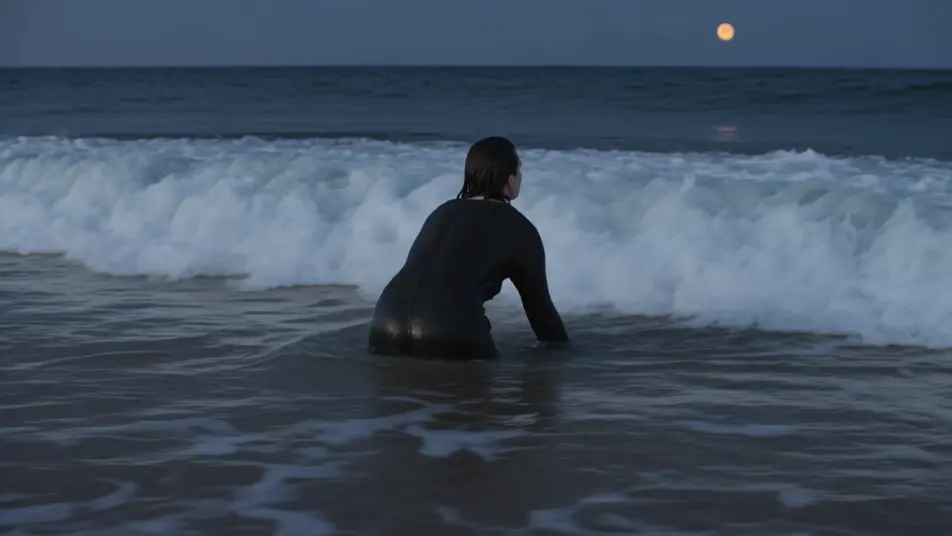
Raise the water horse of Scottish lochs in your browser with Morphic's Kelpie AI video generator. Direct a black horse at the reed line, a traveler drawn onto its dripping back, or a loch breaking as it turns for the deep. Score the menace with Music, then keep it on-look with Character Lineup.
A black horse motionless among the reeds, breath fogging, water dripping from its belly, the far shore of the loch lost in low haze.
Edit promptA traveler mounted and struggling, hands bonded to the slick hide as the horse walks calmly and steadily into the deepening shallows.
Edit prompt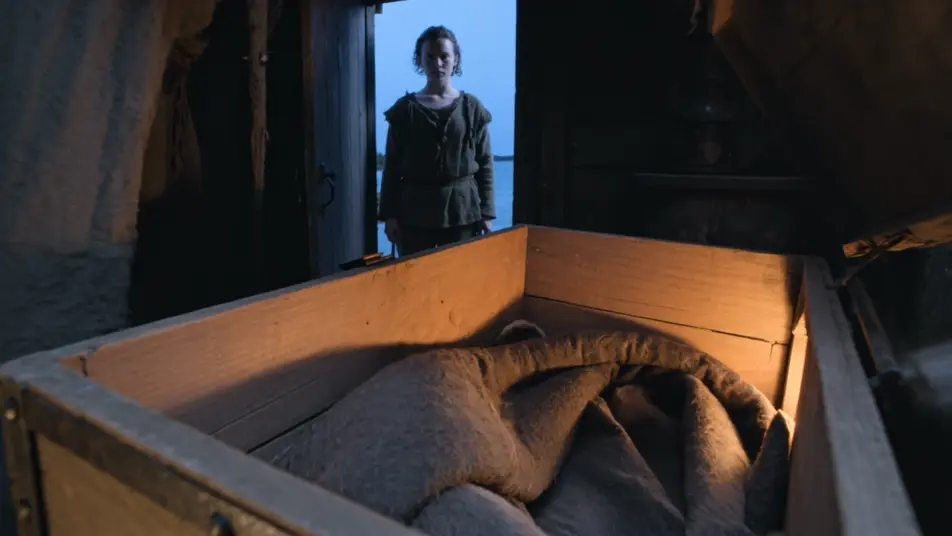
The still black surface splitting into slow rings, a mane and back sliding under, hooves the last thing to vanish into the dark water.
Edit prompt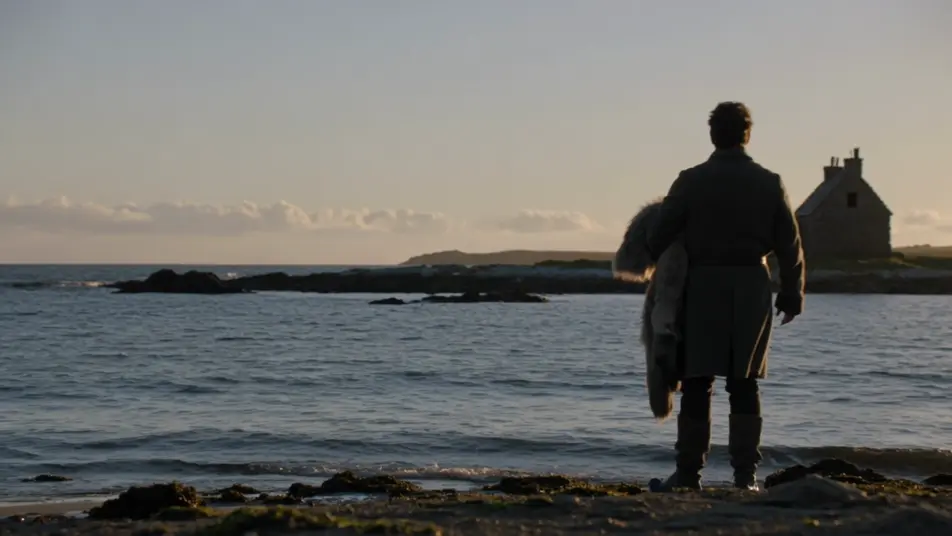
A wet leather bridle abandoned on flattened grass at the water's edge, a single deep hoofprint slowly filling with loch water.
Edit prompt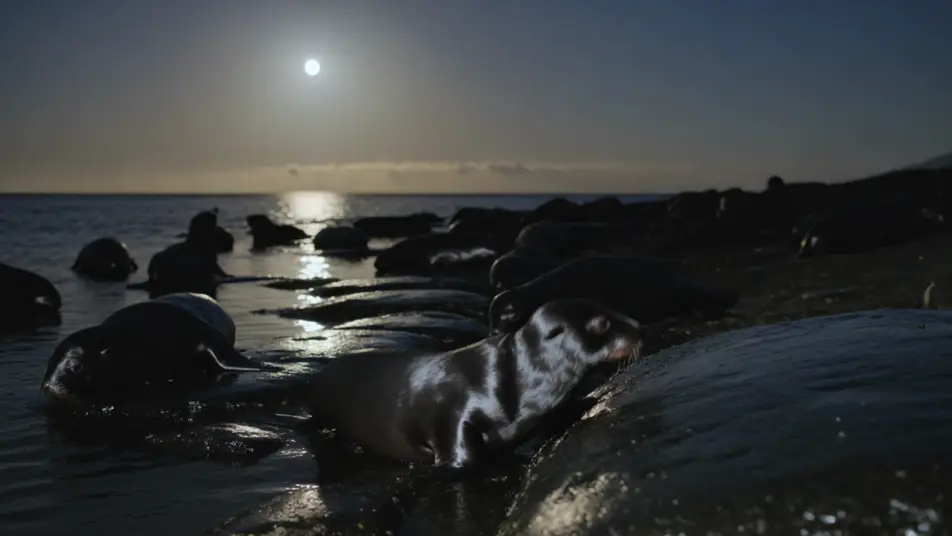
Write the the Kelpie scene you want, in plain words.
Morphic generates a cinematic, frame-ready clip on your canvas in seconds.
Tweak the prompt, regenerate variations, then download or share the shot.

Share a scene description with character references. Get a full storyboard with shot angles and mood.

Feed in a single image. Get 9 cinematic beats laid out as a 3x3 storyboard grid.
One image to a 9-scene cinematic video.

Take any character image and generate 6 distinct facial expressions on a single reference sheet.
Cinematic time-freeze short film for any scene
Drop in a photo of yourself. Get a 12-second cinematic movie with animation and a matched soundtrack.
Selkie AI Videos
Make Selkie videos with AI: direct a figure rising from the surf, a hidden sealskin, and a last look back before the tide. Start creating.
Bean Sidhe banshee AI Videos
Make Bean Sidhe banshee videos with AI: a keening grey woman, a washer at the ford, a wail at the gable, in cinematic night scenes. Start creating.
Nuckelavee AI Videos
Generate Nuckelavee AI videos with Morphic. Direct Orkney's skinless horse-demon, one burning eye, exposed muscle, in cinematic found-footage scenes.
Celtic mythology AI Videos
Create Celtic mythology scenes, Tuatha De Danann portraits, and Cu Chulainn battle shorts with Morphic. Generate, narrate, and score videos from a prompt.
Get started for free today, with the option to upgrade or cancel anytime.
Basic
2400 monthly credits
1 user only
All models
Workflows
Standard
3625 monthly credits
1 user only
All models
Workflows
Pro
6350 shared monthly credits
1 user
All models
Workflows
Max
24650 shared monthly credits
1 user
All models
Workflows
Enterprise
For higher limits
Custom
pricing and billing terms

Free
For playing around
$0
forever free