Loch Ness Monster AI Videos

Direct Highland cryptids in your browser with Morphic's Loch Ness Monster AI video generator. Generate a long-necked silhouette breaking a misty loch or a grainy telephoto sighting, add a lone fiddle with the Music tool, and cut a Nessie short on the Canvas.

Loch Ness Monster characters you can create

Loch Ness Monster scenes you can direct

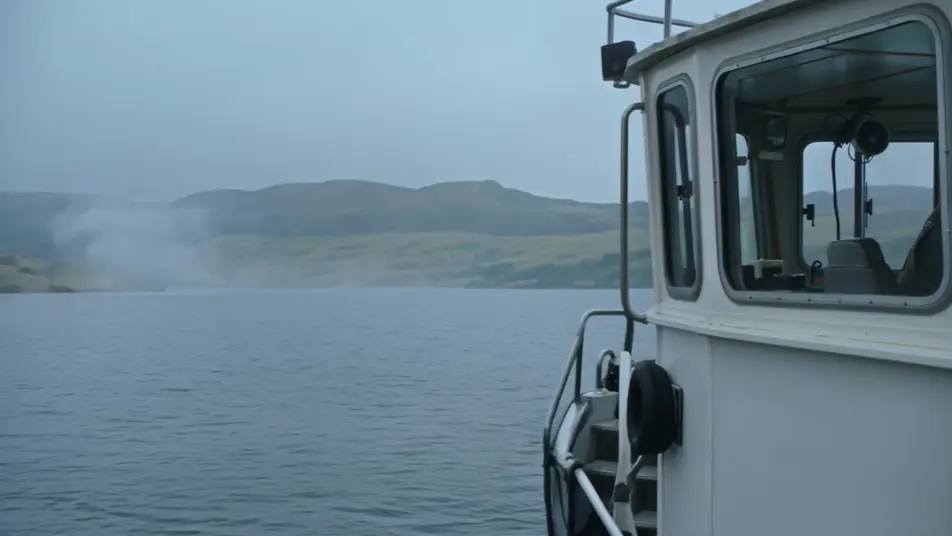
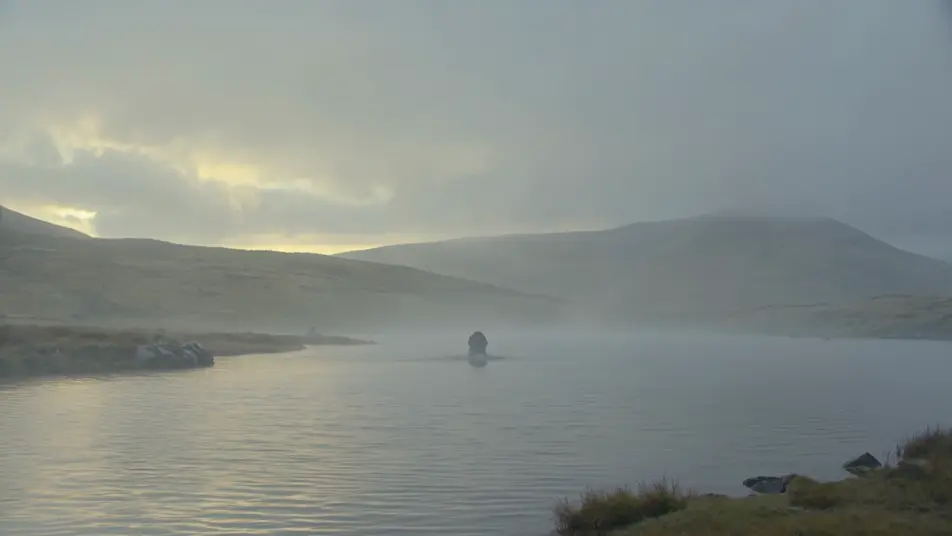
Long-necked silhouette breaking the loch at dawn

A long-necked silhouette rising slowly from a misty Highland loch at first light, slate-grey water sheeting off the neck, low cloud on the far heather hills, a wide still shot with no boat in frame.

Edit prompt
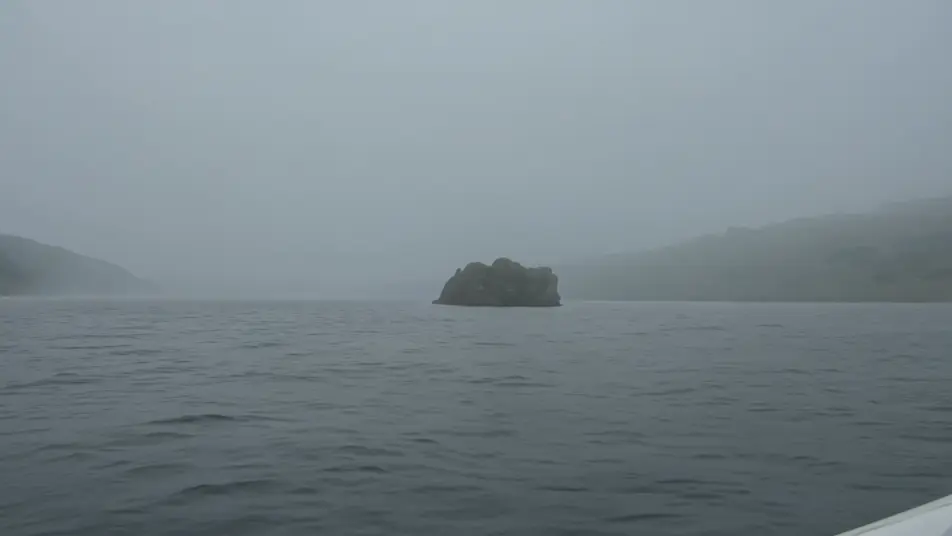
Grainy telephoto sighting from a boat

A handheld grainy telephoto frame from a rocking boat, heat-shimmer and lens softness on a distant dark shape in the grey water, the horizon tilting, the look of a real fleeting sighting.

Edit prompt

Sonar cabin pinging a deep contact

A dim research boat cabin lit by the green glow of a sonar display, a large contact blooming deep on the round scan, the scientist leaning in as the ping sweeps the slate-grey return.

Edit prompt

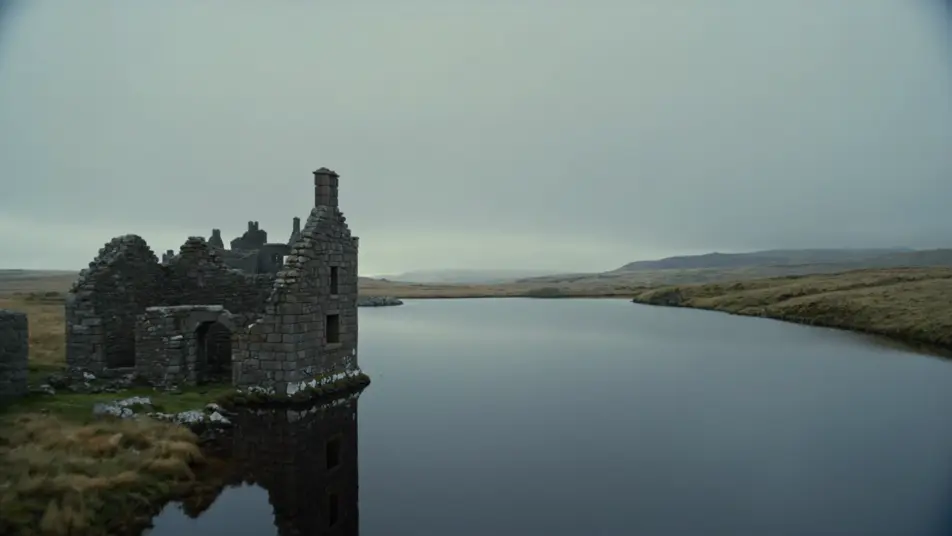
Ruined castle with the creature in the far water

A ruined loch-side castle of grey stone under overcast Highland light, the still loch stretching beyond it, a small long-necked shape barely breaking the surface far out in the slate water.

Edit prompt

Make Loch Ness Monster videos in three steps

  1. 01

    Describe your Loch Ness Monster scene

    Write the Loch Ness Monster scene you want, in plain words.

  2. 02

    Generate the video

    Morphic generates a cinematic, frame-ready clip on your canvas in seconds.

  3. 03

    Refine your Loch Ness Monster video

    Tweak the prompt, regenerate variations, then download or share the shot.

Related workflows

You might also like

Simple pricing

Get started for free today, with the option to upgrade or cancel anytime.

Basic

$0/ month
billed as $0 per year

900 monthly credits

1 user only

All models

Workflows

Standard

$0/ month
billed as $0 per year

3200 monthly credits

1 user only

All models

Workflows

Pro

$0/ month
billed as $0 per year

6200 shared monthly credits

1 user

+ up to 4 more at extra cost

All models

Workflows

Pro Max

$0/ month
billed as $0 per year

24000 shared monthly credits

1 user

+ up to 9 more at extra cost

All models

Workflows

Enterprise

For higher limits

Custom

pricing and billing terms

Unlimited credits
Custom seat limits
All models
Workflows
Pricing Gradient

Free

For playing around

$0

forever free

Up to 20 credits
1 user only
Limited models
Workflows

FAQs

Where can I make Loch Ness Monster videos with AI?
You can create Loch Ness Monster scenes directly in your browser on Morphic. Open the Text to Video tool, describe the misty loch, the long-necked shape, and the camera, and Morphic produces the clip. No installs and no specialist software needed.
What defines the Loch Ness Monster at the prompt level?
Three things define Nessie for a prompt: the long-necked plesiosaur silhouette read as a shape rather than a clean creature, the Scottish Highlands palette of slate-grey water and overcast flat light, and the sighting framing of a grainy telephoto with the horizon tilting and no clean reveal. Name all three so Morphic leans into the cryptid documentary look rather than a sharp fantasy monster.
How do I prompt for the grainy sighting and documentary look?
Specify the camera and the grading. For a sighting: "handheld telephoto from a rocking boat, heat-shimmer and lens softness, tilting horizon, distant dark shape only half breaking the surface." For a 1930s frame: "grainy black-and-white period grading, soft focus, plate-camera look." Naming the lens and the grain is what sells the footage as real rather than rendered.
Can I add a documentary score and narration to my Loch Ness Monster videos?
Yes. The Music tool produces an original soundtrack, and a documentary register of a low drone, a lone Highland fiddle, and held strings sits cleanly under the loch and sonar beats. The Speech tool generates calm narrator voiceover and eyewitness interview lines in the voice you choose, layered onto the generated video to publish a complete Loch Ness Monster short.
Do I need any background in cryptid lore to make Loch Ness Monster videos?
No. Morphic runs in your browser and you direct it with plain-language prompts. If you can describe a misty loch, a long-necked shape, and a wobbly telephoto frame, you can produce a Loch Ness Monster scene. Nessie is public-domain folklore, so naming and depicting the creature is fully safe. The prompts on this page are written so anyone can paste and run.