A shape between distant pines
A deep stand of pines at dusk, a hulking dark shape barely resolved between two far trunks, the handheld frame drifting and refocusing.
Edit prompt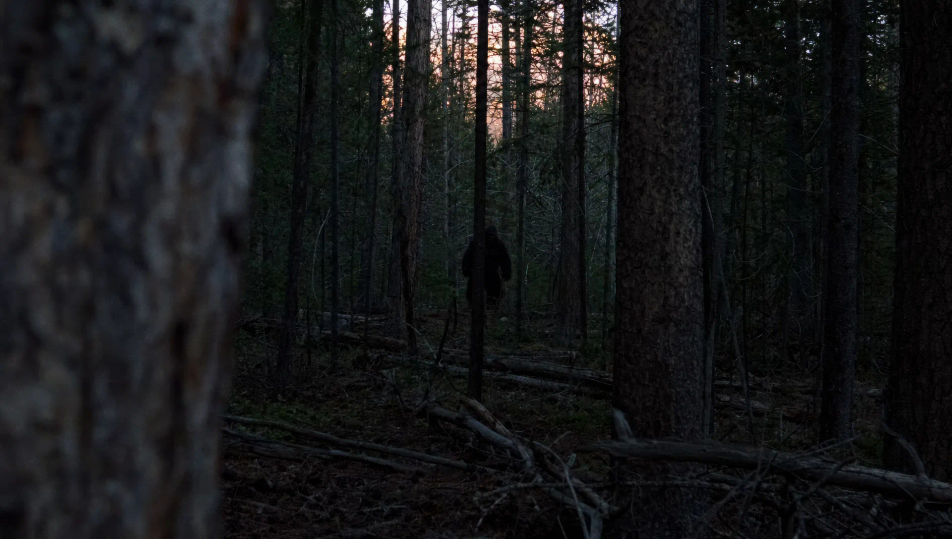
Direct cryptid footage in your browser with Morphic's Bigfoot AI video generator. Generate a hulking shape between distant pines, a shaky trail-cam frame at dusk, or a fresh footprint pressed into a creek bank. Score the tension with Speech and Music, then stitch the short on the Canvas.
A deep stand of pines at dusk, a hulking dark shape barely resolved between two far trunks, the handheld frame drifting and refocusing.
Edit promptA fixed low trail-camera view of a forest clearing in fading light, timestamp implied, a large shape crossing the edge of the frame.
Edit prompt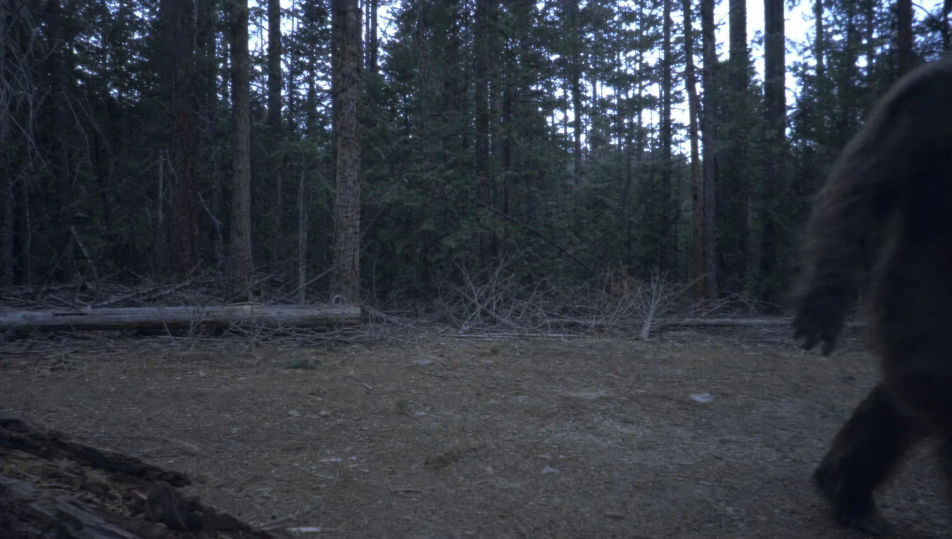
A fresh oversized footprint pressed deep into wet mud on a creek bank, water seeping in at the heel, a hand entering frame for scale.
Edit prompt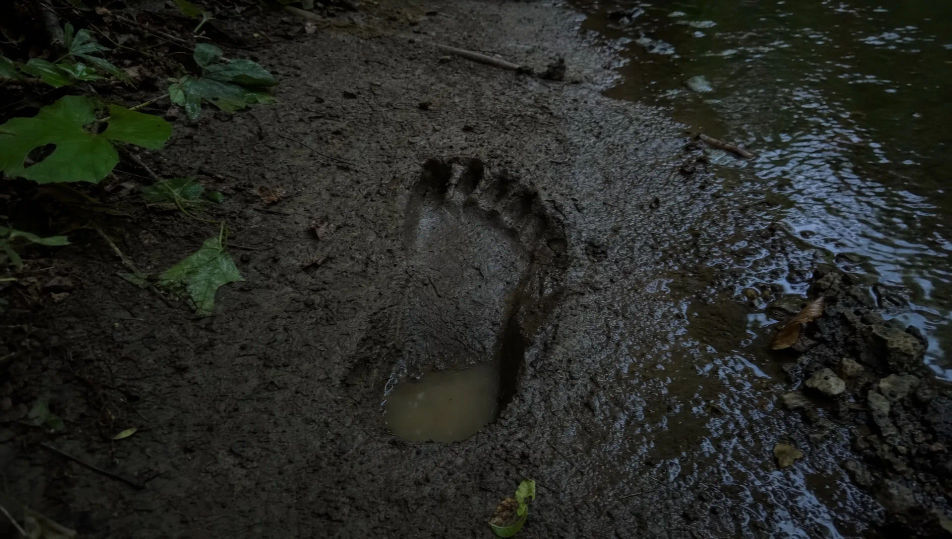
A small fire-lit campsite ringed by black forest, a tent, gear scattered, the firelight reaching only a few metres into the dark trees.
Edit prompt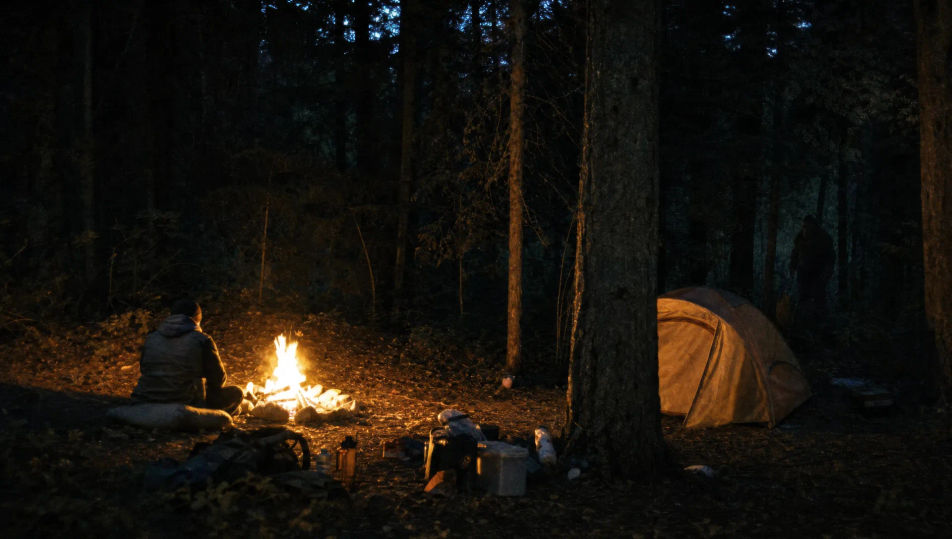
Write the Bigfoot scene you want, in plain words.
Morphic generates a cinematic, frame-ready clip on your canvas in seconds.
Tweak the prompt, regenerate variations, then download or share the shot.
Cinematic time-freeze short film for any scene

Dramatize any text conversation into a cinematic multi-shot video.
One image to a 9-scene cinematic video.
Drop in a photo of yourself. Get a 12-second cinematic movie with animation and a matched soundtrack.

Share a scene description with character references. Get a full storyboard with shot angles and mood.

Feed in a single image. Get 9 cinematic beats laid out as a 3x3 storyboard grid.
Horror AI videos
Generate horror videos on Morphic. Haunted houses, fog-bound forests, flickering hallways, and slow-burn dread scenes from plain-language prompts.
Monster AI videos
Generate monster videos on Morphic. Original creatures, fog-bound beasts, lake monsters, and lurking-threat scenes from plain-language prompts.
Legend of Sleepy Hollow AI Videos
Create Legend of Sleepy Hollow scenes, the Headless Horseman, Ichabod Crane, the Van Tassel farm, the Old Dutch Church, and the covered-bridge chase with Morphic. Generate Hudson Valley horror videos from a single prompt.
Silent film AI Videos
Generate silent film videos with Morphic. Caligari painted shadow, Murnau unchained camera, Eisenstein montage, Lang crowds, and intertitle typography.
Get started for free today, with the option to upgrade or cancel anytime.
Basic
2400 monthly credits
1 user only
All models
Workflows
Standard
3625 monthly credits
1 user only
All models
Workflows
Pro
6350 shared monthly credits
1 user
All models
Workflows
Max
24650 shared monthly credits
1 user
All models
Workflows
Enterprise
For higher limits
Custom
pricing and billing terms

Free
For playing around
$0
forever free