Side-scrolling forest level
A side-scrolling pixel level of layered parallax trees and grass platforms, coins arranged in arcs, a bright sky, a hero sprite mid-run.
Edit prompt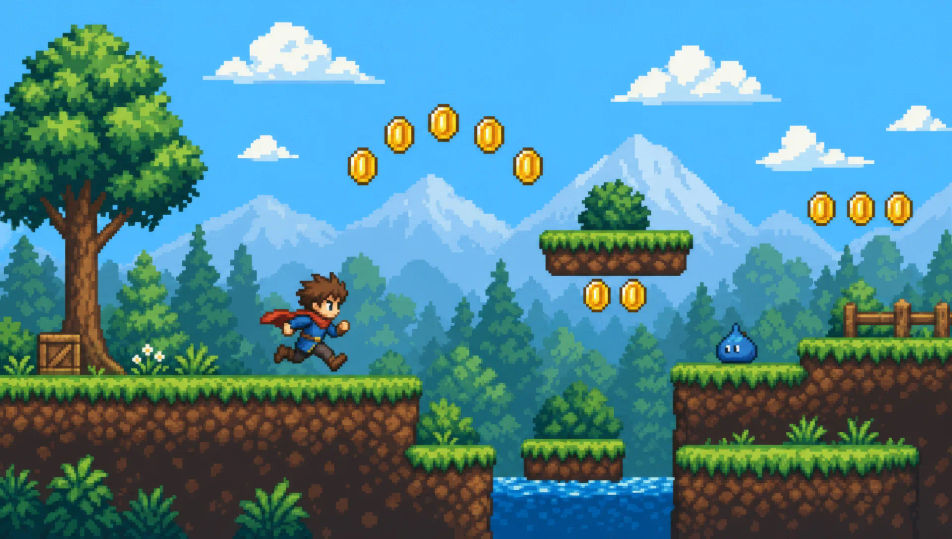
Direct retro game animation in your browser with Morphic's pixel art AI video generator. Generate a hero sprite running a side-scrolling level, a top-down village at dawn, or a boss arena lit by torch glow. Score every shot with Speech and Music, then stitch the short on the Canvas.
A side-scrolling pixel level of layered parallax trees and grass platforms, coins arranged in arcs, a bright sky, a hero sprite mid-run.
Edit promptA top-down pixel village of tiled roofs and a central well, NPCs on small idle loops, a winding path, soft dawn-coloured light.
Edit prompt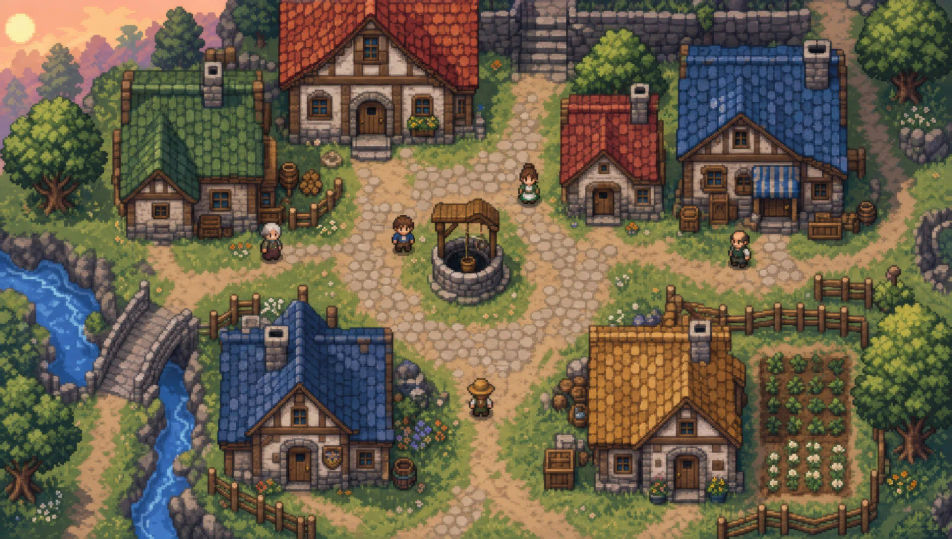
A square pixel arena lit by torch glow, a cracked stone floor, a large boss sprite looming on one side, the hero small on the other.
Edit prompt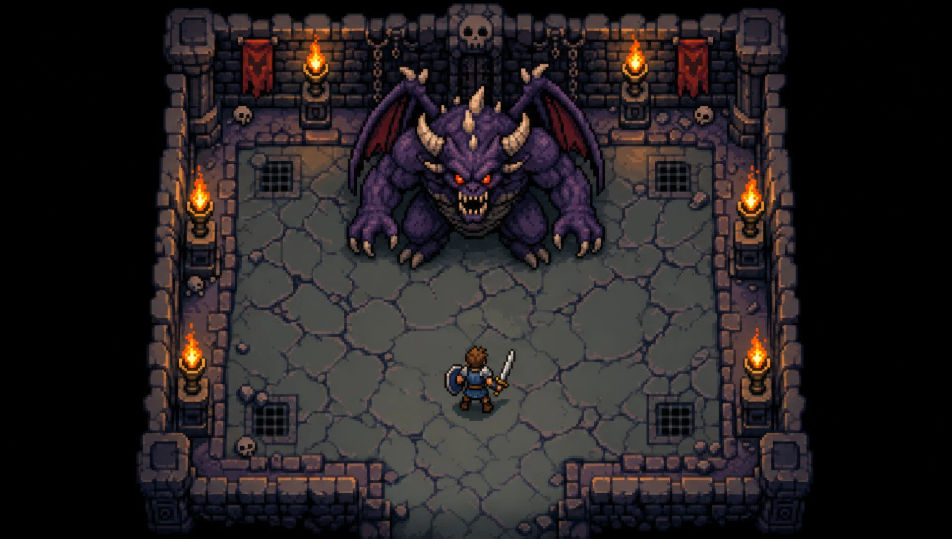
A top-down pixel dungeon corridor of stone tiles and lit torches, treasure chests in the corners, deep shadow at the far end.
Edit prompt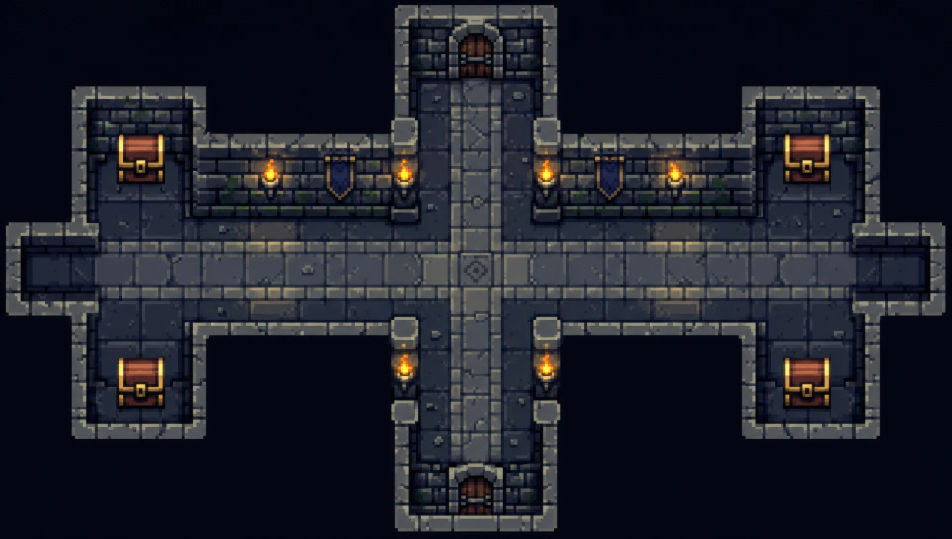
Write the Pixel art scene you want, in plain words.
Morphic generates a cinematic, frame-ready clip on your canvas in seconds.
Tweak the prompt, regenerate variations, then download or share the shot.

Turn any photo or description into an animated chibi sprite. Dance, jump, wave, attack, and more.

Take any character image and generate 6 distinct facial expressions on a single reference sheet.

All your characters on a single lineup image, side by side with height comparison.
One character design becomes a complete sprite sheet: idle, run, attack, jump, death.
Restyle any video in a completely new visual style. Every frame transforms, all motion stays intact.
Describe your item categories. Get 12 consistent game-ready icons for inventory UI.
Pixel art AI generator
Create pixel art with Morphic. 16x16 and 32x32 sprites, RPG tile-sets, side-on platformer scenes, and top-down dungeon rooms from a single prompt.
2D animation AI videos
Generate 2D animation videos on Morphic. Hand-drawn characters, painted backgrounds, clean linework, and traditional animated scenes from prompts.
Claymation AI videos
Generate claymation videos on Morphic. Stop-motion clay characters, fingerprint texture, handcrafted sets, and tactile scenes from plain-language prompts.
Cartoon AI Videos
Create cartoon videos with Morphic. 2D, 3D, storybook, and squash-and-stretch styles, full character consistency, and prompt-led scenes in your browser.
Get started for free today, with the option to upgrade or cancel anytime.
Basic
2400 monthly credits
1 user only
All models
Workflows
Standard
3625 monthly credits
1 user only
All models
Workflows
Pro
6350 shared monthly credits
1 user
All models
Workflows
Max
24650 shared monthly credits
1 user
All models
Workflows
Enterprise
For higher limits
Custom
pricing and billing terms

Free
For playing around
$0
forever free