The arrival episode
A sun-drenched villa where the cast arrives one by one, dragging suitcases through bright rooms and sizing each other up. Loose handheld coverage cuts against early confessionals as the dynamics form.
Edit prompt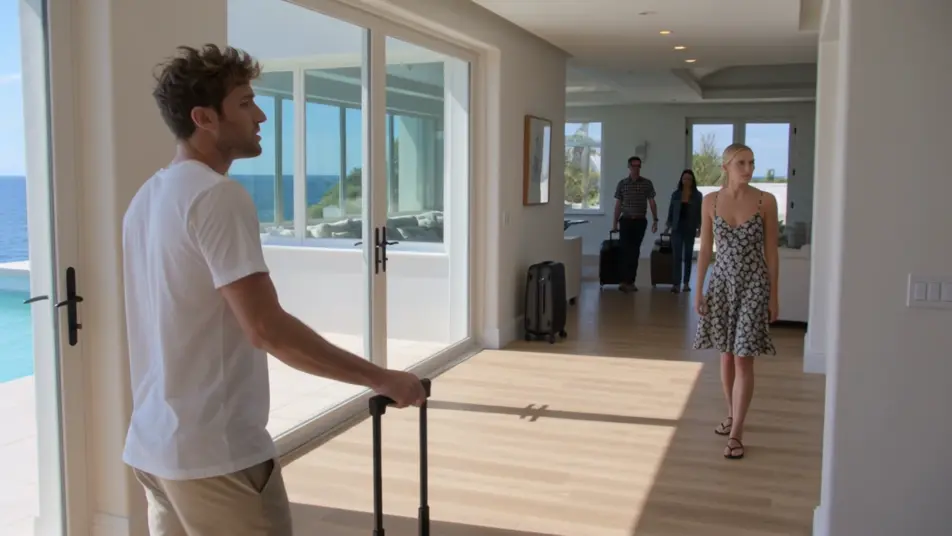
Direct a reality show in your browser with Morphic's reality TV AI video generator. Generate a confessional to camera under soft key light, or a tense poolside standoff shot handheld. Voiceover with Speech and score the tension with Music, then stitch the segments into an episode on the Canvas.
A sun-drenched villa where the cast arrives one by one, dragging suitcases through bright rooms and sizing each other up. Loose handheld coverage cuts against early confessionals as the dynamics form.
Edit promptA bright outdoor arena where teams strain through a physical competition under open sky. Fast tracking shots of the challenge cut against tense sideline reactions and quick to-camera asides.
Edit prompt
A dim, lamp-lit lounge where a simmering conflict finally breaks open across a crowded room. Handheld coverage snaps between faces before the sequence cools into a quiet balcony aftermath.
Edit prompt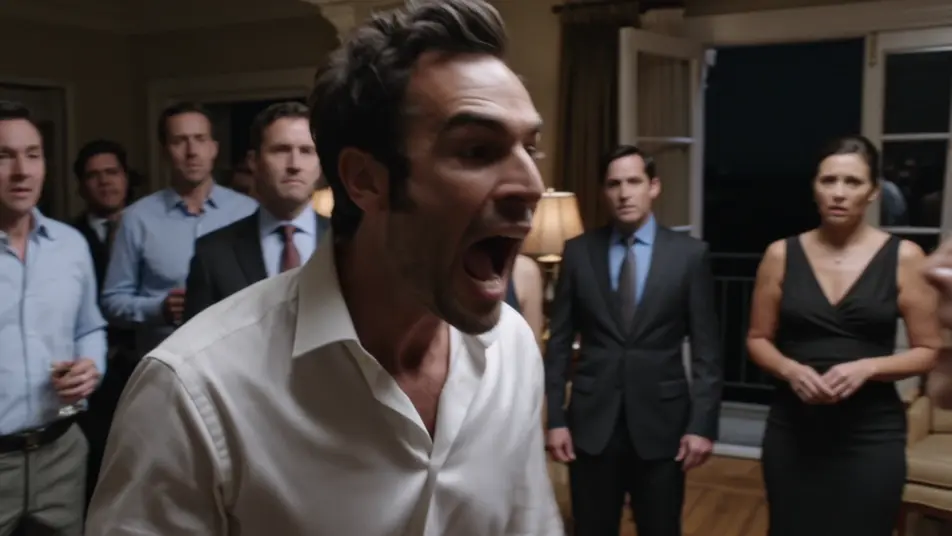
A polished studio set with a curved couch under warm even light where the cast gathers to relive the season. Slow dolly moves cross the group as old tensions resurface and reactions ripple down the row.
Edit prompt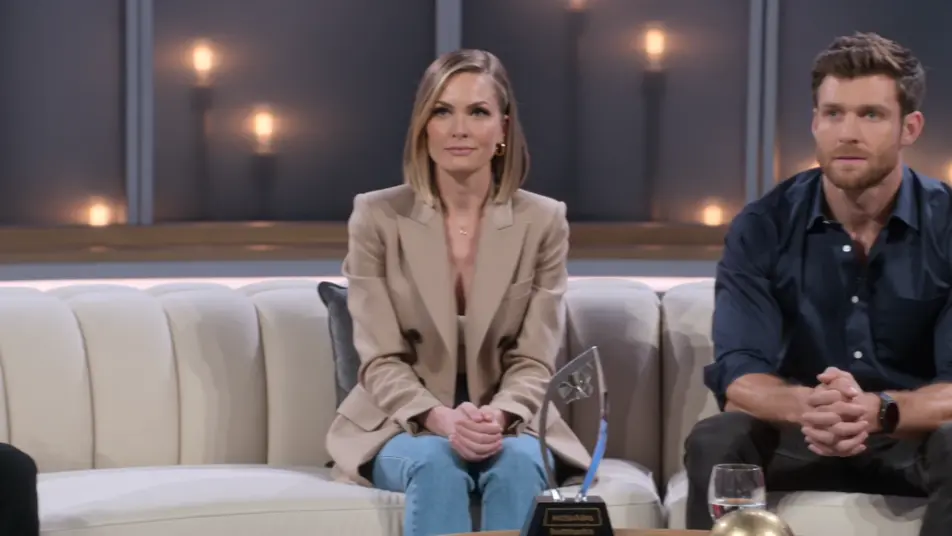
Write the reality TV video scene you want, in plain words.
Morphic generates a cinematic, frame-ready clip on your canvas in seconds.
Tweak the prompt, regenerate variations, then download or share the shot.

Dramatize any text conversation into a cinematic multi-shot video.
Cinematic time-freeze short film for any scene

Generate a professional film title card from scratch, with optional cinematic animation.
Photo of any real-estate becomes a cinematic renovation timelapse video with construction SFX and music.
One image to a 9-scene cinematic video.

Describe a first-person scenario. Get sequential POV frames animated into video clips with audio.
AI Game Show videos
Generate AI game show videos with Morphic. Host entrances, contestant rows, buzzer beats, and prize reveals with a booming announcer and bright fanfare score.
AI Docuseries videos
Generate AI docuseries videos with Morphic. Talking-head interviews, evocative b-roll, archival-style plates, and narration-led episode prompts that just run.
AI Day in the Life videos
Generate AI day in the life videos with Morphic. Wake-up, commute, work-block, and wind-down clips with soft voiceover prompts that run in your browser.
AI POV videos
Make AI POV videos with Morphic. Direct immersive first-person walks, action beats, and daily-life moments at eye level. Example scenes, no editing experience needed.
Get started for free today, with the option to upgrade or cancel anytime.
Basic
2400 monthly credits
1 user only
All models
Workflows
Standard
3625 monthly credits
1 user only
All models
Workflows
Pro
6350 shared monthly credits
1 user
All models
Workflows
Max
24650 shared monthly credits
1 user
All models
Workflows
Enterprise
For higher limits
Custom
pricing and billing terms

Free
For playing around
$0
forever free