Rain-slick neon alley
A narrow alley between megacity towers in heavy rain, neon signage in red and cyan reflecting off wet asphalt, steam venting from grates.
Edit prompt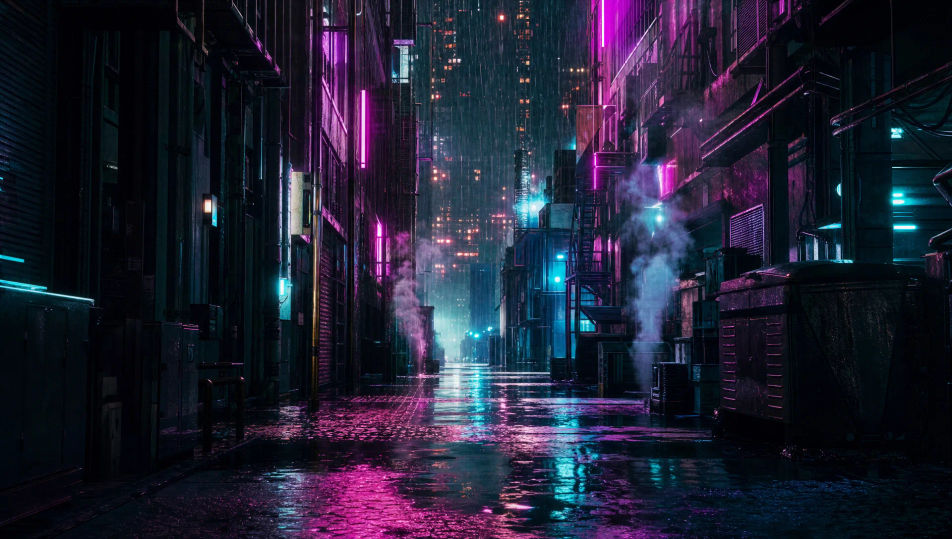
Direct cyberpunk worlds in your browser with Morphic's cyberpunk AI video generator. Generate a netrunner crossing a rain-slicked alley, a holo-billboard skyline above the smog, or a back-room ripperdoc clinic in surgical magenta. Score every shot with Music, then stitch the short on the Canvas.
A narrow alley between megacity towers in heavy rain, neon signage in red and cyan reflecting off wet asphalt, steam venting from grates.
Edit promptA wide cityscape at night with holographic billboards filling the air between towers, flying traffic threading the gaps, magenta haze beyond.
Edit prompt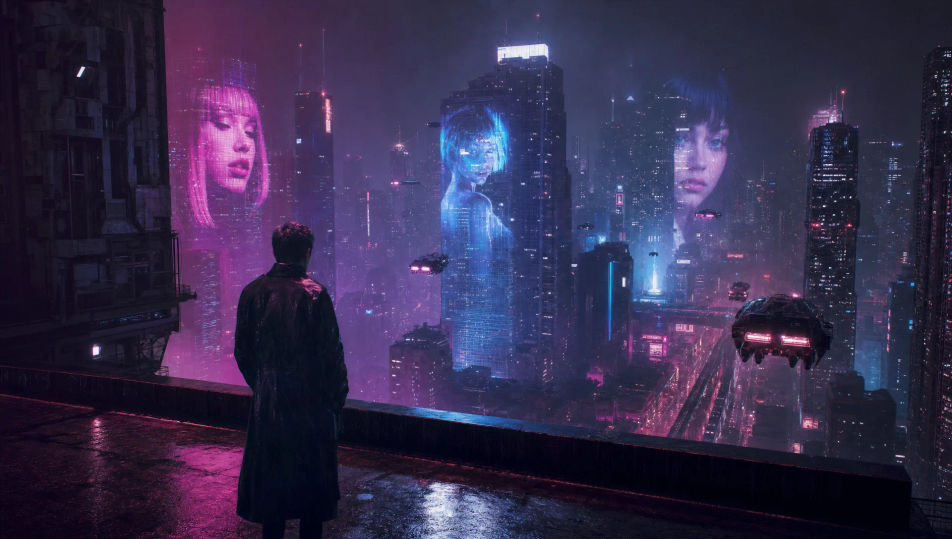
A dim back-alley clinic in surgical magenta, a chrome operating table, racked prosthetic limbs, a fish tank glowing cyan in the corner.
Edit prompt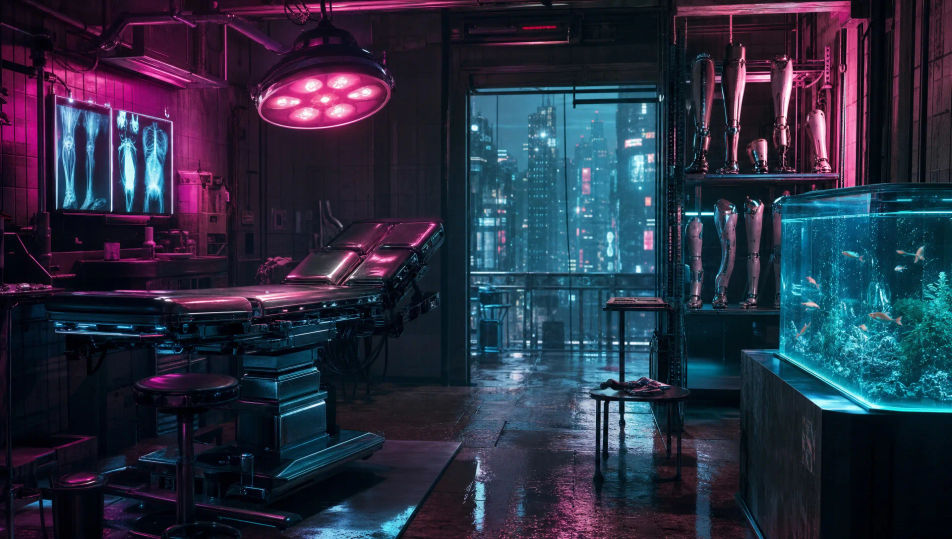
A figure at the edge of a tower rooftop above a layer of magenta-cyan smog, only the tallest neon billboards rising through the haze.
Edit prompt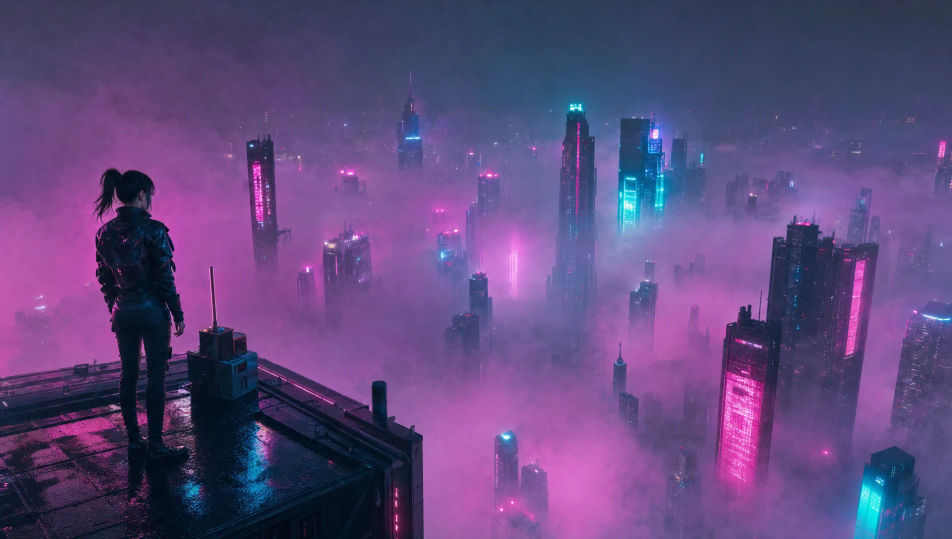
Write the Cyberpunk scene you want, in plain words.
Morphic generates a cinematic, frame-ready clip on your canvas in seconds.
Tweak the prompt, regenerate variations, then download or share the shot.
Cinematic time-freeze short film for any scene

Dramatize any text conversation into a cinematic multi-shot video.
One image to a 9-scene cinematic video.
Drop in a photo of yourself. Get a 12-second cinematic movie with animation and a matched soundtrack.

Share a scene description with character references. Get a full storyboard with shot angles and mood.

Feed in a single image. Get 9 cinematic beats laid out as a 3x3 storyboard grid.
Cyberpunk anime AI Videos
Create cyberpunk anime videos with Morphic. Neon Tokyo streets, cracked visors, body augmentation, and rain-slicked rooftop standoffs generated from a prompt.
Sci-fi AI videos
Generate sci-fi videos on Morphic. Starships, alien worlds, space stations, and far-future scenes from plain-language prompts, no software needed.
Neo-noir AI Videos
Generate neo-noir videos with Morphic across four director-coded modes: wet-neon, sun-blown LA, comic chiaroscuro, and corporate-night.
Robot AI videos
Generate robot videos on Morphic. Androids, factory lines, combat drones, and machine-character scenes from plain-language prompts, no software needed.
Get started for free today, with the option to upgrade or cancel anytime.
Basic
2400 monthly credits
1 user only
All models
Workflows
Standard
3625 monthly credits
1 user only
All models
Workflows
Pro
6350 shared monthly credits
1 user
All models
Workflows
Max
24650 shared monthly credits
1 user
All models
Workflows
Enterprise
For higher limits
Custom
pricing and billing terms

Free
For playing around
$0
forever free