The performance stage
A stage drenched in saturated colour, haze catching hard backlight, the performer central, beams sweeping in time with the cut.
Edit prompt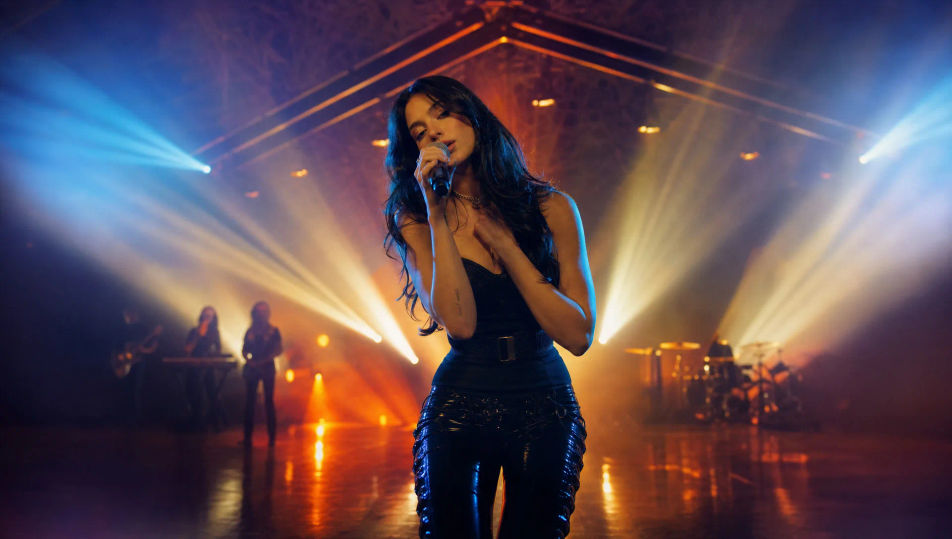
Direct music videos in your browser with Morphic's AI music video generator. Build a performance stage drenched in colour, a narrative cutaway between verses, or an unbroken corridor walk. Score the cut with Music, voice intros with Speech, then stitch the scenes into a finished video on the Canvas.
A stage drenched in saturated colour, haze catching hard backlight, the performer central, beams sweeping in time with the cut.
Edit promptA cinematic story scene away from the stage, lit for mood, a character mid-moment, the visual thread that runs between the verses.
Edit prompt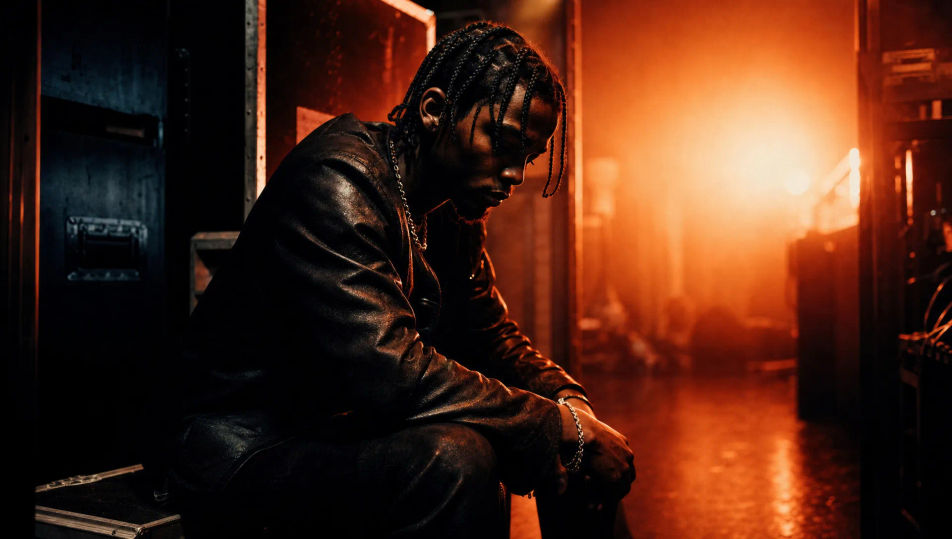
A stylised set built from neon tubes and geometric props, a performer framed in magenta-cyan light, reflections on a glossy floor.
Edit prompt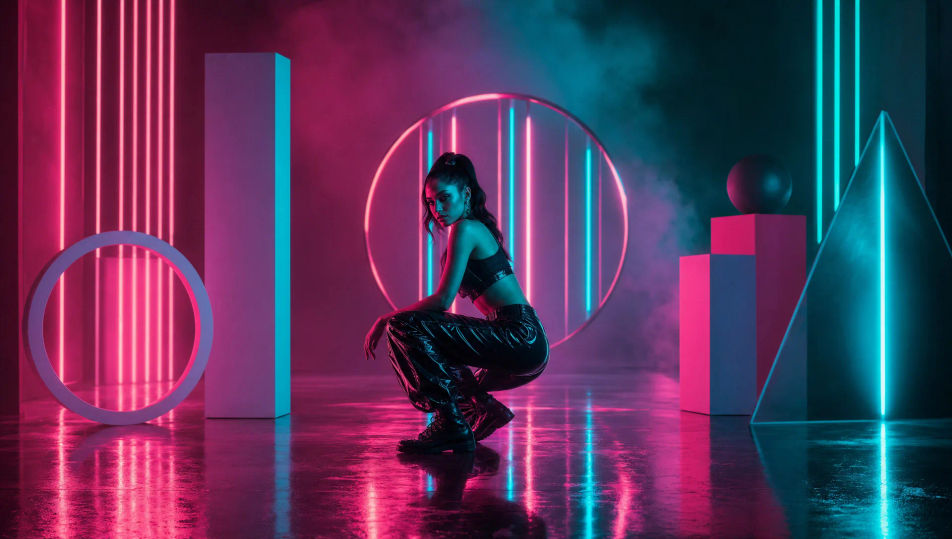
A single unbroken shot following an artist down a long corridor, the world shifting around them, light changing as they move.
Edit prompt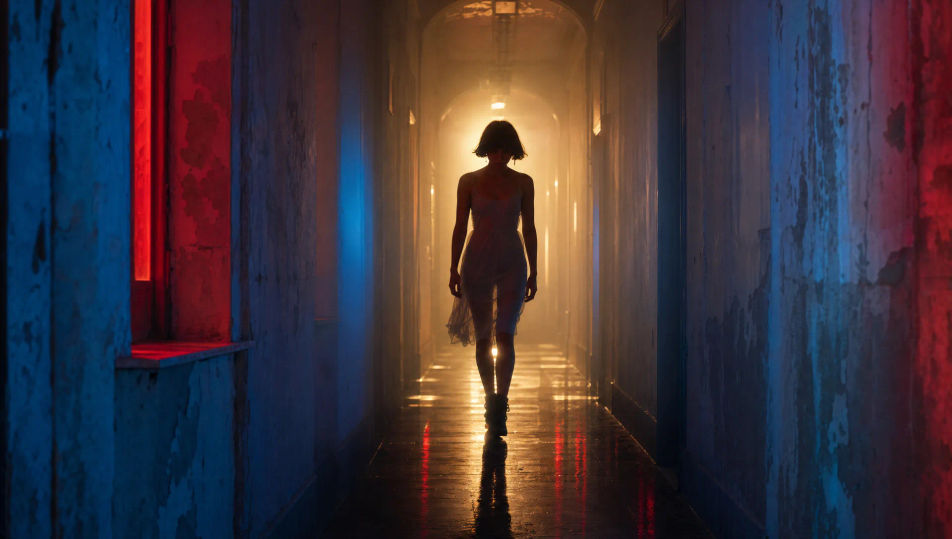
Write the Music video scene you want, in plain words.
Morphic generates a cinematic, frame-ready clip on your canvas in seconds.
Tweak the prompt, regenerate variations, then download or share the shot.
Cinematic time-freeze short film for any scene

Dramatize any text conversation into a cinematic multi-shot video.
One image to a 9-scene cinematic video.
Drop in a photo of yourself. Get a 12-second cinematic movie with animation and a matched soundtrack.

Share a scene description with character references. Get a full storyboard with shot angles and mood.
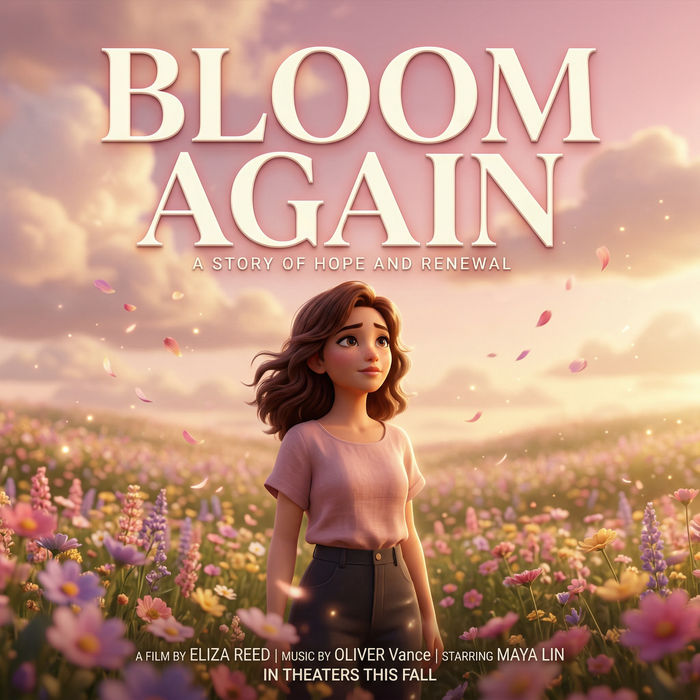
Generate a professional film title card from scratch, with optional cinematic animation.
AI trailers
Generate trailers on Morphic. Cold opens, escalating montages, title-card reveals, and cliffhanger cuts from plain-language prompts, no editor needed.
80s AI videos
Generate 80s videos on Morphic. Neon grids, synthwave horizons, malls, arcades, and VHS-textured scenes from plain-language prompts, no software needed.
Cyberpunk AI videos
Generate cyberpunk videos on Morphic. Neon megacity streets, body-augmented characters, and rain-slick sci-fi scenes from plain-language prompts.
Retro AI videos
Generate retro videos on Morphic. Film grain, faded colour, period detail, and 70s-90s nostalgia scenes from plain-language prompts, no software needed.
Get started for free today, with the option to upgrade or cancel anytime.
Basic
2400 monthly credits
1 user only
All models
Workflows
Standard
3625 monthly credits
1 user only
All models
Workflows
Pro
6350 shared monthly credits
1 user
All models
Workflows
Max
24650 shared monthly credits
1 user
All models
Workflows
Enterprise
For higher limits
Custom
pricing and billing terms

Free
For playing around
$0
forever free