The android awakening
A humanoid android opening its eyes for the first time on a lab table, soft internal lights coming up one by one, cold clinical light around it.
Edit prompt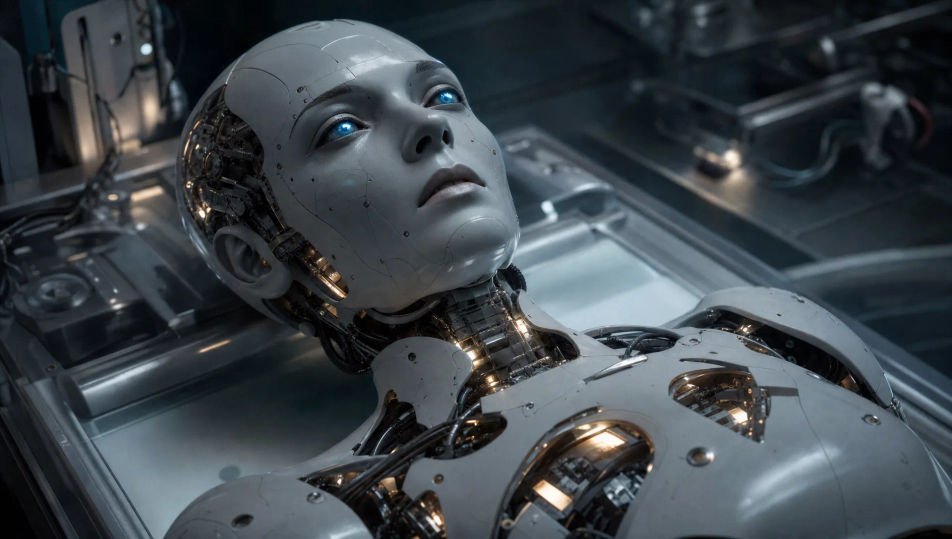
Direct machines in your browser with Morphic's robot AI video generator. Generate an android opening its eyes for the first time, an assembly line of identical units, or a lone machine crossing a dust-blown wasteland. Score every shot with Speech and Music, then stitch the short on the Canvas.
A humanoid android opening its eyes for the first time on a lab table, soft internal lights coming up one by one, cold clinical light around it.
Edit promptA long automated line of identical robot frames moving on overhead rails, sparks raining from welding arms, hard industrial light.
Edit prompt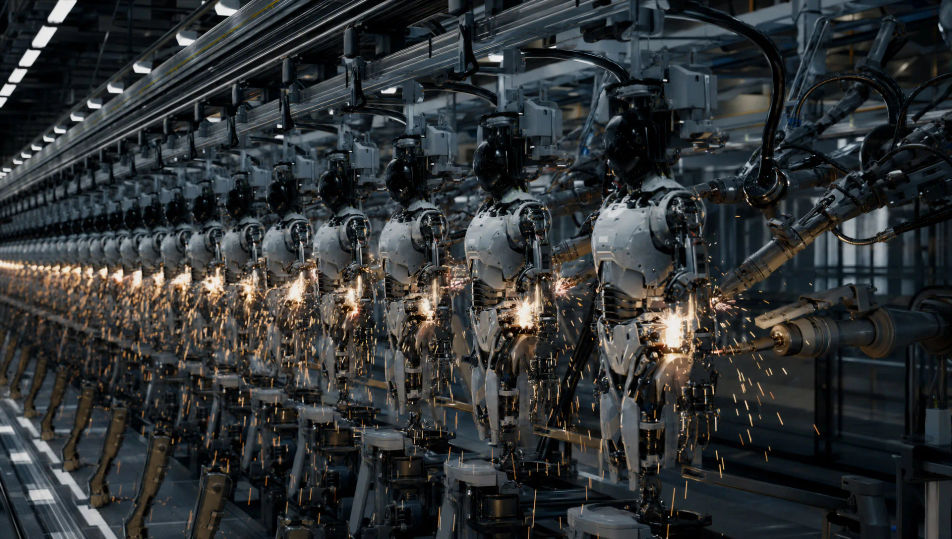
A city plaza filled with machines turning as one toward the camera, smoke drifting, abandoned cars, alarm light pulsing on the buildings.
Edit prompt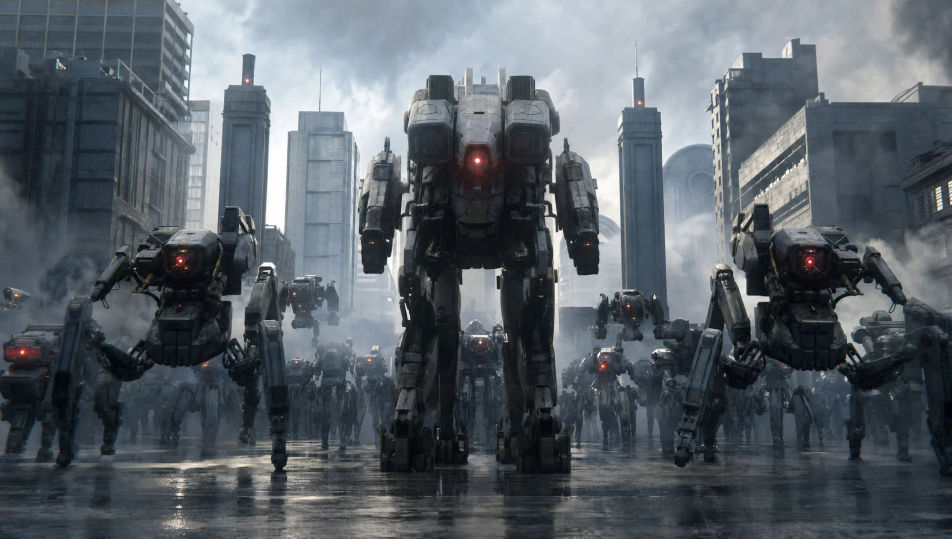
A single weathered machine crossing a dust-blown desert under a vast pale sky, long shadow trailing, the horizon empty in every direction.
Edit prompt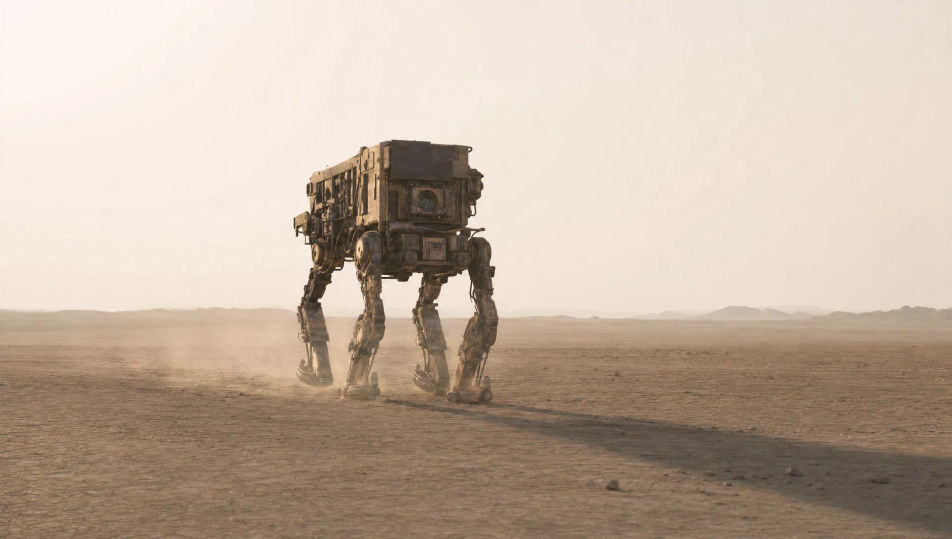
Write the Robot scene you want, in plain words.
Morphic generates a cinematic, frame-ready clip on your canvas in seconds.
Tweak the prompt, regenerate variations, then download or share the shot.
Cinematic time-freeze short film for any scene

Dramatize any text conversation into a cinematic multi-shot video.
One image to a 9-scene cinematic video.
Drop in a photo of yourself. Get a 12-second cinematic movie with animation and a matched soundtrack.

Share a scene description with character references. Get a full storyboard with shot angles and mood.

Feed in a single image. Get 9 cinematic beats laid out as a 3x3 storyboard grid.
Mecha AI Videos
Create Mecha anime videos with Morphic. Cockpit launches, hangar bays, city-scale battles, and pilot portraits generated from a single prompt.
Sci-fi AI videos
Generate sci-fi videos on Morphic. Starships, alien worlds, space stations, and far-future scenes from plain-language prompts, no software needed.
Cyberpunk AI videos
Generate cyberpunk videos on Morphic. Neon megacity streets, body-augmented characters, and rain-slick sci-fi scenes from plain-language prompts.
Superhero AI videos
Generate superhero videos on Morphic. Rooftop landings, mid-air rescues, secret lairs, and comic-action scenes from plain-language prompts.
Get started for free today, with the option to upgrade or cancel anytime.
Basic
2400 monthly credits
1 user only
All models
Workflows
Standard
3625 monthly credits
1 user only
All models
Workflows
Pro
6350 shared monthly credits
1 user
All models
Workflows
Max
24650 shared monthly credits
1 user
All models
Workflows
Enterprise
For higher limits
Custom
pricing and billing terms

Free
For playing around
$0
forever free