Rooftop landing at night
A caped figure landing hard on a rooftop, cape settling, a small crater of cracked tile, the lit city skyline spread out behind.
Edit prompt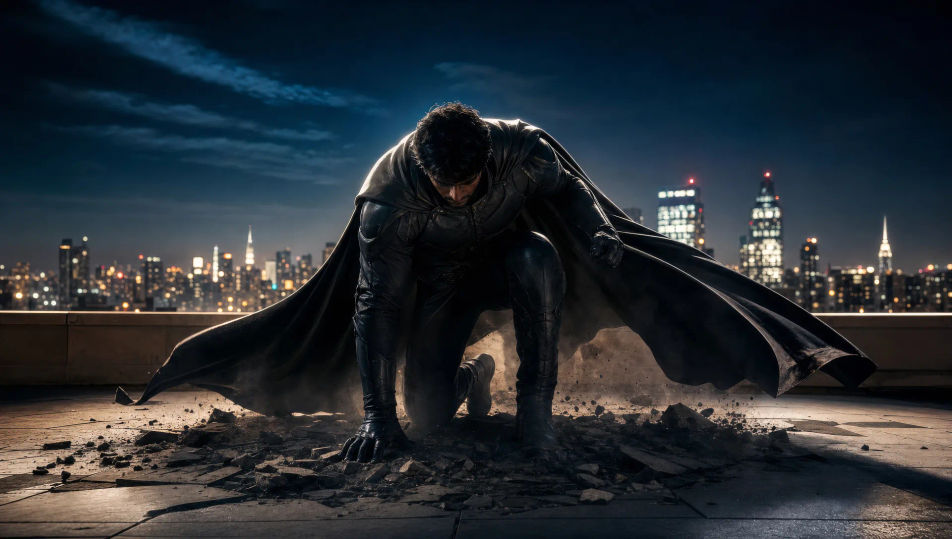
Direct superhero action in your browser with Morphic's superhero AI video generator. Generate a caped figure landing hard on a rooftop, a mid-air rescue above traffic, or a showdown across a ruined plaza. Score every shot with Speech and Music, then stitch the short on the Canvas.
A caped figure landing hard on a rooftop, cape settling, a small crater of cracked tile, the lit city skyline spread out behind.
Edit promptA hero catching a falling figure mid-air above a busy night street, headlights streaming far below, wind tearing at the cape.
Edit prompt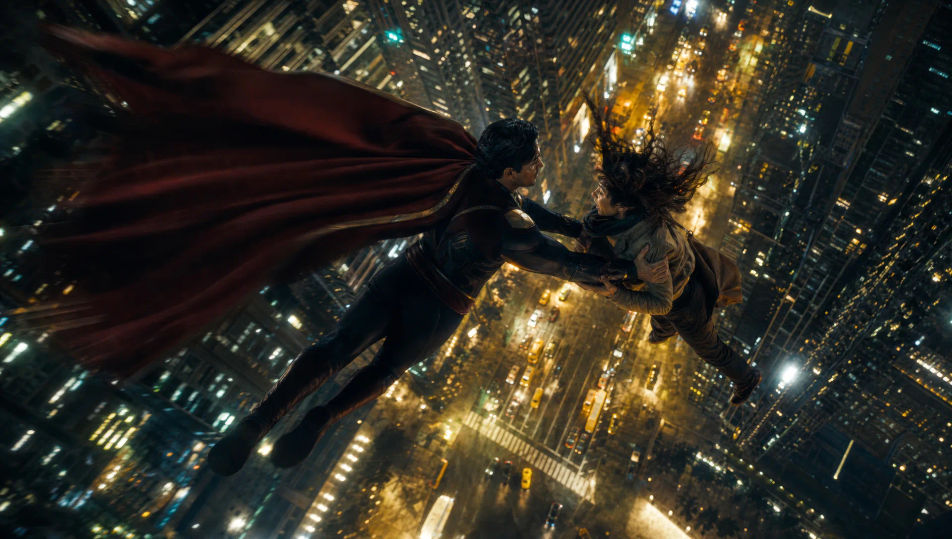
A hidden command base under low blue light, banks of monitors, a suit display case glowing, a vehicle on a turntable in the dark.
Edit prompt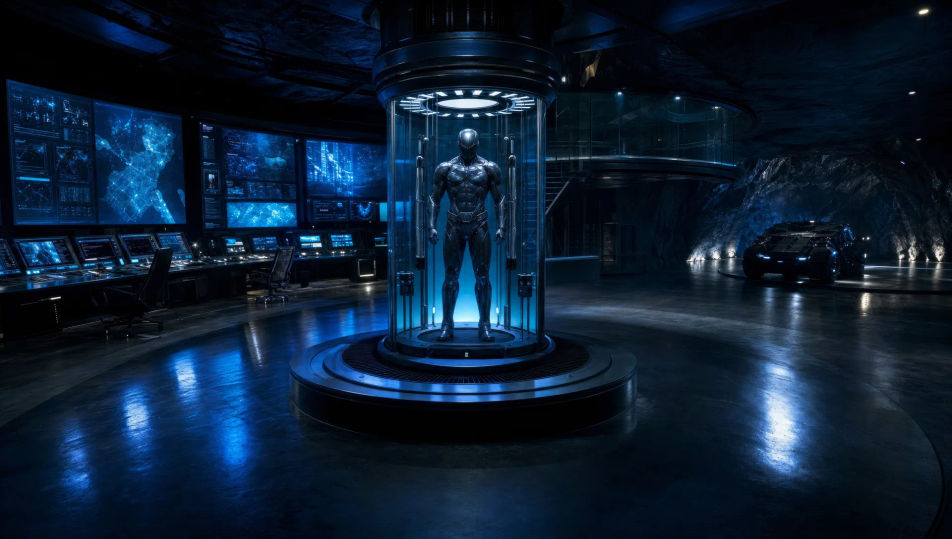
A figure mid-transformation in a charged burst of light, energy crackling across the body, the ordinary world dropping away around them.
Edit prompt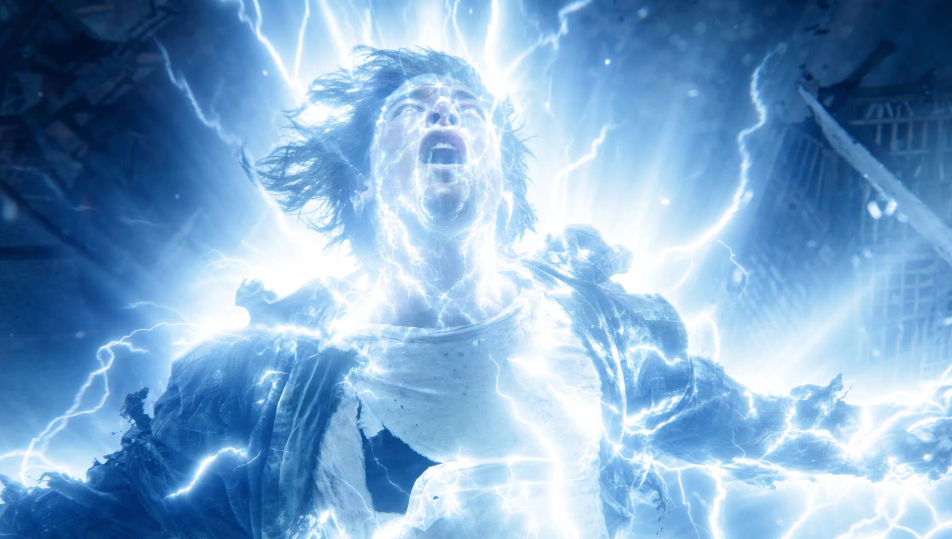
Write the Superhero scene you want, in plain words.
Morphic generates a cinematic, frame-ready clip on your canvas in seconds.
Tweak the prompt, regenerate variations, then download or share the shot.
Cinematic time-freeze short film for any scene

Dramatize any text conversation into a cinematic multi-shot video.
One image to a 9-scene cinematic video.
Drop in a photo of yourself. Get a 12-second cinematic movie with animation and a matched soundtrack.

Share a scene description with character references. Get a full storyboard with shot angles and mood.

Feed in a single image. Get 9 cinematic beats laid out as a 3x3 storyboard grid.
Robot AI videos
Generate robot videos on Morphic. Androids, factory lines, combat drones, and machine-character scenes from plain-language prompts, no software needed.
Sci-fi AI videos
Generate sci-fi videos on Morphic. Starships, alien worlds, space stations, and far-future scenes from plain-language prompts, no software needed.
Fantasy AI videos
Generate fantasy videos on Morphic. Castles, dragons, enchanted forests, and epic-battle scenes from plain-language prompts, no software needed.
Monster AI videos
Generate monster videos on Morphic. Original creatures, fog-bound beasts, lake monsters, and lurking-threat scenes from plain-language prompts.
Get started for free today, with the option to upgrade or cancel anytime.
Basic
2400 monthly credits
1 user only
All models
Workflows
Standard
3625 monthly credits
1 user only
All models
Workflows
Pro
6350 shared monthly credits
1 user
All models
Workflows
Max
24650 shared monthly credits
1 user
All models
Workflows
Enterprise
For higher limits
Custom
pricing and billing terms

Free
For playing around
$0
forever free