A centered product hero
A 1:1 frame with the item held dead center on a clean pastel backdrop, soft even light and generous margins on all sides, a slow push-in that keeps the product locked in the middle.
Edit prompt
Create a square video ad in your browser with Morphic's 1:1 ad generator, no crew and no shoot day. Generate a centered hook, a product beat, and a captioned end card framed to fill the square feed slot. Voice it with Speech, then cut 6, 15, and 30 second versions from the one concept on the Canvas.
A 1:1 frame with the item held dead center on a clean pastel backdrop, soft even light and generous margins on all sides, a slow push-in that keeps the product locked in the middle.
Edit promptA square frame where a plain unlabeled product lands in the lower center with clean space held open above it for a caption layer, high contrast and readable at feed size without sound.
Edit prompt
A top-down square shot of the product and its parts laid out neatly on a clean surface, a hand sliding a piece into place under soft shadow and a slow steady push.
Edit prompt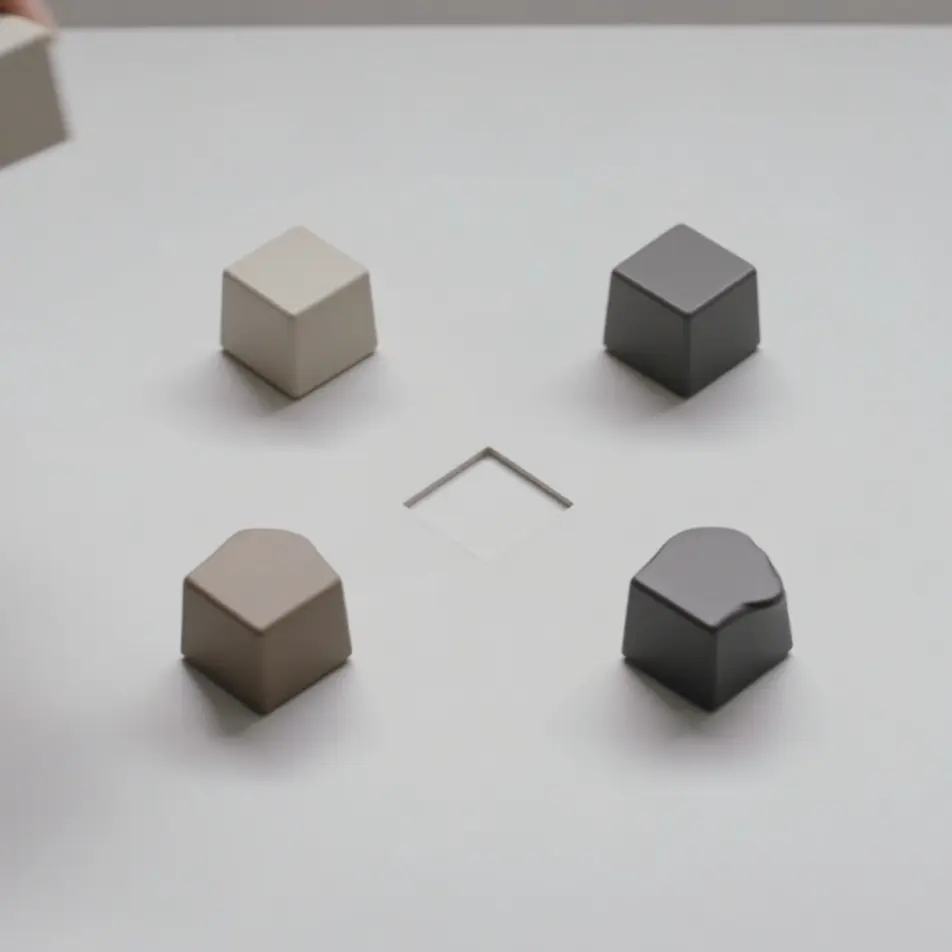
A closing 1:1 frame where a brand-color field settles, an abstract mark eases into the center and a blank pill shape holds beneath it, a subtle pulse inviting the tap, offer text added in the edit.
Edit prompt
Write the square video ad scene you want, in plain words.
Morphic generates a cinematic, frame-ready clip on your canvas in seconds.
Tweak the prompt, regenerate variations, then download or share the shot.

Dramatize any text conversation into a cinematic multi-shot video.
Cinematic time-freeze short film for any scene

Generate a professional film title card from scratch, with optional cinematic animation.
Photo of any real-estate becomes a cinematic renovation timelapse video with construction SFX and music.
One image to a 9-scene cinematic video.

Describe a first-person scenario. Get sequential POV frames animated into video clips with audio.
AI In-feed video ads
Create an in-feed video ad from a short description. Open on a hook, caption the demo, add a testimonial beat, then export short cuts. Create.
AI Carousel video ads
Make a carousel video ad with no crew required. Build a short clip for every swipeable card, then re-cut the set to any length. Create yours now.
AI Vertical video ads
Produce a 9:16 vertical video ad with AI on Morphic. Frame a hook, product beat, and end card, then reformat one ad for every platform without re-editing.
AI Instagram Reels ads
Make an Instagram Reels ad framed vertical for 9:16. Open on a fast hook, shoot a UGC-style demo, caption it, then export 6, 15, and 30s cuts. Create now.
Get started for free today, with the option to upgrade or cancel anytime.
Basic
2400 monthly credits
1 user only
All models
Workflows
Standard
3625 monthly credits
1 user only
All models
Workflows
Pro
6350 shared monthly credits
1 user
All models
Workflows
Max
24650 shared monthly credits
1 user
All models
Workflows
Enterprise
For higher limits
Custom
pricing and billing terms

Free
For playing around
$0
forever free