A cover card hook clip
A square frame where a bold product shot lands with a short hook line over it, a fast snap-in on a bright color background and soft light on the product, the card built to earn the first swipe.
Edit prompt
Direct a carousel video ad in your browser with Morphic's carousel ad generator, no crew required. Generate the set of short swipeable card clips that a paid carousel needs, each one holding a single product, step, or offer. Voice it with Speech, then cut the same idea to every duration and aspect ratio on Compose.
A square frame where a bold product shot lands with a short hook line over it, a fast snap-in on a bright color background and soft light on the product, the card built to earn the first swipe.
Edit promptA square frame with one product centered on a clean color background, soft even light rolling across the surface as the item turns a few degrees to read clearly.
Edit prompt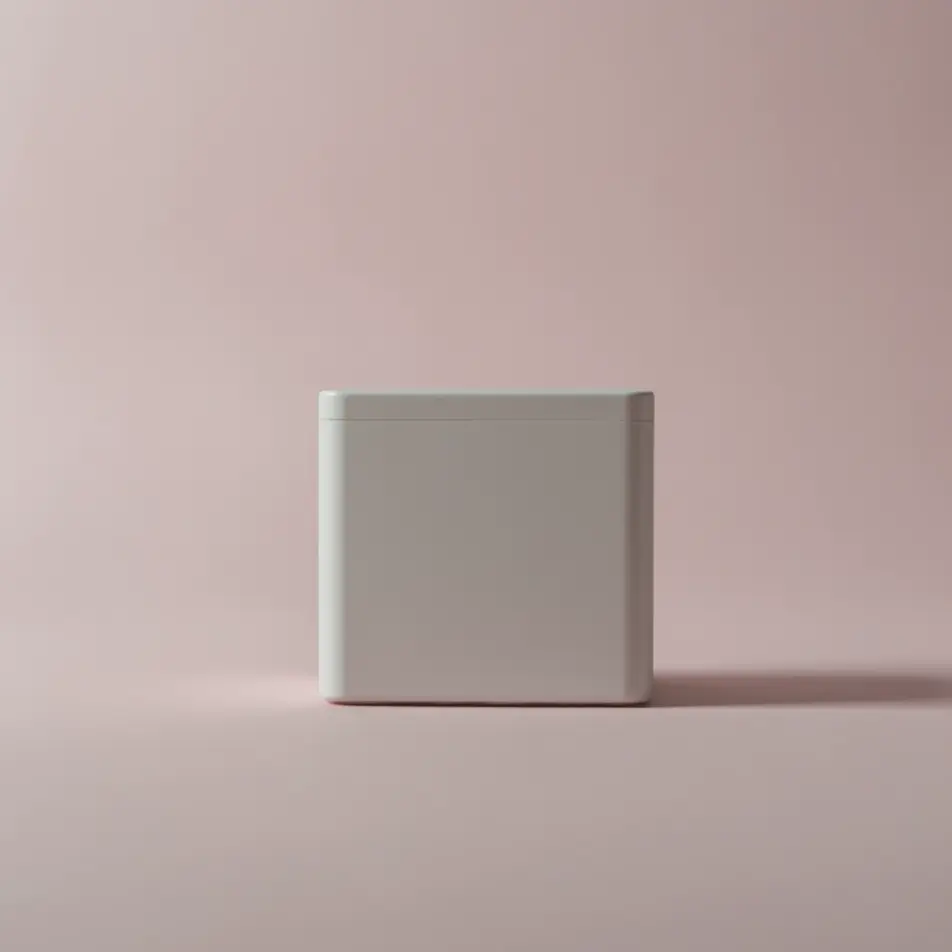
A matched pair of frames where the first holds a clear before state and the second the after, both in identical framing and light so the swipe between them does the reveal cleanly.
Edit prompt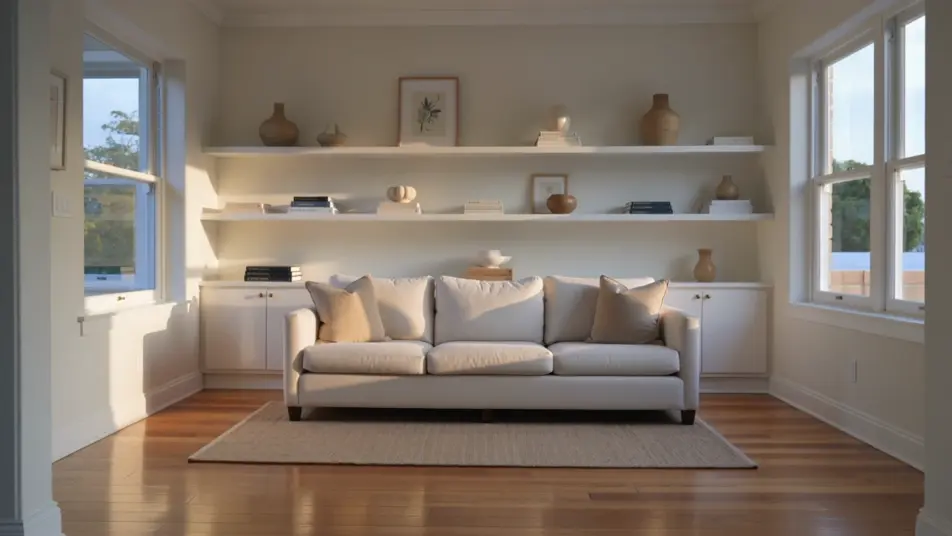
A final square frame with the offer and next step in bold type over a held product shot on a brand-color background, the text sliding in cleanly as the product holds centered for the last beat.
Edit prompt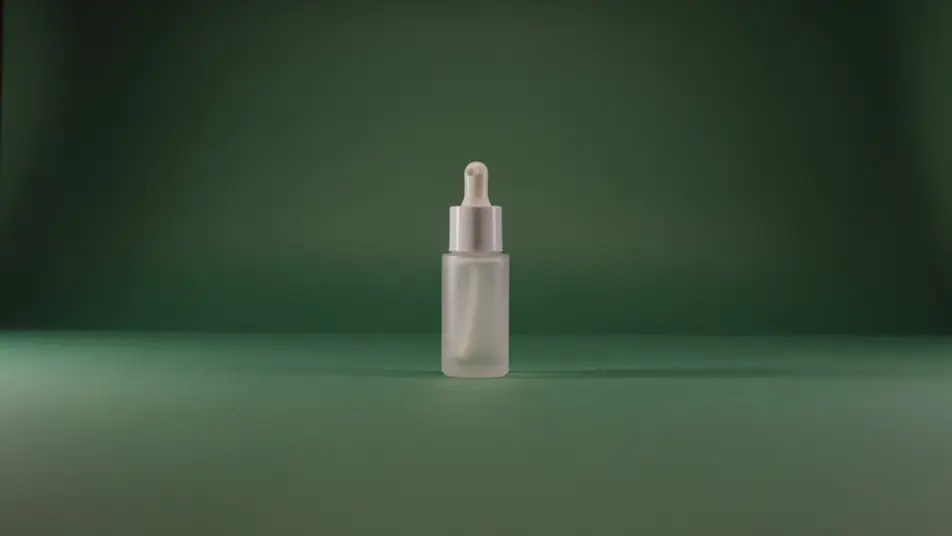
Write the carousel video ad scene you want, in plain words.
Morphic generates a cinematic, frame-ready clip on your canvas in seconds.
Tweak the prompt, regenerate variations, then download or share the shot.

Dramatize any text conversation into a cinematic multi-shot video.
Cinematic time-freeze short film for any scene

Generate a professional film title card from scratch, with optional cinematic animation.
Photo of any real-estate becomes a cinematic renovation timelapse video with construction SFX and music.
One image to a 9-scene cinematic video.

Describe a first-person scenario. Get sequential POV frames animated into video clips with audio.
AI In-feed video ads
Create an in-feed video ad from a short description. Open on a hook, caption the demo, add a testimonial beat, then export short cuts. Create.
AI Square video ads
Create a 1:1 square video ad with AI on Morphic, no crew. Frame a centered hook, product beat, and captioned end card, then cut every duration.
AI Instagram Reels ads
Make an Instagram Reels ad framed vertical for 9:16. Open on a fast hook, shoot a UGC-style demo, caption it, then export 6, 15, and 30s cuts. Create now.
AI Story ad videos
Produce a full-screen story ad video with AI on Morphic. Build a first-frame hook, product beat, and tap-to-shop end card, publish the same day.
Get started for free today, with the option to upgrade or cancel anytime.
Basic
2400 monthly credits
1 user only
All models
Workflows
Standard
3625 monthly credits
1 user only
All models
Workflows
Pro
6350 shared monthly credits
1 user
All models
Workflows
Max
24650 shared monthly credits
1 user
All models
Workflows
Enterprise
For higher limits
Custom
pricing and billing terms

Free
For playing around
$0
forever free