A sun-drenched beach day
A Super 8 beach day in golden light, a family in the surf and on towels, sun spray and parasols, warm heavy grain, sweeping light leaks and faded nostalgic color.
Edit prompt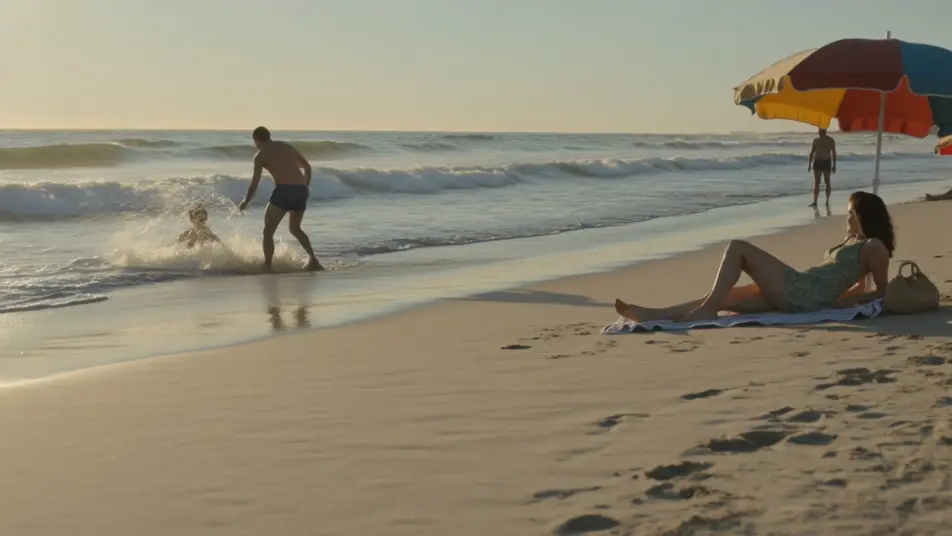
Direct the Super 8 home-movie look in your browser with Morphic's Super 8 film AI video generator. Generate a sun-drenched beach day, a backyard summer afternoon, or a road trip out the window. Voice and score with Speech and Music, then stitch the short on the Canvas.
A Super 8 beach day in golden light, a family in the surf and on towels, sun spray and parasols, warm heavy grain, sweeping light leaks and faded nostalgic color.
Edit promptA Super 8 backyard on a summer afternoon, a sprinkler and a picnic table, kids running through the spray, warm grain, gate flicker, a soft light leak and faded color.
Edit prompt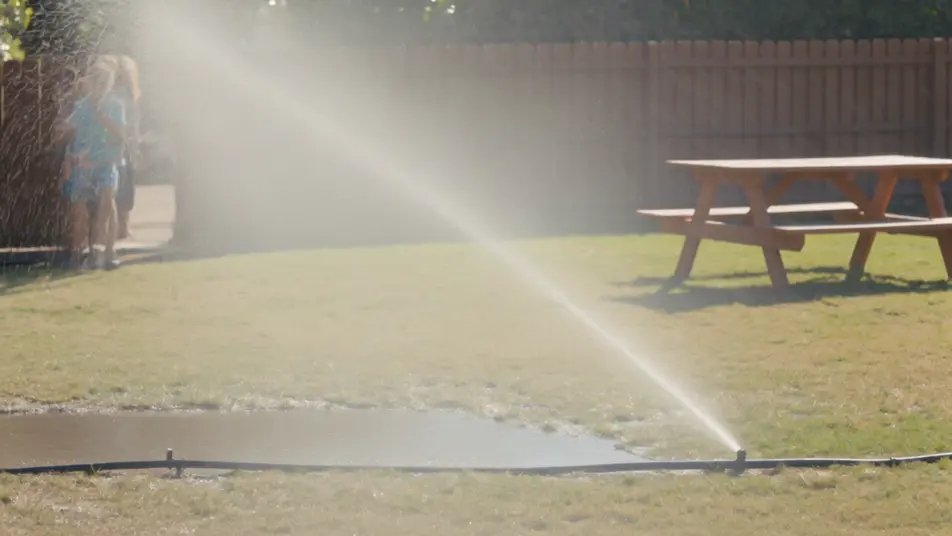
A Super 8 view out a moving car window of sun-faded fields and telephone poles sliding past, warm heavy grain, a flickering gate and a sweeping light leak across the frame.
Edit prompt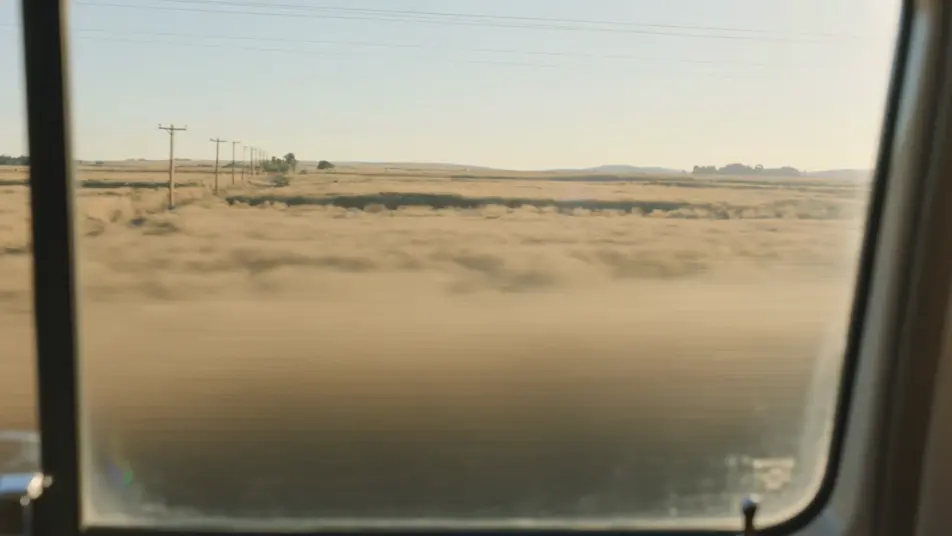
A Super 8 garden gathering in golden afternoon light, family around a table under a tree with paper lanterns, warm faded color, heavy grain and a gentle light leak.
Edit prompt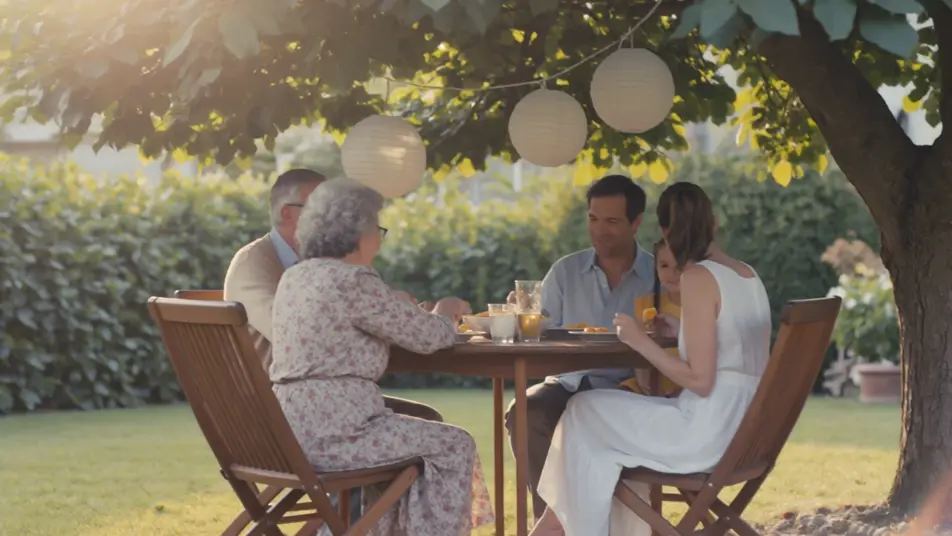
Write the Super 8 film scene you want, in plain words.
Morphic generates a cinematic, frame-ready clip on your canvas in seconds.
Tweak the prompt, regenerate variations, then download or share the shot.
Cinematic time-freeze short film for any scene

Dramatize any text conversation into a cinematic multi-shot video.
One image to a 9-scene cinematic video.
Drop in a photo of yourself. Get a 12-second cinematic movie with animation and a matched soundtrack.

Share a scene description with character references. Get a full storyboard with shot angles and mood.

Feed in a single image. Get 9 cinematic beats laid out as a 3x3 storyboard grid.
1970s Film AI Videos
Generate 1970s film videos on Morphic. Warm grainy stock, muted earth tones, anamorphic flares, and gritty New-Hollywood scenes from plain-language prompts.
1990s Camcorder AI Videos
Generate 1990s camcorder videos on Morphic. 4:3 frame, soft auto-focus, date stamps, and handheld home-movie scenes from plain-language prompts.
Retro AI videos
Generate retro videos on Morphic. Film grain, faded colour, period detail, and 70s-90s nostalgia scenes from plain-language prompts, no software needed.
Film Noir AI Videos
Create powerful AI Film Noir videos with our Film Noir video generator. Find unique, cinematic Film Noir scenes for any project in seconds.
Get started for free today, with the option to upgrade or cancel anytime.
Basic
2400 monthly credits
1 user only
All models
Workflows
Standard
3625 monthly credits
1 user only
All models
Workflows
Pro
6350 shared monthly credits
1 user
All models
Workflows
Max
24650 shared monthly credits
1 user
All models
Workflows
Enterprise
For higher limits
Custom
pricing and billing terms

Free
For playing around
$0
forever free