A morning in a coastal town
A bright waterfront at first light where fishing boats rock and cafe shutters roll up. The camera drifts from an aerial reveal down to a walking POV along the harbor, warm low sun catching the spray.
Edit prompt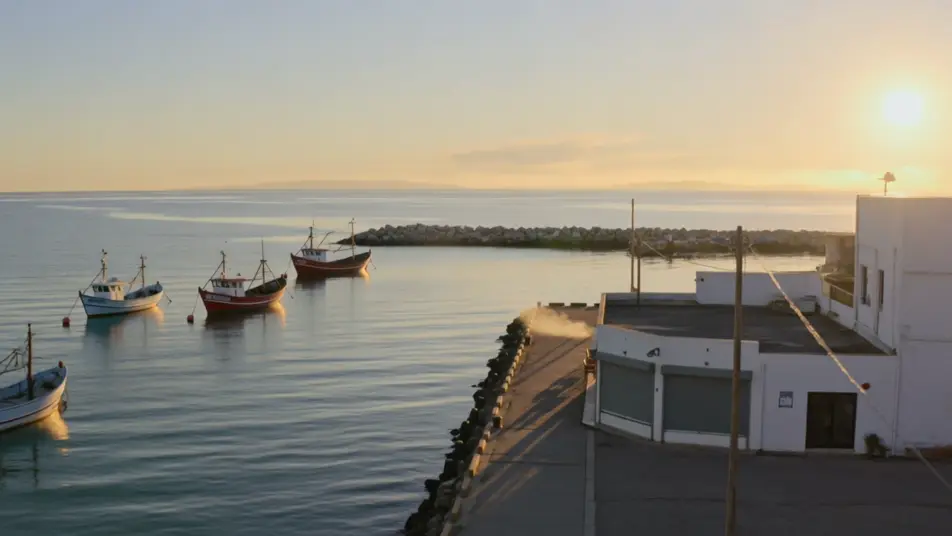
Direct a travel vlog in your browser with Morphic's travel vlog AI video generator. Generate a first-light arrival over a hillside town or a steaming street-food stall shot in tight close-up. Voice it with Speech and score it with Music, then stitch the clips on the Canvas.
A bright waterfront at first light where fishing boats rock and cafe shutters roll up. The camera drifts from an aerial reveal down to a walking POV along the harbor, warm low sun catching the spray.
Edit promptA crowded night market washed in neon and lantern light where steam rises from stalls and crowds weave between them. Tight food close-ups cut against loose handheld walking shots, the frame alive with color.
Edit prompt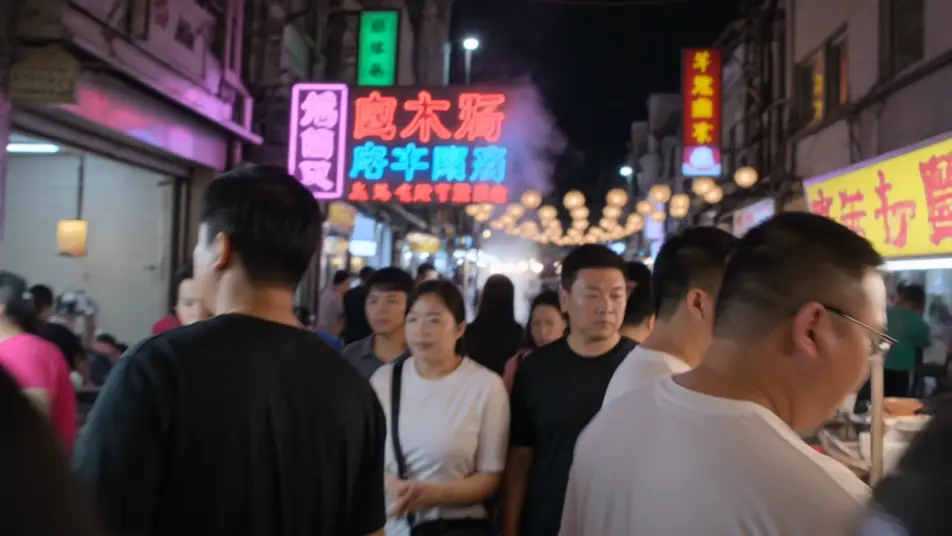
A misty trail climbing through pine and rock where the camera follows footsteps upward in POV. The sequence opens at a windswept summit with a sweeping aerial over ridgelines and drifting cloud.
Edit prompt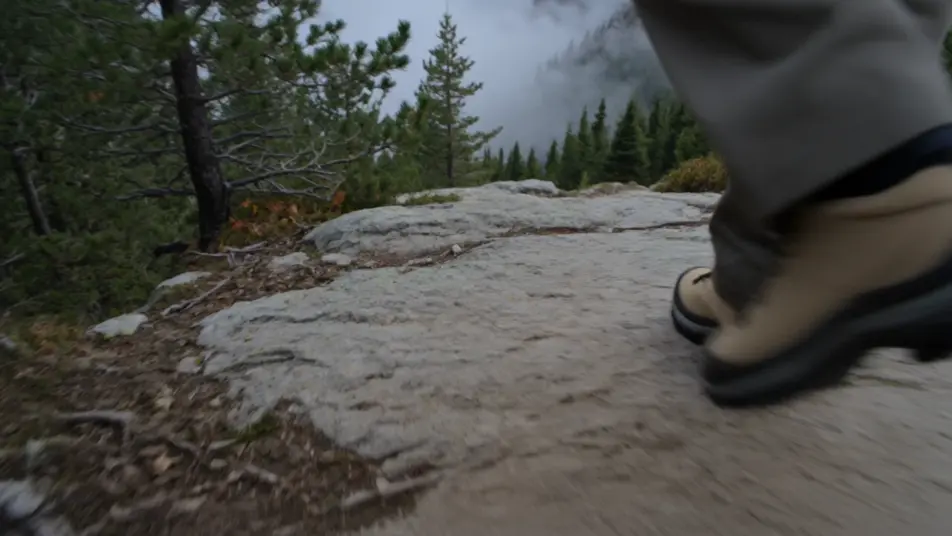
A wide rooftop overlooking a dense skyline as the light turns amber and windows begin to glow. A slow pan and a still reflective wide shot close the trip as the sun sinks behind the buildings.
Edit prompt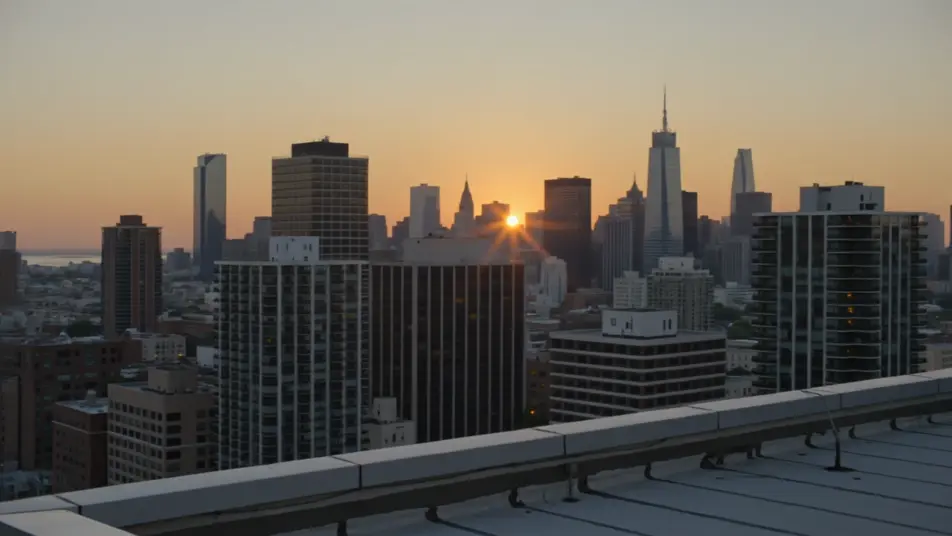
Write the travel vlog video scene you want, in plain words.
Morphic generates a cinematic, frame-ready clip on your canvas in seconds.
Tweak the prompt, regenerate variations, then download or share the shot.

Dramatize any text conversation into a cinematic multi-shot video.
Cinematic time-freeze short film for any scene

Generate a professional film title card from scratch, with optional cinematic animation.
Photo of any real-estate becomes a cinematic renovation timelapse video with construction SFX and music.
One image to a 9-scene cinematic video.

Describe a first-person scenario. Get sequential POV frames animated into video clips with audio.
AI Day in the Life videos
Generate AI day in the life videos with Morphic. Wake-up, commute, work-block, and wind-down clips with soft voiceover prompts that run in your browser.
AI Nature Documentary videos
Generate AI nature documentary videos with Morphic. Macro close-ups, aerial migrations, slow-motion wildlife, and narrated segments with a lush score.
AI POV videos
Make AI POV videos with Morphic. Direct immersive first-person walks, action beats, and daily-life moments at eye level. Example scenes, no editing experience needed.
AI Morph videos
Generate AI morph videos with Morphic. Smooth morph transitions, shape-shifting reveals, face-aging morphs, and beat-synced morph-cut prompts that just run.
Get started for free today, with the option to upgrade or cancel anytime.
Basic
2400 monthly credits
1 user only
All models
Workflows
Standard
3625 monthly credits
1 user only
All models
Workflows
Pro
6350 shared monthly credits
1 user
All models
Workflows
Max
24650 shared monthly credits
1 user
All models
Workflows
Enterprise
For higher limits
Custom
pricing and billing terms

Free
For playing around
$0
forever free