A clean overhead step-by-step demo
A fixed overhead frame on a tidy work surface where hands move through a task one clear action at a time, soft even key light and a neutral background keeping every step easy to follow.
Edit prompt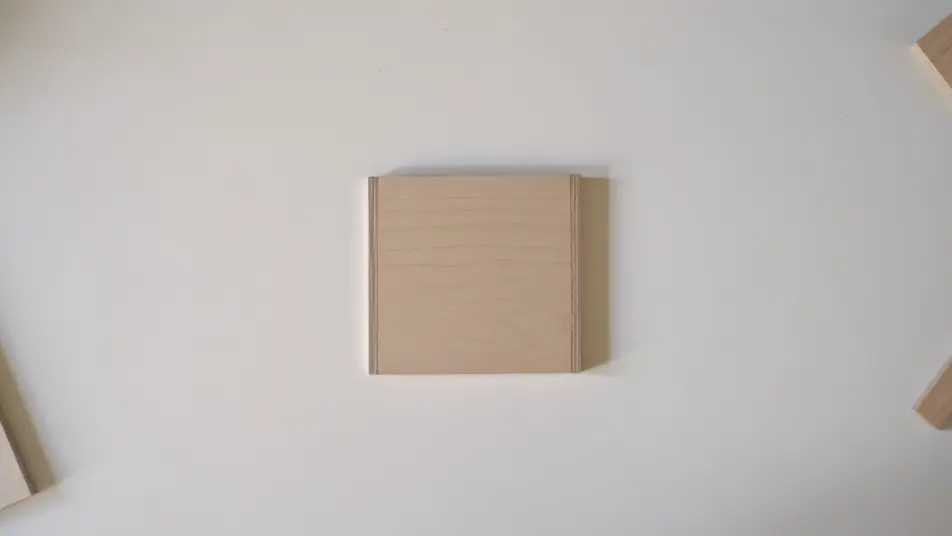
Direct a tutorial video in your browser with Morphic's tutorial video AI generator. Generate segments like a step-by-step demo of a hands-on task or a close-up of the one tricky move, paired with Speech for a steady instructor voiceover. Stitch the steps into one continuous tutorial on the Canvas.
A fixed overhead frame on a tidy work surface where hands move through a task one clear action at a time, soft even key light and a neutral background keeping every step easy to follow.
Edit promptA tight shallow-focus shot that isolates the single hardest step, the exact grip and angle held steady in frame under a soft directional light that picks out the texture of the material.
Edit prompt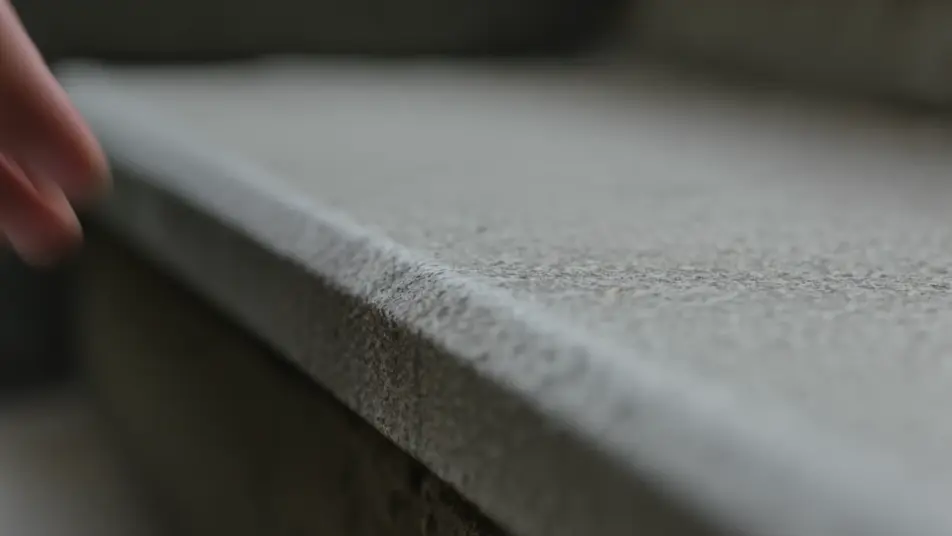
A split beat that shows a common mistake on one side and the correct method on the other, matched framing and lighting making the difference between the two attempts immediately clear.
Edit prompt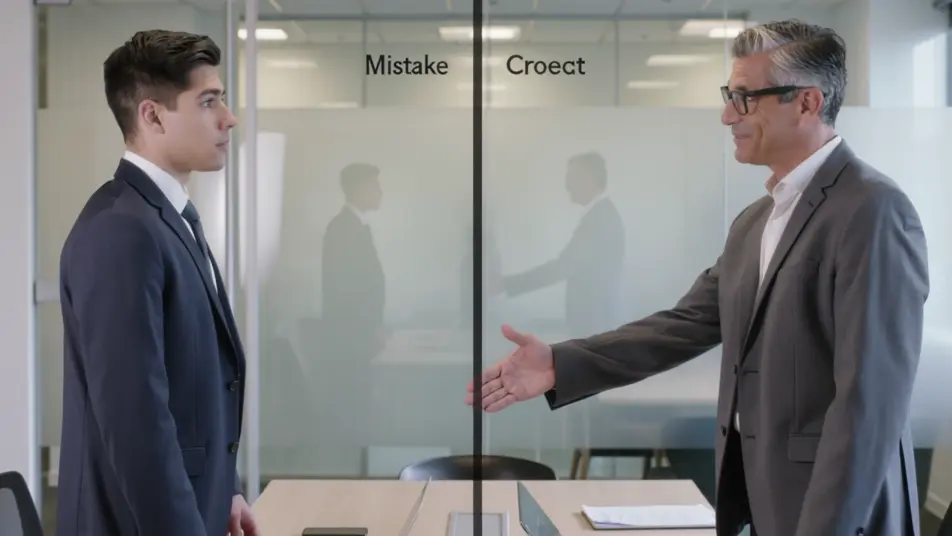
A clean backdrop where the completed piece turns slowly under flattering soft light, a gentle push-in landing on the detail that proves the tutorial paid off.
Edit prompt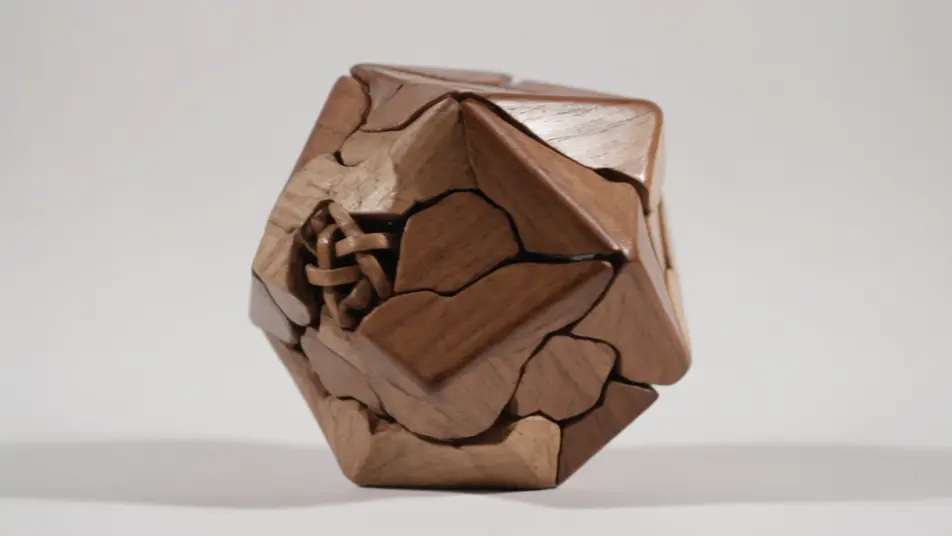
Write the tutorial video scene you want, in plain words.
Morphic generates a cinematic, frame-ready clip on your canvas in seconds.
Tweak the prompt, regenerate variations, then download or share the shot.

Dramatize any text conversation into a cinematic multi-shot video.
Cinematic time-freeze short film for any scene

Generate a professional film title card from scratch, with optional cinematic animation.
Photo of any real-estate becomes a cinematic renovation timelapse video with construction SFX and music.
One image to a 9-scene cinematic video.

Describe a first-person scenario. Get sequential POV frames animated into video clips with audio.
AI How-To Guide videos
Generate AI how-to guide videos with Morphic. Numbered task breakdowns, checklist reveals, troubleshooting beats, and voiceover-synced guide prompts that assemble fast.
AI Explainer videos
Generate AI explainer videos with Morphic. Animated walkthroughs, kinetic-type breakdowns, analogy scenes, and narration-synced explainer prompts that assemble fast.
AI green screen effects
Make AI green screen effects with Morphic. Drop a subject onto any background, swap sets instantly, place a presenter anywhere. No physical screen, no rig.
AI POV videos
Make AI POV videos with Morphic. Direct immersive first-person walks, action beats, and daily-life moments at eye level. Example scenes, no editing experience needed.
Get started for free today, with the option to upgrade or cancel anytime.
Basic
2400 monthly credits
1 user only
All models
Workflows
Standard
3625 monthly credits
1 user only
All models
Workflows
Pro
6350 shared monthly credits
1 user
All models
Workflows
Max
24650 shared monthly credits
1 user
All models
Workflows
Enterprise
For higher limits
Custom
pricing and billing terms

Free
For playing around
$0
forever free