Banking over the peaks
A winged raptor banking hard around a jagged mountain spire at sunset, wings catching the warm light, thin cloud streaming past, a sweeping aerial tracking shot arcing with the turn.
Edit prompt
Direct the winged wyvern in your browser with Morphic's wyvern AI video generator. Generate a two-legged raptor banking over jagged peaks or a venom-tailed hunter diving on prey, then narrate with Speech and score with Music. Stitch the clips into a high-fantasy episode on the Canvas.
A winged raptor banking hard around a jagged mountain spire at sunset, wings catching the warm light, thin cloud streaming past, a sweeping aerial tracking shot arcing with the turn.
Edit promptA venom-tailed hunter tucking its wings and plunging on prey far below, cold thin air whistling past, the stinger tail cocked, a fast top-down shot dropping with the dive toward the ground.
Edit prompt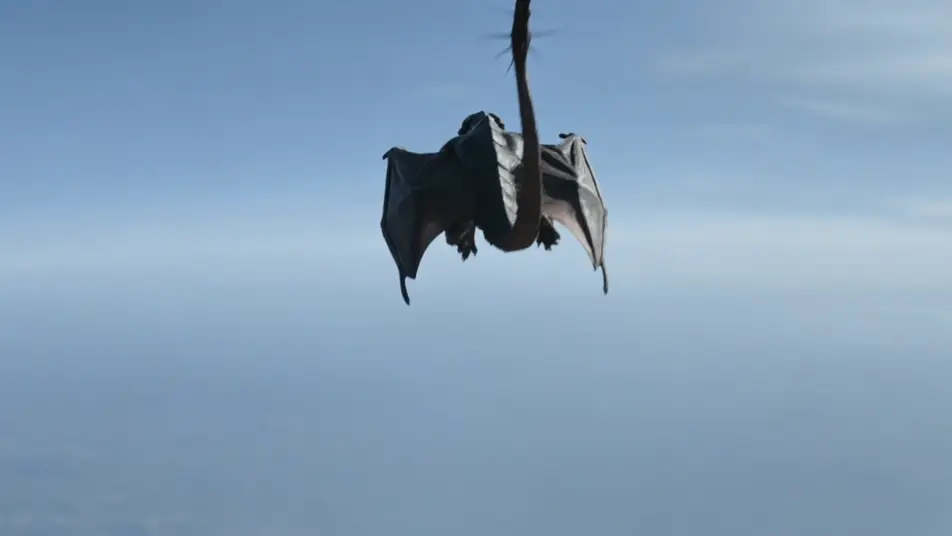
A mountain nester mantling its wings over a bone eyrie as an intruder shadow crosses the crag, dull slate scales under grey light, a slow push-in on the bared fangs and spread wings.
Edit prompt
An ember wyvern beating hard above a glowing caldera, throat flaring orange as it looses a gout of flame, ash and heat-shimmer everywhere, a wide crane shot rising through the smoke.
Edit prompt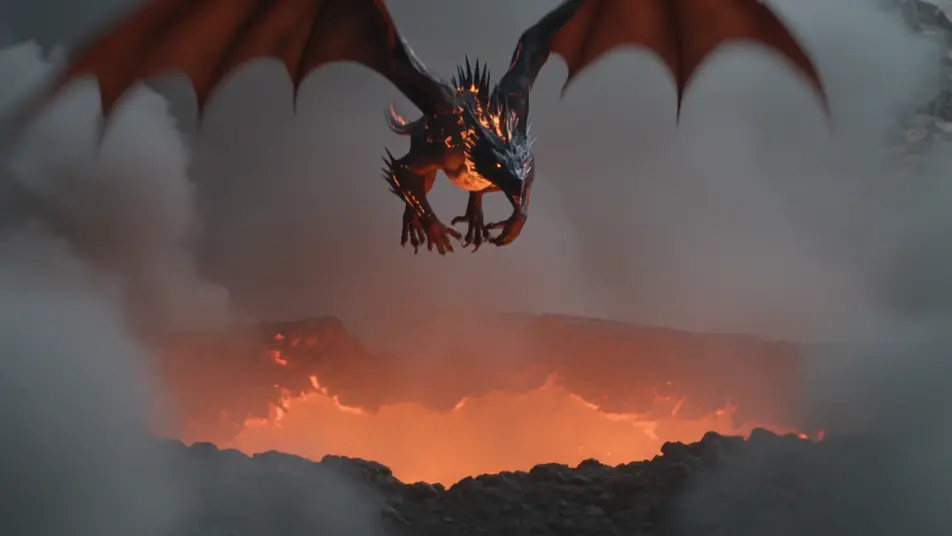
Write the wyvern scene you want, in plain words.
Morphic generates a cinematic, frame-ready clip on your canvas in seconds.
Tweak the prompt, regenerate variations, then download or share the shot.
Cinematic time-freeze short film for any scene

Dramatize any text conversation into a cinematic multi-shot video.
One image to a 9-scene cinematic video.
Drop in a photo of yourself. Get a 12-second cinematic movie with animation and a matched soundtrack.

Share a scene description with character references. Get a full storyboard with shot angles and mood.

Feed in a single image. Get 9 cinematic beats laid out as a 3x3 storyboard grid.
Behemoth AI Videos
Generate behemoth videos with Morphic. Earth-shaking colossus, armored land-titan, and primal bull archetypes with plains and ridge scene prompts.
Leviathan AI Videos
Generate leviathan videos with Morphic. World-whale, armored deep-god, and primordial maw archetypes with abyss and storm scene prompts.
Dark Fantasy AI Videos
Create dark fantasy videos with Morphic. Cursed forests, ash-grey wastes, corrupted knights, and Berserk-grade grimdark scenes.
Monster AI videos
Generate monster videos on Morphic. Original creatures, fog-bound beasts, lake monsters, and lurking-threat scenes from plain-language prompts.
Get started for free today, with the option to upgrade or cancel anytime.
Basic
2400 monthly credits
1 user only
All models
Workflows
Standard
3625 monthly credits
1 user only
All models
Workflows
Pro
6350 shared monthly credits
1 user
All models
Workflows
Max
24650 shared monthly credits
1 user
All models
Workflows
Enterprise
For higher limits
Custom
pricing and billing terms

Free
For playing around
$0
forever free