The island that moves
A supposed island revealing itself as a world-whale leviathan as its back rises and water pours off in sheets, kelp and wrecks sliding away, grey overcast light, a slow wide pull-back showing the true scale.
Edit prompt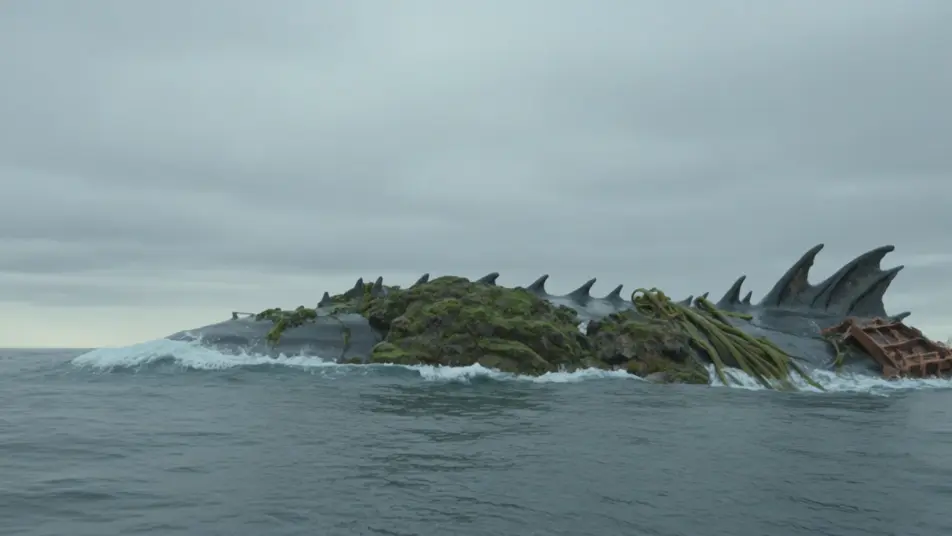
Direct the primordial leviathan in your browser with Morphic's leviathan AI video generator. Generate an island-sized deep-god surfacing under storm cloud or an armored maw opening in the abyss, then narrate with Speech and score with Music. Stitch the clips into a sea-god episode on the Canvas.
A supposed island revealing itself as a world-whale leviathan as its back rises and water pours off in sheets, kelp and wrecks sliding away, grey overcast light, a slow wide pull-back showing the true scale.
Edit promptA storm-bringer broaching beneath a black spiralling sky, waterspouts twisting up and a blowhole venting a thunderhead plume, lightning behind the ridge, a low wide crane rising with the immense back.
Edit prompt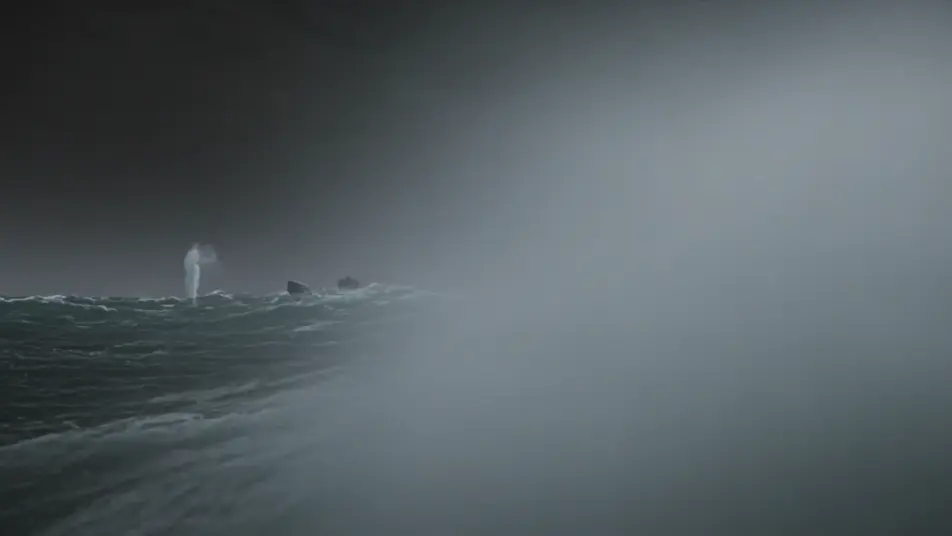
A cathedral-scale mouth opening in the abyss as water and fish stream toward the dark throat, a weak green shaft from far above, a slow dolly-in toward the pulling current at the teeth.
Edit prompt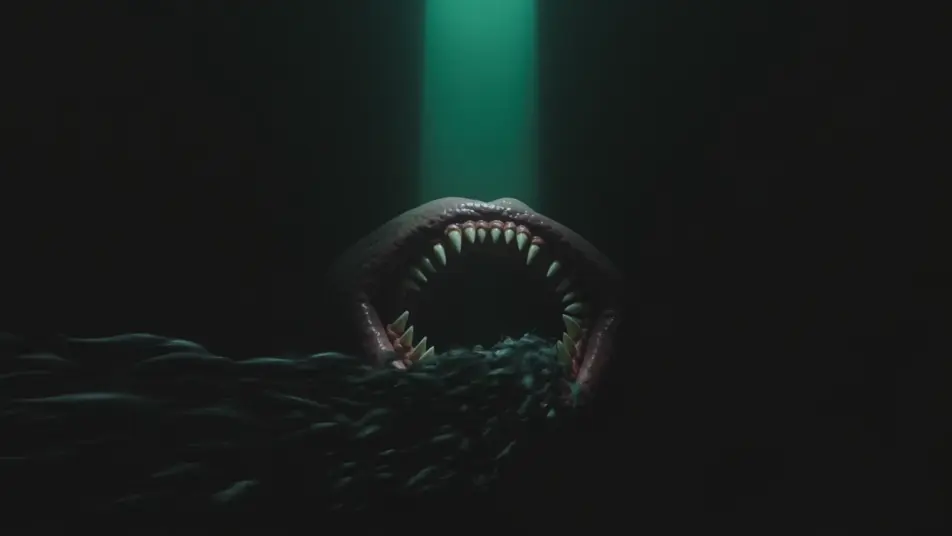
An armored deep-god hanging motionless in a pitch trench, runic light seeping between black plates, a diver light drifting across a fraction of the hull-like flank, a slow parallax reveal of the scale.
Edit prompt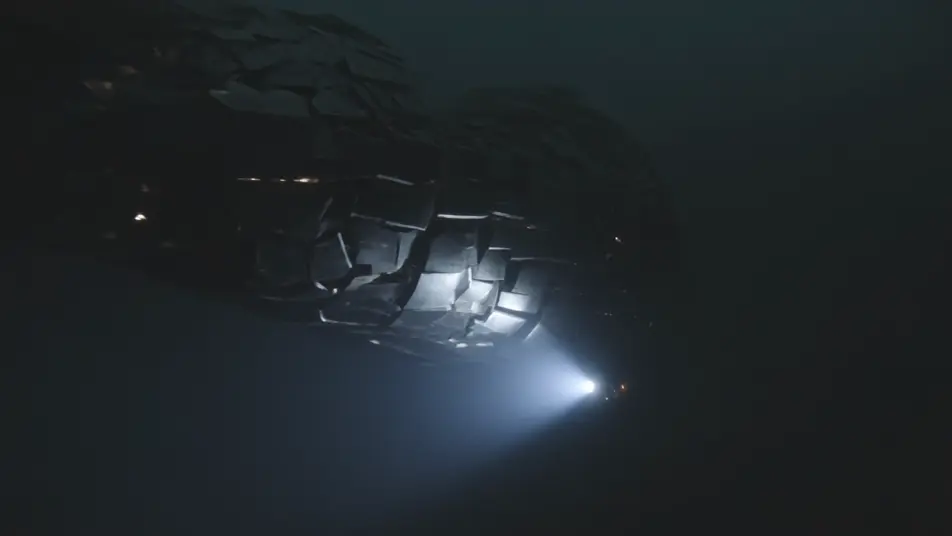
Write the leviathan scene you want, in plain words.
Morphic generates a cinematic, frame-ready clip on your canvas in seconds.
Tweak the prompt, regenerate variations, then download or share the shot.
Cinematic time-freeze short film for any scene

Dramatize any text conversation into a cinematic multi-shot video.
One image to a 9-scene cinematic video.
Drop in a photo of yourself. Get a 12-second cinematic movie with animation and a matched soundtrack.

Share a scene description with character references. Get a full storyboard with shot angles and mood.

Feed in a single image. Get 9 cinematic beats laid out as a 3x3 storyboard grid.
Kraken Beast AI Videos
Generate kraken videos with Morphic. Deep colossus, ship-crusher, and tentacled maw archetypes with storm sea and abyss scene prompts.
Sea Serpent AI Videos
Generate sea serpent videos with Morphic. Ocean colossus, wave-rider, and fanged eel-king archetypes with open sea and storm scene prompts.
Monster AI videos
Generate monster videos on Morphic. Original creatures, fog-bound beasts, lake monsters, and lurking-threat scenes from plain-language prompts.
Dark Fantasy AI Videos
Create dark fantasy videos with Morphic. Cursed forests, ash-grey wastes, corrupted knights, and Berserk-grade grimdark scenes.
Get started for free today, with the option to upgrade or cancel anytime.
Basic
2400 monthly credits
1 user only
All models
Workflows
Standard
3625 monthly credits
1 user only
All models
Workflows
Pro
6350 shared monthly credits
1 user
All models
Workflows
Max
24650 shared monthly credits
1 user
All models
Workflows
Enterprise
For higher limits
Custom
pricing and billing terms

Free
For playing around
$0
forever free