Lecture AI voices
Try MorphicBrowse AI lecture voices, from a warm intro professor to a brisk exam-review tutor, build your own in the generator, then lip sync any lesson so a teacher delivers it on screen.
Lecture voices for online courses, recorded lessons, and study guides
Elena Prause
A warm, patient female professor voice, unhurried teaching pace, clear articulation for first-year students
Raymond Osei
A measured, authoritative male lecturer voice, precise diction, confident academic tone
Priya Venkat
A brisk, focused female tutor voice, energetic pace, crisp emphasis on key points
Gordon Selby
A thoughtful, slow male voice, reflective humanities tone, gentle emphasis on ideas
Naomi Hart
A friendly, plainspoken female voice, practical step-by-step delivery, approachable lab-demo energy
Theo Marchetti
A dry, understated male scholar voice, wry asides, calm and knowing delivery
Design your lecture voice
Mix and match the traits below. Your prompt builds as you go.
A bottomless, gravelly, menacing overlord lecture voice
GenerateTurn a lecture voice into a talking teacher
Most voice tools stop at an audio file. Morphic maps the lesson onto a teacher so the words are delivered on screen, mouth and timing matched, taking you from a written script to a talking lecture clip ready for an online course, a recorded lesson, or a revision guide.

Lecturing voices for online courses, recorded lessons, and study guides
Cast the whole faculty, from a patient first-year professor to a brisk exam-review tutor. Browse voices that range from warm and unhurried to precise and authoritative, each directed from a prompt and ready to drop into a course module, a recorded lecture, or a study-guide voiceover.

Lecture voice text to speech for lessons and recaps
Paste your lesson notes and turn them into a finished classroom read in seconds, no booth. Morphic converts the script into a clear, well-paced lecture voice for full lessons, quick recaps, and revision clips, with pace and emphasis you direct in plain English.
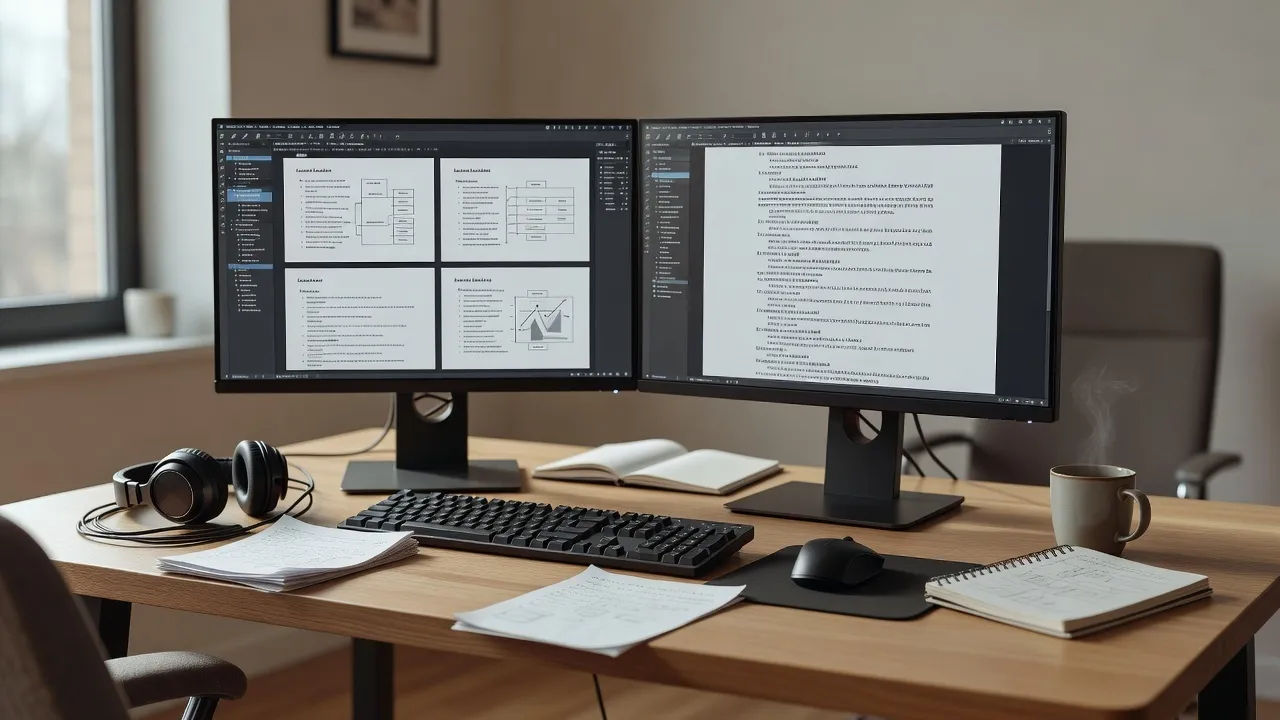
A lecture voice generator you direct in plain English
Describe the teacher you can hear, name the subject, warmth, and pace, and the generator builds the voice. Re-voice the same lesson as a different lecturer anytime by editing the prompt, a whole teaching faculty from one workspace.

More voice styles
Simple pricing
Get started for free today, with the option to upgrade or cancel anytime.
Basic
2400 monthly credits
1 user only
All models
Workflows
Standard
3625 monthly credits
1 user only
All models
Workflows
Pro
6350 shared monthly credits
1 user
All models
Workflows
Max
24650 shared monthly credits
1 user
All models
Workflows
Enterprise
For higher limits
Custom
pricing and billing terms

Free
For playing around
$0
forever free