One subject in six styles
One peacock drawn six ways across the frame, in pencil, ink, charcoal, coloured pencil, vector line and pixel art, so the styles compare directly.
编辑提示词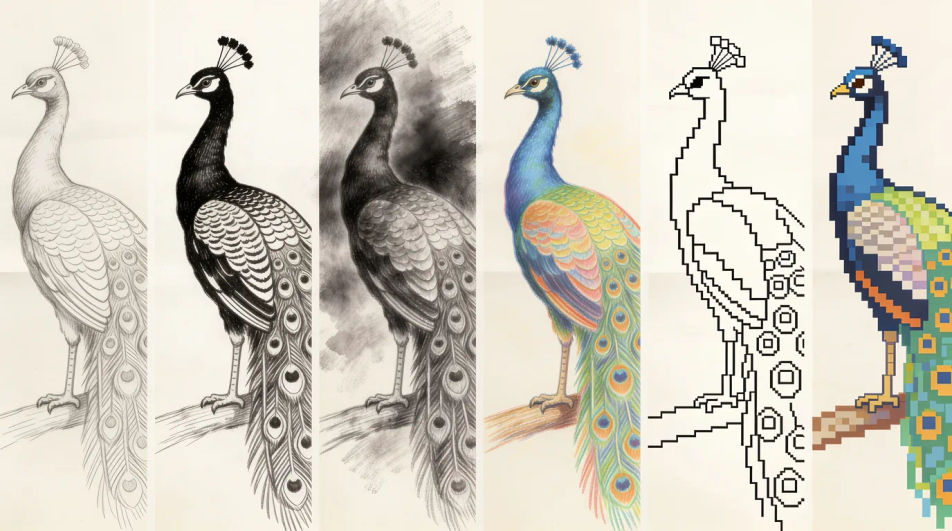
Type what you want drawn into Morphic's Image tool and get a finished drawing back, in pencil, ink, charcoal, coloured pencil or flat vector line. Name the subject, the medium and the line weight, generate a few versions, adjust the one you like on the Canvas, then download it in HD.
One peacock drawn six ways across the frame, in pencil, ink, charcoal, coloured pencil, vector line and pixel art, so the styles compare directly.
编辑提示词A clear bold outline drawing of a banyan tree with plenty of white space and no shading, blank ruled callout lines left beside it for your own notes.
编辑提示词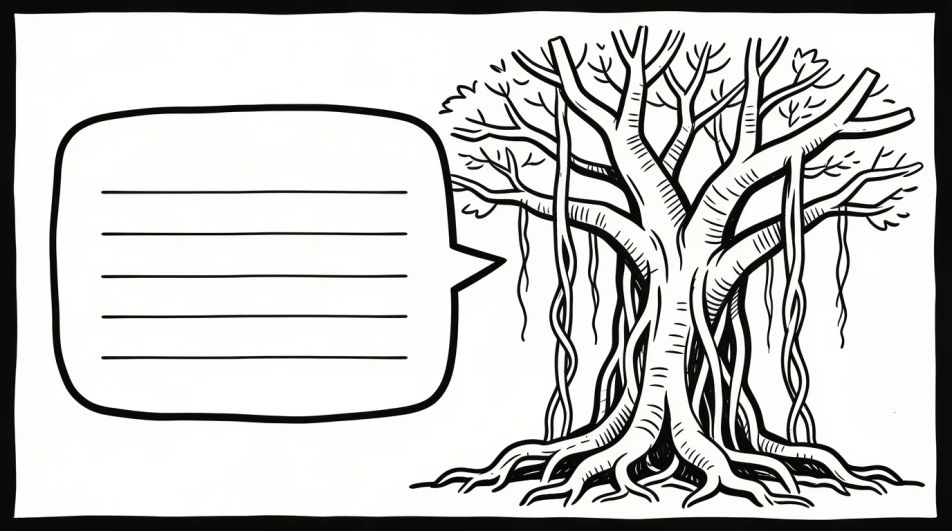
Several loose pencil studies of one peacock arranged on a single page at different angles and sizes, with the page edge and a little smudging visible.
编辑提示词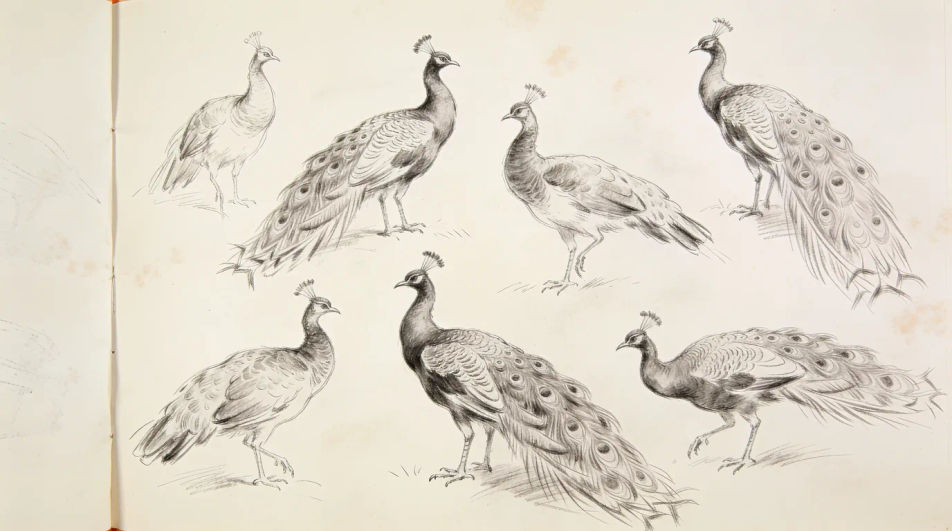
One temple oil lamp drawn four times in four different design idioms, from geometric minimalism to bold poster shapes, all in flat line.
编辑提示词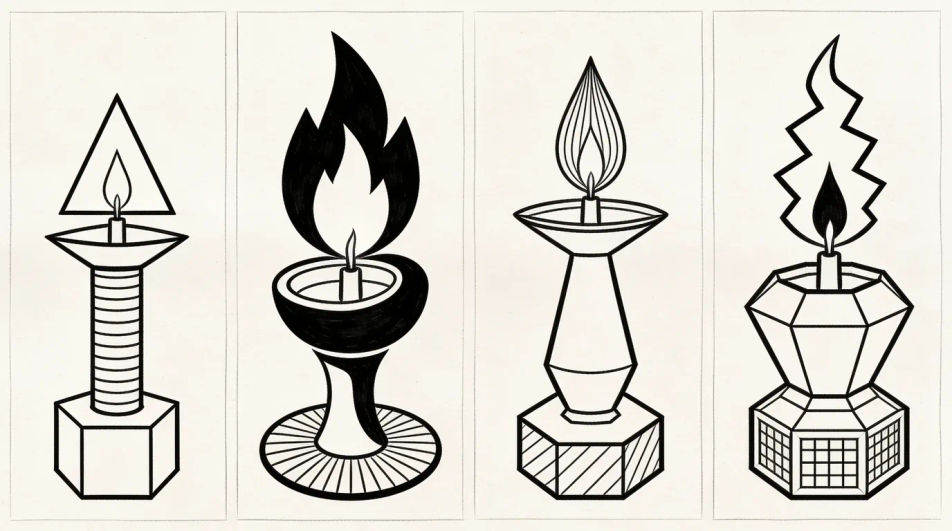
用简单的话描述你想要的AI drawing。
Morphic 在几秒内于画布上生成可直接发布的图像。
调整提示词,重新生成,满意后即可下载或分享图像。
Pencil drawing generator
Turn a pencil drawing idea into a finished image in Morphic. Describe the line work and style, generate variations, then refine it on the canvas.
Realistic drawings and graphite studies
Turn a realistic drawing idea into a finished image in Morphic. Describe the line work and style, generate variations, then refine it on the canvas.
Cartoon drawing generator
Turn a drawing idea into a finished image in Morphic. Describe the line work and style, generate variations, then refine it on the canvas.
Blue pen drawing maker
Turn a blue pen drawing idea into a finished image in Morphic. Describe the line work and style, generate variations, then refine it on the canvas.
今天就免费开始,随时可以升级或取消。
Basic
2400 每月 信用
1 个用户
所有模型
工作流
Standard
3625 每月 信用
1 个用户
所有模型
工作流
Pro
6350 共享 每月 信用
1 用户
所有模型
工作流
Max
24650 共享 每月 信用
1 用户
所有模型
工作流
Enterprise
更高的限制
自定义
定价和账单条款

Free
供随意体验
$0
永久免费


