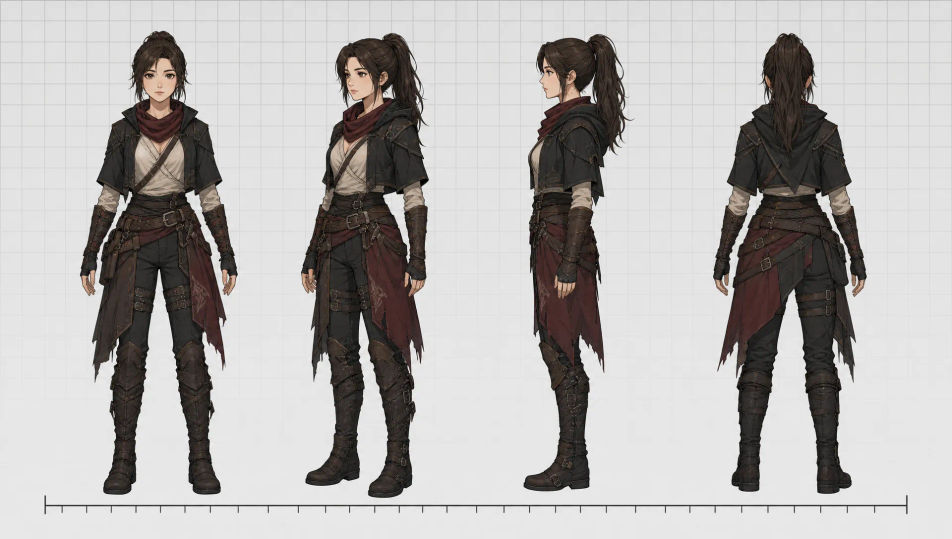
你可以设计的角色设定图
你可以编排的角色设定图版式

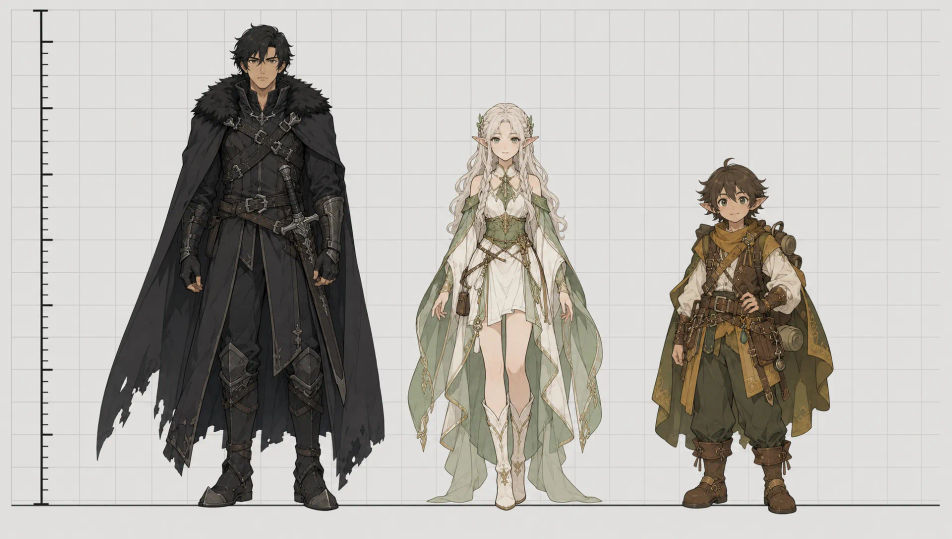
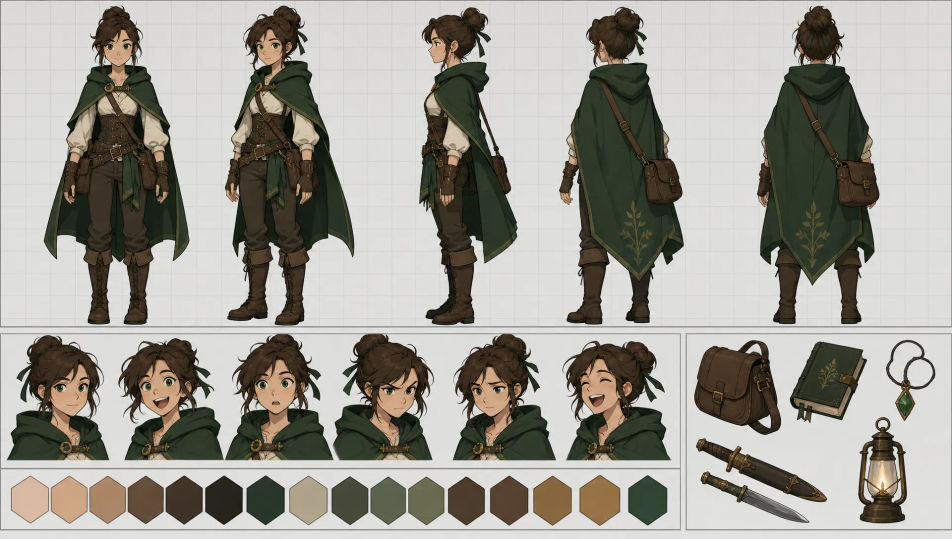
三步制作角色设定图
- 一
描述你的图像
用简单的话描述你想要的角色设定图。
- 二
生成图像
Morphic 在几秒内于画布上生成可直接发布的图像。
- 三
优化并分享
调整提示词,重新生成,满意后即可下载或分享图像。





你可能也喜欢
简单定价
今天就免费开始,随时可以升级或取消。
Basic
$19/ 月
账单金额为 $0 每年2400 每月 信用
1 个用户
所有模型
工作流
Standard
$24/ 月
账单金额为 $0 每年3625 每月 信用
1 个用户
所有模型
工作流
Pro
$45/ 月
账单金额为 $0 每年6350 共享 每月 信用
1 用户
+ 最多 4 人额外付费可增加
所有模型
工作流
Max
$170/ 月
账单金额为 $0 每年24650 共享 每月 信用
1 用户
+ 最多 9 人额外付费可增加
所有模型
工作流
Enterprise
更高的限制
自定义
定价和账单条款
大容量信用
自定义席位限制
所有模型
工作流

Free
供随意体验
$0
永久免费
最多 20 积分
仅1个用户
部分模型
工作流
常见问题
我可以在哪里用 AI 制作角色设定图?
你可以直接在 Morphic 的浏览器里制作参考设定图。打开 Image 工具,描述版式和角色,Morphic 就会生成设定图。无需安装,也不需要专业软件。
我可以生成哪些类型的角色设定图?
三视图转身、表情网格、动作设定图、服装变体设定图、道具与配件参考,以及带标注的完整模型设定表。先说明版式,Morphic 才能按你需要的参考排好对应的分格。
如何让一个角色在设定图的每个分格中保持一致?
使用 Character Lineup 工作流,在生成前锁定角色的面部、服装和配色,然后在每个视图中引用那张卡片。Character Lineup 正是为这种交付物打造的,所以同一套设计能贯穿转身、表情和道具标注。
我可以为同一个角色制作转身图和表情设定图吗?
可以。用 Character Lineup 锁定设计,然后依次为每种版式输入提示,比如转身、表情网格、动作设定图。由于角色卡片保持固定,每张设定图都能读作同一个角色为不同参考用途而绘制。
如何写出有效的角色设定图提示?
说明版式、角色,以及你需要的具体视图或情绪。例如:「表情设定图网格,一个角色的八种情绪,五官与配色一致」。点明分格结构,才能把单张肖像变成可用的生产参考。
我需要是动画师才能制作角色设定图吗?
不需要。Morphic 在浏览器中运行,你用平实的语言提示来指挥它。任何能描述版式和角色的人都能制作设定图。不需要结构线绘制、模型设定表模板或工作室软件。