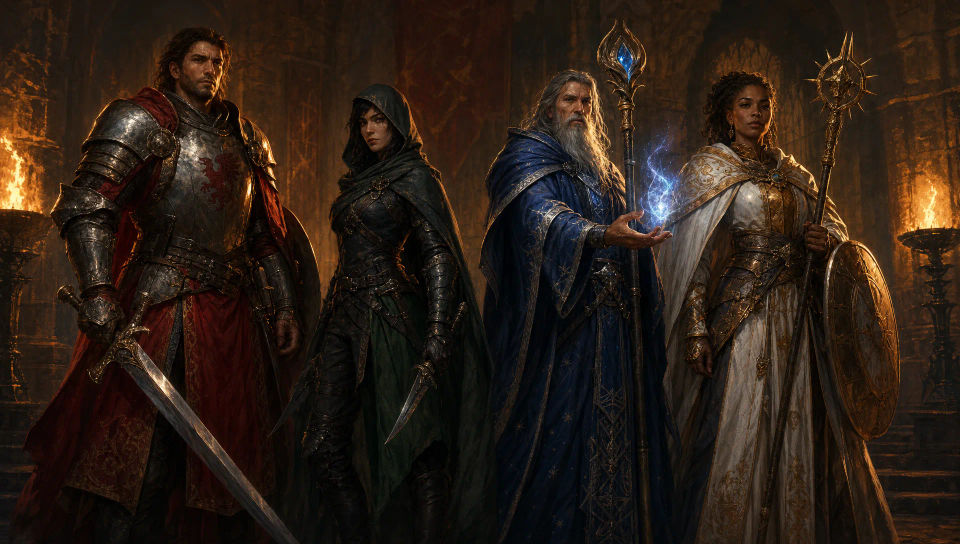
你可以设计的 D&D 角色
你可以编排的 D&D 队伍图
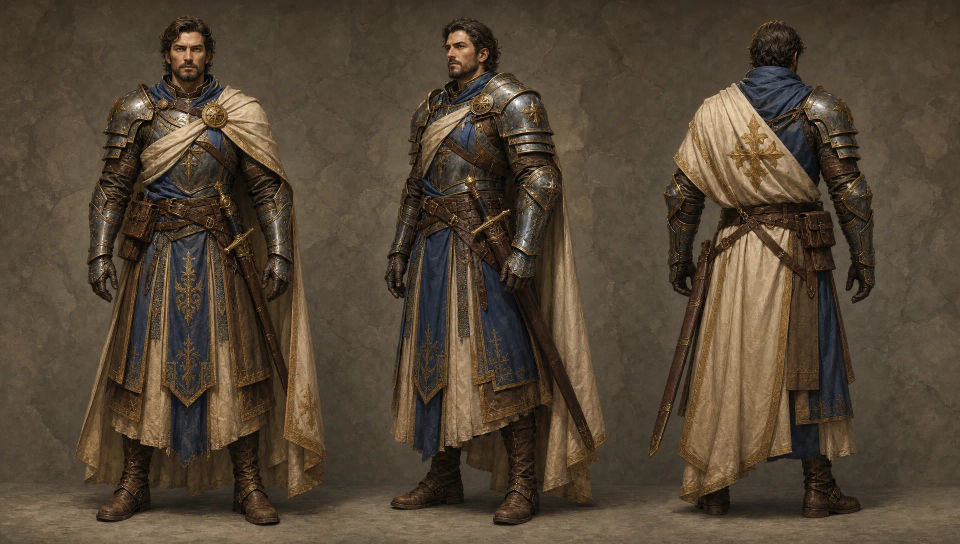
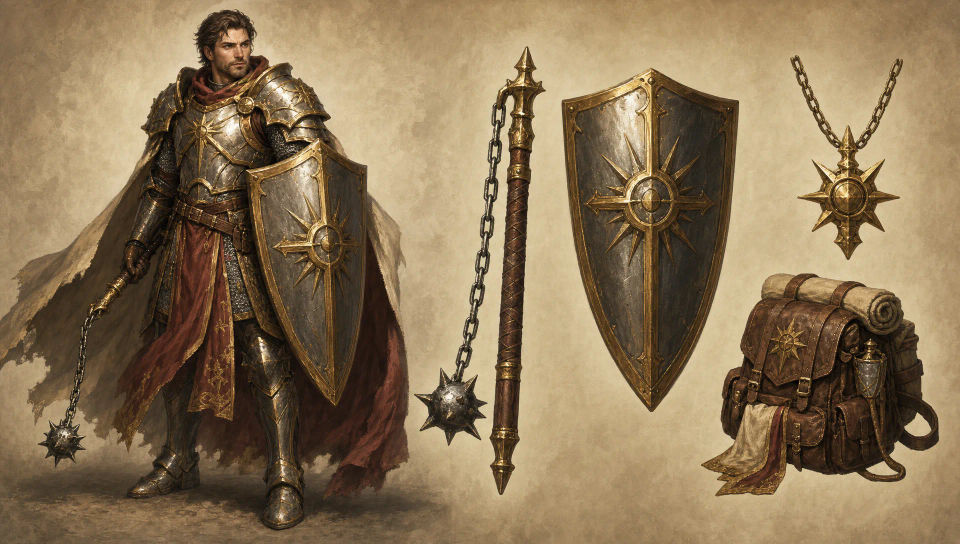
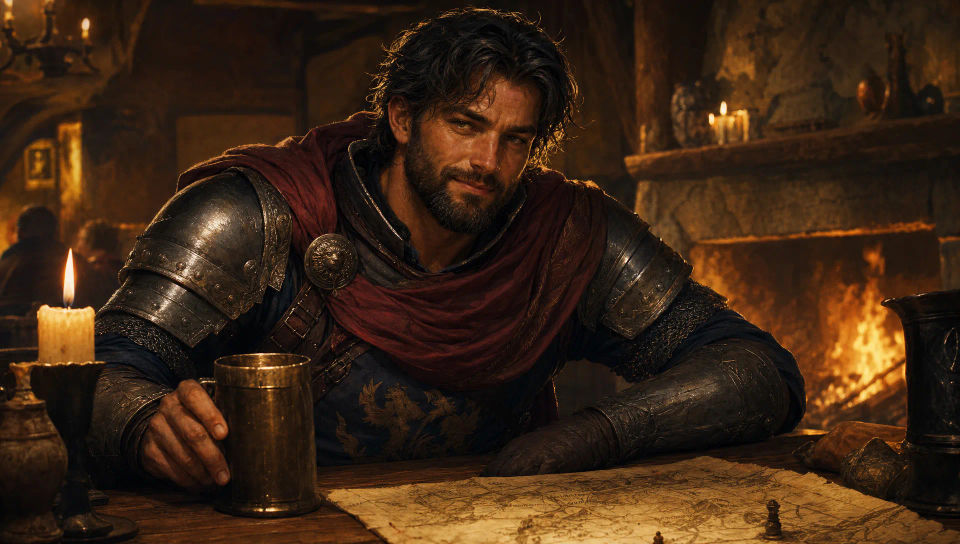
三步制作龙与地下城角色
- 一
描述你的龙与地下城角色
用简单的话描述你想要的龙与地下城角色。
- 二
生成图像
Morphic 在几秒内于画布上生成可直接发布的图像。
- 三
优化你的龙与地下城角色
调整提示词,重新生成,满意后即可下载或分享图像。



你可能也喜欢
简单定价
今天就免费开始,随时可以升级或取消。
Basic
$9/ 月
账单金额为 $0 每年1100 每月 信用
1 个用户
所有模型
工作流
Standard
$24/ 月
账单金额为 $0 每年3625 每月 信用
1 个用户
所有模型
工作流
Pro
$45/ 月
账单金额为 $0 每年6350 共享 每月 信用
1 用户
+ 最多 4 人额外付费可增加
所有模型
工作流
Pro Max
$170/ 月
账单金额为 $0 每年24650 共享 每月 信用
1 用户
+ 最多 9 人额外付费可增加
所有模型
工作流
Enterprise
更高的限制
自定义
定价和账单条款
大容量信用
自定义席位限制
所有模型
工作流
Free
供随意体验
$0
永久免费
最多 20 积分
仅1个用户
部分模型
工作流
常见问题
我可以在哪里用 AI 制作 D&D 角色美术?
你可以在 Morphic 上直接在浏览器里设计桌游角色。打开 Image 工具,把职业、装备和配色写清楚来描述英雄,Morphic 就会生成肖像。无需安装,也不需要专业软件。
我可以生成哪些 D&D 职业和种族?
战士、盗贼、法师、德鲁伊、牧师、术士等等,涵盖常见的奇幻种族。先说明职业、盔甲或长袍,以及标志性法器或武器,让队伍中每名成员都呈现为独特的设定。
如何在一整场战役中让 D&D 角色保持一致?
用 Character Lineup 工作流在生成前锁定英雄的面容、盔甲和配色,然后在每条提示里引用那张卡片。Morphic 会保留这套设定,让你的角色在肖像、队伍排列和战斗场景中一场接一场始终如一。
我可以用同一种风格生成一整支冒险队伍吗?
可以。用 Character Lineup 逐一设计每名英雄,然后引用锁定的卡片,用提示编排一个群像构图(火炬照亮的大厅排列、酒馆桌前)。Morphic 让每种配色和剪影保持一致,使队伍呈现为浑然一体的群体。
怎样写出一条出色的 D&D 角色提示?
说明职业与种族、盔甲或长袍、标志性武器或法器,以及配色。例如:「长袍法师,星纹长袍,嶙峋的法器法杖,悬浮的法术书,深蓝与银色配色」。把装备写清楚,正是让肖像看起来像一套真正的角色构筑的关键。
我创作的 D&D 角色是原创的吗?
设定来自你自己的提示,所以请描述一名原创英雄,而不是已出版模组或小说中的具名角色。职业、种族和装备元素都是通用的奇幻构件,可自由使用;点名某个受版权保护的特定角色则不行。把描述限定在特征上,结果就归你所有。