Expression sheet
Nine emoji faces arranged in a tidy grid, one shared yellow palette and outline weight, each showing a different expression.
编辑提示词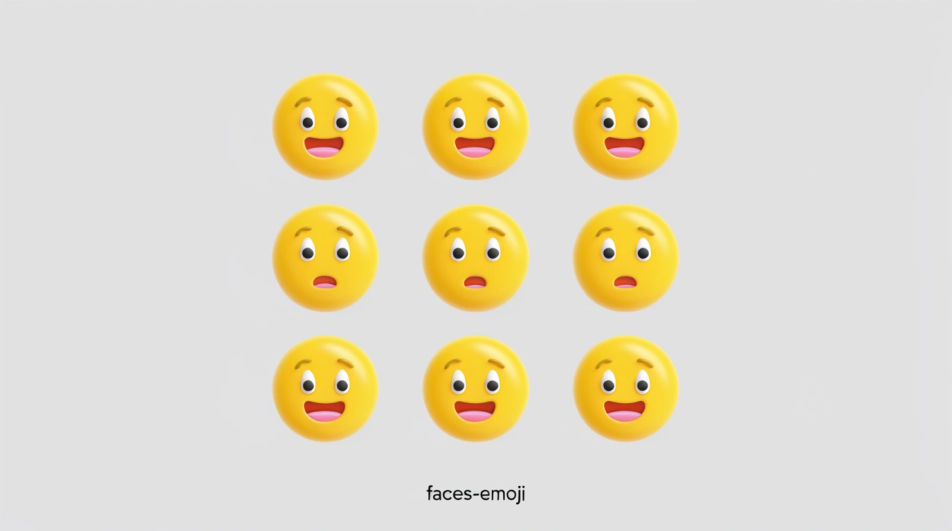
Generate your own emoji faces in Morphic's Image tool by describing the expression you want, from a wide grin to a flat, unimpressed stare. You choose the colour, the finish, and whether the background stays plain, so each face drops straight into a chat, a sticker sheet, or a slide.
Nine emoji faces arranged in a tidy grid, one shared yellow palette and outline weight, each showing a different expression.
编辑提示词A single oversized emoji face placed off-centre on a flat pastel ground with generous empty space around it, glossy and clean.
编辑提示词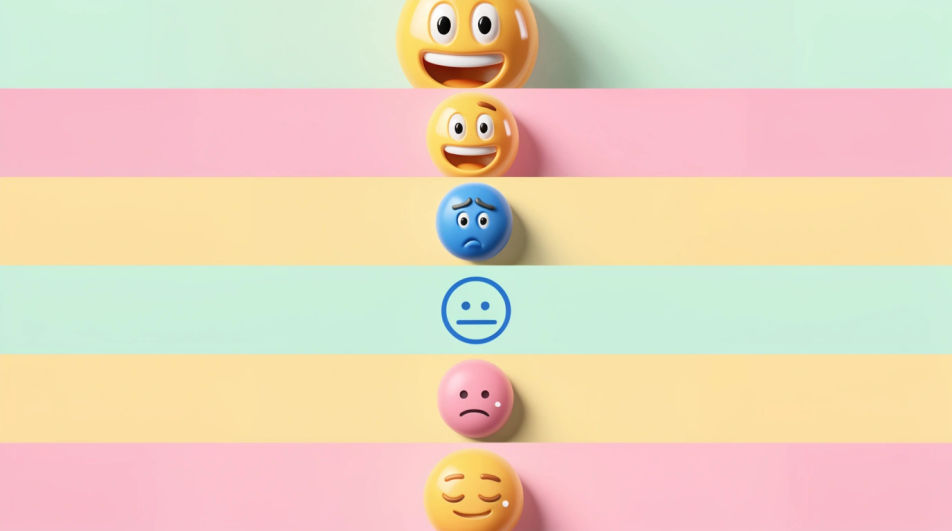
Five emoji faces in a row, the expression escalating from neutral to delighted, even spacing and one consistent drawing style.
编辑提示词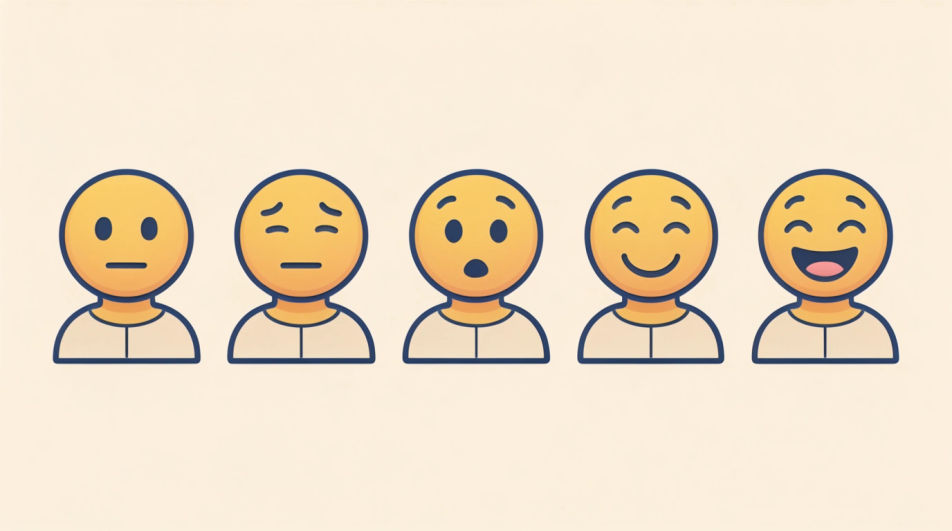
Emoji faces scattered at mixed sizes across a deep navy ground, a few overlapping, bright yellow reading strongly against the dark.
编辑提示词
用简单的话描述你想要的Emoji faces。
Morphic 在几秒内于画布上生成可直接发布的图像。
调整提示词,重新生成,满意后即可下载或分享图像。
Happy emoji generator
Generate happy emoji images in Morphic. Describe the expression, colour and style you want, generate options, then refine the prompt and download it.
Blue emoji generator
Generate blue emoji images in Morphic. Describe the expression, colour and style you want, generate options, then refine the prompt and download it.
表情符号设计 AI 图像
在浏览器里制作表情符号设计 AI 图像:光泽脸部套组、定制反应、轮廓贴纸表情。从一条提示词构建风格统一的表情包。立即开始创作。
American flag drawing generator
Turn an American flag drawing idea into a finished image in Morphic. Describe the line work and style, generate variations, then refine it on the canvas.
今天就免费开始,随时可以升级或取消。
Basic
2400 每月 信用
1 个用户
所有模型
工作流
Standard
3625 每月 信用
1 个用户
所有模型
工作流
Pro
6350 共享 每月 信用
1 用户
所有模型
工作流
Max
24650 共享 每月 信用
1 用户
所有模型
工作流
Enterprise
更高的限制
自定义
定价和账单条款

Free
供随意体验
$0
永久免费


