Full sticker sheet
A flat sheet of journal stickers arranged in a loose grid, mixed sizes, one shared palette, thin white cut lines around every shape.
编辑提示词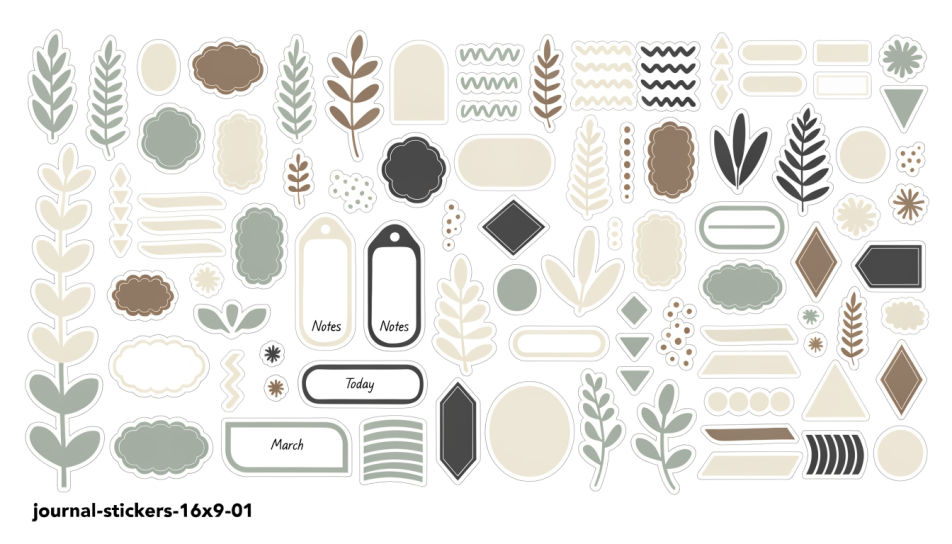
Generate journal stickers in Morphic's Image tool by describing the motif, the colours, and the paper style you want across a spread. You set the outline weight, the palette, and whether each sticker sits on a plain backdrop, so you end up with a sheet you can print and cut.
A flat sheet of journal stickers arranged in a loose grid, mixed sizes, one shared palette, thin white cut lines around every shape.
编辑提示词Journal stickers in a muted cream, sage, and clay palette, botanical and paper motifs, soft grain, arranged with generous space between them.
编辑提示词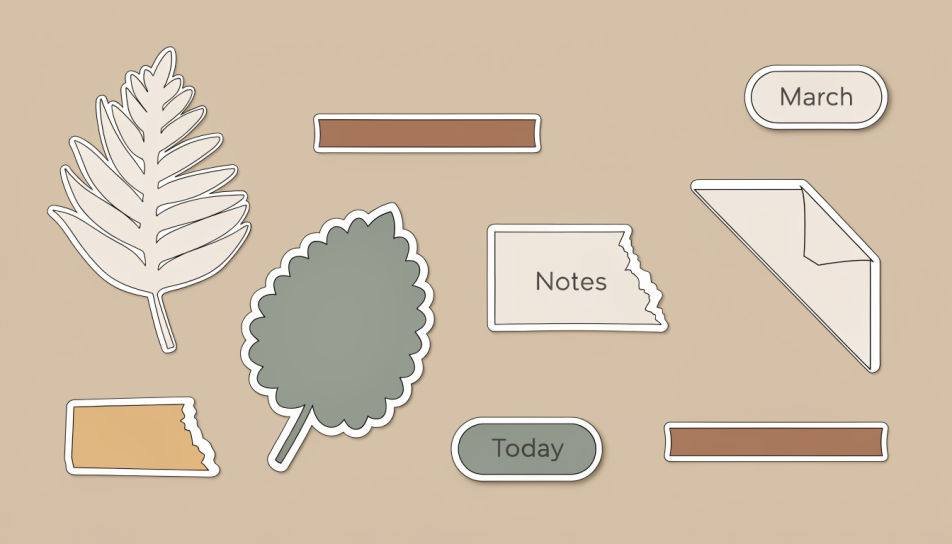
A high-contrast journal sticker set in saturated poster colour, thick black outlines and offset shadows, shapes overlapping across the frame.
编辑提示词
An overhead journal template page with dated headers, small boxes, and stickers placed along the margin, daylight falling across the paper.
编辑提示词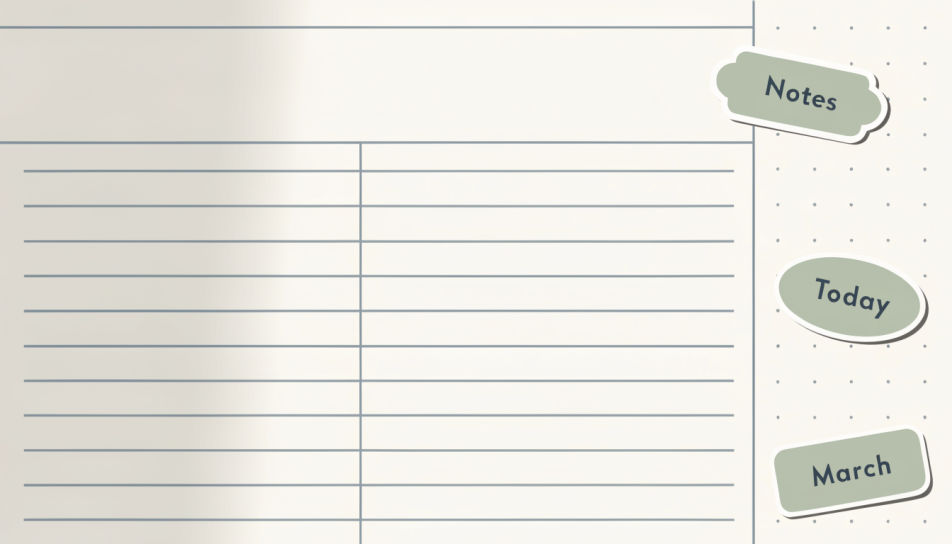
用简单的话描述你想要的Journal Stickers。
Morphic 在几秒内于画布上生成可直接发布的图像。
调整提示词,重新生成,满意后即可下载或分享图像。
贴纸设计AI图像
在Morphic上创作贴纸设计AI图像。几秒钟即可为任何项目生成模切贴纸、贴纸包和贴花。
Scrapbook sticker generator
Generate scrapbook stickers in Morphic. Describe the character, colours and style you want, generate options to compare, then refine the prompt and save it.
Kawaii sticker generator
Generate kawaii stickers in Morphic. Describe the character, colours and style you want, generate options to compare, then refine the prompt and save it.
Preppy sticker generator
Generate preppy stickers in Morphic. Describe the character, colours and style you want, generate options to compare, then refine the prompt and save it.
今天就免费开始,随时可以升级或取消。
Basic
2400 每月 信用
1 个用户
所有模型
工作流
Standard
3625 每月 信用
1 个用户
所有模型
工作流
Pro
6350 共享 每月 信用
1 用户
所有模型
工作流
Max
24650 共享 每月 信用
1 用户
所有模型
工作流
Enterprise
更高的限制
自定义
定价和账单条款

Free
供随意体验
$0
永久免费


