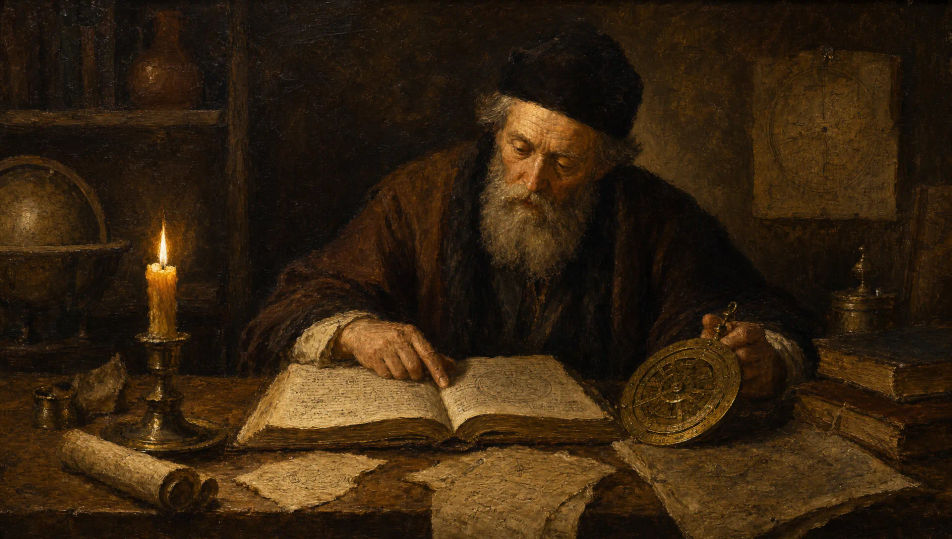
可绘制的油画角色
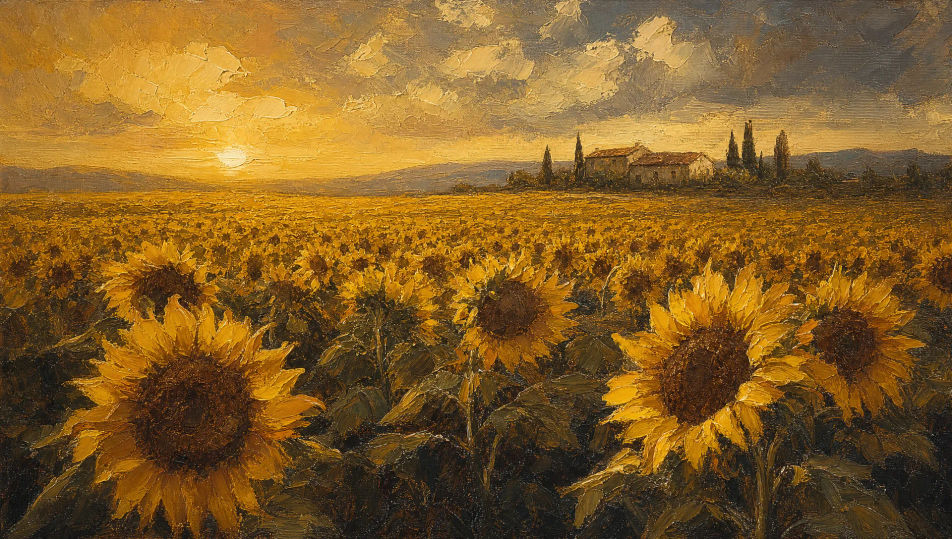
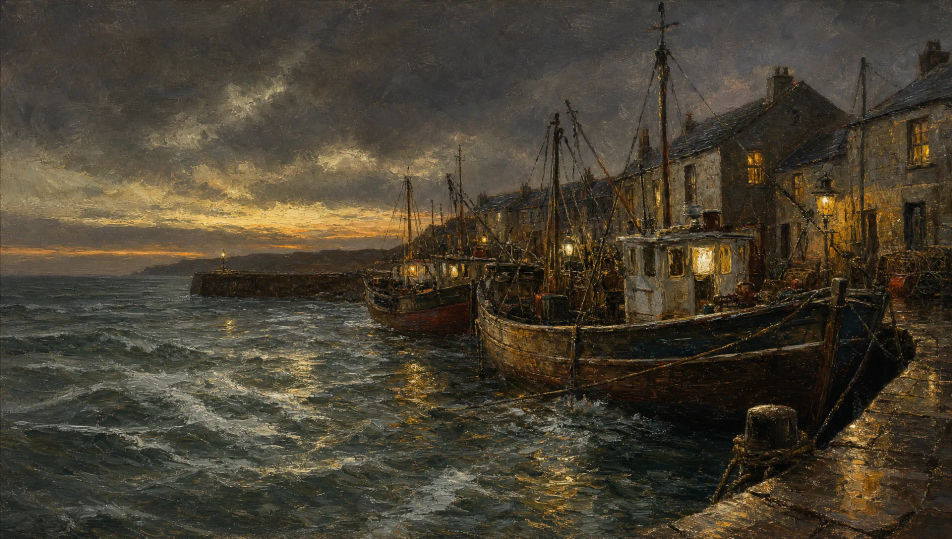
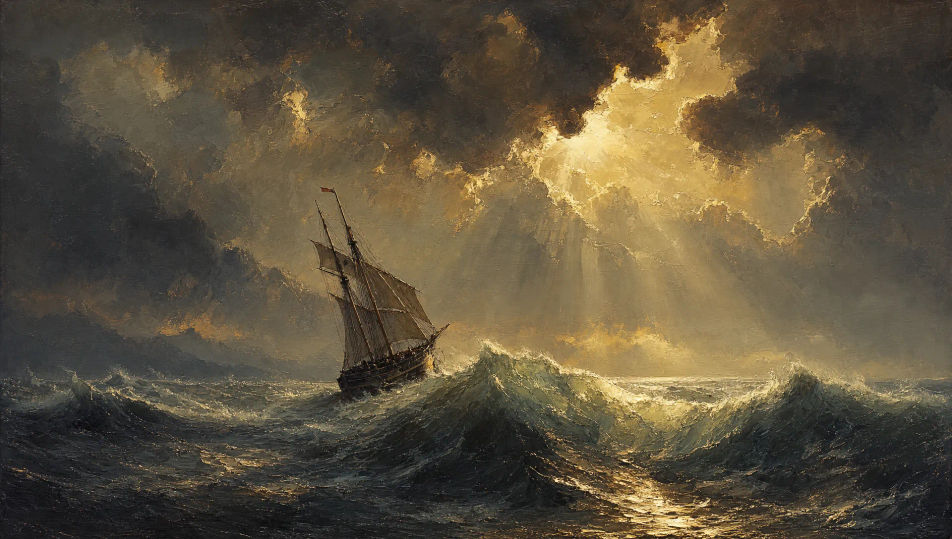
可构图的油画场景
三步制作油画
- 一
描述你的图像
用简单的话描述你想要的油画。
- 二
生成图像
Morphic 在几秒内于画布上生成可直接发布的图像。
- 三
优化并分享
调整提示词,重新生成,满意后即可下载或分享图像。

你可能也喜欢
简单定价
今天就免费开始,随时可以升级或取消。
Basic
$19/ 月
账单金额为 $0 每年2400 每月 信用
1 个用户
所有模型
工作流
Standard
$24/ 月
账单金额为 $0 每年3625 每月 信用
1 个用户
所有模型
工作流
Pro
$45/ 月
账单金额为 $0 每年6350 共享 每月 信用
1 用户
+ 最多 4 人额外付费可增加
所有模型
工作流
Max
$170/ 月
账单金额为 $0 每年24650 共享 每月 信用
1 用户
+ 最多 9 人额外付费可增加
所有模型
工作流
Enterprise
更高的限制
自定义
定价和账单条款
大容量信用
自定义席位限制
所有模型
工作流

Free
供随意体验
$0
永久免费
最多 20 积分
仅1个用户
部分模型
工作流
常见问题
在哪里能用AI制作油画?
你可以直接在Morphic的浏览器里制作油画。打开Image工具,描述主体和场景并写清笔触与色板,Morphic就会生成作品。无需安装,也无需专业软件。
可以生成哪些油画风格?
老大师风的罩染肖像与深阴影、后印象派风的厚堆涂户外风景、alla prima的小酒馆场景,以及画刀海景。先点名画派或技法,Morphic会选择恰当的表面与笔触。
怎样让多张作品里的油画角色保持一致?
在生成前用Character Lineup工作流锁定每个人物的脸、服装和标志性道具,然后在每条提示词里引用这些角色卡。Morphic会让书房、港口和田野等场景的角色设定保持下去,让整组系列读起来像同一批作品。
怎样区分层叠罩染与厚堆涂?
直接点名技法。老大师风格用"半透明层层罩染的肤色",户外风格用"用画刀堆起的镉黄厚堆涂"这样的短语。被点名的技法会告诉Morphic要把颜料处理得多厚。
能把油画变成视频吗?
可以。打开Image to Video工具,上传静帧,描述想要的动作(书房烛光缓慢摇曳、向日葵田被风穿过、风暴海面缓慢起伏等)。Morphic基于原图生成动画,所以笔触与色板都得以保持。
写油画的提示词需要美术史术语吗?
不需要。用平易的话写出主体、场景、笔触和色板就够了。如果你知道alla prima、罩染、scumbling、impasto这些术语,引用它们会让结果更精确;不知道也无妨,把脑中所见写下来就能得到一幅不错的油画。