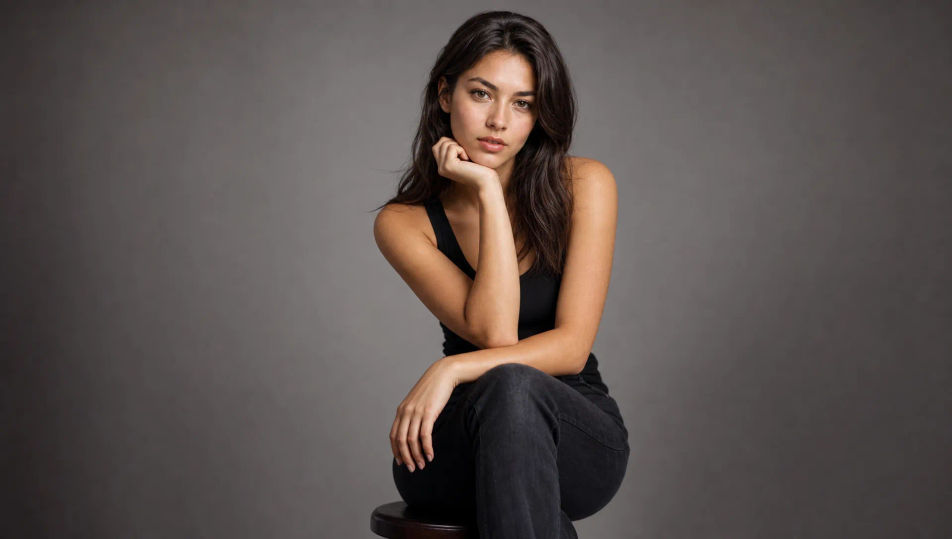
可生成的人像主体
可布置的人像场景
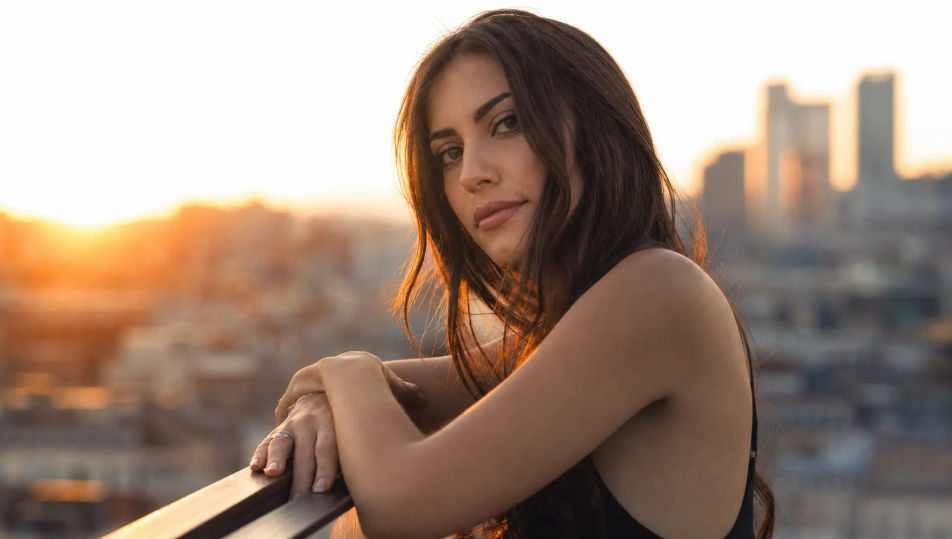
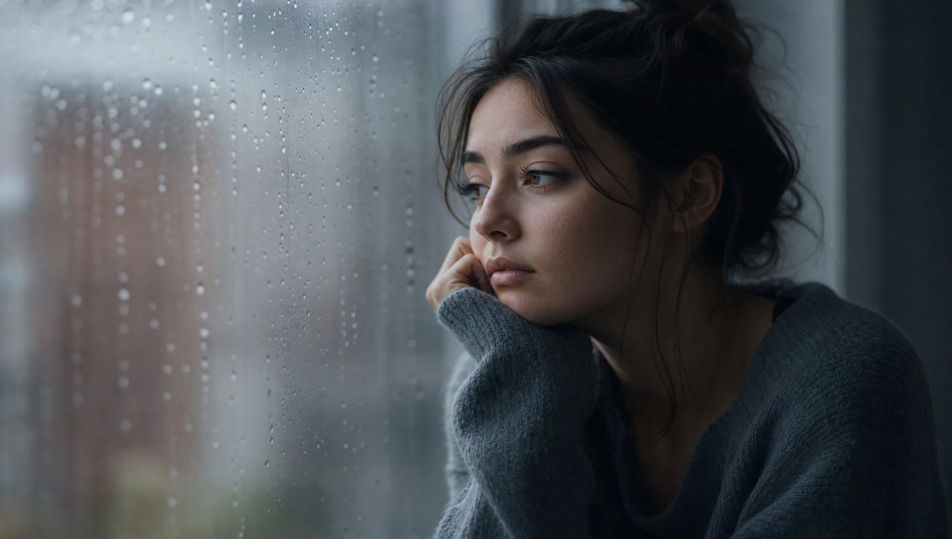
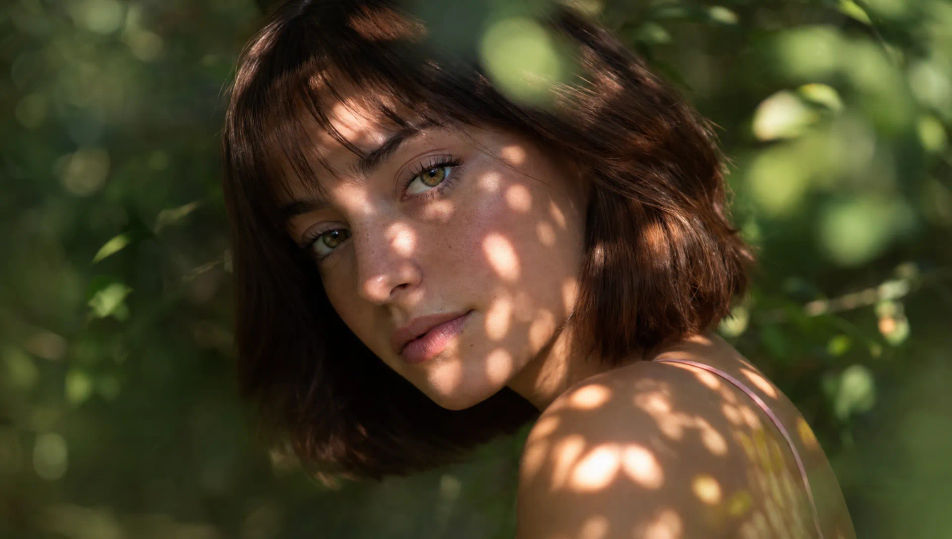
三步制作人像摄影
- 一
描述你的图像
用简单的话描述你想要的人像摄影。
- 二
生成图像
Morphic 在几秒内于画布上生成可直接发布的图像。
- 三
优化并分享
调整提示词,重新生成,满意后即可下载或分享图像。
你可能也喜欢
简单定价
今天就免费开始,随时可以升级或取消。
Basic
$19/ 月
账单金额为 $0 每年2400 每月 信用
1 个用户
所有模型
工作流
Standard
$24/ 月
账单金额为 $0 每年3625 每月 信用
1 个用户
所有模型
工作流
Pro
$45/ 月
账单金额为 $0 每年6350 共享 每月 信用
1 用户
+ 最多 4 人额外付费可增加
所有模型
工作流
Max
$170/ 月
账单金额为 $0 每年24650 共享 每月 信用
1 用户
+ 最多 9 人额外付费可增加
所有模型
工作流
Enterprise
更高的限制
自定义
定价和账单条款
大容量信用
自定义席位限制
所有模型
工作流

Free
供随意体验
$0
永久免费
最多 20 积分
仅1个用户
部分模型
工作流
常见问题
在哪里能用AI制作人像摄影图像?
你可以直接在Morphic的浏览器里制作人像摄影图像。打开Image工具,描述主体、布光和构图,Morphic就会生成人像。无需相机、影室,也无需安装。
Morphic是生成原创人像,还是编辑我的照片?
Morphic从文字提示词生成原创人像图像,而不是编辑上传的照片。用平易的话描述主体、光线和氛围,Image工具就会生成一张全新的人像。没有上传步骤,也没有图库授权要处理。
可以生成哪些人像布光风格?
窗光、单光源低调戏剧光、高调蚌壳美妆光、金色时刻轮廓光、烛光暖意,以及逆光轮廓剪影。先点名光源及其方向,Morphic就会把阴影与眼神光放到你想要的位置。
怎样在一组人像里保持同一张脸?
在生成变体之前用Character Lineup工作流锁定主体,然后在每条提示词里引用该角色。Morphic会在不同布光中保持这张脸,让一组人像系列读起来像同一个人。
怎样写出一条好的人像摄影提示词?
点名构图、光源及其方向、镜头感和氛围。比如:"低调半身像,单只硬光来自机位右侧,远侧脸有深影,皮肤细节细腻,背景近乎全黑。"点名布光,正是让图像读起来像照片而非插画的关键。
能把人像变成视频吗?
可以。Image to Video工具能让你生成的任意人像动起来,让静帧变成一次缓慢的呼吸、一个细微的转头或烛光的闪烁。再用Music工具搭一段配乐来定调。