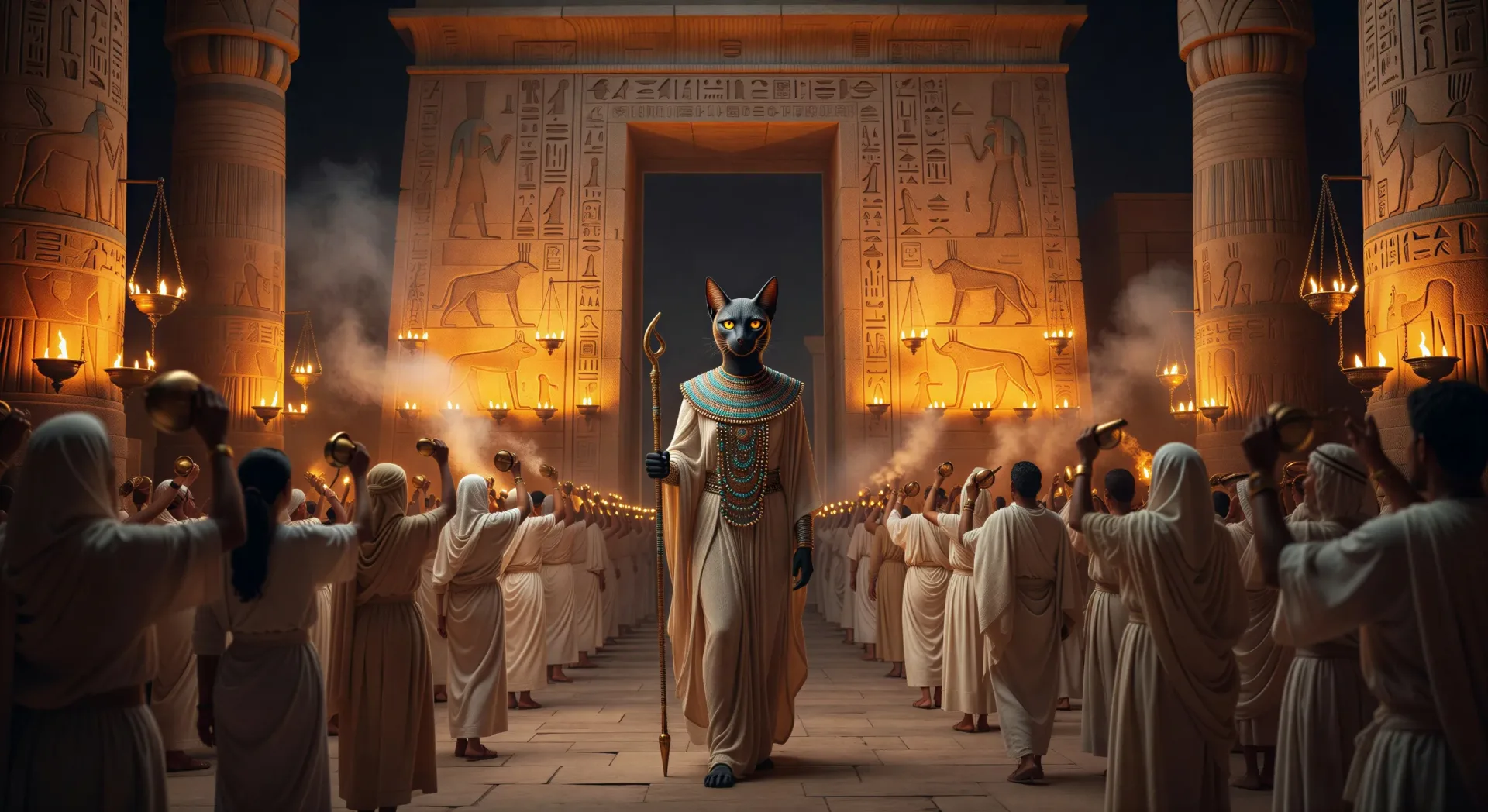
你可以创作的芭丝特人物
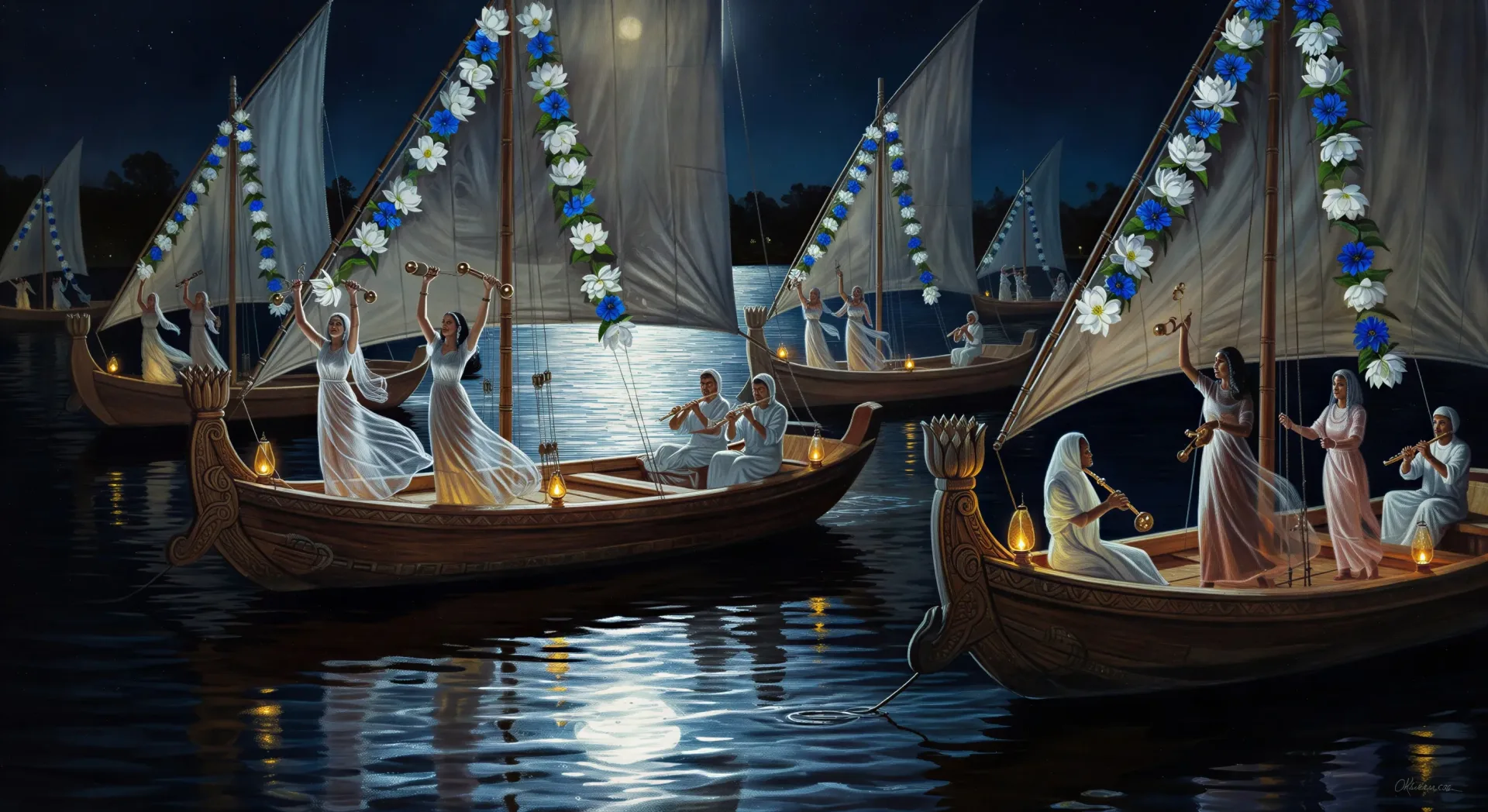
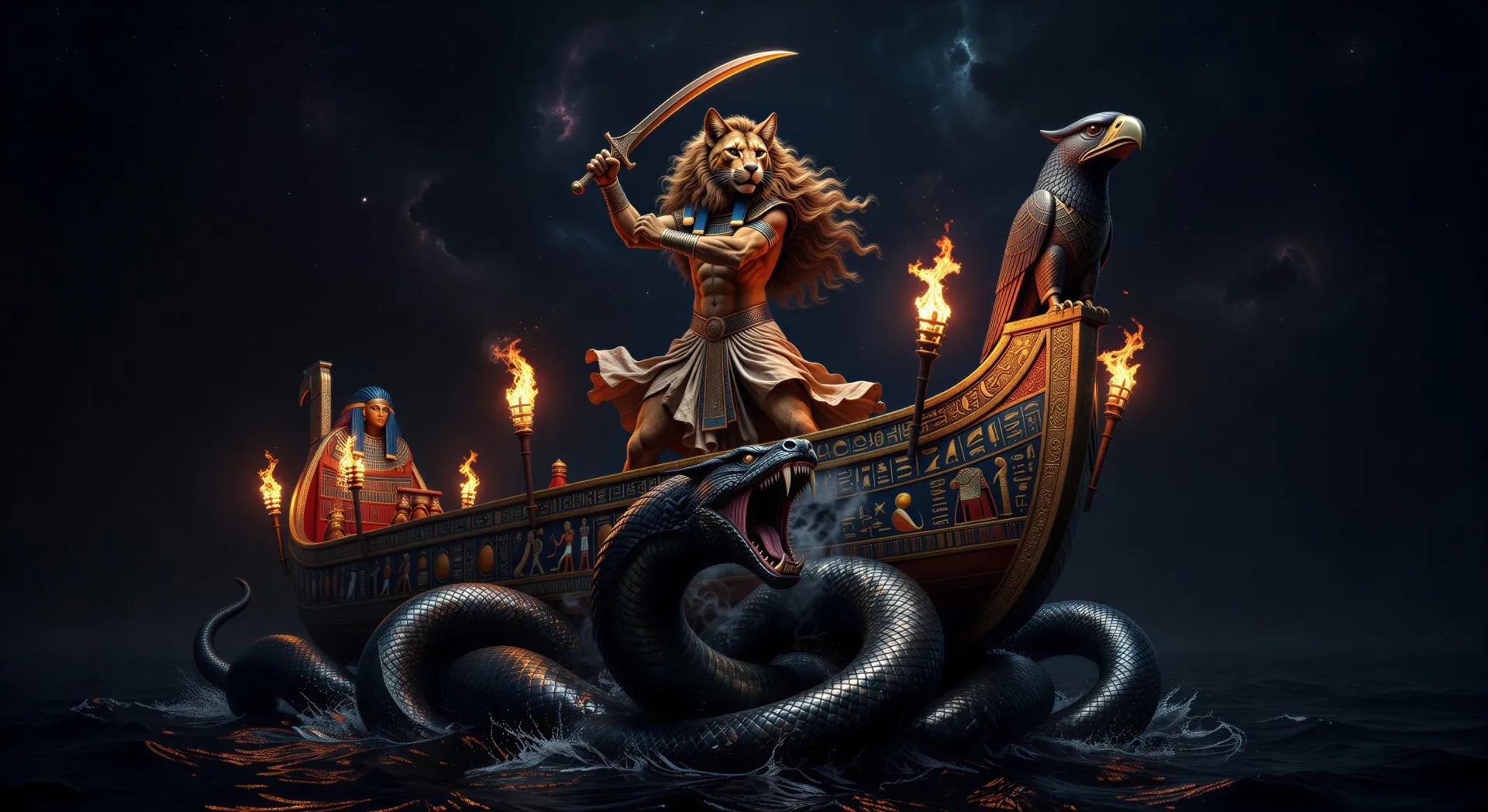
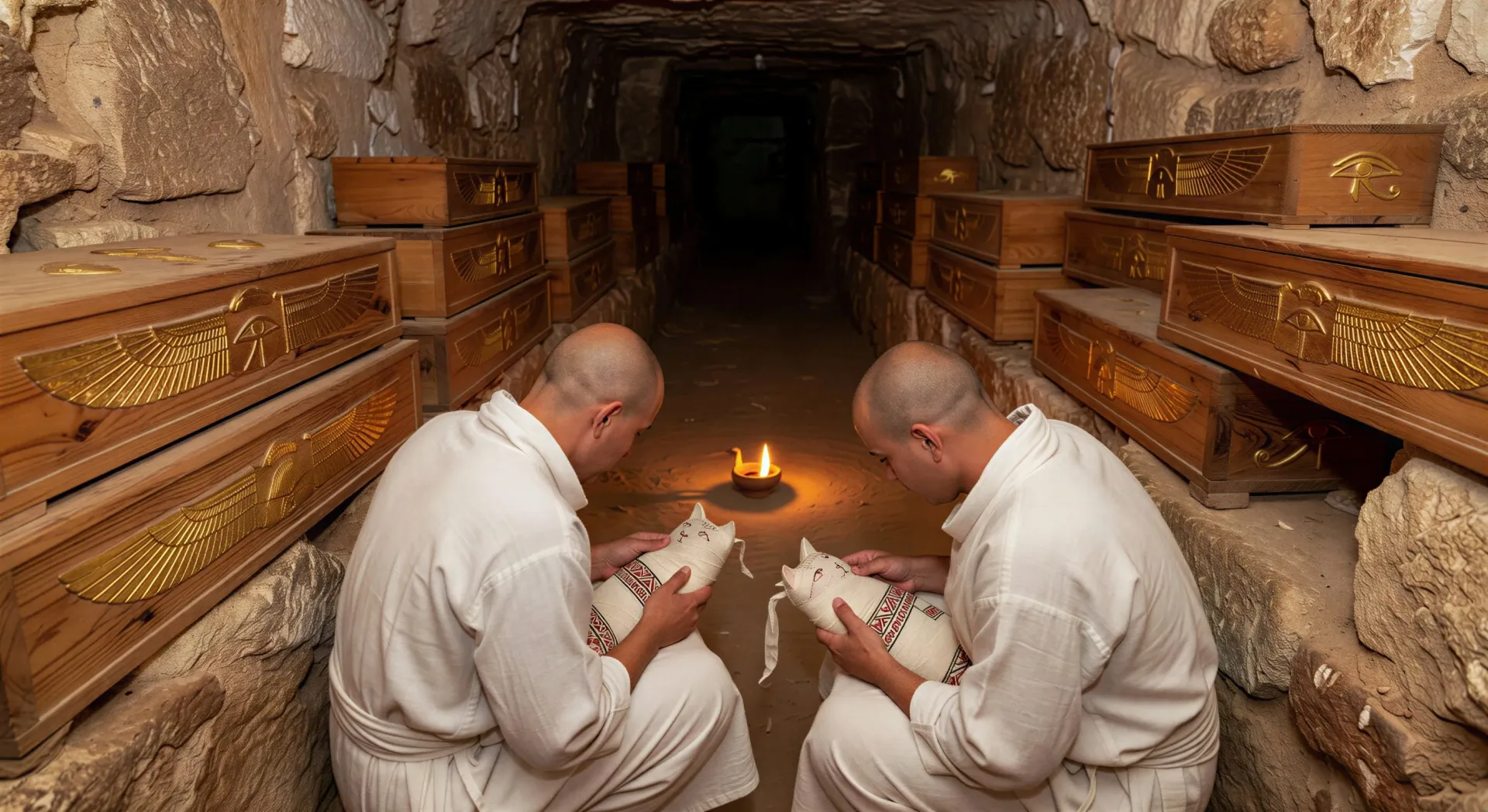
你可以执导的芭丝特场景
三步制作巴斯特视频
- 一
描述你的场景
用简单的话写下你想要的巴斯特场景。
- 二
生成视频
Morphic 在几秒内于画布上生成电影级片段。
- 三
优化并分享
调整提示词,重新生成,满意后即可下载或分享。



你可能也喜欢
简单定价
今天就免费开始,随时可以升级或取消。
Basic
$19/ 月
账单金额为 $0 每年2400 每月 信用
1 个用户
所有模型
工作流
Standard
$24/ 月
账单金额为 $0 每年3625 每月 信用
1 个用户
所有模型
工作流
Pro
$45/ 月
账单金额为 $0 每年6350 共享 每月 信用
1 用户
+ 最多 4 人额外付费可增加
所有模型
工作流
Max
$170/ 月
账单金额为 $0 每年24650 共享 每月 信用
1 用户
+ 最多 9 人额外付费可增加
所有模型
工作流
Enterprise
更高的限制
自定义
定价和账单条款
大容量信用
自定义席位限制
所有模型
工作流

Free
供随意体验
$0
永久免费
最多 20 积分
仅1个用户
部分模型
工作流
常见问题
我可以在哪里用 AI 制作芭丝特视频?
你可以在 Morphic 上直接在浏览器中创作芭丝特场景。打开 Text to Video 工具,描述你想要的时刻,Morphic 便会生成片段。无需安装,也无需专业软件。
哪类芭丝特场景最适合 AI 视频?
节庆、炉灶与夜舟的时刻最为适合:节庆之夜布巴斯提斯塔门前的芭丝特、灯火下的河上队列、家宅炉灶神龛、在夜舟上抵御阿波菲斯守护拉,或在萨卡拉的圣猫木乃伊化。把每个芭丝特场景锚定到具体的时刻与氛围。
怎样在多个场景中保持芭丝特一致?
用 Character Lineup 工作流锁定她的形象:猫首(战士形象则为狮首)、青金石与黄金的宽领饰、白色亚麻紧身衣、手持叉铃,然后在每条提示词里引用那张角色卡。
怎样为芭丝特场景写出好的提示词?
写明形象(猫还是狮)、时刻、地点、光线与镜头调度。例如:“节庆之夜布巴斯提斯神庙门前的猫首芭丝特,油灯沿墙排列,缓慢跟拍。”你的画面越具体,输出就越贴近你的想象。
我可以为芭丝特视频添加旁白和音乐吗?
可以。Speech 工具会用你选择的声音从脚本生成旁白,Music 工具则会谱出一段原创配乐,捕捉叉铃、双管笛与竖琴的质感。把它们叠加到生成的视频上,即可发布一集完整的芭丝特视频。
怎样呈现芭丝特与塞赫迈特的区别?
她们是姐妹,在神话中有时彼此交融,但在视觉上界限分明。芭丝特是光润的猫首、家宅意象,身着精细亚麻,手持叉铃,被幼猫或朝圣者环绕。塞赫迈特是狮首、战争意象,身披皮革与青铜,手握战锤或箭矢,被火焰与战斗环绕。在提示词里为芭丝特点出布巴斯提斯,为塞赫迈特点出孟菲斯。