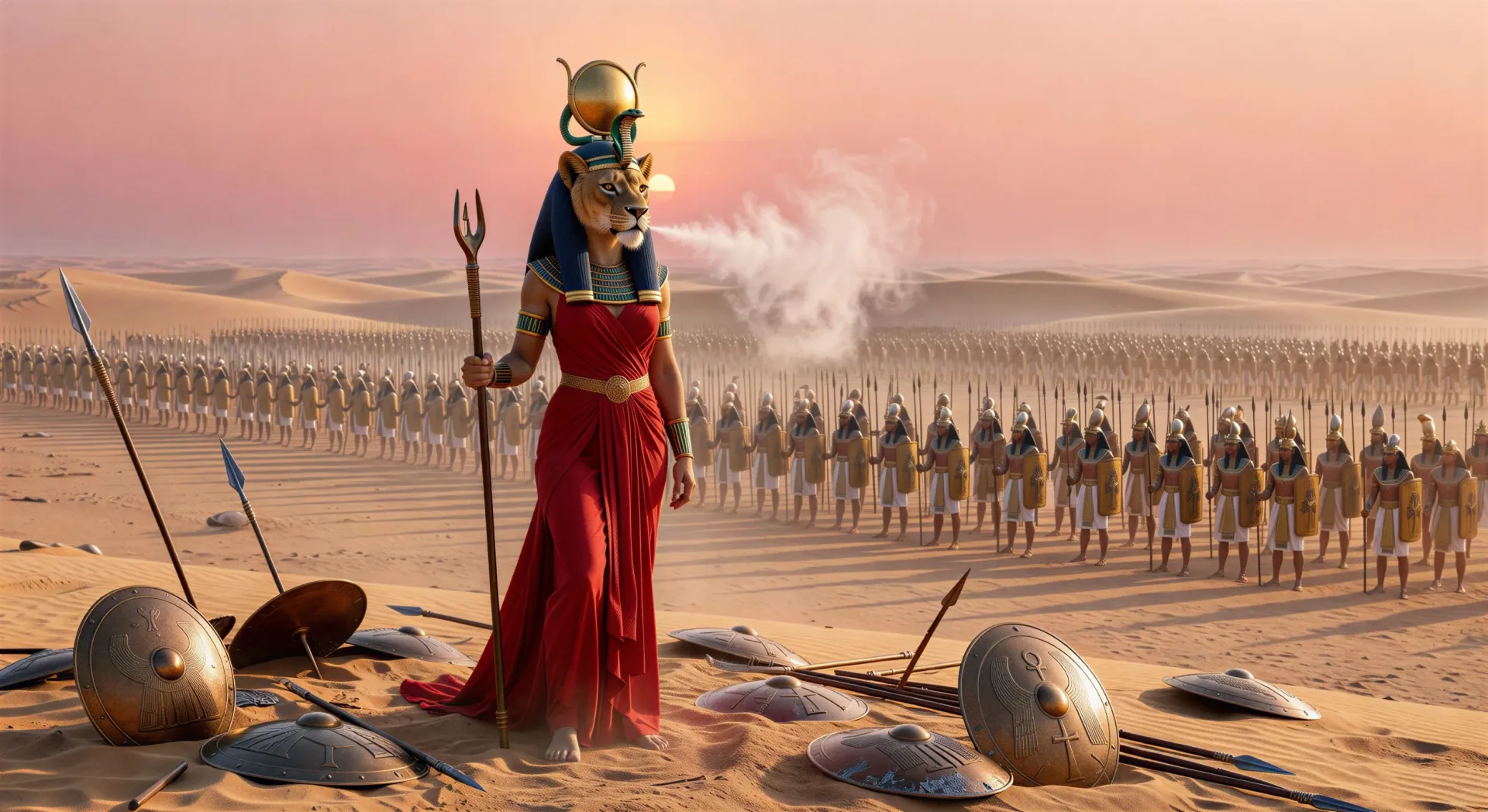
你可以创作的塞克迈特人物
你可以执导的塞克迈特场景
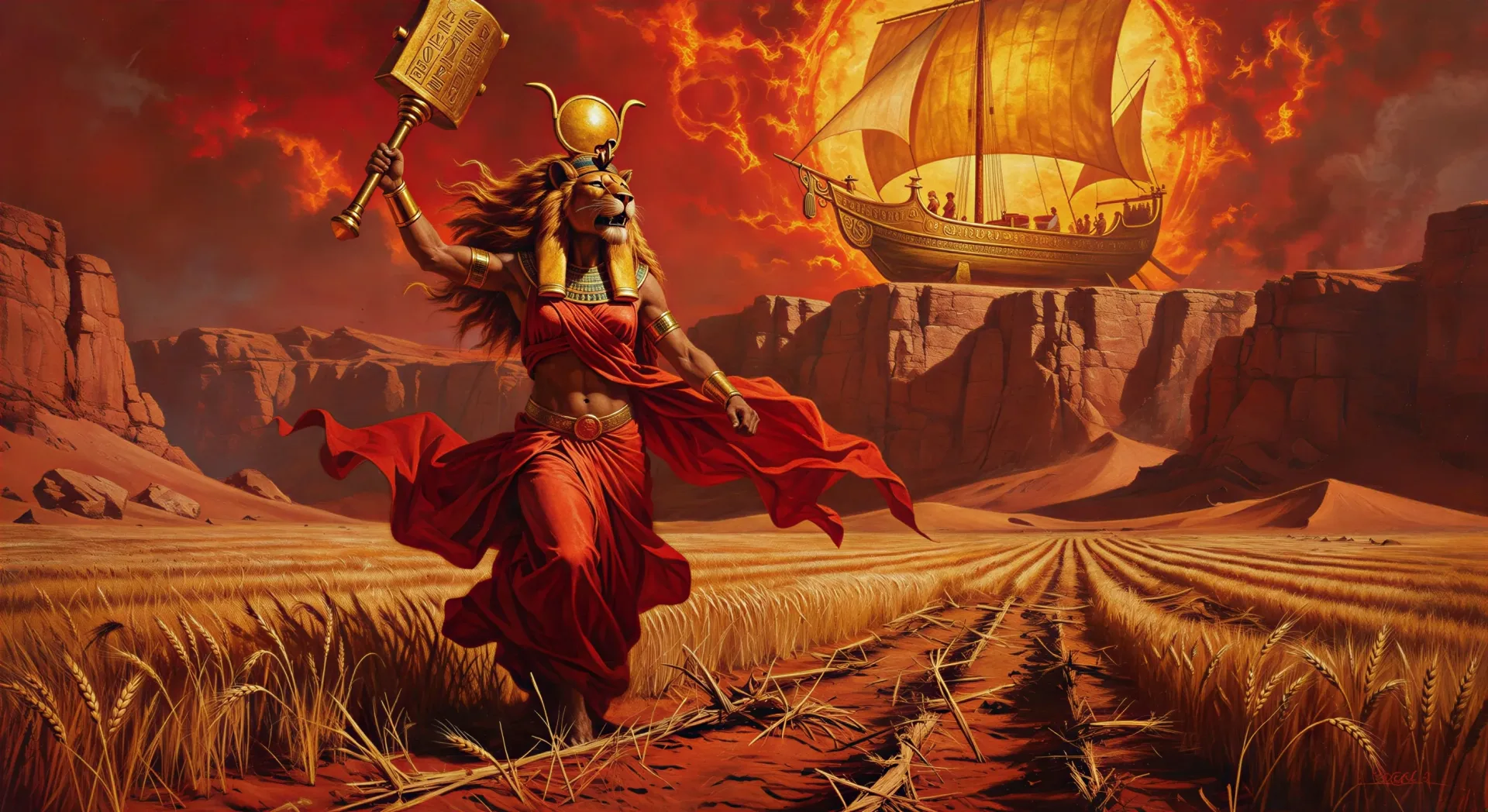
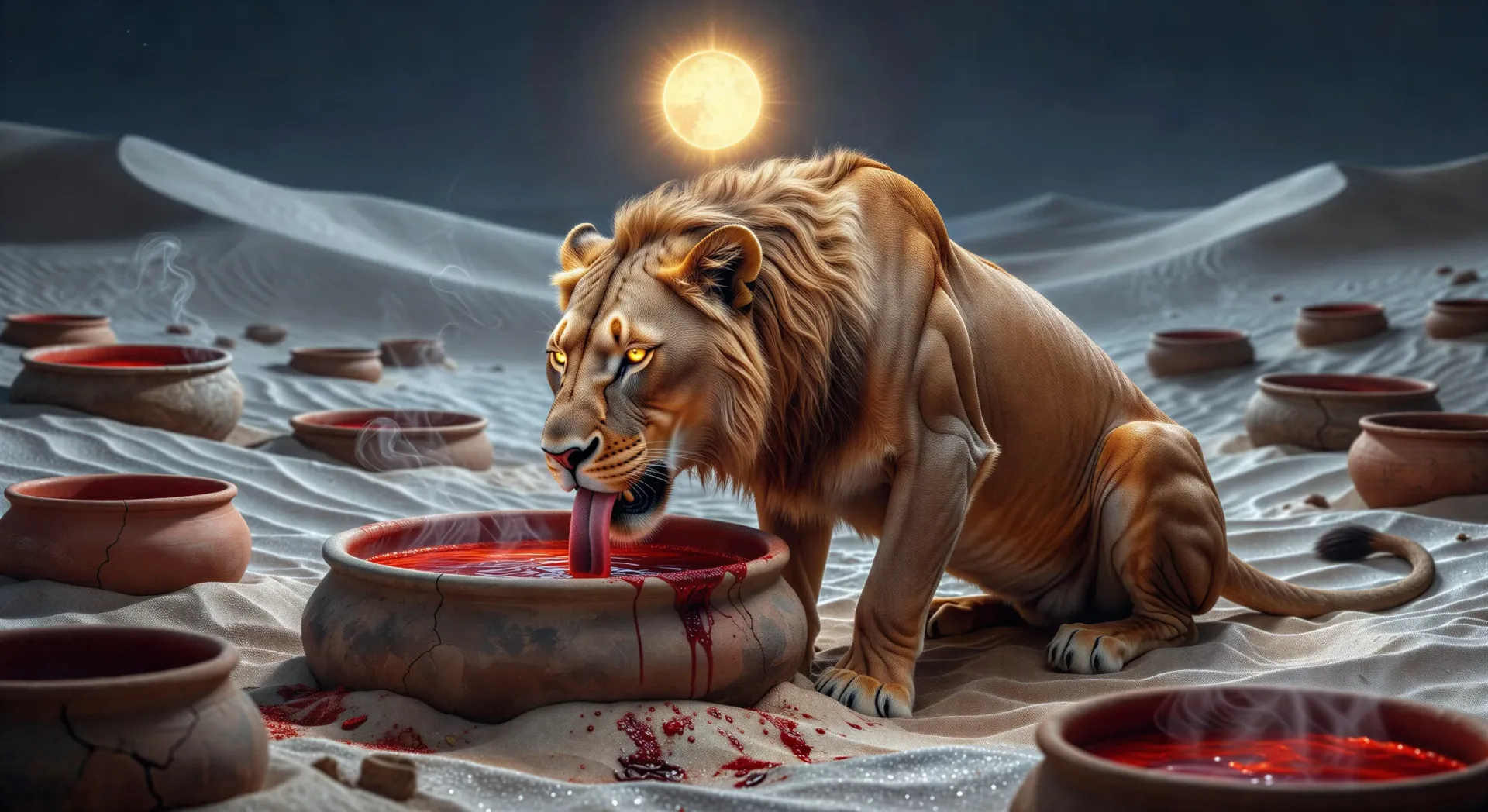
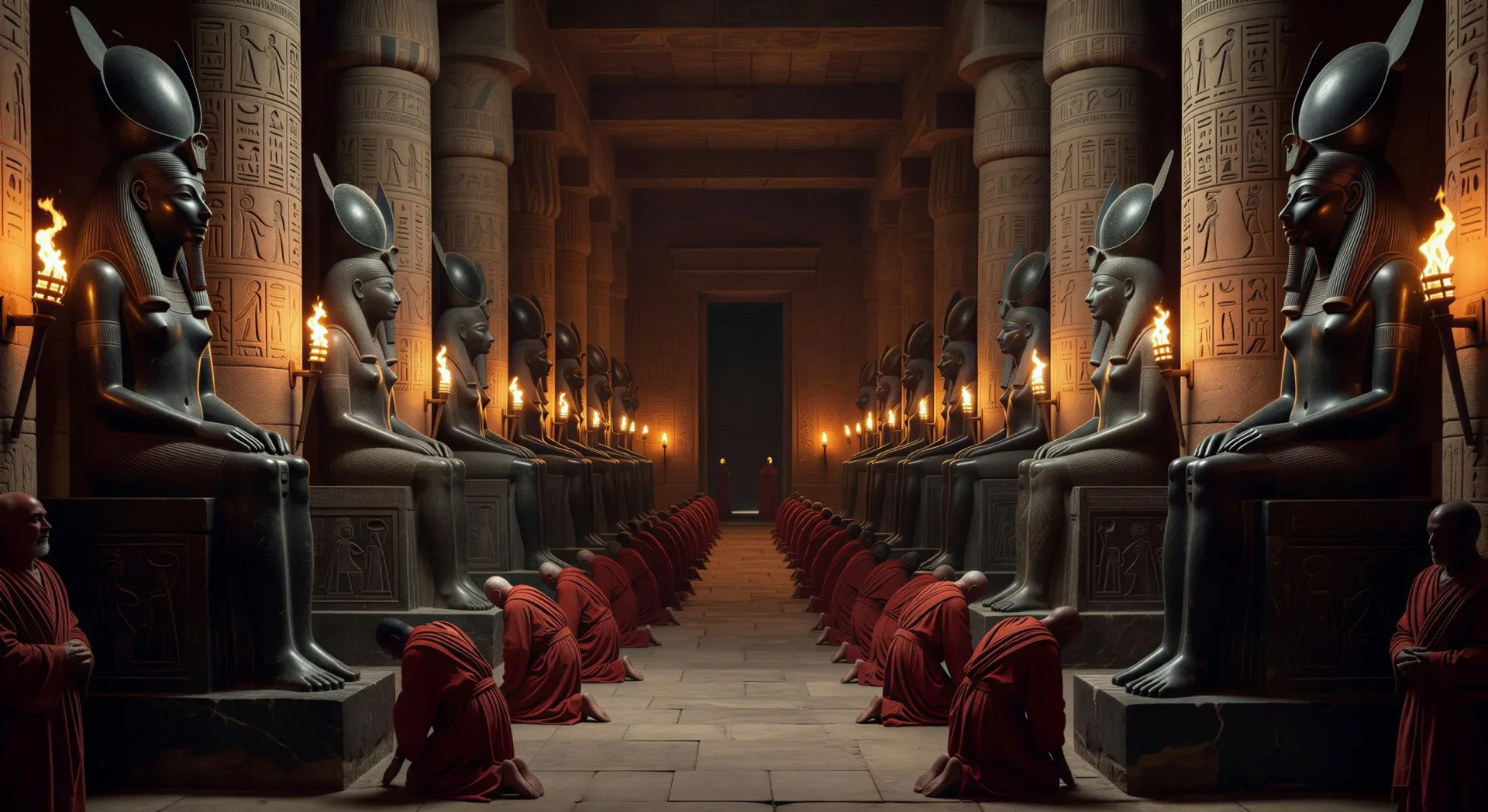
三步制作塞赫迈特视频
- 一
描述你的场景
用简单的话写下你想要的塞赫迈特场景。
- 二
生成视频
Morphic 在几秒内于画布上生成电影级片段。
- 三
优化并分享
调整提示词,重新生成,满意后即可下载或分享。



你可能也喜欢
简单定价
今天就免费开始,随时可以升级或取消。
Basic
$19/ 月
账单金额为 $0 每年2400 每月 信用
1 个用户
所有模型
工作流
Standard
$24/ 月
账单金额为 $0 每年3625 每月 信用
1 个用户
所有模型
工作流
Pro
$45/ 月
账单金额为 $0 每年6350 共享 每月 信用
1 用户
+ 最多 4 人额外付费可增加
所有模型
工作流
Max
$170/ 月
账单金额为 $0 每年24650 共享 每月 信用
1 用户
+ 最多 9 人额外付费可增加
所有模型
工作流
Enterprise
更高的限制
自定义
定价和账单条款
大容量信用
自定义席位限制
所有模型
工作流

Free
供随意体验
$0
永久免费
最多 20 积分
仅1个用户
部分模型
工作流
常见问题
我可以在哪里用 AI 制作塞克迈特视频?
你可以在 Morphic 上直接用浏览器制作塞克迈特的场景。打开 Text to Video 工具,描述你想要的瞬间,Morphic 就会生成片段。无需安装,也不需要专业软件。
哪类塞克迈特场景最适合 AI 视频?
战斗与仪式两种极端都很合适:破晓的战场、人类的毁灭、红啤酒的安抚、孟菲斯的花岗岩雕像列柱、黄昏的沙漠雌狮,或是照料负伤士兵的治愈者之姿。把每一个塞克迈特场景都锚定在一个具体的瞬间与情绪上。
怎样在多个场景中保持塞克迈特一致?
用 Character Lineup 工作流锁定她的形象:浓密暗金色鬃毛的狮首、太阳圆盘与圣蛇乌赖乌斯、皮革与青铜的战甲胸衣(治愈者之姿则换成红色亚麻)、战锤与安卡,然后在每条提示词里引用那张卡片。
怎样为塞克迈特场景写出一条好提示词?
说明姿态(战士还是治愈者)、瞬间、地点、灯光,以及镜头的方向。例如:“火炬下端坐于孟菲斯的塞克迈特,王座基座是石狮之爪,缓慢的跟拍镜头。”你的画面越具体,输出就越贴近你的想象。
我可以给塞克迈特视频加旁白和音乐吗?
可以。Speech 工具会用你选择的声音根据你的脚本生成旁白,Music 工具会做出一段原创配乐来烘托这场战斗或这场仪式。把它们叠加到生成的视频上,就能发布一集完整的塞克迈特剧集。
怎样在一个剧集中平衡塞克迈特的毁灭者与治愈者两种角色?
埃及神学把这两者毫无矛盾地合而为一,你的视频剧集也可以这样做。以毁灭者之姿开场(战场、瘟疫、人类的毁灭),在红啤酒的安抚处转折,再以治愈者之姿收尾(病榻旁的女祭司、外科纸草、举在伤口上方的安卡)。当同一剧集里同时呈现两副面孔时,这条故事弧线会更有力量。