AI Menu board videos

Direct a menu board video in your browser with Morphic's menu board video generator and give your menu a moving backdrop. Generate steam rising off a fresh dish, a slow drink pour, or ingredients tumbling in slow motion, each shot clean so your menu type sits on top. Assemble the loop on Compose, lay your real menu text over it, and send it to any screen.

Motion beds you can direct

Menu loops you can stage

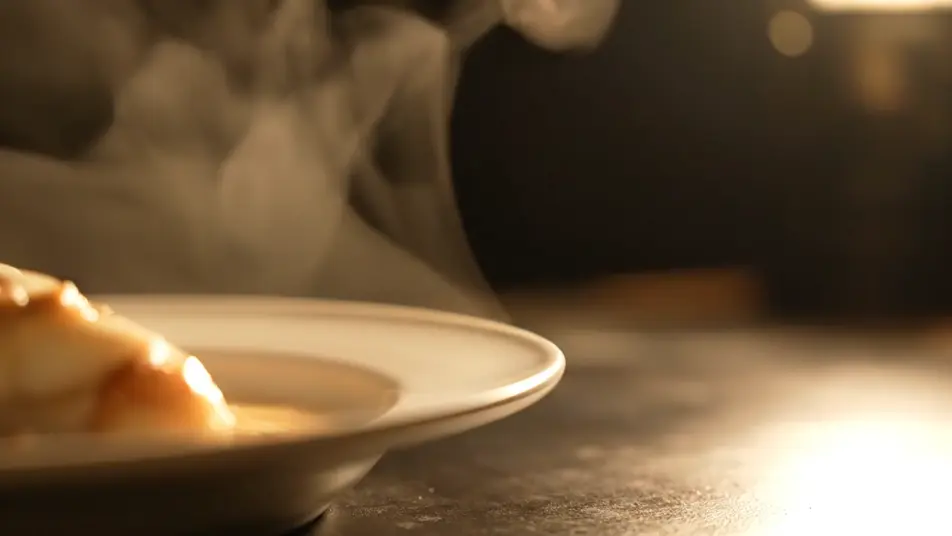
A steam-and-sizzle hero loop

A slow cinematic close-up of steam curling off a fresh plated dish on plain unlabeled tableware, warm directional light, generous negative space left clean for menu type.

编辑提示词

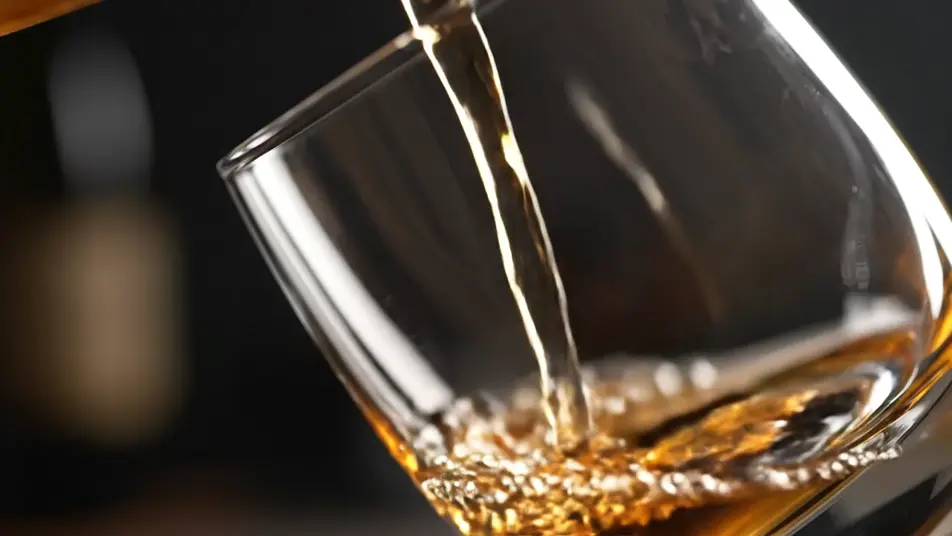
A slow pour at the bar

A backlit stream of drink pouring into a clear plain unlabeled glass against a dark moody background, liquid glowing amber, the frame composed with open space beside the glass.

编辑提示词

Ingredients in slow-motion fall

Fresh vegetables and herbs tumbling through crisp studio light in slow motion, water droplets suspended, a clean dark background holding wide open space for a menu column.

编辑提示词

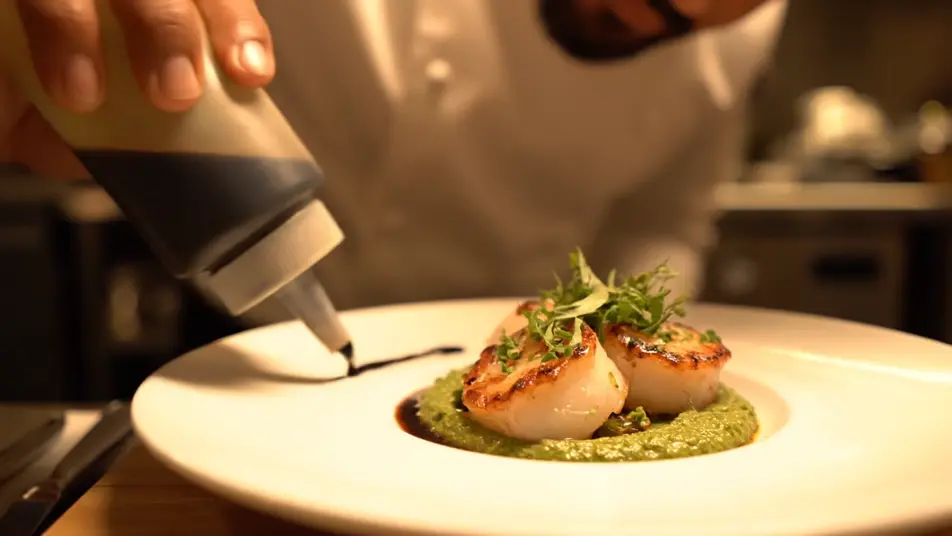
A plating pass in warm light

A close steady shot of a chef in plain unprinted whites drawing a final garnish across a dish on plain unlabeled tableware, warm kitchen light, unhurried craft pacing.

编辑提示词

三步制作menu board video视频

  1. 描述你的menu board video场景

    用简单的话写下你想要的menu board video场景。

  2. 生成视频

    Morphic 在几秒内于画布上生成电影级片段。

  3. 优化你的menu board video视频

    调整提示词,重新生成,满意后即可下载或分享。

简单定价

今天就免费开始,随时可以升级或取消。

Basic

$9/
账单金额为 $0 每年

900 每月 信用

1 个用户

所有模型

工作流

Standard

$24/
账单金额为 $0 每年

3200 每月 信用

1 个用户

所有模型

工作流

Pro

$45/
账单金额为 $0 每年

6200 共享 每月 信用

1 用户

+ 最多 4 人额外付费可增加

所有模型

工作流

Pro Max

$170/
账单金额为 $0 每年

24000 共享 每月 信用

1 用户

+ 最多 9 人额外付费可增加

所有模型

工作流

Enterprise

更高的限制

自定义

定价和账单条款

大容量信用
自定义席位限制
所有模型
工作流

Pricing Gradient

Free

供随意体验

$0

永久免费

最多 20 积分
仅1个用户
部分模型
工作流

常见问题

Where can I make a menu board video with AI?
You can create a menu board video directly in your browser on Morphic. Open the Text to Video tool, describe the food and drink motion you want behind each section, and the model renders the clips. On Compose you assemble them into a loop sized for your screens.
How do I add my menu items and prices to the video?
Generate the motion beds clean, then lay your real menu type over or beside them on Compose. AI-rendered text comes out garbled, so item names and prices must always be real type you control. That also means updating a price is a text edit, not a new video.
Why should the generated footage contain no text at all?
AI video renders letters and numbers as gibberish, and a menu board lives or dies on legible prices. Keeping the footage purely appetising motion protects every word. It also makes each bed reusable across seasonal menus, since nothing baked into the footage ever goes stale.
What motion works best behind a menu board?
Slow, loopable movement that flatters the food: steam rising, a drink pouring, ingredients falling, a chef plating. Fast cuts fight the type sitting on top. Prompt for generous negative space and a calm camera so the eye reads the menu first and the motion second.
What format should a menu board video be for my screens?
Match the orientation of the screen it runs on, landscape for wall displays and vertical for narrow panels. Build each section as its own short loop so the board cycles cleanly. Export from Compose at the resolution your signage player expects and the loop runs all day.