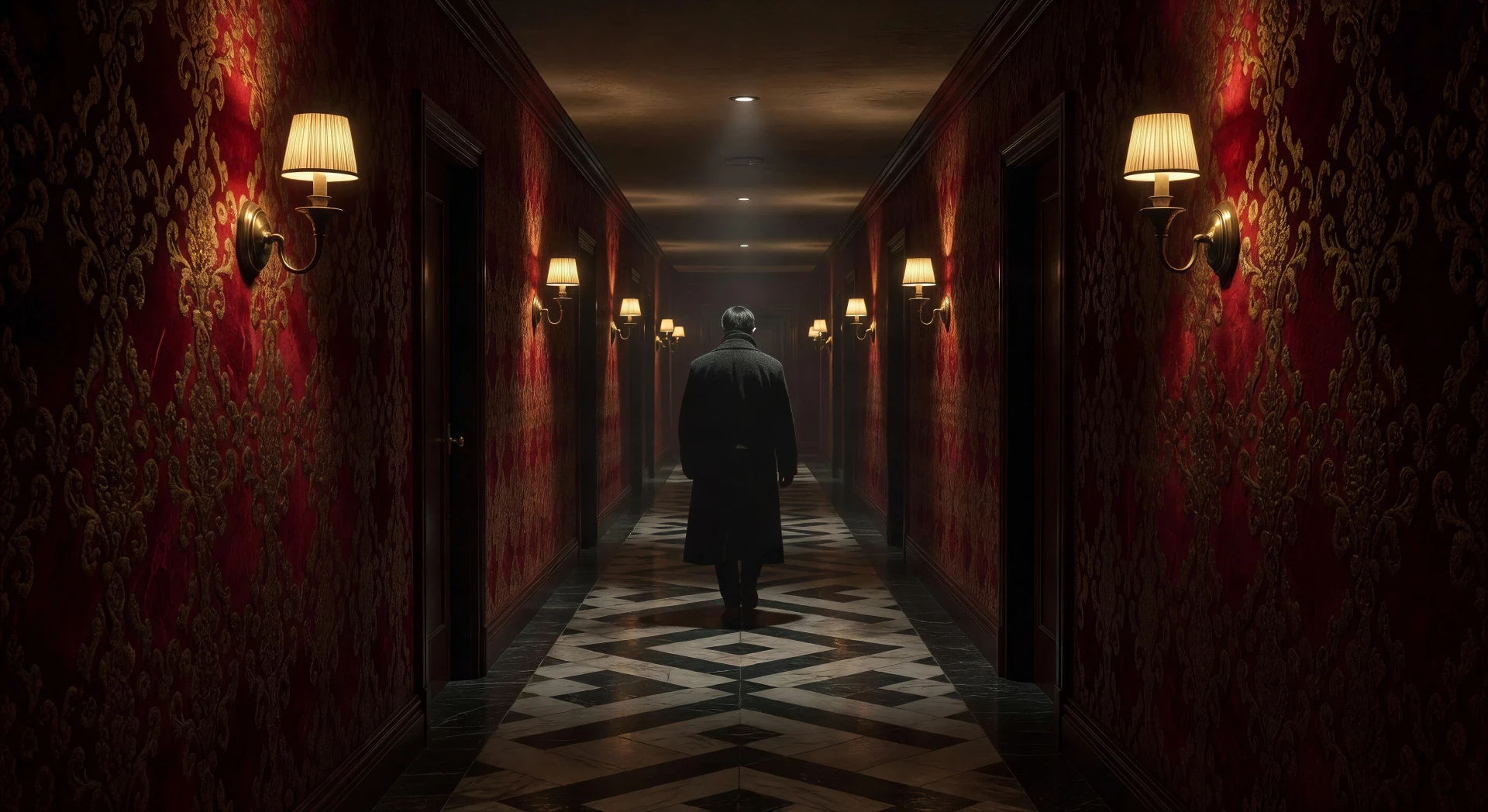
你可以创建的 朴赞郁 风格角色
你可以执导的 朴赞郁 风格场景
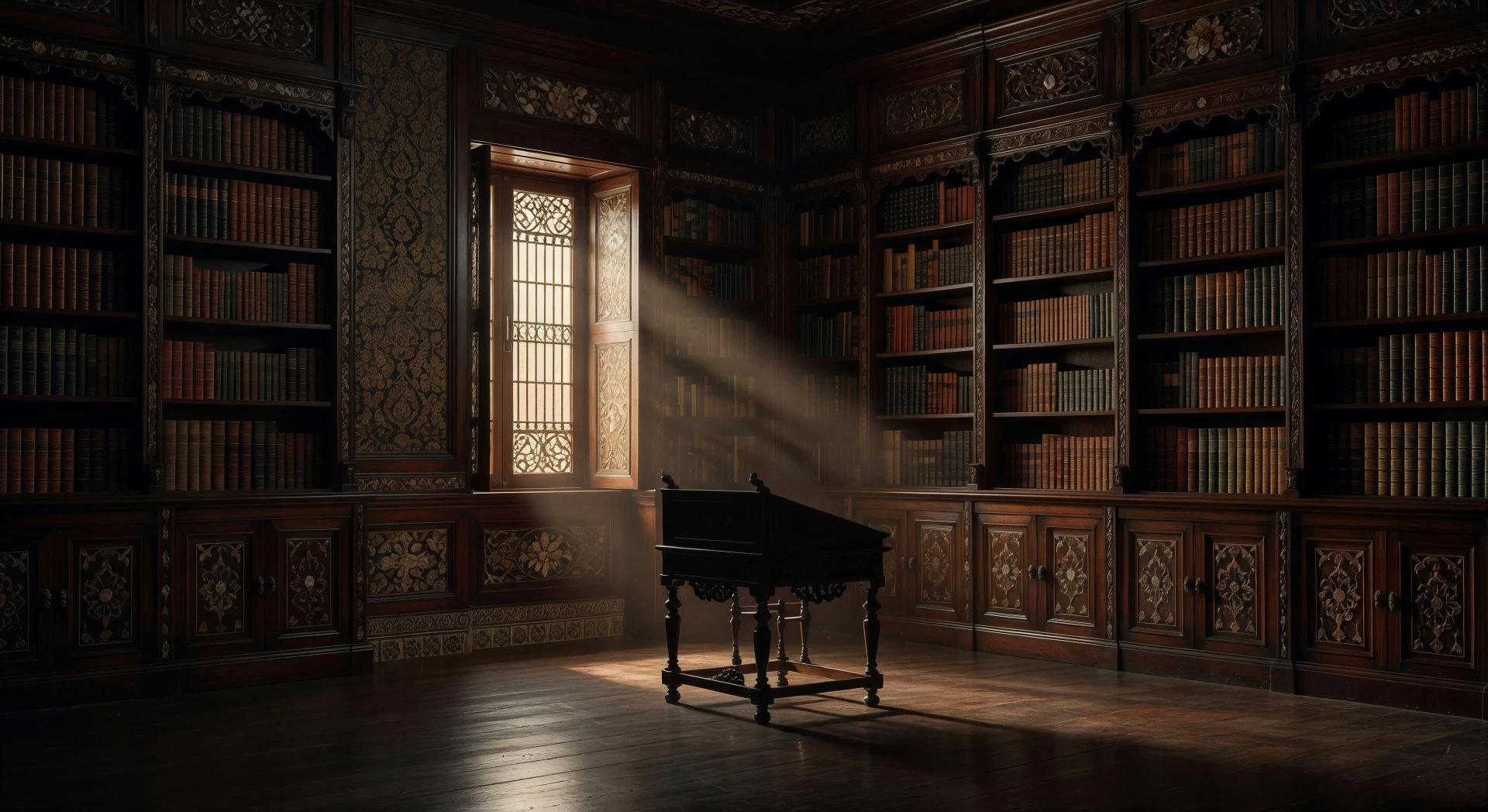
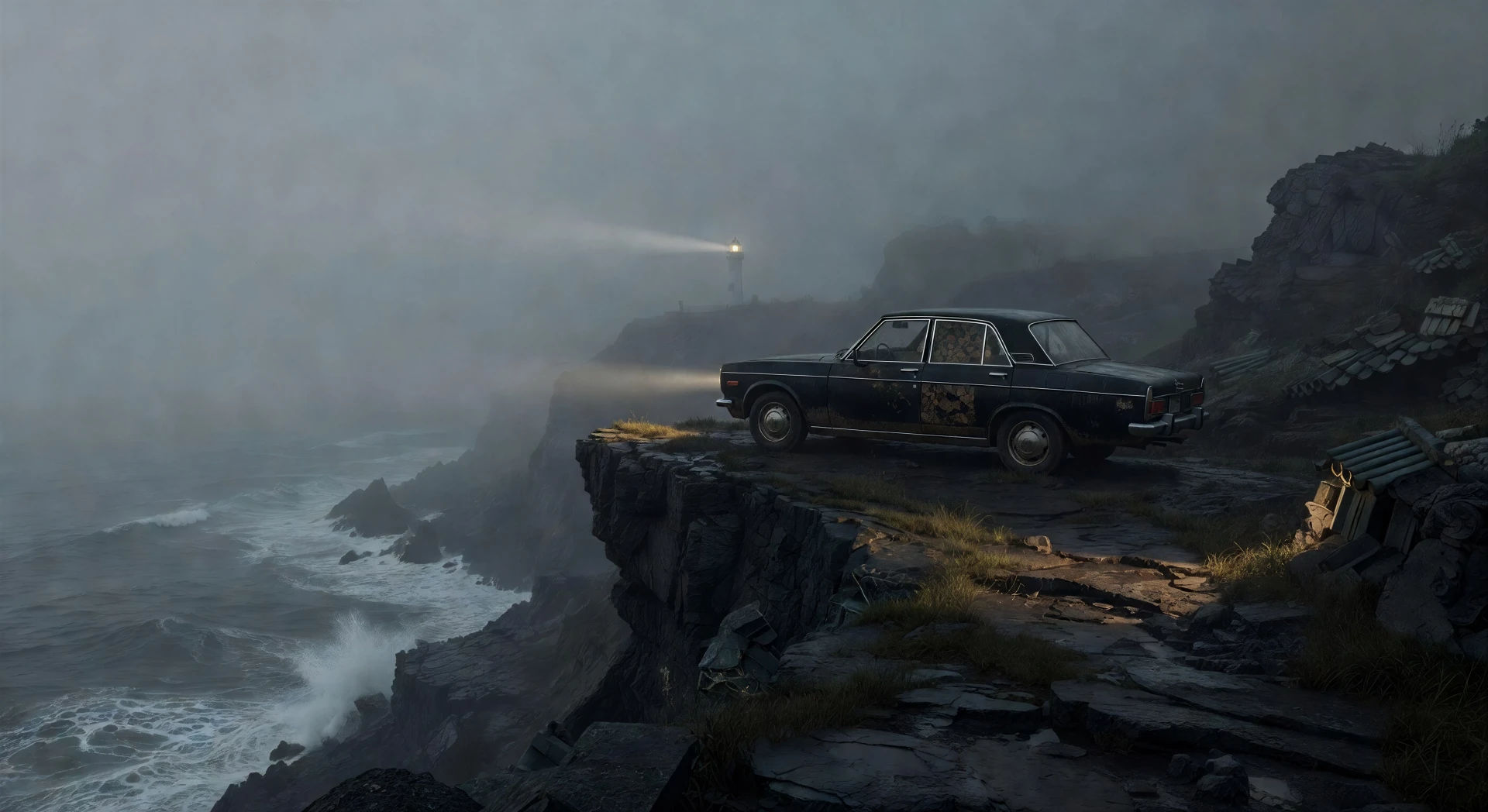
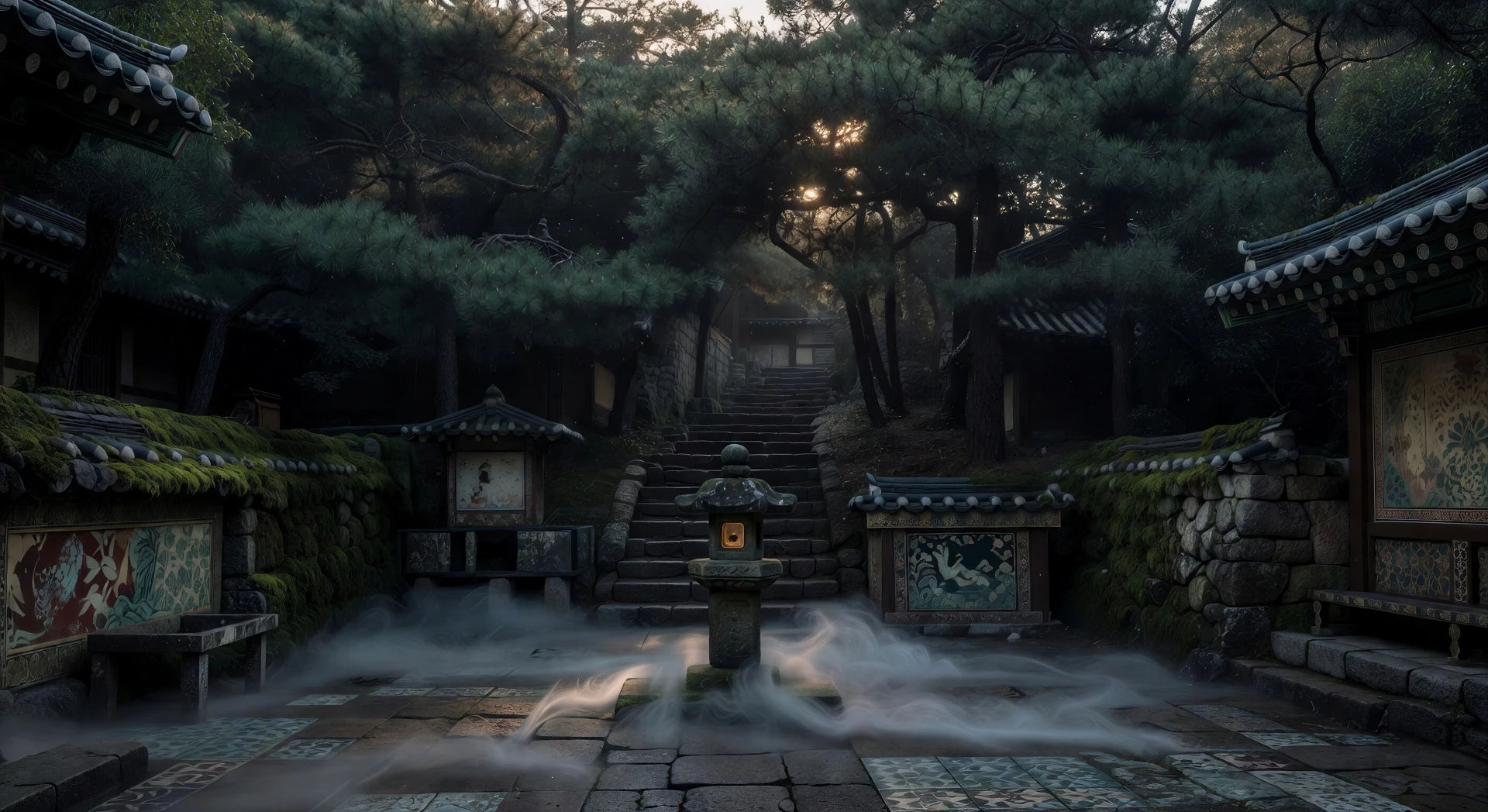
三步制作朴赞郁视频
- 一
描述你的朴赞郁场景
用简单的话写下你想要的朴赞郁场景。
- 二
生成视频
Morphic 在几秒内于画布上生成电影级片段。
- 三
优化你的朴赞郁视频
调整提示词,重新生成,满意后即可下载或分享。



你可能也喜欢
简单定价
今天就免费开始,随时可以升级或取消。
Basic
$9/ 月
账单金额为 $0 每年1100 每月 信用
1 个用户
所有模型
工作流
Standard
$24/ 月
账单金额为 $0 每年3625 每月 信用
1 个用户
所有模型
工作流
Pro
$45/ 月
账单金额为 $0 每年6350 共享 每月 信用
1 用户
+ 最多 4 人额外付费可增加
所有模型
工作流
Pro Max
$170/ 月
账单金额为 $0 每年24650 共享 每月 信用
1 用户
+ 最多 9 人额外付费可增加
所有模型
工作流
Enterprise
更高的限制
自定义
定价和账单条款
大容量信用
自定义席位限制
所有模型
工作流

Free
供随意体验
$0
永久免费
最多 20 积分
仅1个用户
部分模型
工作流
常见问题
我在哪里可以用 AI 制作 朴赞郁 风格视频?
你可以在 Morphic 上直接在浏览器里创建 朴赞郁 风格场景。打开 Text to Video 工具,描述时代、房间、绘画般的构图和镜头运动,Morphic 便会生成片段。无需安装,也不需要专业软件。
在 AI 提示词中,什么定义了 朴赞郁 风格?
三样东西:以华丽花纹表面、人物置于刻意几何点位为特征的绘画般构图;镜头沿着走廊或海岸耐心移动、不间断的长镜头;以及一个驱动壁纸、服装与建筑的时代锚点(1930 年代殖民时期、1970 年代首尔,或当代黑色电影)。把这三样都点明,Morphic 才不会退回到平淡的惊悚片镜头。
在 朴赞郁 场景里,长镜头该怎么写提示词?
明确指定运动方式:「沿着贴壁纸走廊、在整个运动过程中始终保持画面的缓慢跟随长镜头」「横向移动穿过崖间小径的不间断镜头」「在人物走下之前耐心地守住空荡楼梯」。告诉 Morphic 镜头不应剪切,并搭配足够宽的取景,让运动有施展的空间。
怎样把绘画般的构图写进 朴赞郁 风格场景?
点明花纹表面、人物的几何摆位,以及单一光源。例如:「华丽的红金壁纸向灭点退去,一个人物恰好置于三分线上,黄铜壁灯的光沿着每面墙交替,漆地映出每一处反光。」Morphic 对「绘画般」和「静物」这类构图提示反应很好。
我能给 朴赞郁 风格视频加上旁白和音乐吗?
可以。Speech 工具会用你选择的嗓音生成旁白,Music 工具会生成原创配乐。一段华尔兹、一段室内弦乐动机,或一条孤零零的哀伤钢琴旋律,都能干净地落在 Park 的调色板之中。
制作 朴赞郁 风格视频需要任何视频剪辑经验吗?
不需要。Morphic 在你的浏览器里运行,你用平实的语言提示词来执导它。任何能描述出一个 朴赞郁 场景的人都能做出一个。无需 After Effects、Blender 或手工绑定。