Berg aus Gold unter einer Höhlendecke
Ein aufragender Haufen aus Goldmünzen, Waffen und Juwelen, der eine kathedralengroße Höhle füllt, Feuerschein streift über den Schatz, die Decke verliert sich in der Dunkelheit darüber.
Prompt bearbeiten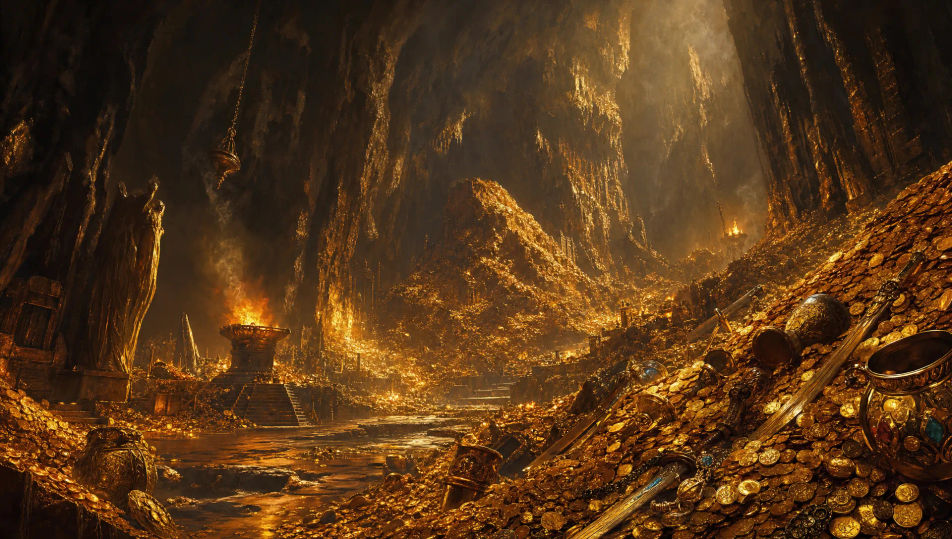
Erstellen Sie Drachenhorte im Browser mit dem KI-Bildgenerator von Morphic. Generieren Sie einen Goldschatz, der im Feuerschein glänzt, oder eine vulkanische Höhle, durchzogen von Magma, halten Sie eine Farbpalette und ein Licht mit Style Transfer, und lassen Sie dann Image to Video Funken aufsteigen und Fackeln flackern.
Ein aufragender Haufen aus Goldmünzen, Waffen und Juwelen, der eine kathedralengroße Höhle füllt, Feuerschein streift über den Schatz, die Decke verliert sich in der Dunkelheit darüber.
Prompt bearbeitenEin zerklüfteter Höhleneingang hoch in einer steilen Bergklippe, klauenzerkratztes Gestein um die Öffnung, warmes Licht glüht aus der Tiefe gegen einen kalten Dämmerhimmel.
Prompt bearbeiten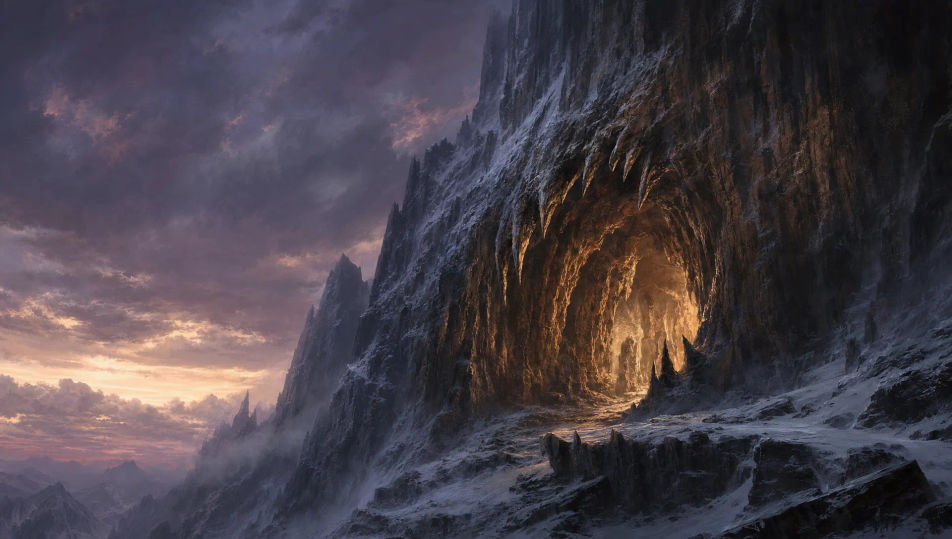
Ein breiter Kanal aus glühendem Magma, der eine schwarze vulkanische Höhle durchschneidet, verstreutes versengtes Gold an seinen Ufern, orangefarbenes Licht flutet die rauen Steinwände.
Prompt bearbeiten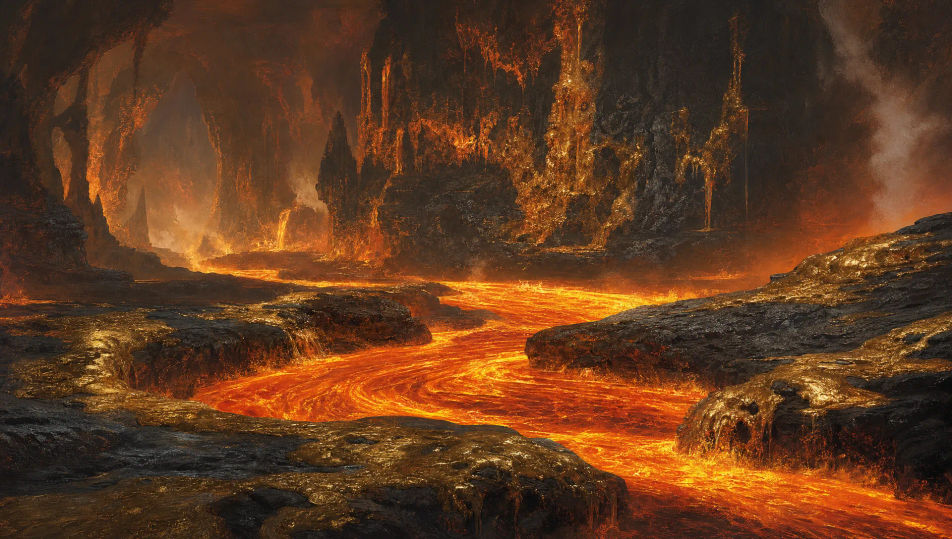
Eine Ausschüttung frostüberzogenen Goldes und Edelsteine, halb im Boden einer blauen Eishöhle vergraben, lange Stalaktiten über Kopf, kaltes Licht sammelt sich auf dem gefrorenen Schatz.
Prompt bearbeiten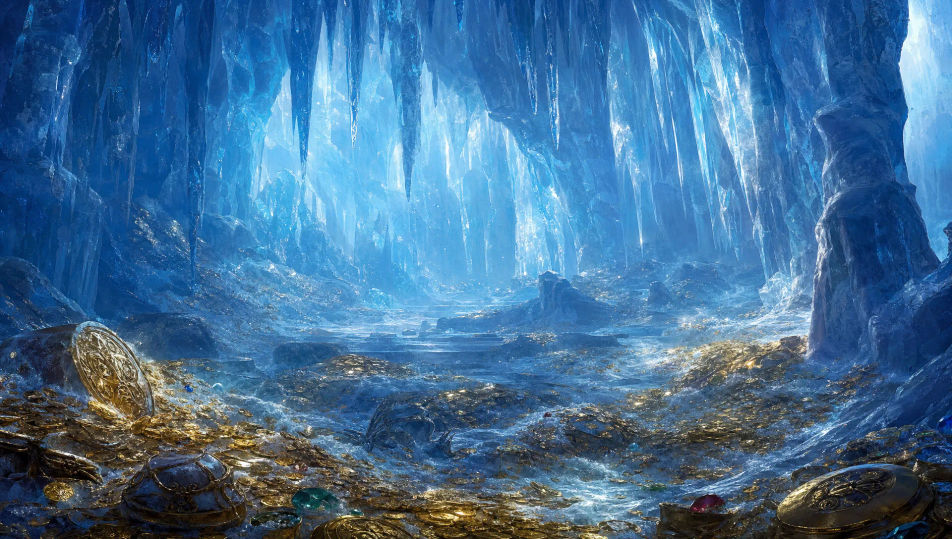
Beschreiben Sie das Drachenhort, das Sie möchten, in einfachen Worten.
Morphic generiert in Sekunden ein sauberes, veröffentlichungsfertiges Bild auf Ihrer Canvas.
Passen Sie den Prompt an, generieren Sie Varianten und laden Sie das Bild herunter oder teilen Sie es.
Choose your viewing angles and get precise perspective shifts of any image with full camera control.

Professional 7-panel location reference sheet from a single photo.
Set the look with one reference image. Apply that exact grade to any scene or batch.
Restyle any video in a completely new visual style. Every frame transforms, all motion stays intact.

Take any character image and generate 6 distinct facial expressions on a single reference sheet.
Photo of any real-estate becomes a cinematic renovation timelapse video with construction SFX and music.
Drachen-KI-Bilder
Erstellen Sie KI-Drachen-Bilder auf Morphic. Feuerwürmer, Frostdrachen, Sturmwyvern und Hort-Szenen aus Prompts in einfacher Sprache, mit konsistenten Schuppen über ein Set hinweg.
Höllenlandschaft-KI-Bilder
Erstellen Sie KI-Höllenlandschaftsbilder mit Morphic. Generieren Sie Höllenlandschafts-Szenen, -Landschaften und -Umgebungen für jedes Projekt in Sekunden.
Unterwasserkönigreich-KI-Bilder
Erstellen Sie KI-Bilder von Unterwasserkönigreichen mit Morphic. Generieren Sie Königreichsszenen, Landschaften und Umgebungen für jedes Projekt in Sekunden.
Magische-Bibliothek-KI-Bilder
Erstellen Sie KI-Bilder magischer Bibliotheken mit Morphic. Generieren Sie in Sekunden Szenen, Landschaften und Umgebungen magischer Bibliotheken für jedes Projekt.
Starten Sie noch heute kostenlos, mit der Option, jederzeit zu upgraden oder zu kündigen.
Basic
2400 monatliche Credits
1 Nutzer
Alle Modelle
Workflows
Standard
3625 monatliche Credits
1 Nutzer
Alle Modelle
Workflows
Pro
6350 gemeinsame monatliche Credits
1 Nutzer
Alle Modelle
Workflows
Max
24650 gemeinsame monatliche Credits
1 Nutzer
Alle Modelle
Workflows
Enterprise
Für höhere Limits
Individuell
Preis- und Abrechnungsbedingungen

Free
Zum Ausprobieren
$0
dauerhaft kostenlos