Design Isekai art in your browser with Morphic's Isekai AI image generator. Generate a dragon-tamer on a young dragon or a goddess avatar descending in a beam of light, lock class silhouettes with Character Lineup, then animate any frame with Image to Video.

Isekai art subjects you can design

Isekai compositions you can compose

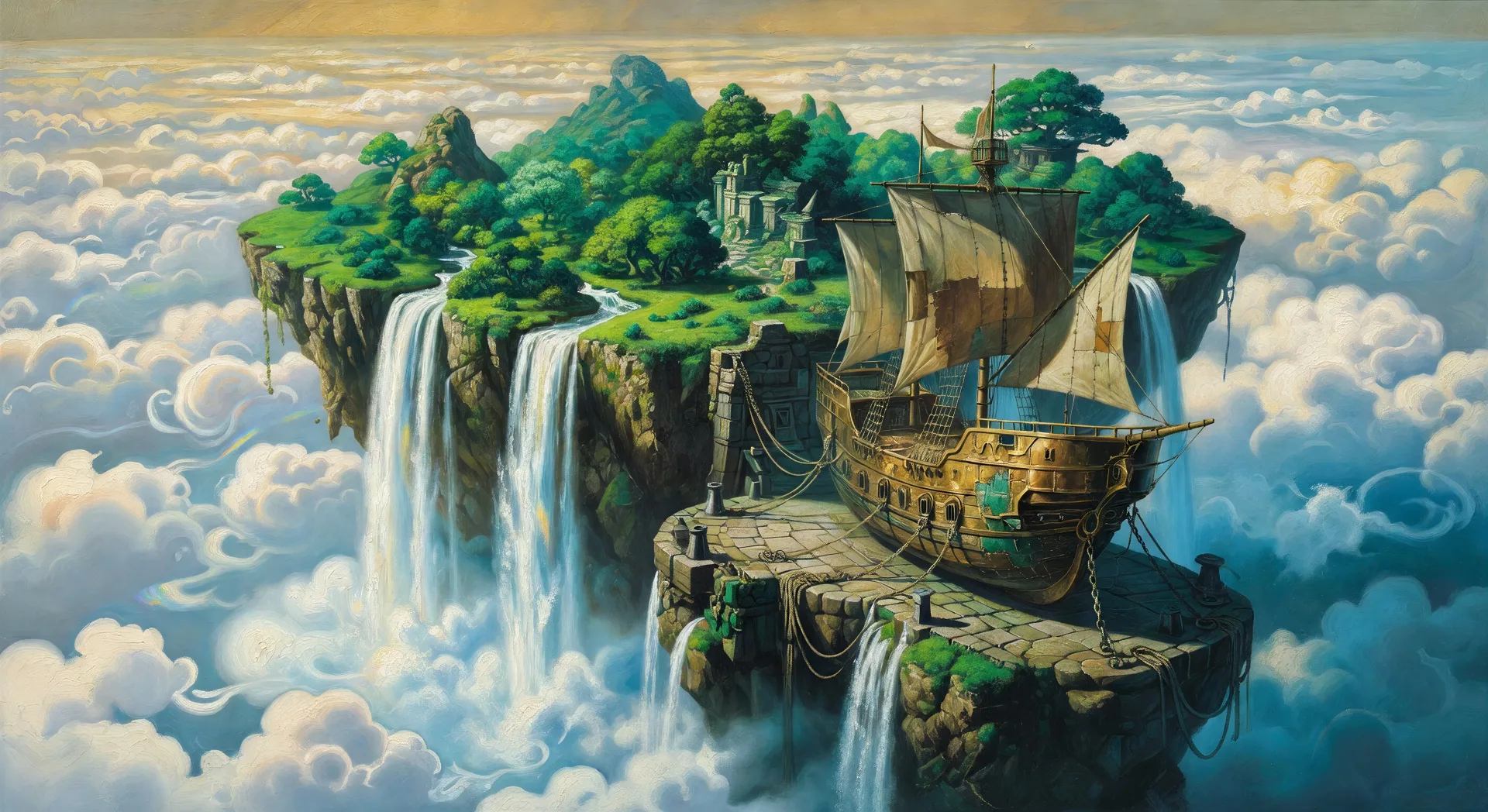
Floating sky island with airship

Wide painterly illustration of a floating green sky island under a soft cloud sea, brass-and-canvas airship docking at a stone landing pad, twin waterfalls cascading off the island's edge.

Prompt bearbeiten
Floating sky island with airship

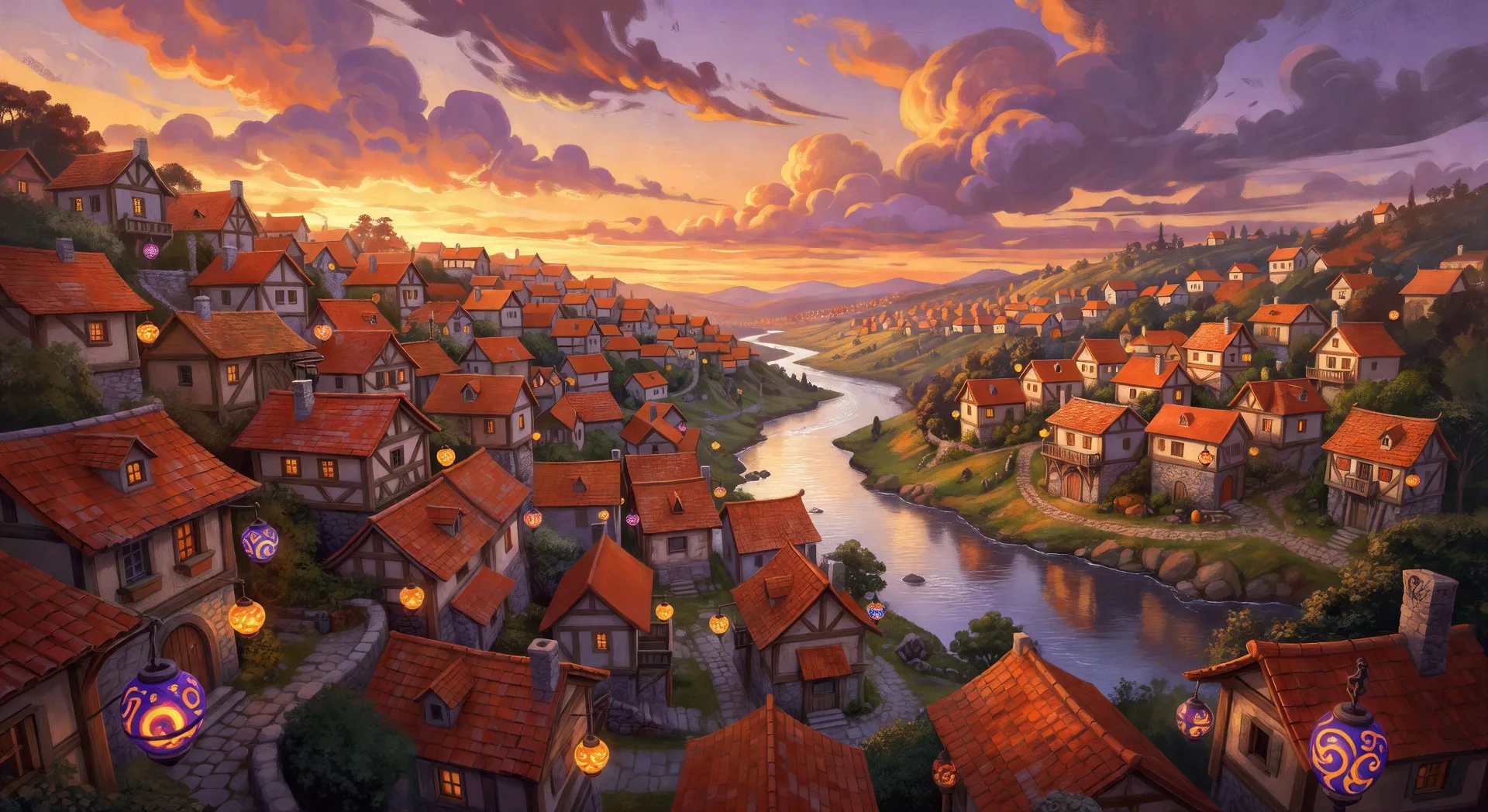
Mountain village rooftops

Aerial illustration over a hillside fantasy village at sunset, terracotta rooftops, painted lanterns lit at the eaves, river snaking through the valley below, painterly cloud structure overhead.

Prompt bearbeiten
Mountain village rooftops

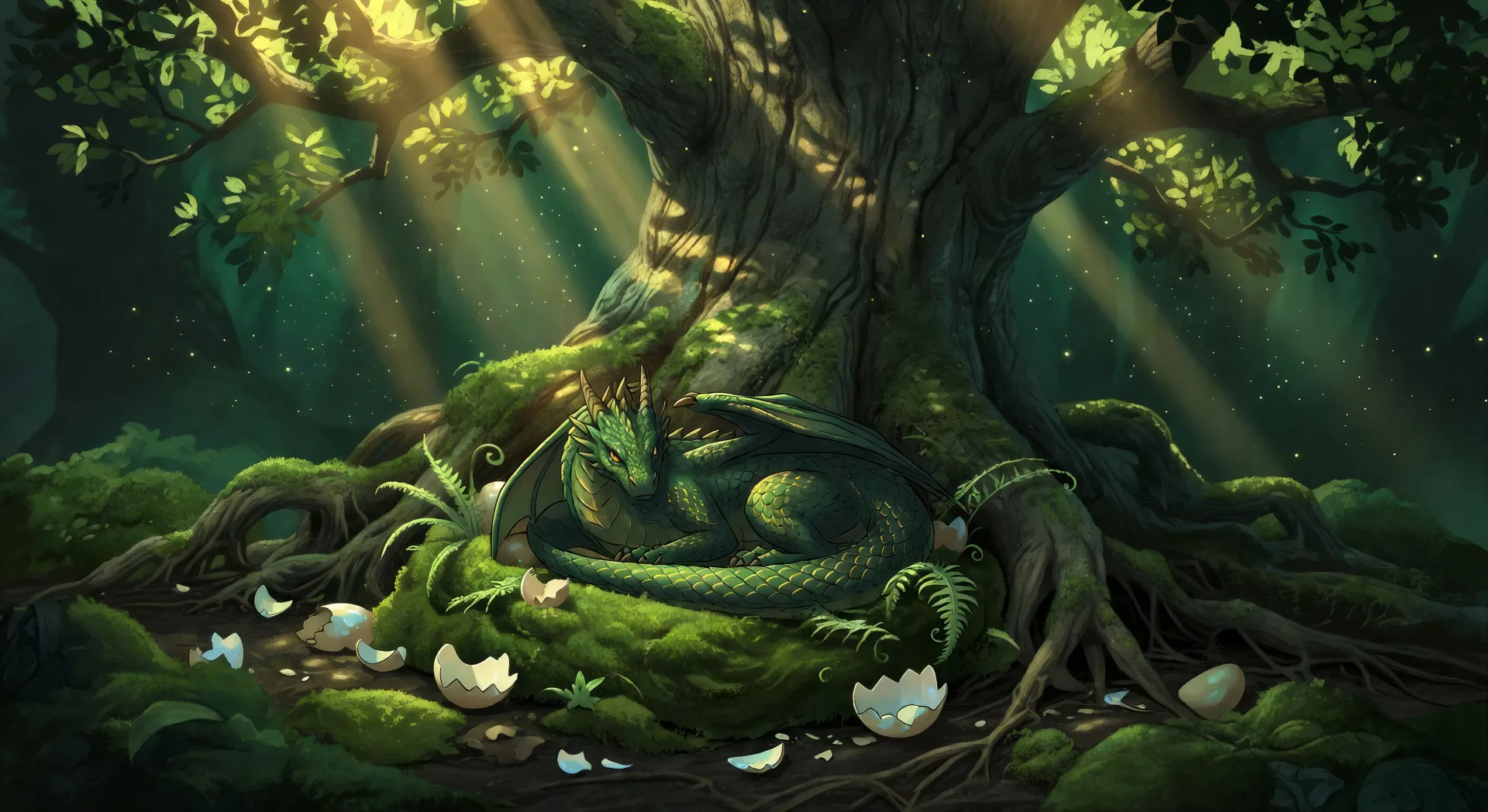
Forest dragon nest still life

Wide painterly still life of a young dragon curled in a moss-and-fern nest at the foot of an ancient tree, scattered eggshells, sun shafts through the canopy, dust motes drifting.

Prompt bearbeiten
Forest dragon nest still life

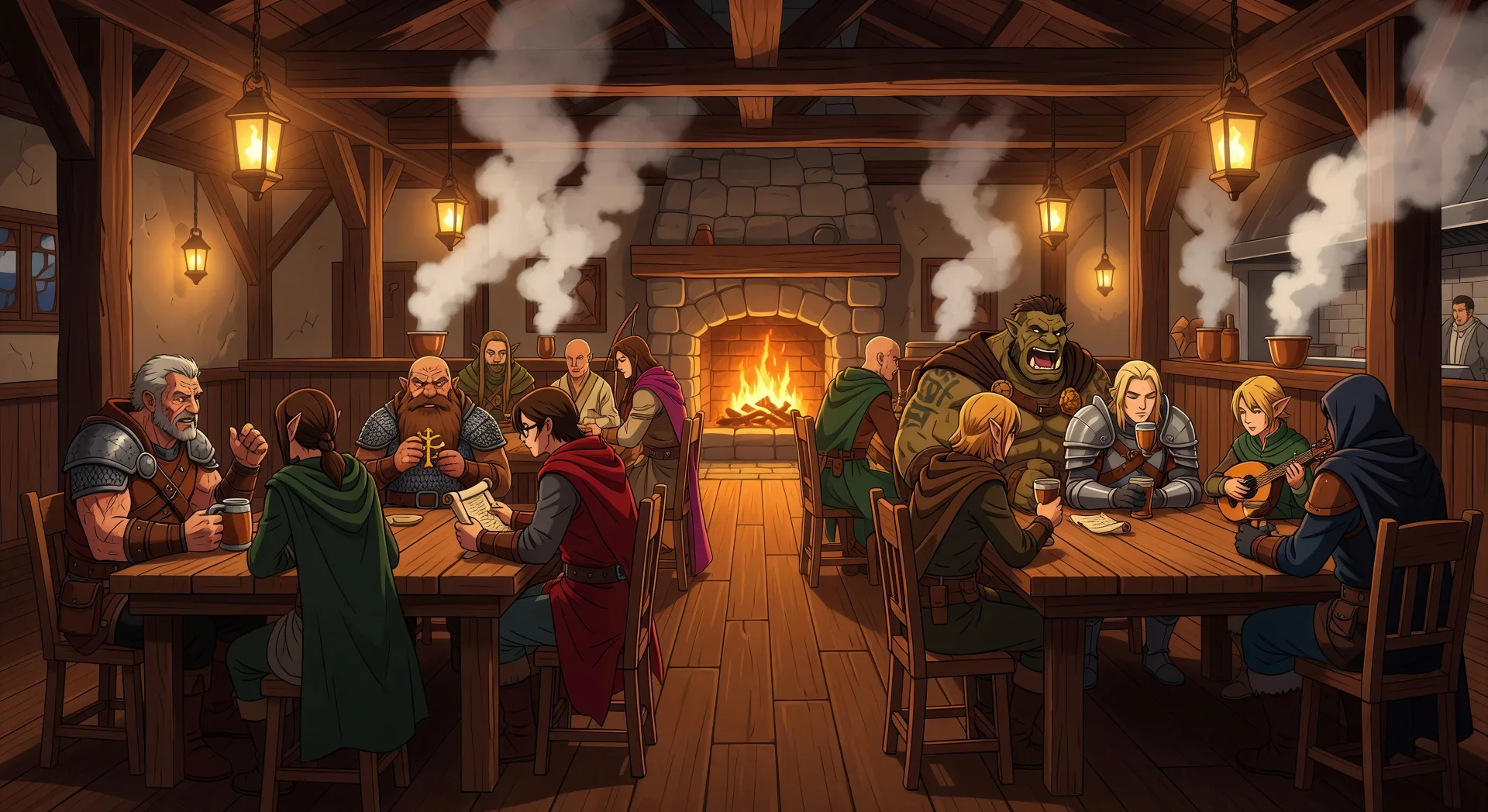
Tavern interior wide illustration

Wide tavern interior illustration at evening, eight original adventurers at four tables, hearth fire crackling at the back, kitchen steam rising from the pass, warm tungsten lantern light.

Prompt bearbeiten
Tavern interior wide illustration

Isekai art in drei Schritten erstellen

  1. 01

    Beschreiben Sie Ihr Isekai art

    Beschreiben Sie das Isekai art, das Sie möchten, in einfachen Worten.

  2. 02

    Bild generieren

    Morphic generiert in Sekunden ein sauberes, veröffentlichungsfertiges Bild auf Ihrer Canvas.

  3. 03

    Isekai art verfeinern

    Passen Sie den Prompt an, generieren Sie Varianten und laden Sie das Bild herunter oder teilen Sie es.

Verwandte Workflows

Das könnte Ihnen auch gefallen

Einfache Preise

Starten Sie noch heute kostenlos, mit der Option, jederzeit zu upgraden oder zu kündigen.

Basic

$0/ Monat
abgerechnet als $0 pro Jahr

900 monatliche Credits

1 Nutzer

Alle Modelle

Workflows

Standard

$0/ Monat
abgerechnet als $0 pro Jahr

3200 monatliche Credits

1 Nutzer

Alle Modelle

Workflows

Pro

$0/ Monat
abgerechnet als $0 pro Jahr

6200 gemeinsame monatliche Credits

1 Nutzer

+ bis zu 4 weitere gegen Aufpreis

Alle Modelle

Workflows

Pro Max

$0/ Monat
abgerechnet als $0 pro Jahr

24000 gemeinsame monatliche Credits

1 Nutzer

+ bis zu 9 weitere gegen Aufpreis

Alle Modelle

Workflows

Enterprise

Für höhere Limits

Individuell

Preis- und Abrechnungsbedingungen

Unbegrenzte Credits
Individuelle Platzlimits
Alle Modelle
Workflows
Pricing Gradient

Free

Zum Ausprobieren

$0

dauerhaft kostenlos

Bis zu 20 Credits
Nur 1 Nutzer
Eingeschränkte Modelle
Workflows

Häufig gestellte Fragen

Where can I make Isekai art with AI?
You can create Isekai art directly in your browser on Morphic. Open the Image tool, describe the subgenre, register, and lighting spelled out, and Morphic produces the artwork. No installs and no specialist software needed.
What Isekai art registers can I generate?
Class-card character portraits (knight, mage, archer, rogue, healer), world-map cartography on aged parchment, tavern wide compositions, dungeon library interiors, dragon nest still life, and floating sky island wide illustrations. Cite the register upfront so Morphic picks the right composition.
How do I keep Isekai characters consistent across multiple class cards?
Use the Character Lineup workflow to lock in each character's class, signature gear, and palette before you produce any cards, then reference those cards in every prompt. Morphic preserves the design across class portraits, tavern wides, and dungeon scenes so a campaign deck feels continuous.
How do I prompt for the painterly fantasy Isekai look?
Stack the painterly cues. Use phrases like "painterly cloud structure overhead", "terracotta rooftops", "hand-drawn fantasy world map", "ink-and-watercolour illustration", "warm tungsten lantern light". Painterly medium plus warm fantasy lighting is what separates an Isekai result from a generic RPG illustration.
Can I turn my Isekai art into an Isekai video?
Yes. Open the Image to Video tool, upload the still you generated, and describe the motion you want (a slow camera reveal of the sky island, a dragon stretching its wings, a tavern door swinging open). Morphic animates from the source illustration so the video keeps the same character and world design.
Do I need any prior drawing experience to make Isekai art?
No. Morphic runs in your browser and you direct it with plain-language prompts. Anyone who can describe an Isekai character or scene can produce one. Pen-and-tablet illustration, fantasy concept-art technique, and digital paint software are not required.