Generate game assets and characters
Generate props, items, environments and NPC characters in your game's style on Morphic, clean them up, and export them for your engine.
Game assets and characters on Morphic are generated in your game's look by adding your style element to the prompt. The same steps make props, items, environments and NPC characters.
Generate an asset or character
-
Once your style element is ready, open a new file on Morphic
-
In the prompt bar, describe the asset or character you want, for example
a rusted iron sword with a leather grip, three-quarter view, plain white backgroundoran old fisherman NPC, full body, front view, plain white background -
Click the 'Add saved element' icon in the prompt bar and select your style element
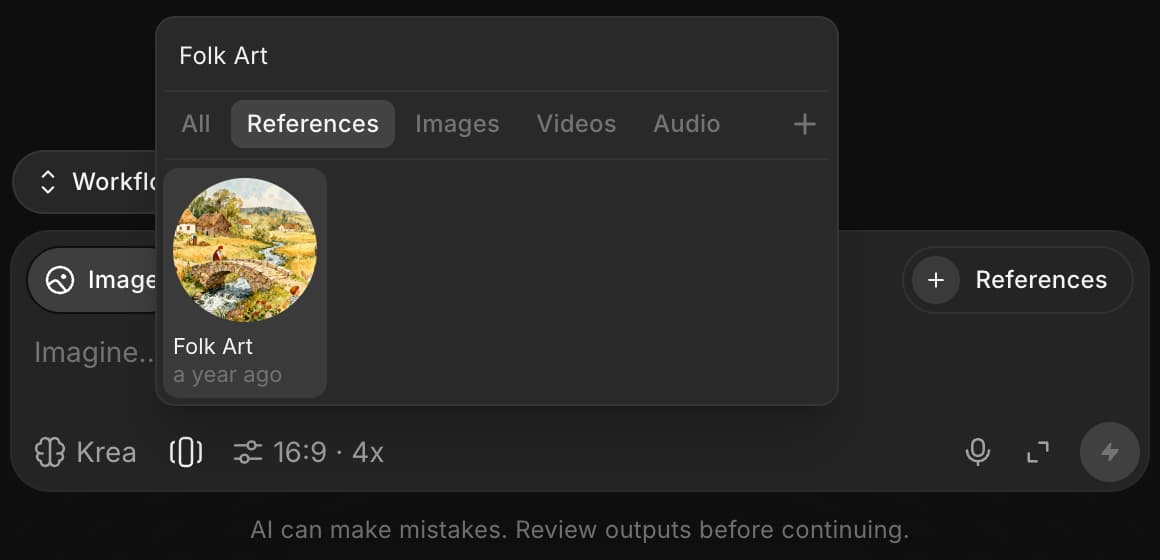
-
Click the blue button in the prompt bar
-
Pick the result you want to use
To keep one NPC the same across many images, save the character as its own character element and add it alongside the style element.
Change part of it
- Select the image and choose 'Region selection', or 'Guided selection' to draw a freeform outline
- Drag over the area to change, such as the background around a sword or a character
- Describe the change, such as a plain white background, and click the blue button
See Inpainting for more on targeted edits.
Transparent background
For a sprite or an icon with no background, generate it on a plain, flat-colored background, then attach it in Copilot and ask for "a transparent PNG of this, removing the white background". Copilot keys out the flat color without generating anything, so it costs only the Copilot reply. It works on one flat color, not on a busy background.
Export
Download the assets as PNG, JPEG or WebP. For several poses or angles of one character, see Character sprite sheets.
For a 3D model of a prop, Morphic turns photos of an object into a 3D model through the Morphic MCP and Morphic for Blender on paid plans; it is not on the Canvas.
That's how you generate game assets and characters on Morphic, ready for your game.
If you have any trouble or have any questions, feel free to reach out. We're happy to help. Write to us at support@morphic.com.