AI 영상 이펙트와 VFX
프롬프트나 사진으로 이펙트 숏을 만들고, 직접 촬영한 클립에는 바꾸고 싶은 내용을 지시하세요. 그다음 Compose 타임라인에서 마스크, 그레이딩, 믹스, 익스포트까지 끝냅니다.

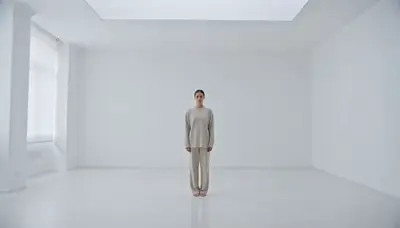
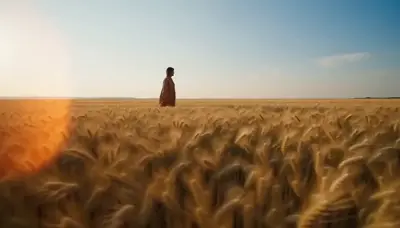
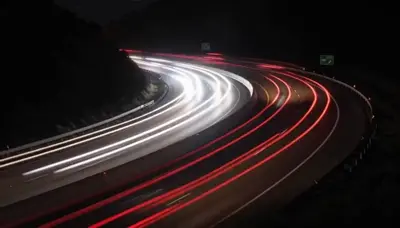
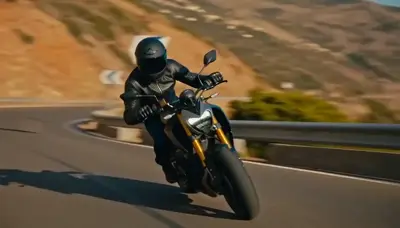
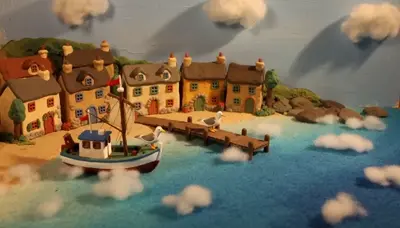
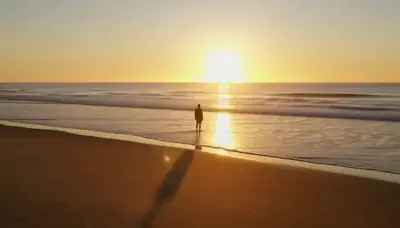
Camera & optical looks
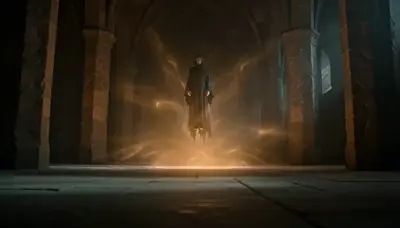
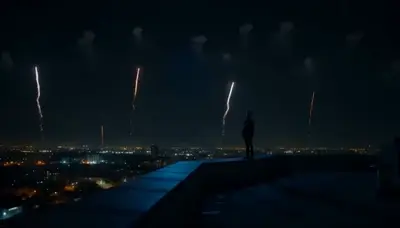
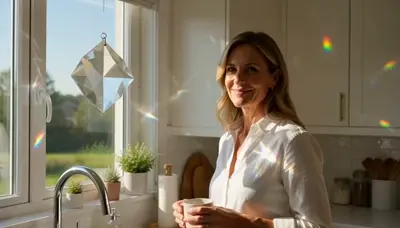
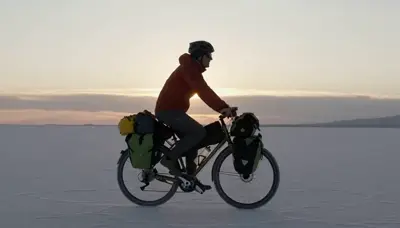
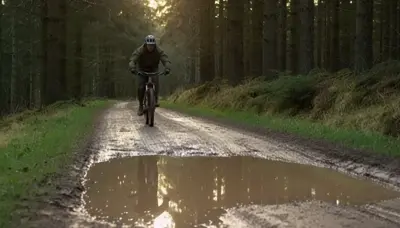
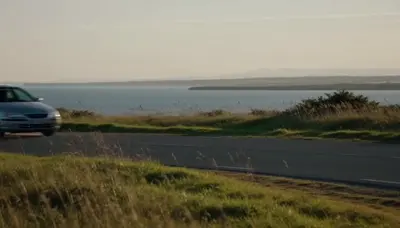
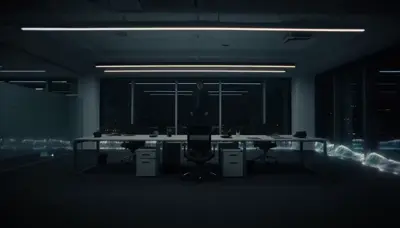
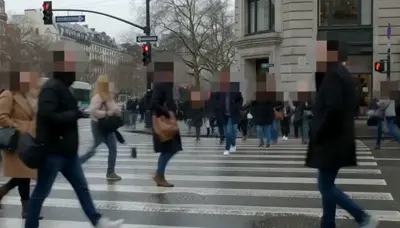
Motion blur, tilt shift, light leaks, light trails, hyperlapse and other in-camera effects.
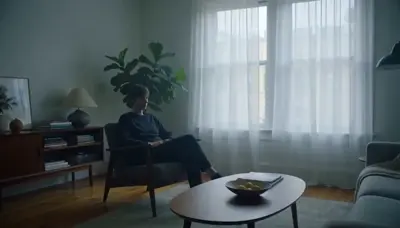
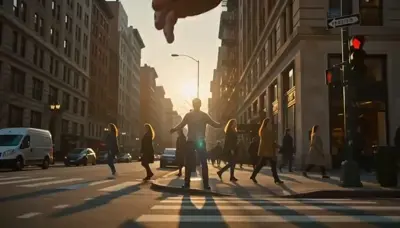
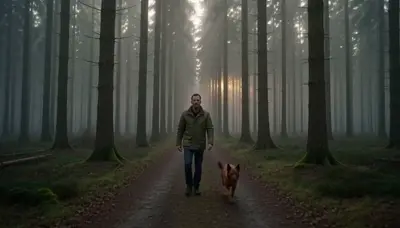
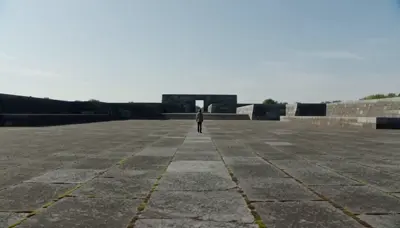

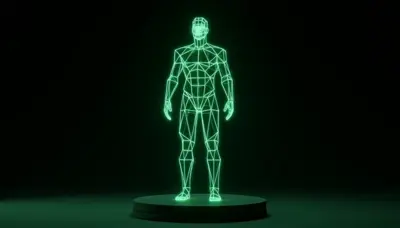
Retro & stylised
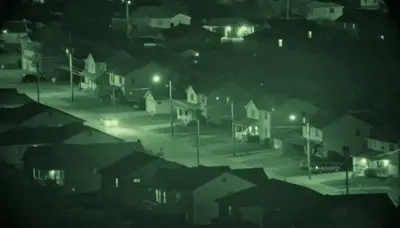
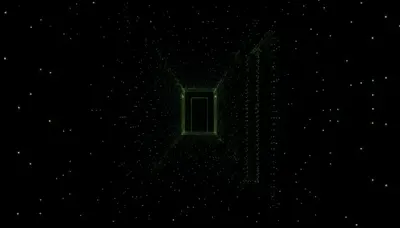
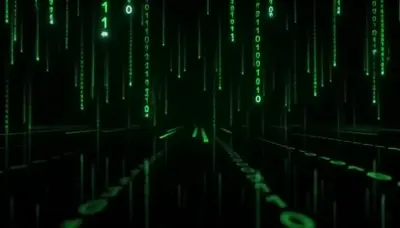
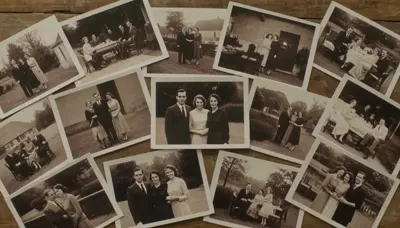
VHS, matrix code, pixelate, wireframe, point cloud and other rendered looks.
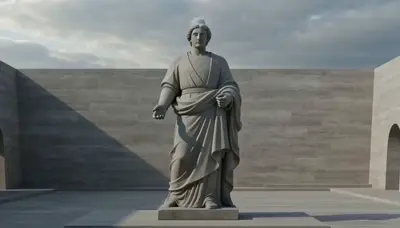
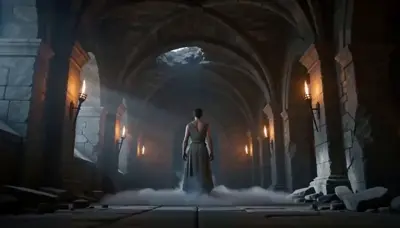
Transformations
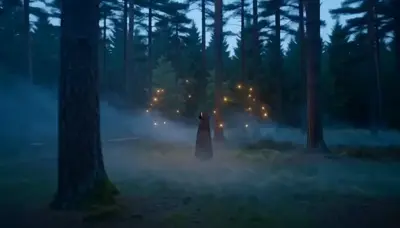
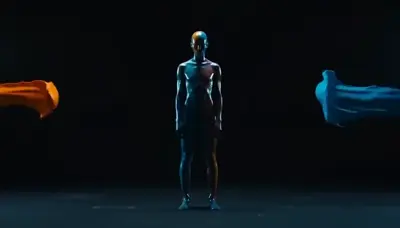
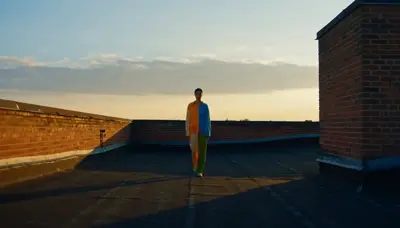
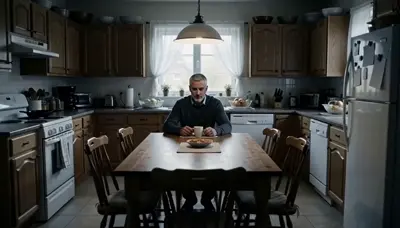
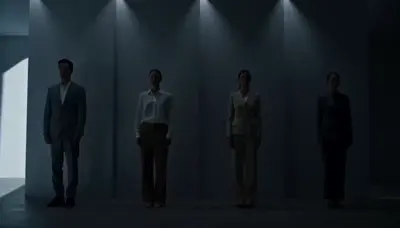
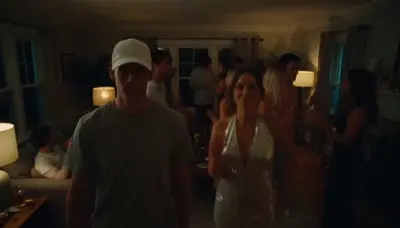
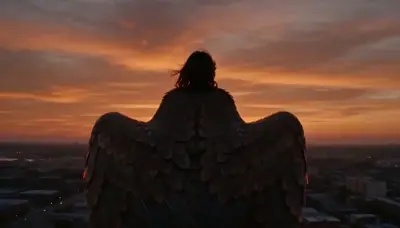
Face morphs, turn-to-dust, liquid metal, become-a-creature and other changes to a subject.
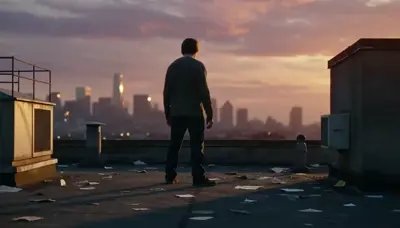
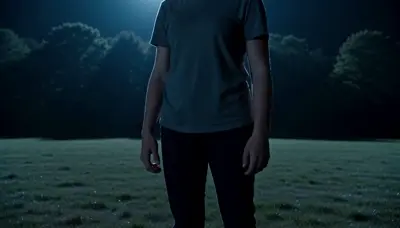
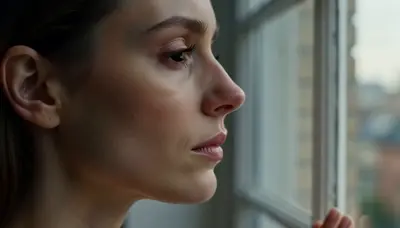

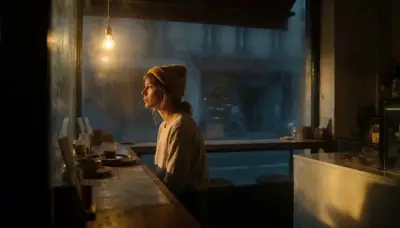
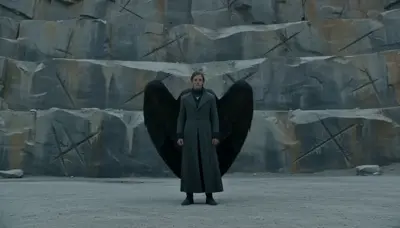
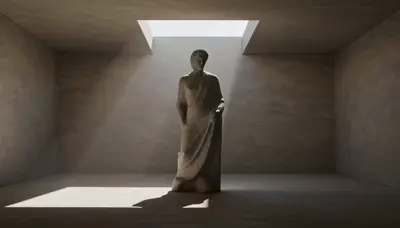
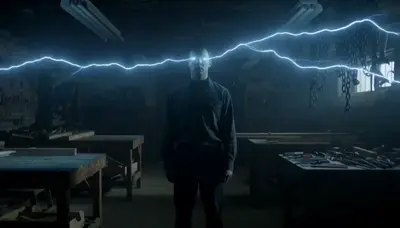
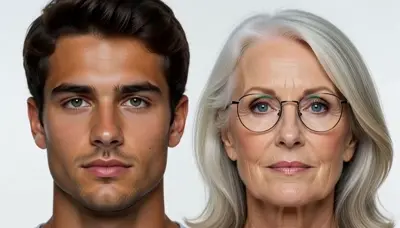
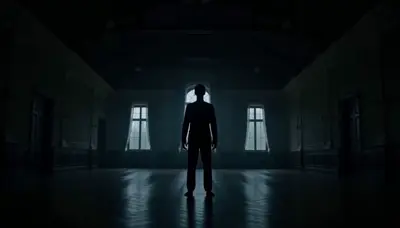
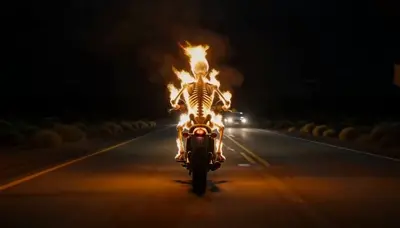
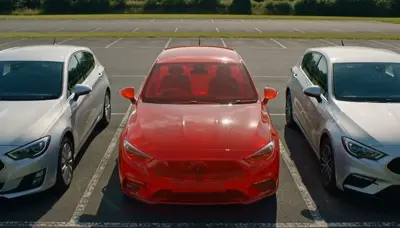
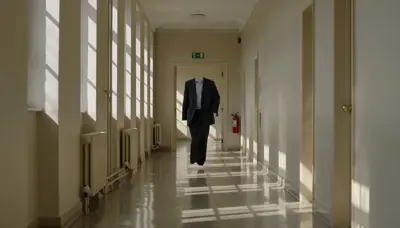
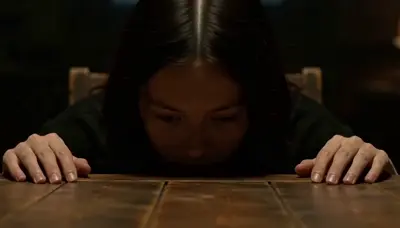
Destruction & physics
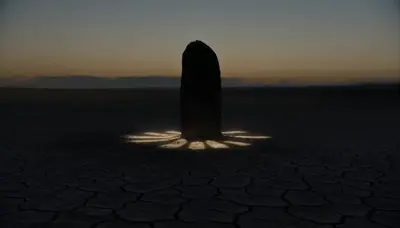
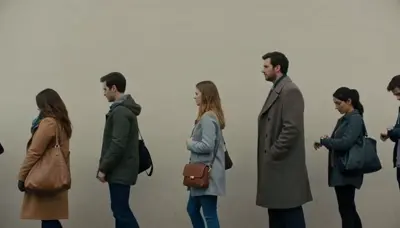
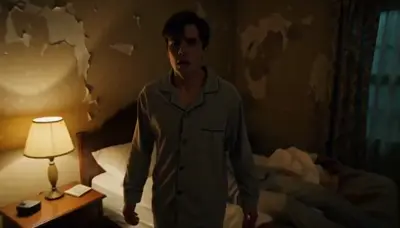
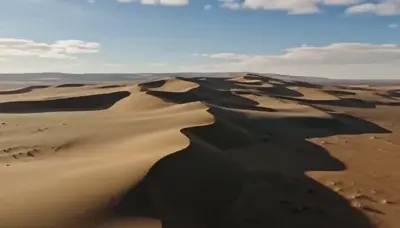
Shatter, explosions, powder bursts, sand, stone and falling objects.
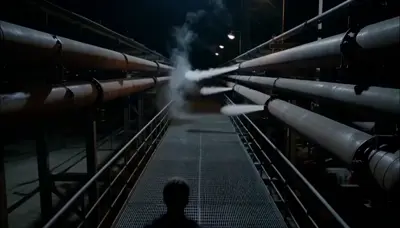
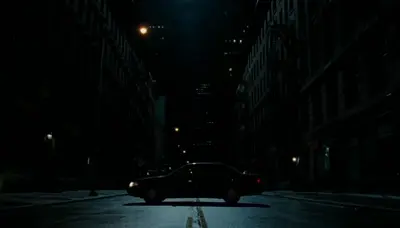
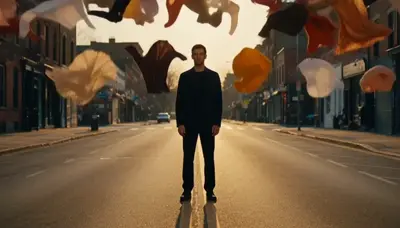
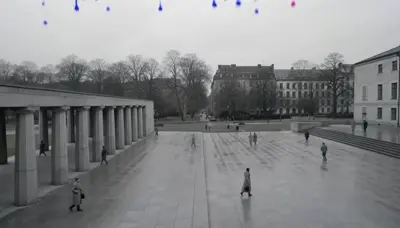
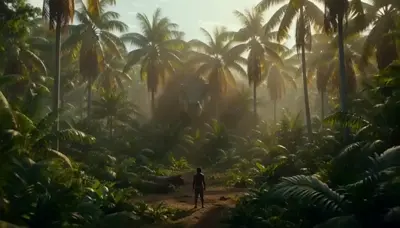
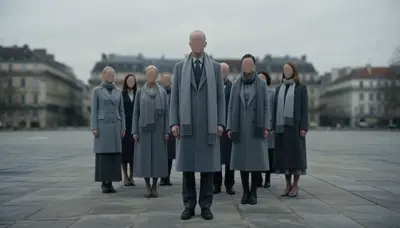
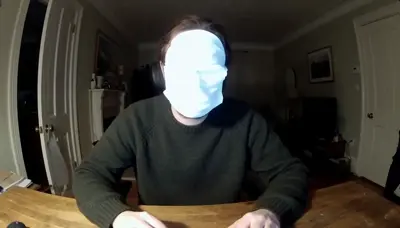
Persona & outfit switch
Outfit swaps, gala dresses, camo, shades on and other look changes on one person.
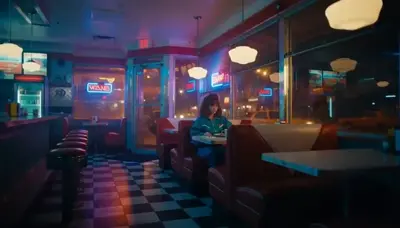
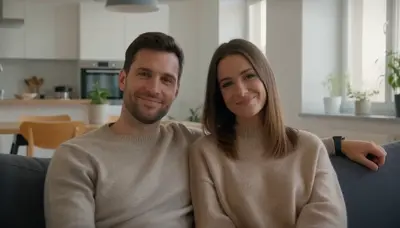
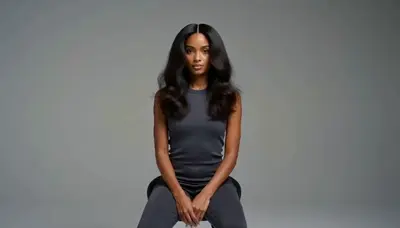
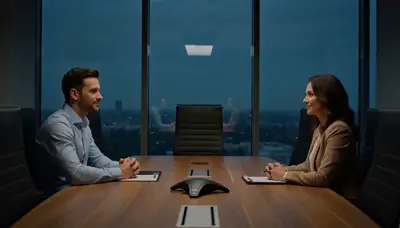
Two-person interaction
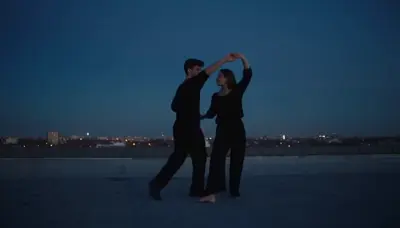
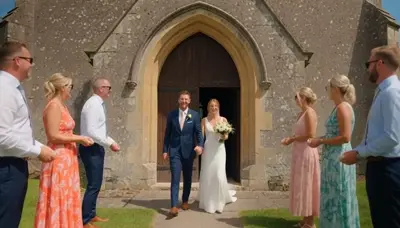
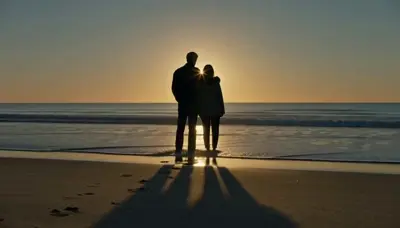
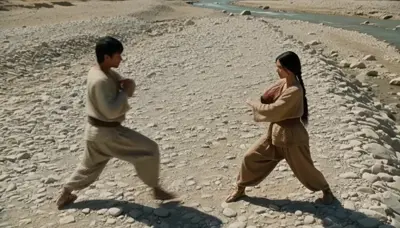
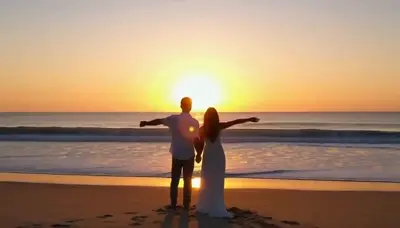
Hugs, handshakes, couple shots, fights and other effects that bring two subjects together.
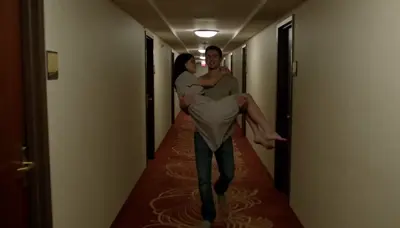
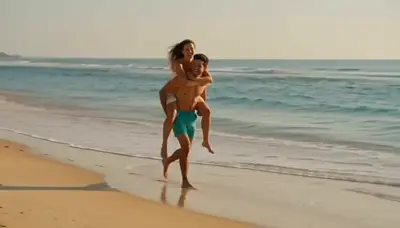
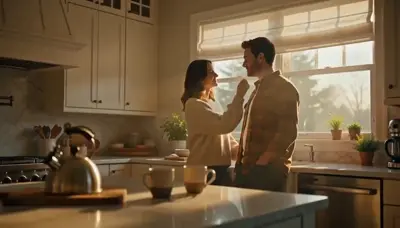
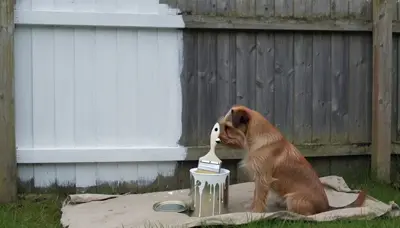
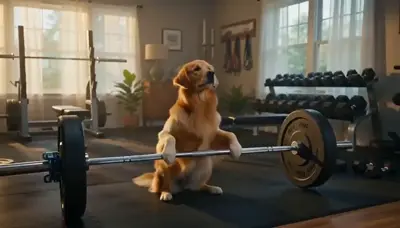
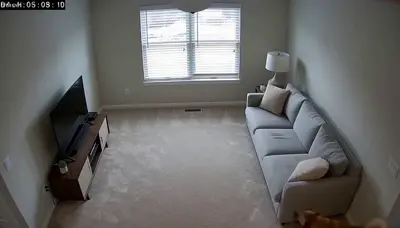
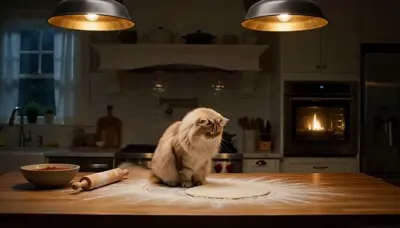
Pets
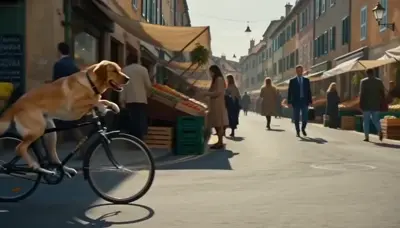
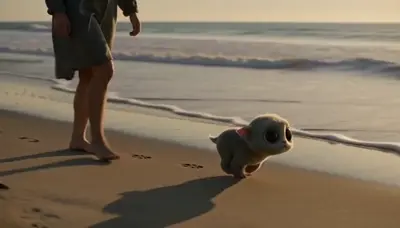
Party hats, talking pets, pet interviews and other animal effects.

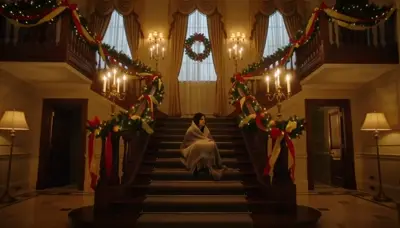
Festival & seasonal
Christmas, Halloween, New Year and other holiday scene dressing.
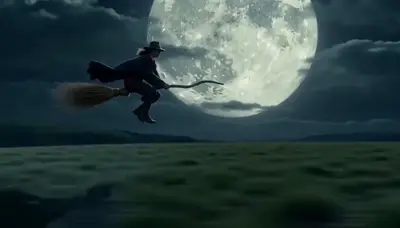

Commercial & product
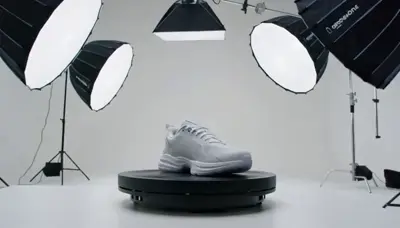
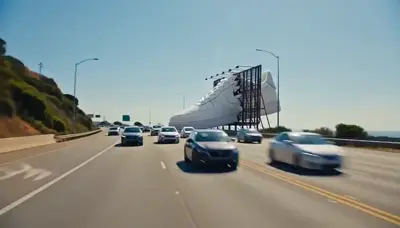
Unboxing, juice bursts, product fly-ins and other product-led effects.
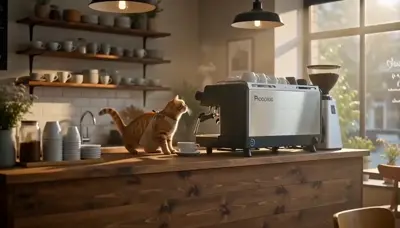

Transitions
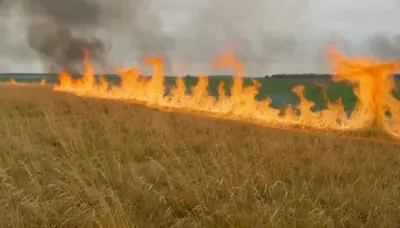
Dust, smoke, flame, portal and other frame-to-frame transitions.
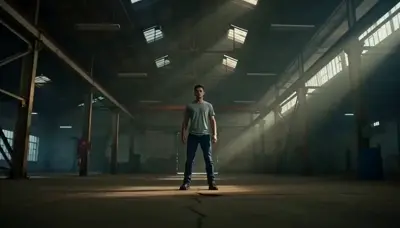
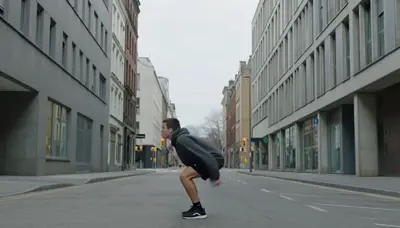
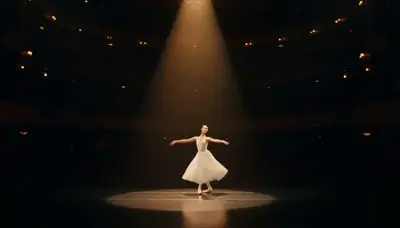
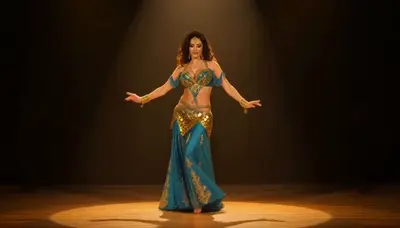
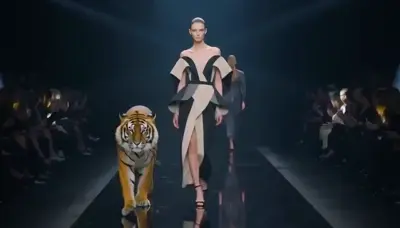
Motion & action
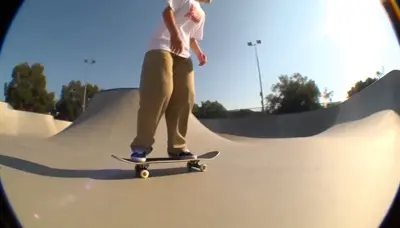
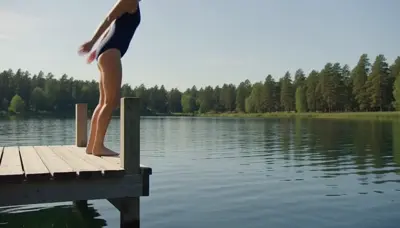
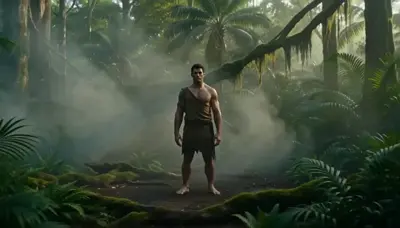
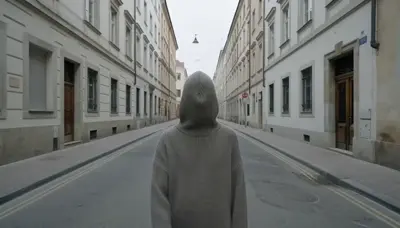
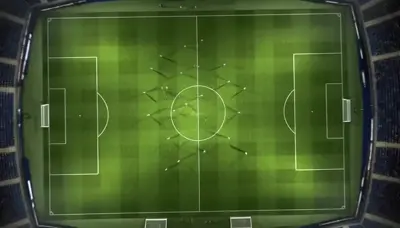
Dances, walking, catwalks, backflips, parkour and other movement effects.
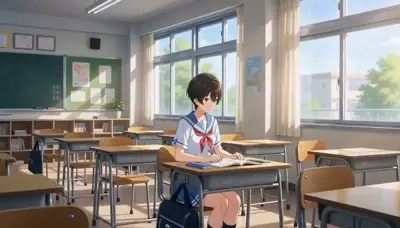
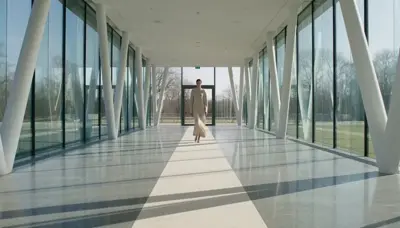
Camera control & real estate
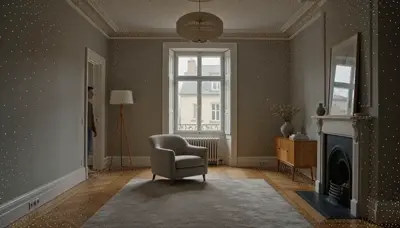
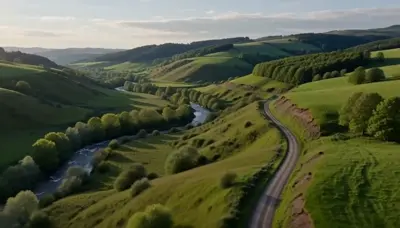
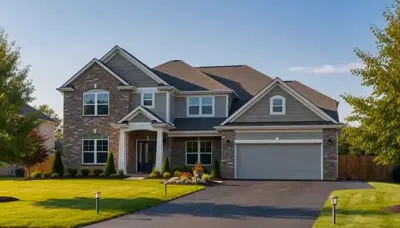
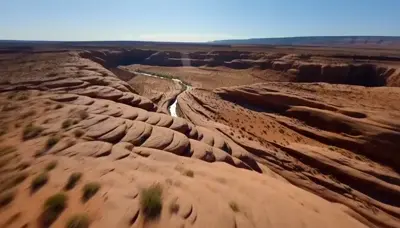
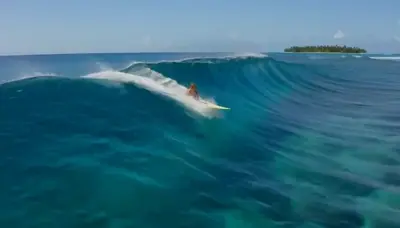
Earth zoom, FPV flight, parallax, interior reveals and other camera-led effects.
Viral scenarios
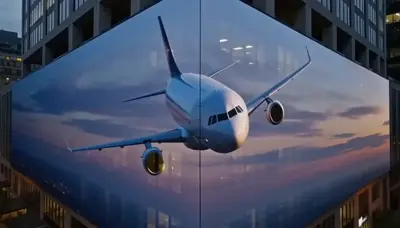
Private jet, red carpet, luxury drive and other scenario effects around one person.
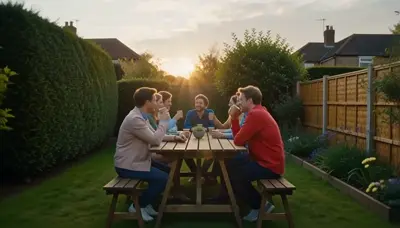
Art & stylisation
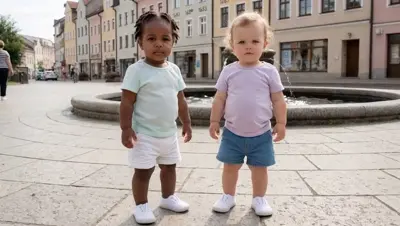
Line drawing, plush toy, emoji, movie poster and other art-led effects.

수작업 컴포지팅이냐, 하나의 워크스페이스냐
수작업 로토
한 프레임에서 인물이나 오브젝트를 지정하면 Compose가 표시한 대상을 숏 전체에서 따라가는 마스크를 만듭니다. 그레이딩을 마스크 안쪽에만 적용할 수도 있고, 마스크로 아래 트랙이 드러나게 할 수도 있습니다.
룩마다 다른 플러그인
블러, 샤픈, 필름 그레인, 비네트, 글로우, 크로마키는 클립에 바로 걸고, 그레이딩은 조정 레이어에 올려 아래 전체에 적용할 수 있습니다.
한 군데가 잘못돼서 재촬영
클립에 지시를 줘서 숏에서 한 가지만 바꾸거나, 마지막 프레임 뒤로 길이를 늘리세요. 기존 클립 편집은 유료 플랜 기능입니다.
데스크톱 편집 툴과의 왕복
편집, 컬러, 사운드, 자막, 익스포트까지 숏을 만든 곳에서 그대로 진행됩니다.
우리 푸티지, 여러분의 워크스페이스
자체 제작 푸티지만 사용
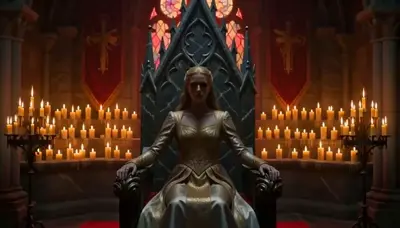
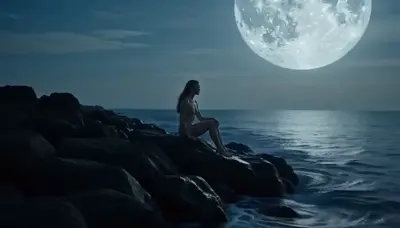
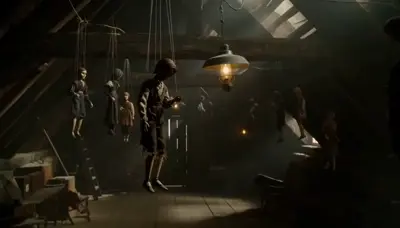
이 페이지의 모든 클립은 Morphic에서 생성했습니다. 스튜디오 촬영 푸티지도, 타사 캐릭터도, 저작권이 없는 소재도 쓰지 않았습니다.
타임라인 하나를 여러 사람이 동시에
같은 Compose 타임라인을 여러 사람이 실시간으로 편집할 수 있고, 편집 권한과 보기 전용 권한을 나눌 수 있으며 자동 저장됩니다. 실시간 공동 작업은 Pro 플랜 이상에서 쓸 수 있습니다.
프레임에 남기는 코멘트
코멘트는 프레임이나 구간에 고정되고, 화면 위에 그린 표시까지 함께 담기며, 클립을 트림하거나 옮겨도 따라갑니다. 프로젝트를 열 수 있는 워크스페이스 멤버라면 누구나 코멘트를 달 수 있습니다.
자주 묻는 질문
라이브러리에서 이펙트를 골라 프롬프트를 그대로 실행하거나, 이미 촬영한 클립으로 시작하세요.
Morphic 사용해보기