Nano Banana 2.1 vs Nano Banana 2: what changed
Nano Banana 2.1, released on October 6, 2026, keeps Nano Banana 2's Flash speed and is better at design, editing, and consistency. In Google's side-by-side tests on its model card, it beats Nano Banana 2 on every listed task.
| Nano Banana 2 | Nano Banana 2.1 | |
|---|---|---|
| Thinking levels | Minimal or high | Minimal, medium (default), or high |
| Output sizes | 512px, 1K, 2K, 4K | 1K, 2K, 4K |
| Very wide ratios | Could tile at 2K and 4K | Tiling fixed from 1:4 to 8:1 |
| Mask and sketch edits | Supported | Clearly stronger |
| Infographics | Good layouts | Cleaner layouts, more accurate facts |
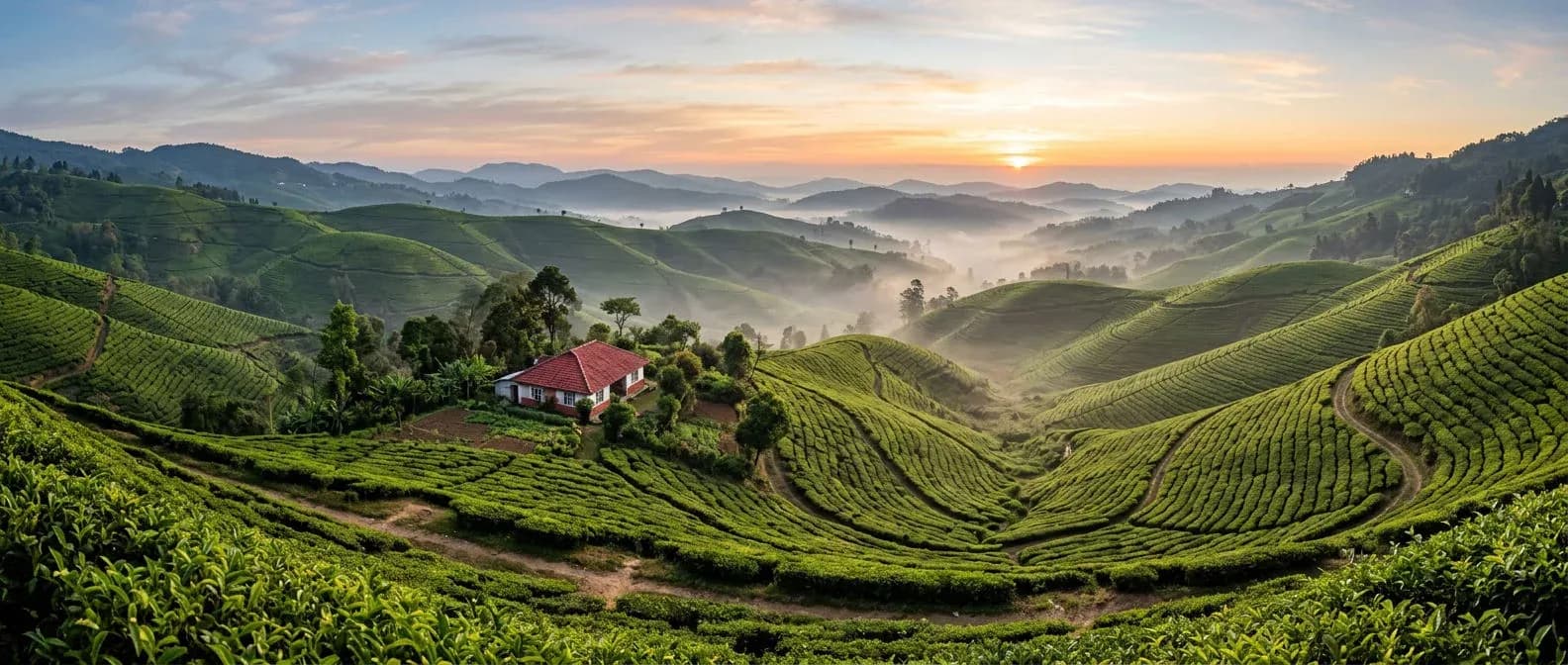
Ultra-wide panorama of terraced tea fields on rolling hills at sunrise, morning mist pooling in the valleys, a single red-roofed farmhouse, rows of pickers' paths curving across the slopes, soft golden light, crisp detail edge to edge, natural color. No text.
How to write a Nano Banana 2.1 prompt
Write it as a short brief in full sentences: subject, setting, camera, light. Put any words to render in capitals.
| Write this | Why it matters | Example |
|---|---|---|
| Subject | Says what the image is about | A mid-century roadside diner |
| Setting and time | Sets the mood and light | At dusk, wet asphalt |
| Camera | Controls framing and depth | 35mm lens, from across the road |
| Exact words | Capitals, inside the prompt | A sign reading OPEN ALL NIGHT |
| What to leave out | A plain instruction | No logos, no extra text |
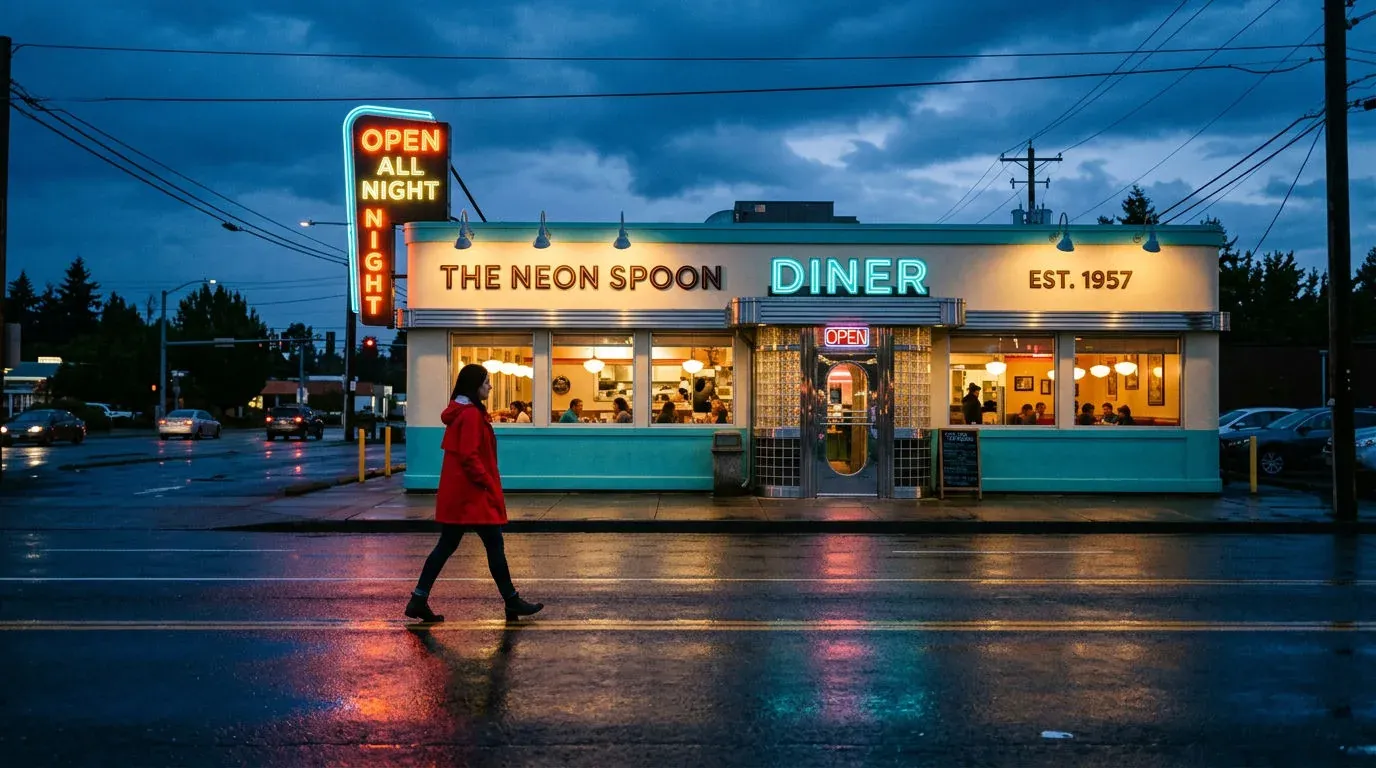
Cinematic still of a mid-century roadside diner at dusk, turquoise and cream facade, a glowing sign reading OPEN ALL NIGHT, a woman in a red raincoat walking past, wet asphalt reflections, shot on a 35mm lens from across the road, rich color, soft neon haze.
Infographics and thinking levels in Nano Banana 2.1
Infographics are Nano Banana 2.1's biggest gain. List every label, pick a layout, and raise the thinking level for dense pages.
| Thinking level | What it does | Use it for |
|---|---|---|
| Minimal | Least planning, fastest | Quick drafts, simple scenes |
| Medium (default) | Plans layout and placement | Most images and posters |
| High | Deepest planning | Dense infographics, many subjects |
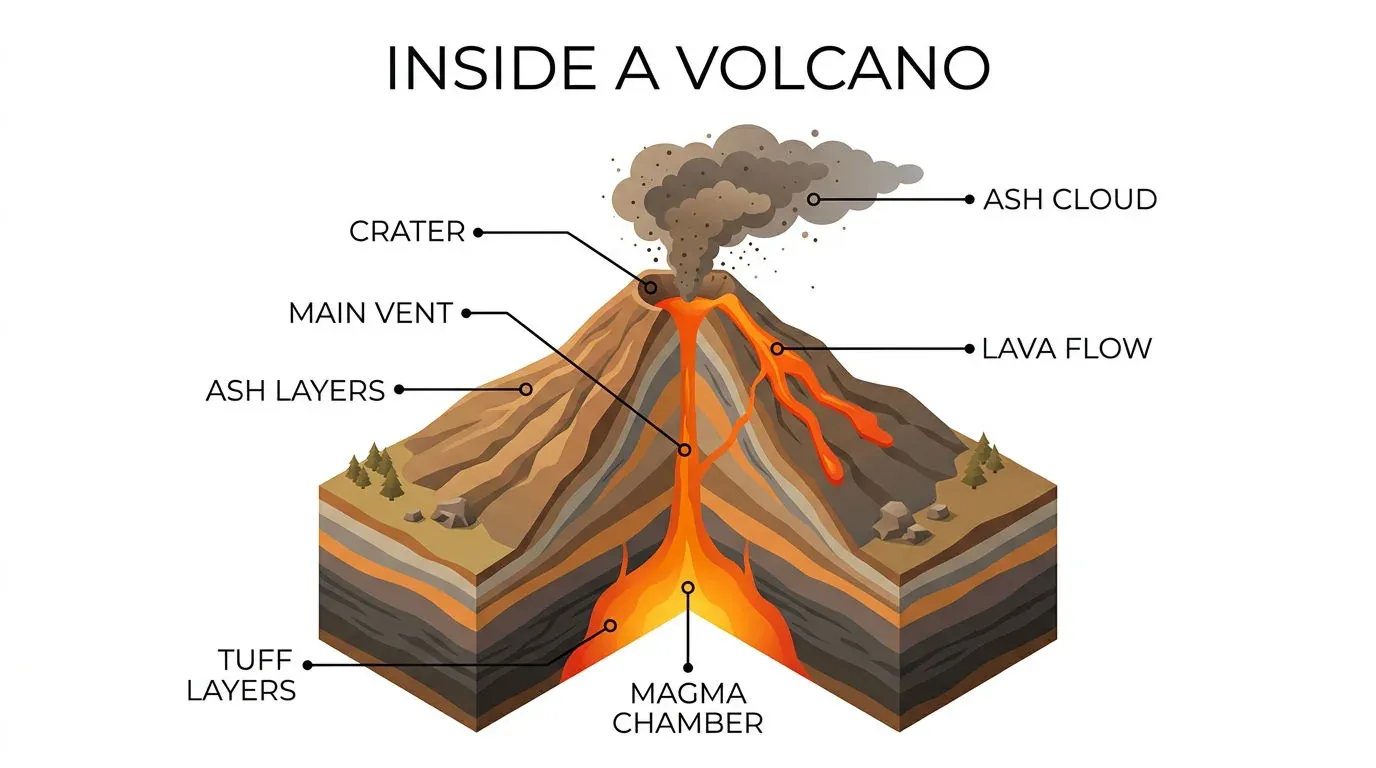
Isometric cutaway infographic titled INSIDE A VOLCANO, with clear labels for MAGMA CHAMBER, MAIN VENT, CRATER, ASH CLOUD and LAVA FLOW, thin leader lines, clean vector style, warm earth palette on a white background. Check every label is spelled correctly.
Text and translation in Nano Banana 2.1 images
Quote every word in capitals and say where it sits. Keep lines short: small text and long paragraphs are still the weak spot, especially at 1K.
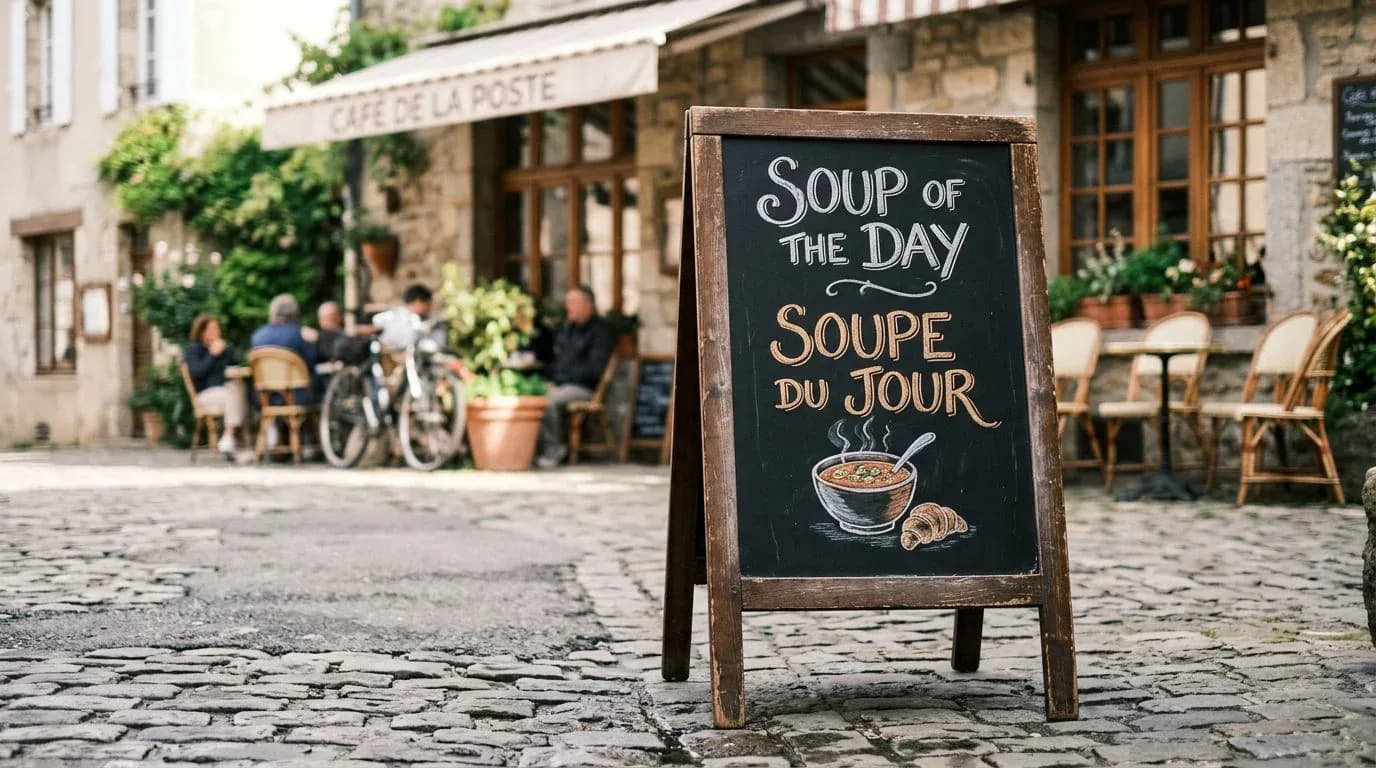
A café sandwich board on a cobbled street, chalk lettering reading SOUP OF THE DAY, and beneath it in the same chalk style the French line SOUPE DU JOUR, a small drawn steaming bowl, soft morning light, shallow depth of field.
Consistent characters and products in Nano Banana 2.1
Add references and give each one a job. Multi-character consistency is the largest gain Google reports over Nano Banana 2.
| Reference | Limit | How to prompt it |
|---|---|---|
| Characters | Up to 4 | Keep each face and outfit the same |
| Objects and products | Up to 10 | Keep shape, color, and details exact |
| Total images | Up to 14 | Say what each image is for |
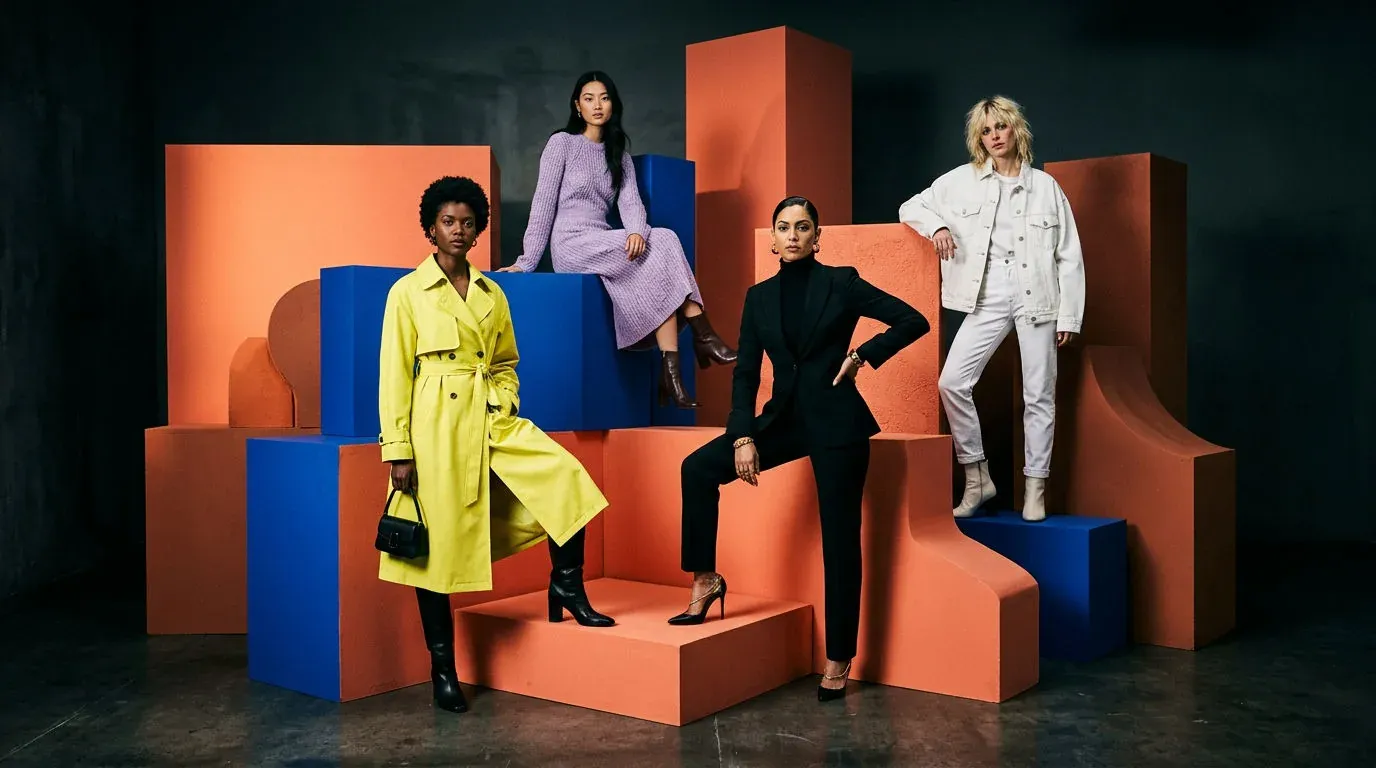
High-end editorial fashion shot of four models posing together on an abstract set of coral and cobalt blocks, two in front and two further back, each in a distinct outfit: a lemon trench coat, a black turtleneck suit, a lilac knit dress, a white denim jacket. Dramatic studio light, clean composition.
Mask and sketch editing in Nano Banana 2.1
Mark the spot, then say the change. Draw a mask or a rough sketch on your image, describe what goes there, and say the rest stays the same.
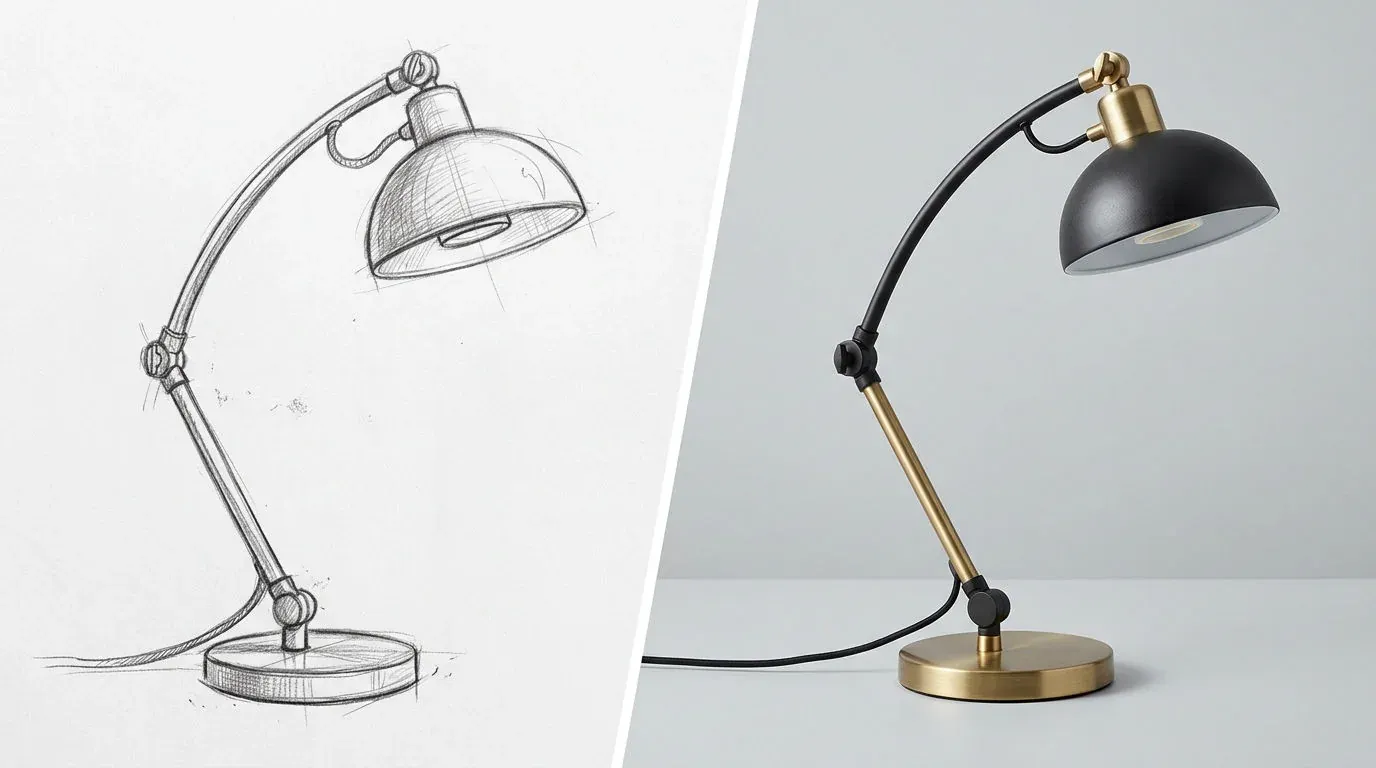
Split image with a thin white divider. Left half: a rough pencil sketch of a curved desk lamp on white paper. Right half: the same desk lamp as a realistic product photo in brushed brass and matte black, identical angle and proportions, on a pale grey studio surface. No text, no logos.
Nano Banana 2.1 resolutions, aspect ratios, and limits
Draft at 1K, finish at 2K or 4K, and check text and fine detail at full size.
| Feature or limit | What it means | What to do |
|---|---|---|
| Resolution | 1K (default), 2K, 4K | Draft at 1K, finish higher |
| Aspect ratios | 14, from 1:8 to 8:1 | Set the ratio before you generate |
| Small text | Can blur at 1K | Use 2K or 4K for fine print |
| Left and right | Can be mixed up | Anchor positions to objects |
| Search grounding | Web and image search, no photos of real people | Use it for real places and objects |
FAQs
Describe the subject, setting, camera, and light in full sentences, put any words to render in capitals inside the prompt, and say plainly what to leave out. One clear scene works best.
Medium, the default, suits most images. Use high for dense infographics, many-subject scenes, or tight layouts, and minimal for the fastest drafts.
Name the topic, list every label exactly as it should read, pick a layout such as an isometric cutaway or a left-to-right process, and set thinking to high. Check every fact and label before you publish.
Up to 14 in one request: up to 4 characters, whose faces and outfits stay consistent, and up to 10 objects, which keep their shape and detail. Say in the prompt what each image is for.
Mark the area with a mask or a rough sketch, describe what should appear there, and say everything else stays the same. Google lists mask-based editing as one of 2.1's biggest gains over earlier versions.
1K, 2K, and 4K, with 1K as the default; the 512px size from Nano Banana 2 is gone. It supports 14 aspect ratios, from tall 1:8 to ultra-wide 8:1.
Yes. Nano Banana 2.1 is live on Morphic for generation and editing. The prompts in this guide also work with Nano Banana 2 and Nano Banana Pro, and every example on this page was made with Nano Banana 2, before 2.1 launched.