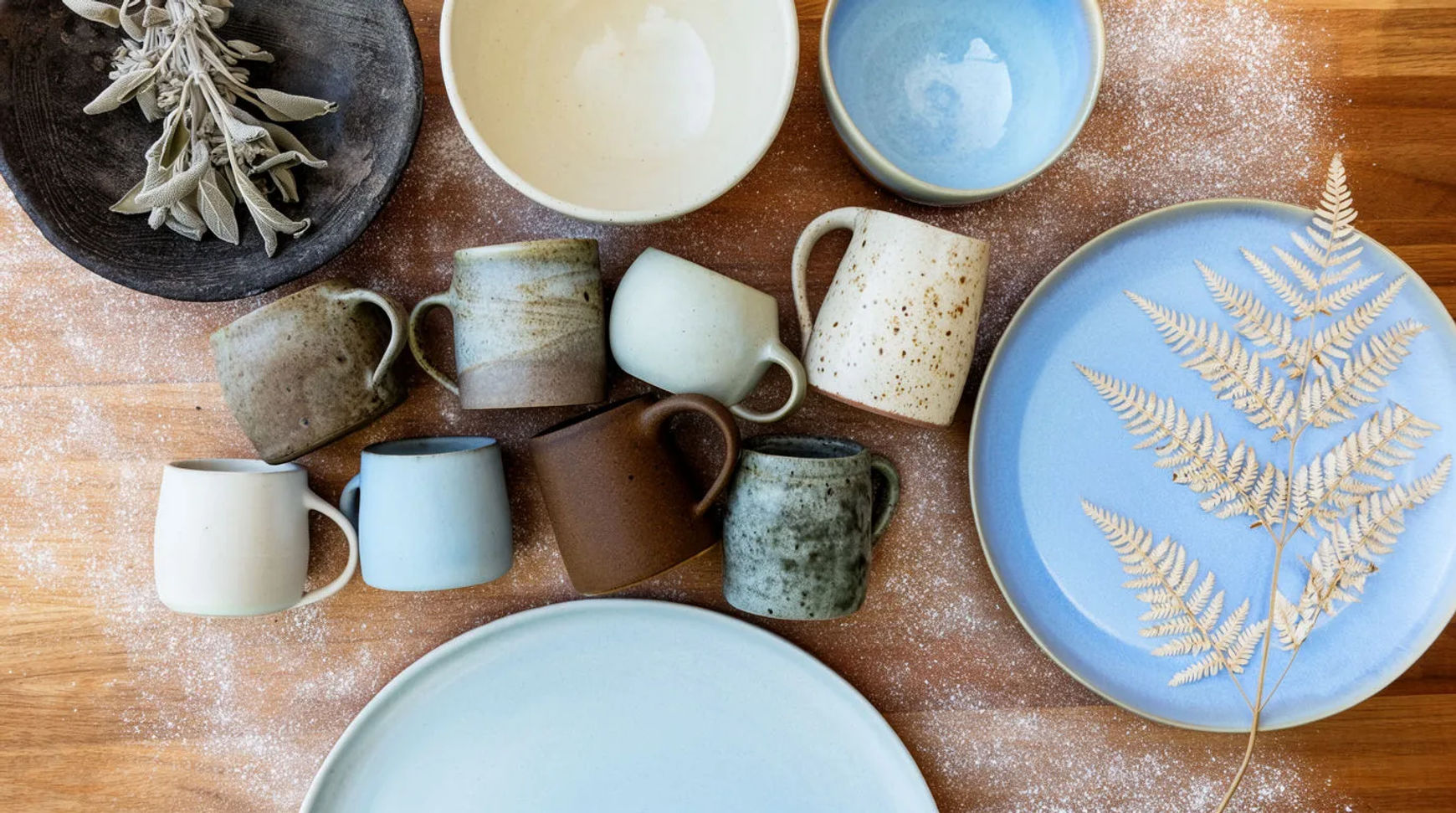
In short: A one-person ceramics studio shot nine pieces once, built a set of references from the photos, and made the whole autumn drop from them in four days: homepage and feed banners, a launch reel, a batch of ad variants, and a second-market caption set. The pieces stayed exact; only the scenes around them changed.
The brief
The studio, anonymised here, makes small-batch stoneware and sells on its own store. The autumn collection was nine pieces in warm, earthy glazes. The owner photographed each piece once on a plain table by a window: clean, even light, no styling. That morning of shooting was the only camera work the drop required. Everything after it was generated around those nine shots, in the run order below, which follows the six Workflows the studio reuses each season.
Day 1: references
By the end of day one, the collection existed as reusable references the rest of the drop could call by name. The owner lifted each piece off its background on the Canvas and saved it as a product reference, then built a location reference for the drop's look (a warm wooden surface, soft morning light, dried botanicals) and a palette reference from the brand colours. Saved once, these reference sheets meant no piece had to be re-described in a later prompt. Workflow: Drop kit.
Day 2: the kit
Day two produced every static the store needed. From the saved references, the owner generated each piece in the drop's scene, then reframed the hero into a homepage banner, a set of feed posts and story panels, so the set matched across placements instead of being rebuilt per size. Tool: AI product background generator. Workflow: Product-in-scene, then Reformat.
Day 3: the reel
Day three turned the collection into motion. The owner picked the three strongest stills and animated each with image-to-video, a slow push-in on the glaze, a gentle rotation, a soft reveal, then arranged the clips on the Compose timeline, laid a generated music bed underneath, and exported one launch reel for the feed and the product page. Full method: how to make a product launch video. Workflow: Launch reel.
Day 4: ads and localisation
Day four readied the paid push and the second market. From the approved hero shot, the owner asked for every ad variant worth testing and they arrived together, named for the ad manager. Then the launch reel was localised: Morphic transcribed the speech, translated it, and burned styled captions back onto the clip for the second market. Tools: AI ad generator, add subtitles to a video. Workflows: Ad variants, Localise.
What stayed manual
The creative calls stayed with the owner. Choosing the nine pieces, deciding the collection's mood, writing the launch caption, and picking which ad variants to spend behind were all human decisions. So was the one real photograph of each piece. AI handled the repetitive production between those decisions; it did not make them.
The checklist
The reusable version of the drop, to run again next season.
Shoot the collection once
Photograph every piece one time on a plain background with even light. One clean shot per product is the input the whole drop is built from. Keep the camera work to a single session.
Build the references
Lift each product off its background and save it as a reference, then save a location reference for the drop's look and a palette reference for the brand colours. These reference sheets hold the look across every later generation.
Generate the kit and reformat
Generate each piece in the drop's scene, then reframe the hero into banners, feed posts and story panels so the set matches across placements.
Make the launch reel
Animate the three best stills with image-to-video, arrange the clips on the Compose timeline, add a generated music bed, and export the reel.
Batch the ad variants
From the approved product shot, ask for every ad variant you want to test and export each one named for the ad manager.
Localise for a second market
Transcribe and translate the reel, then burn or attach captions for the target market and export.