Backgrounds you can create
Generate a background in three steps
- 01
Open Morphic
Sign up and start creating on a free-flowing, infinite visual canvas.
- 02
Upload your subject
Drop in a photo of your person or product, even one with a busy background.
- 03
Describe the scene and generate
Name the backdrop you want. Your subject stays while a new scene appears behind it.
New background, before and after
 New background
 Original
Use cases
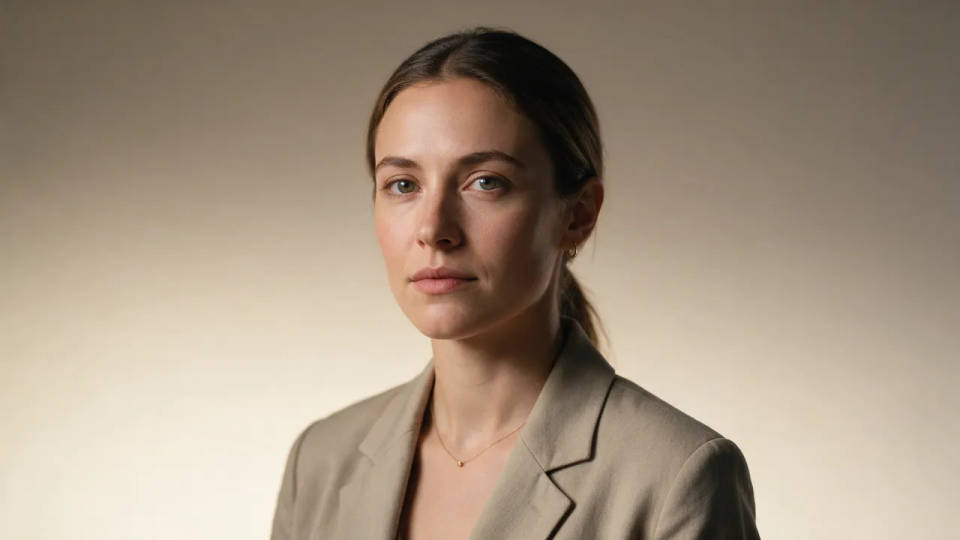
Swap a portrait background
Put a headshot on a clean studio gradient, a forest, or a city skyline. Image-to-image keeps the face and pose while the scene behind changes to whatever you name.
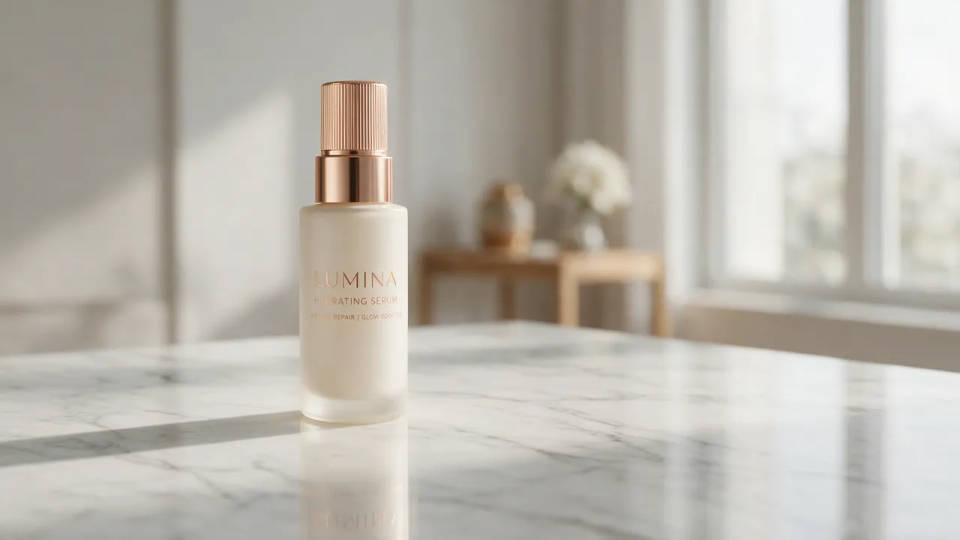
Put a product on a new backdrop
Drop your exact product onto marble, a beach, or a soft bokeh field. Shape, label, and color hold while the background becomes a scene that fits the shot.
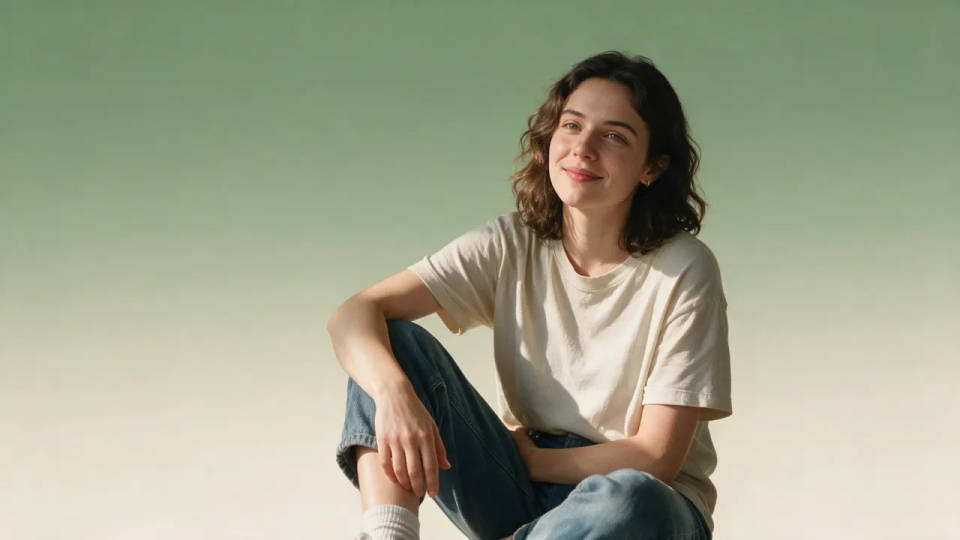
Replace a busy background with a clean one
Turn a cluttered home or office backdrop into a plain gradient or a solid color pop. No green screen needed, the model builds the calmer scene behind your subject.
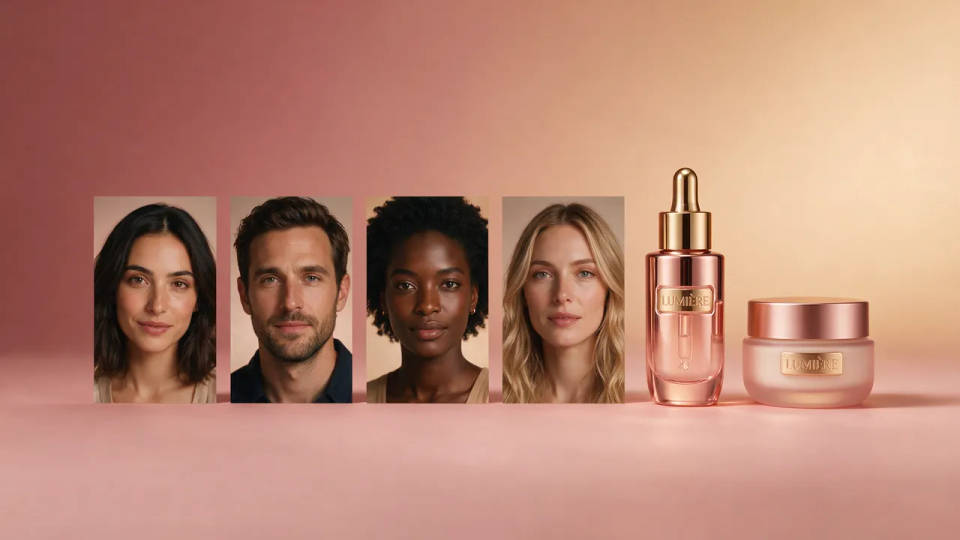
Generate a matching set of on-brand backgrounds
Pick one look and generate every subject on it. Save it as a Workflow so a run of portraits or product shots all share the same on-brand backdrop.
Backgrounds you can create
Different scenes behind the same kind of subject. Open any prompt to tweak it and generate your own.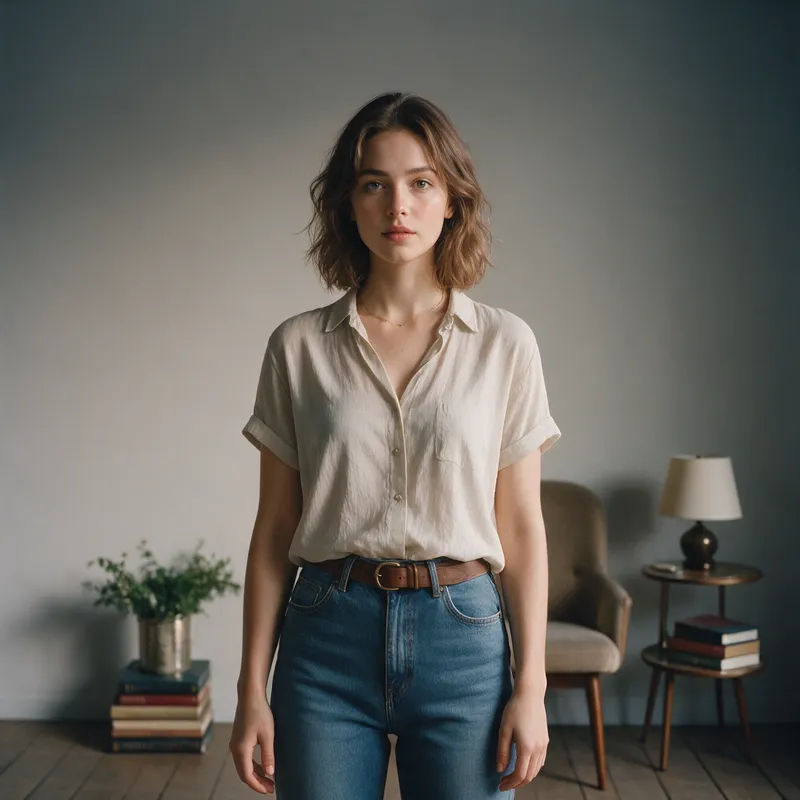
Clean studio gradient
Put my portrait on a clean studio gradient, soft even light, calm neutral tones
Edit prompt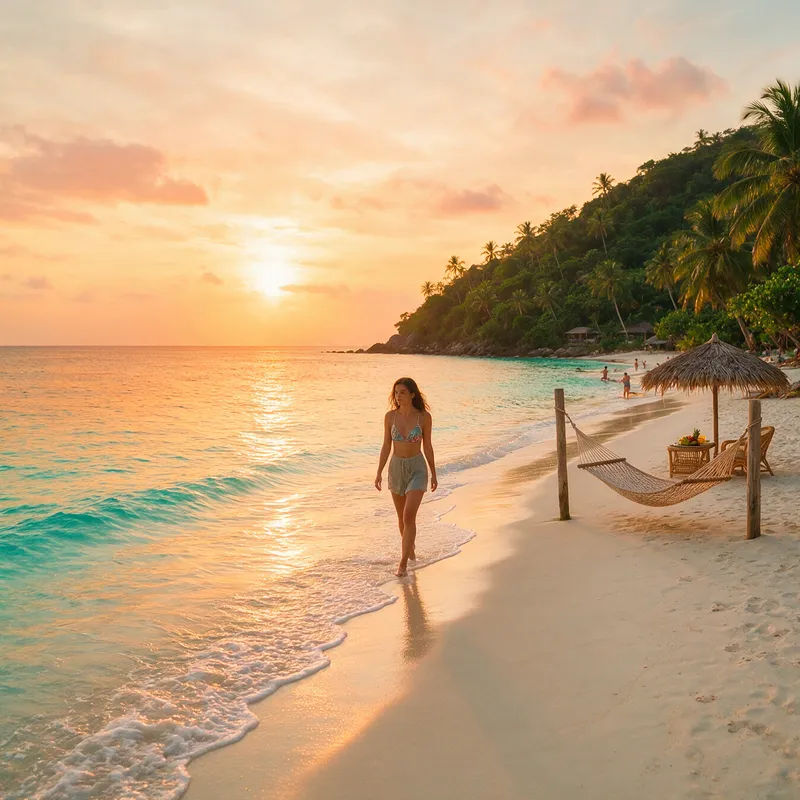
Tropical beach
Put my subject on a tropical beach at golden hour, soft waves and warm light behind
Edit prompt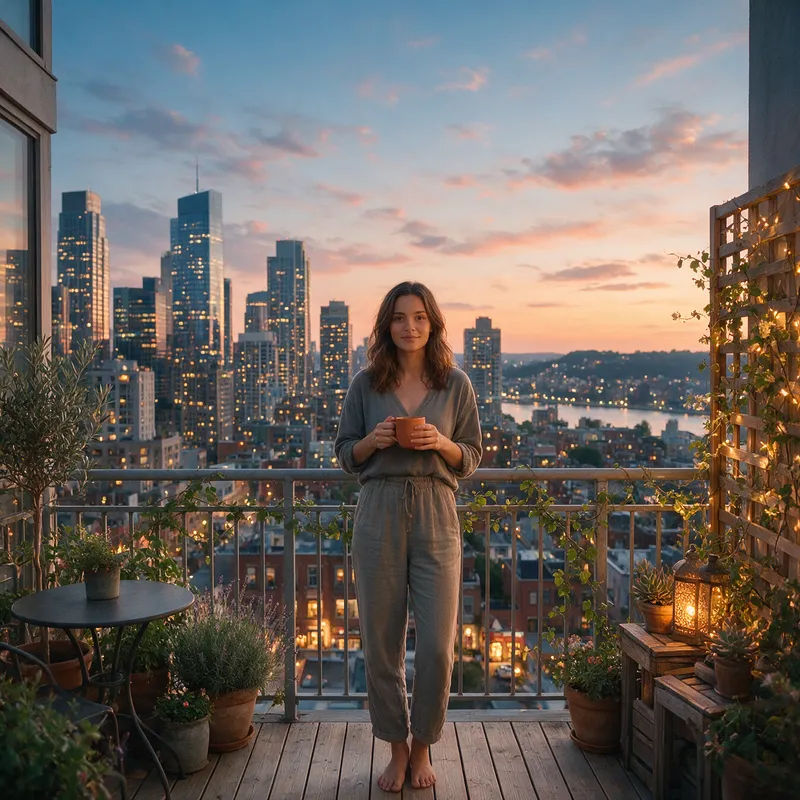
City skyline at dusk
Put my portrait against a city skyline at dusk, warm window lights, soft blue sky
Edit prompt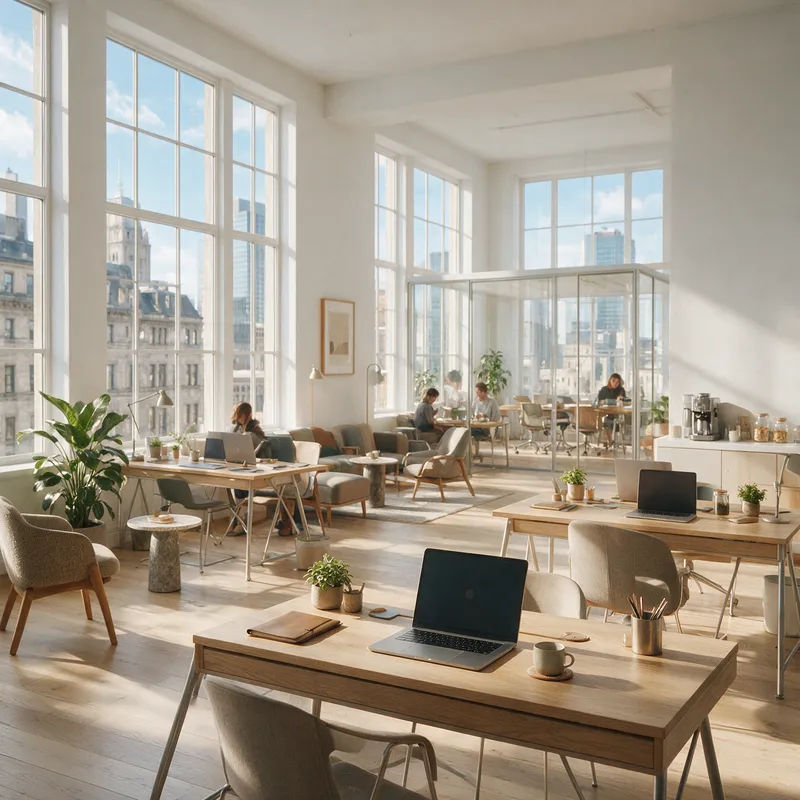
Modern office
Put my subject in a bright modern office, soft focus desks and glass behind, daylight
Edit prompt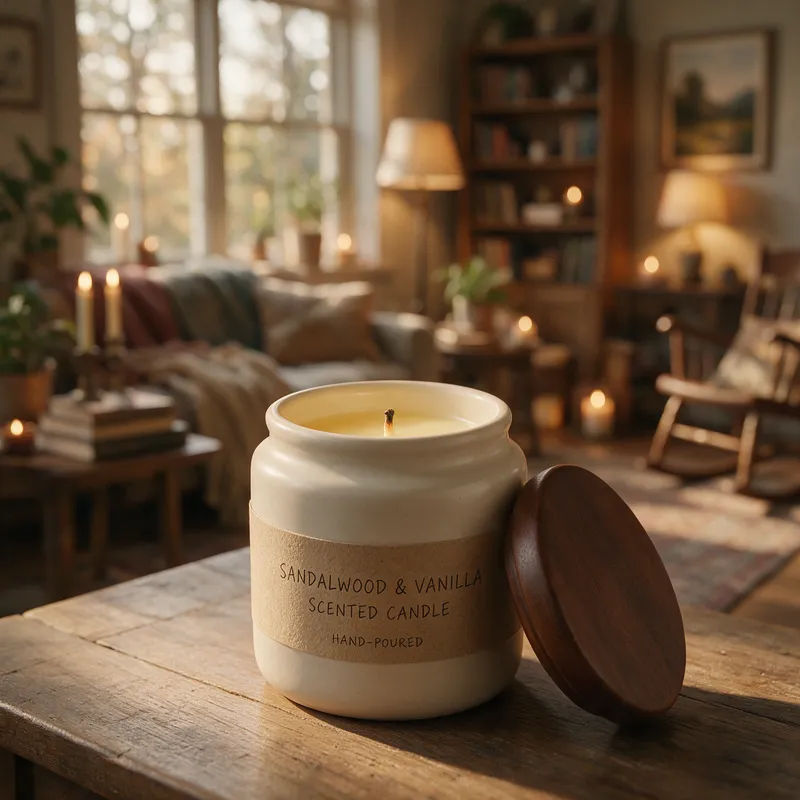
Soft bokeh
Put my product on a soft bokeh background, warm out-of-focus lights, gentle depth
Edit prompt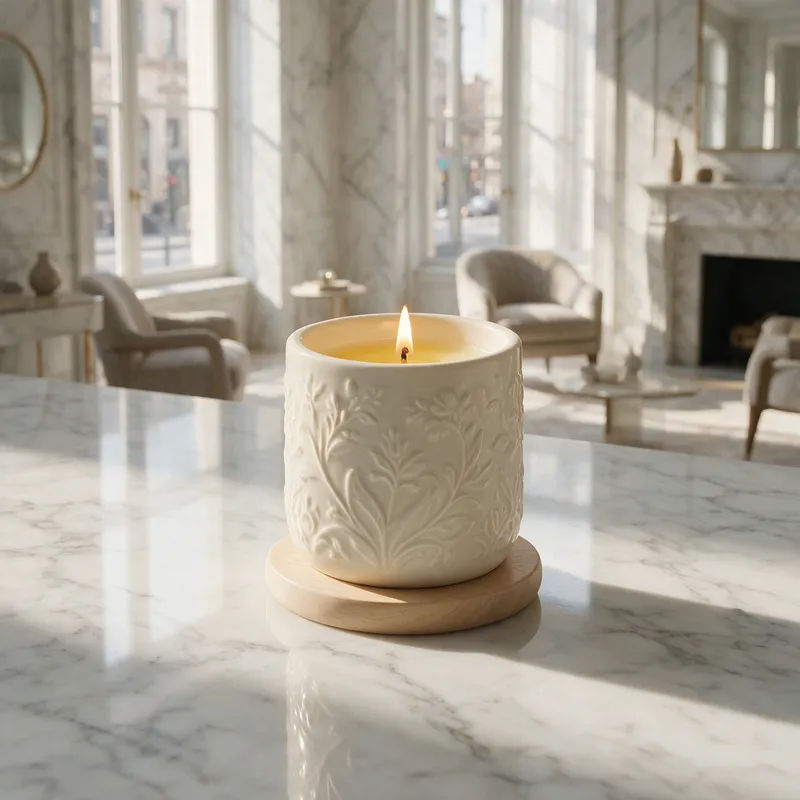
Marble surface
Put my product on a polished marble surface, soft rim light, clean premium mood
Edit prompt
Cinematic storyboard
Share a scene description with character references. Get a full storyboard with shot angles and mood.

Messages to cinematic scene
Dramatize any text conversation into a cinematic multi-shot video.

Title sequence
Generate a professional film title card from scratch, with optional cinematic animation.

3x3 storyboard
Feed in a single image. Get 9 cinematic beats laid out as a 3x3 storyboard grid.

Chibi sprite animation
Turn any photo or description into an animated chibi sprite. Dance, jump, wave, attack, and more.

Expressions
Take any character image and generate 6 distinct facial expressions on a single reference sheet.
All on Morphic
Your complete background-generator stackModels
Nano Banana 2, Flux 2 Pro, ChatGPT Images 2.0, Grok Imagine, Recraft V4 Pro, Seedream 5, and more. Pick the one that renders your scene and light best, and swap mid-project.
Subject held, scene new
Start from your own photo with image-to-image, so the subject stays recognizable while a fresh background appears behind it. New scene, same subject every time.
Any backdrop you name
Studio gradient, tropical beach, forest, marble, or a solid color pop. Describe the scene in plain words and generate it behind your subject without a green screen.
Workflows
Save a background recipe as a Workflow. Rerun it for the next subject, share the link, or favorite it. The same backdrop, every shot.
