What Veed Dubbing does
Veed Dubbing translates the speech in a video, re-voices each speaker in their own voice and redraws their lips to the new words, all in one run. Veed Dubbing covers 86 languages; Veed Dubbing Pro covers 94 and adds 14 regional accents. Both are live on Morphic's paid plans.
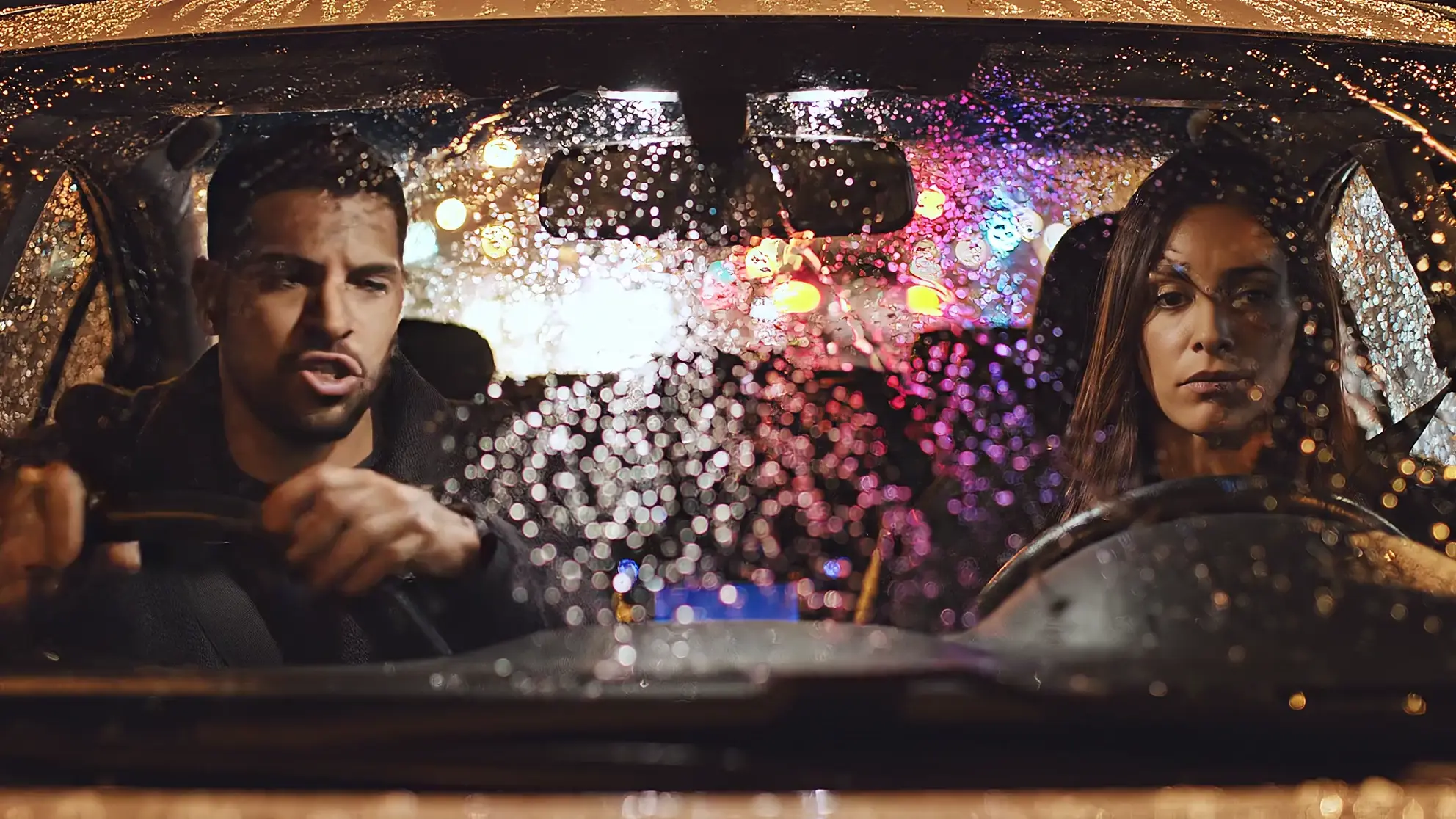
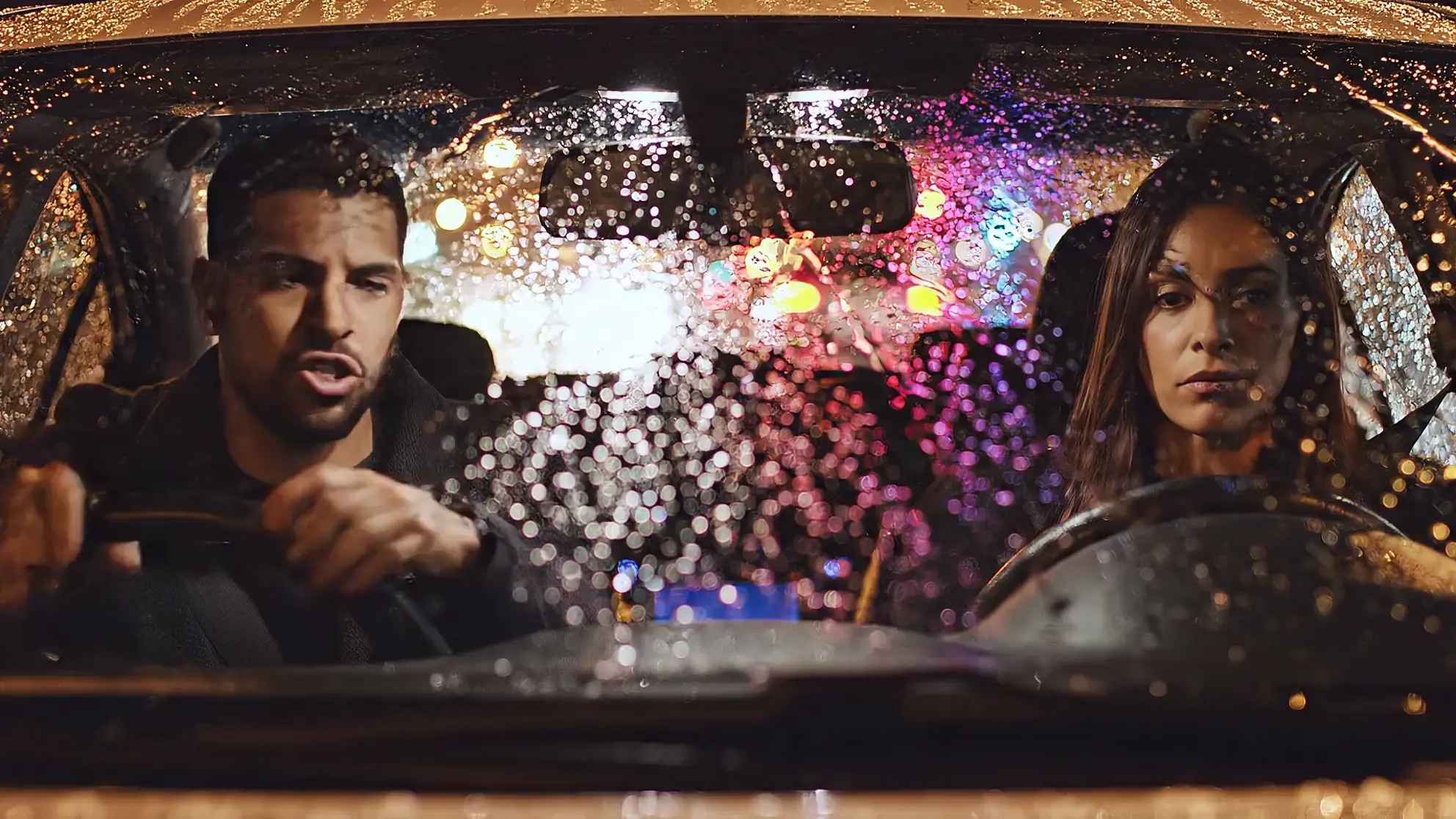
Every clip here started as an English scene made on Morphic. Turn the sound on and switch versions: this one has two speakers, dubbed into German in a single run.
Two speakers, one run
Each speaker keeps their own voice in German, and the rain stays under the dialogue.
Veed Dubbing examples


English to Japanese
Veed Dubbing kept the waves and gulls under the new line.


Two Spanish accents (Pro)
One English line dubbed twice with Veed Dubbing Pro, es-MX and es-ES.
How to dub a video with Veed Dubbing, step by step
- 01
Attach the video
Open Copilot and attach a clip with speech, up to 10 minutes.
- 02
Name the language
For example: dub this into Korean. One language per dub.
- 03
Name what to keep
List names and brands, so the translation leaves them as they are.
- 04
Ask for an accent
Mexican Spanish or Brazilian Portuguese switches the dub to Pro.
- 05
Get the dubbed video
It lands in your library as a new video, lips synced.
- 06
Test, then dub the rest
Check a short scene with sound on, then run the full video.
Veed Dubbing requests to copy
Copilot needs only the video and a language. These add the details that change the result. Ask for several languages at once and they run side by side, each as its own video.
Veed Dubbing or Veed Dubbing Pro
Both tiers redraw the lips and keep each speaker's voice. Pro costs more, so pick it when you need something only Pro does.
| Veed Dubbing | Veed Dubbing Pro | |
|---|---|---|
| Languages | 86 | 94 |
| Regional accents | None: a region dubs in its base language | 14, such as es-MX, es-ES, pt-BR, pt-PT, fr-CA, en-GB, ar-EG, zh-TW |
| Background audio | Kept in our tests | Kept, per Veed |
| Only on this tier | Bengali, Odia | Amharic, Basque, Dogri, Zulu and others |
| Pick it for | Most dubs | An accent, or a language only Pro covers |
Prepare the source video for Veed Dubbing
| Dubs cleanly | Harder | |
|---|---|---|
| Speech | Clear voices, up front in the mix | Speech buried under loud music or crowd noise |
| Speakers | People who take turns | People talking over each other |
| Faces | Mouths visible, front or three-quarter on | Mouths hidden, tiny or in deep shadow |
| Length | Up to 10 minutes | Anything longer: split it first |
Dub videos into Indian languages with Veed Dubbing
Veed Dubbing covers Hindi, Bengali, Tamil, Telugu, Marathi, Gujarati, Kannada, Malayalam, Punjabi, Odia, Assamese and Urdu. Pro covers the same list except Bengali and Odia, and adds Dogri. In our tests the dubs kept everyday English words such as "sign" and "design", the way many speakers mix them in.
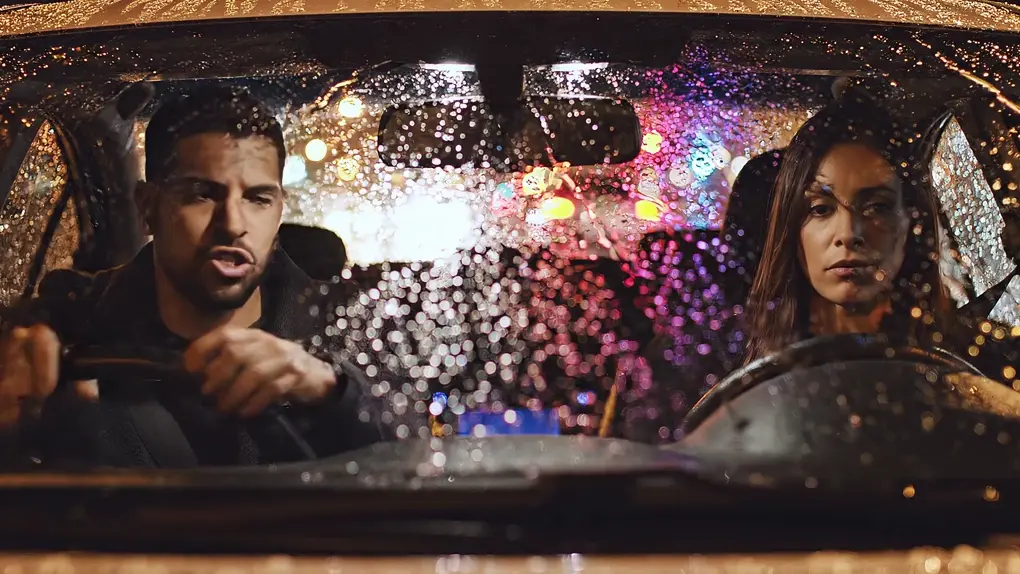
English to Hindi
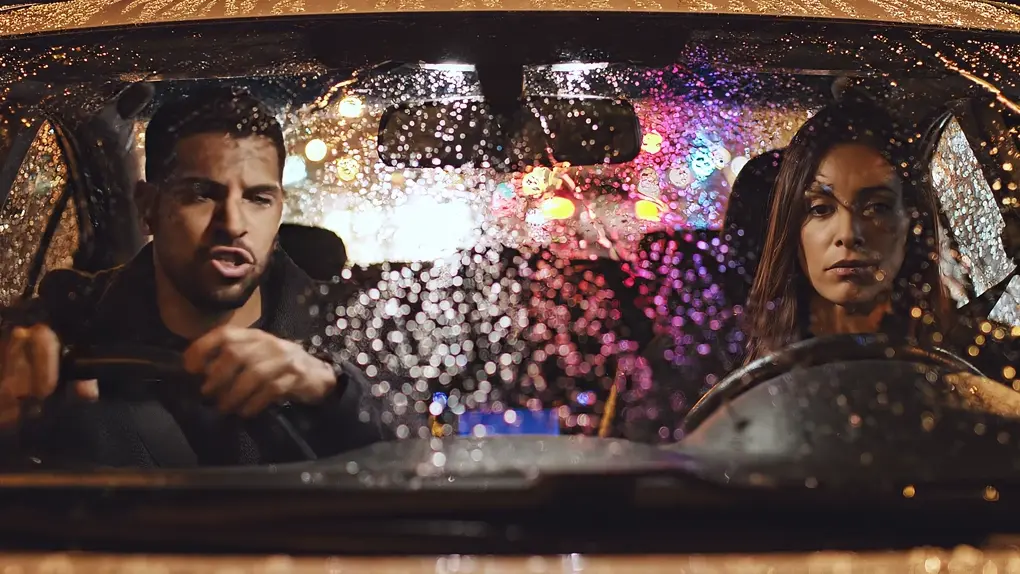
The two-speaker car scene, dubbed into Hindi.
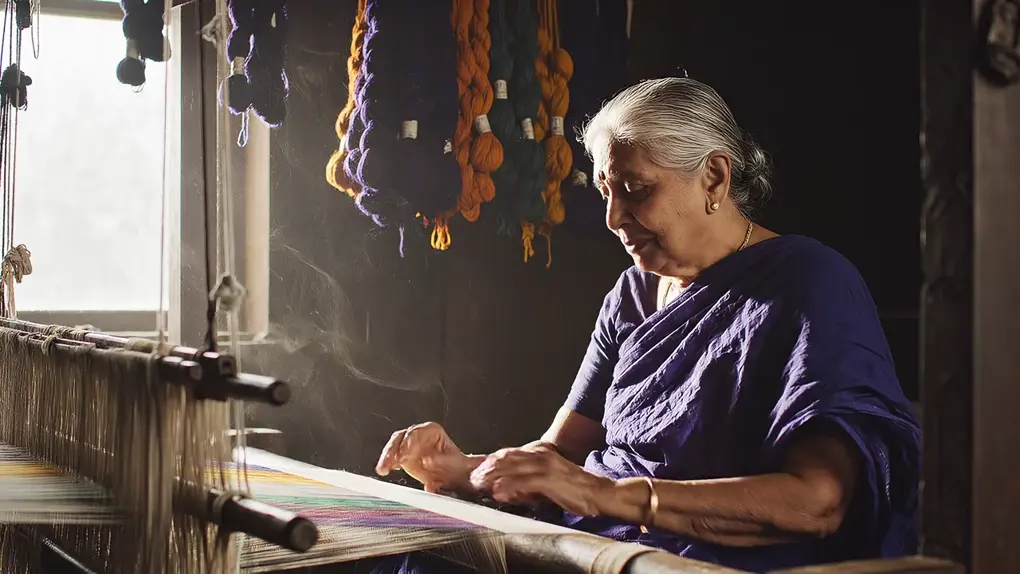
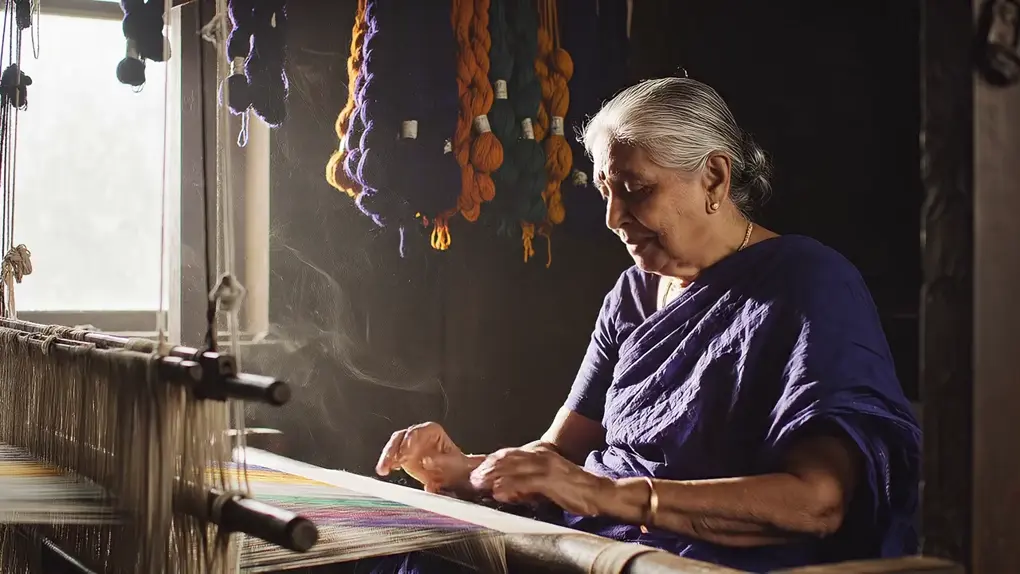
English to Telugu
A weaver at her loom; the clack of the loom carries into the dub.
Fix common Veed Dubbing problems
| Problem | Fix |
|---|---|
| Wrong language detected, or garbled dub | Name the source language in your request |
| A name or brand got translated | Dub again and list it as a name to keep |
| Video longer than 10 minutes | Split it, or use ElevenLabs Dubbing for audio without lip sync |
| Lips look off on one speaker | Make sure the mouth is visible and well lit, then dub that scene again |
| You are on the free plan | Copilot dubs with ElevenLabs Dubbing: translated audio, no lip sync |
Veed Dubbing vs ElevenLabs Dubbing vs lip sync
| Veed Dubbing | ElevenLabs Dubbing | Lip sync | |
|---|---|---|---|
| You give it | A video | A video or an audio file | A video plus new audio |
| You get | The video, dubbed, lips synced | A translated audio track | The video, lips matched to your audio |
| Translates | Yes | Yes | No |
| Plans | Paid | Every plan | Every plan (Sync) |
For your own voiceover, see how to create AI lip sync videos. For a talking video from a photo, see Veed Fabric.
FAQs
Attach the video in Morphic's Copilot and name the language, for example: dub this into French. On paid plans it runs on Veed Dubbing, which translates the speech, re-voices each speaker in their own voice and redraws the lips in one run.
86 languages on Veed Dubbing and 94 on Pro, including Spanish, French, German, Japanese, Korean, Arabic, Hindi and Tamil. Pro adds 14 regional accents, such as Mexican Spanish and Brazilian Portuguese.
One video with speech, up to 10 minutes, dubbed into one language per run. Audio files go to ElevenLabs Dubbing. The cost depends on the length of the source, and Pro costs more; see pricing.
Yes. The car scene at the top of this guide has two speakers, and each kept a separate voice in German and in Hindi. It works best when people take turns.
Veed says Pro keeps the background audio. In our tests both tiers kept it, including the rain in the car scene and the waves in the harbor clip. If the music matters, dub a short scene first and listen.
Ten to twenty seconds with a full line from each speaker. Ask Copilot to trim that part first, since a dub is charged on the length of the clip you give it.