Shell and sand macro
A macro graphite study of a shell half buried in sand, fine grain texture around it and a soft cast shadow on warm cream paper.
Edit prompt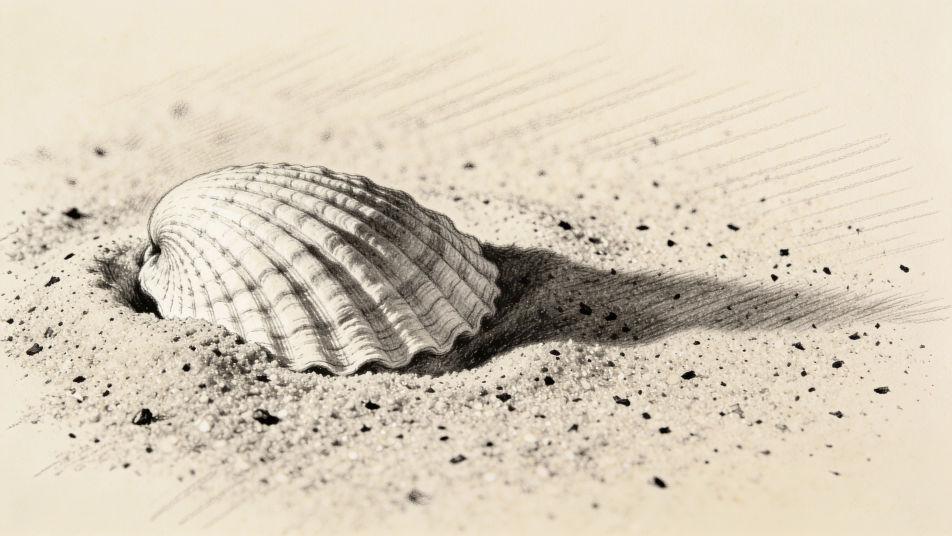
Turn a beach drawing idea into a finished piece with Morphic's Image tool, from a loose ink and wash shoreline to a clean vector palm and sun. Decide the horizon placement, the line weight and how much of the paper stays white, then refine the crop on the Canvas and download in HD.
A macro graphite study of a shell half buried in sand, fine grain texture around it and a soft cast shadow on warm cream paper.
Edit promptA mid-distance ink and wash drawing of footprints crossing wet sand towards the water, loose lines and a pale reflective wash.
Edit prompt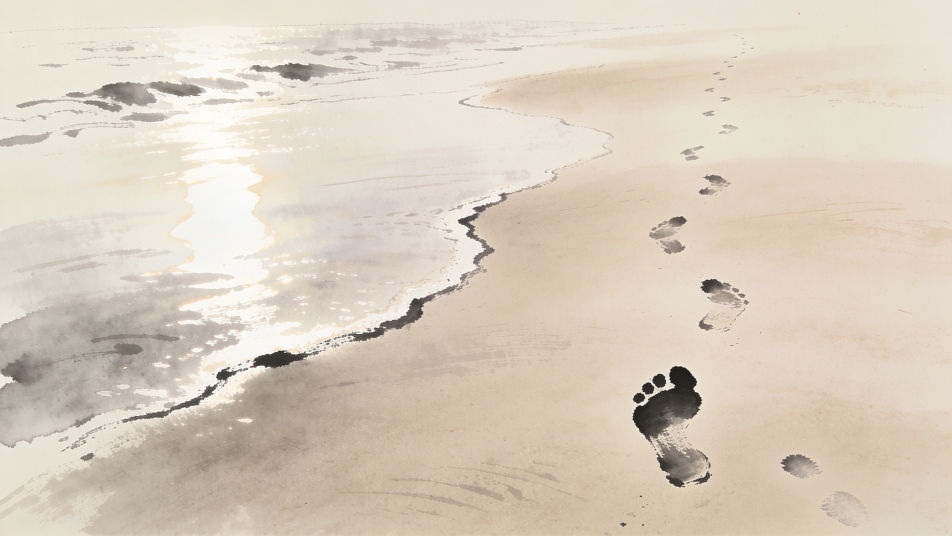
A brush pen drawing of two palms silhouetted against a low sun, bold black fronds, thick to thin strokes and wide open white sky.
Edit prompt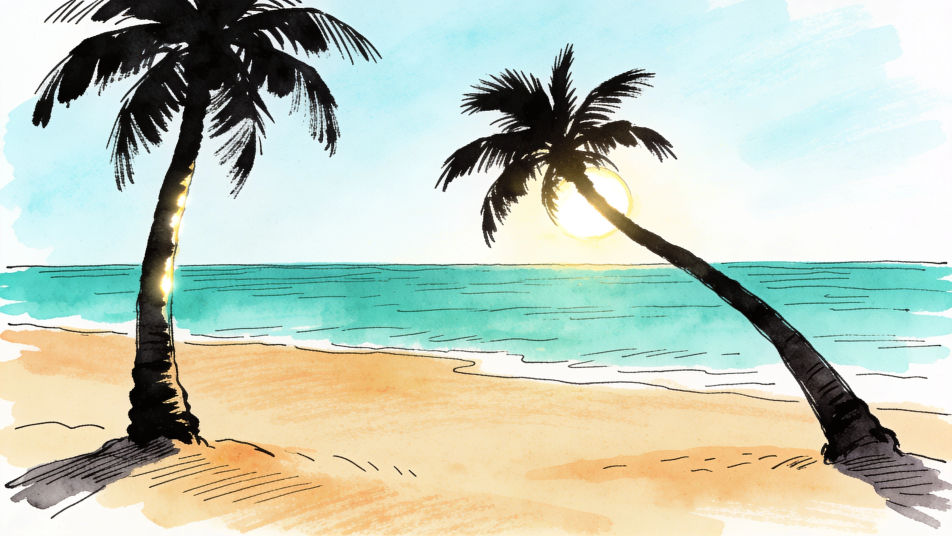
A wide coloured pencil panorama of a curving bay at sunset, burnished warm sky, cool shadow on the headland and layered depth.
Edit prompt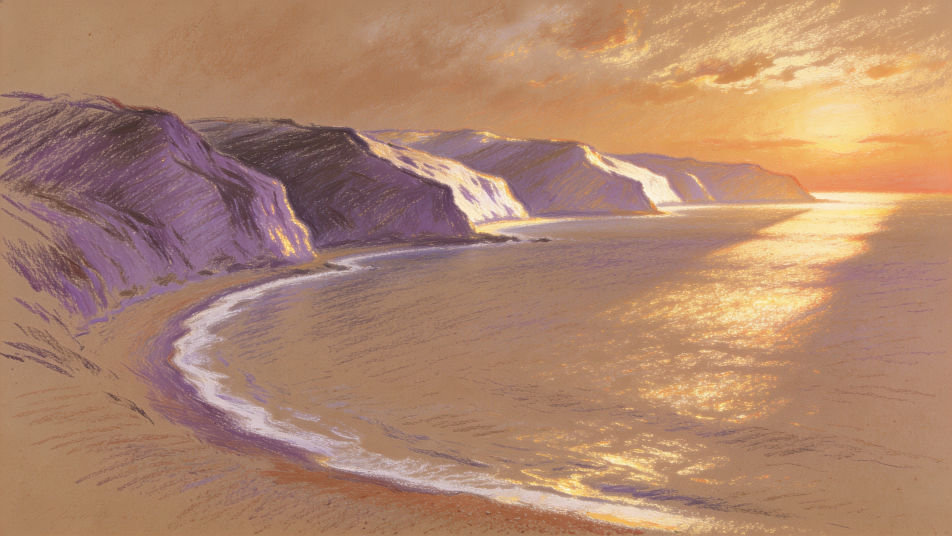
Describe the Beach drawing you want, in plain words.
Morphic generates a clean, ready-to-publish image on your canvas in seconds.
Tweak the prompt, regenerate variations, then download or share the frame.
Pick a reference image, apply its visual style to your own photo or artwork.

Turn any sketch or drawing into a finished render.
Convert any image to a new aspect ratio. Smart crop or extend the edges to fit.

Pick any anime illustration as your style guide. Apply its look to any image.
Restyle any video in a completely new visual style. Every frame transforms, all motion stays intact.

Take any character image and generate 6 distinct facial expressions on a single reference sheet.
Beach images - AI photography
Explore beach images in HD. Browse a fresh AI-generated collection to download and use anywhere, or generate your own custom version with Morphic.
Ocean drawing generator
Turn an ocean drawing idea into a finished image in Morphic. Describe the line work and style, generate variations, then refine it on the canvas.
Scenery drawing generator
Turn a scenery drawing idea into a finished image in Morphic. Describe the line work and style, generate variations, then refine it on the canvas.
Planet drawing generator
Turn a planet drawing idea into a finished image in Morphic. Describe the line work and style, generate variations, then refine it on the canvas.
Get started for free today, with the option to upgrade or cancel anytime.
Basic
2400 monthly credits
1 user only
All models
Workflows
Standard
3625 monthly credits
1 user only
All models
Workflows
Pro
6350 shared monthly credits
1 user
All models
Workflows
Max
24650 shared monthly credits
1 user
All models
Workflows
Enterprise
For higher limits
Custom
pricing and billing terms

Free
For playing around
$0
forever free