Design Concrete art in your browser with Morphic's Concrete art AI image generator. Construct pure geometry from a rule, lay flat hard-edged planes in systematic colour with no reference to nature, lock the system with Style Transfer, then animate any still with Image to Video.

Concrete art forms you can compose

Concrete art compositions you can design

Van Doesburg-style counter-composition

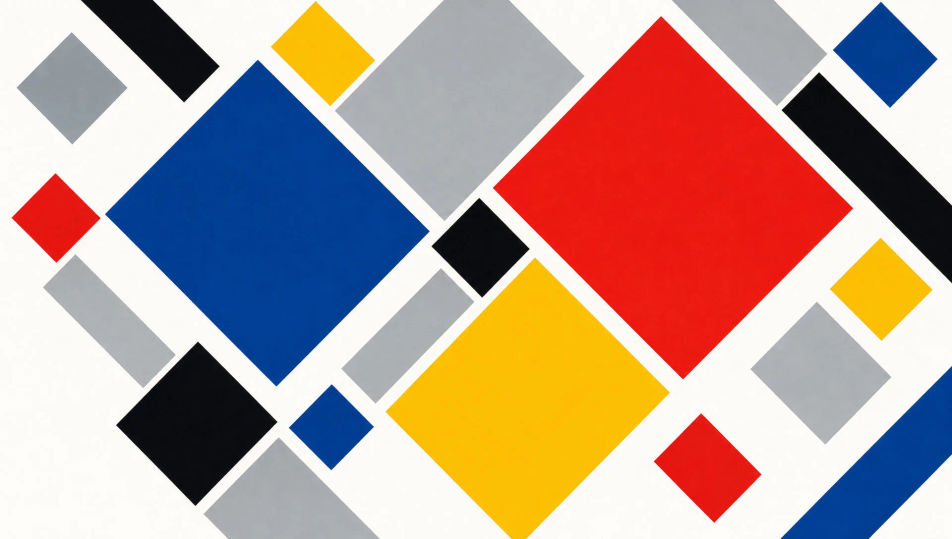
A canonical Van Doesburg-style Concrete counter-composition, flat hard-edged rectangles tilted on forty-five-degree diagonals across a white ground, primary and grey planes meeting at clean constructed angles, systematic colour, no shading, no nature reference.

Edit prompt
Van Doesburg-style counter-composition

Mathematical progression panel

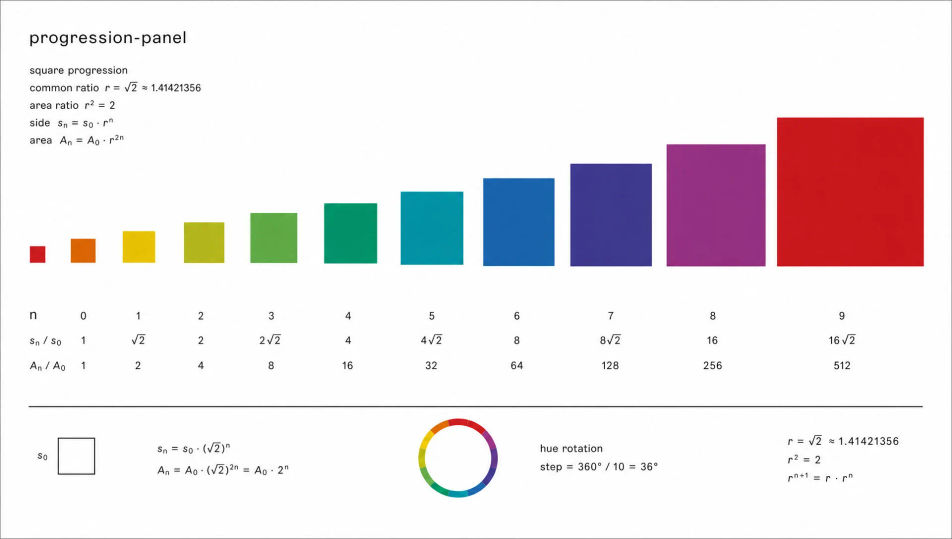
A Max Bill-style Concrete progression panel, a sequence of flat squares growing by a fixed ratio across a white field, each a hard-edged plane in a systematically rotating hue, the growth rule fully visible, no shading, no nature reference, pure constructed geometry.

Edit prompt
Mathematical progression panel

Systematic colour matrix

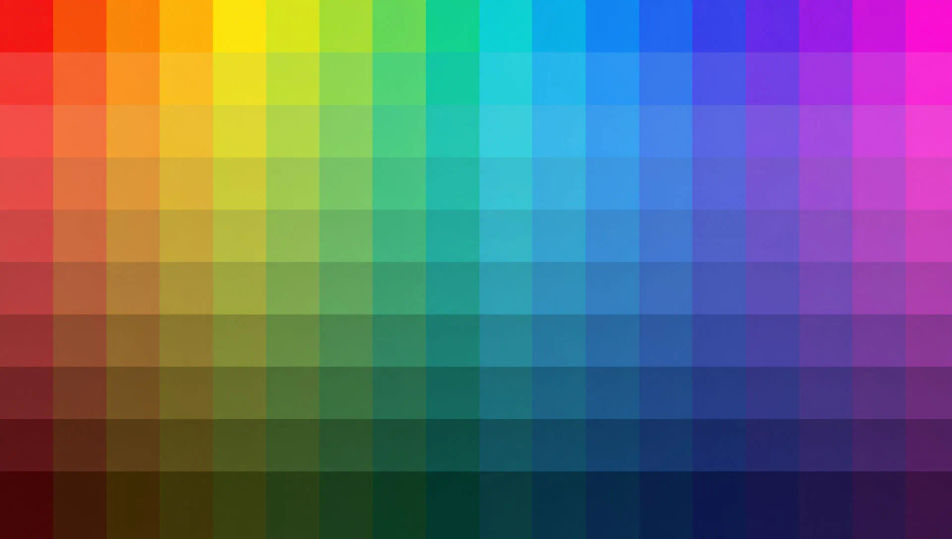
A Concrete-art colour matrix, a flat grid of equal cells each assigned a hue by a fixed mathematical sequence, hard edges, no drawn line, no shading, no nature reference, the whole reading as a rational system rendered visible across the constructed plane.

Edit prompt
Systematic colour matrix

Rotated-square construction

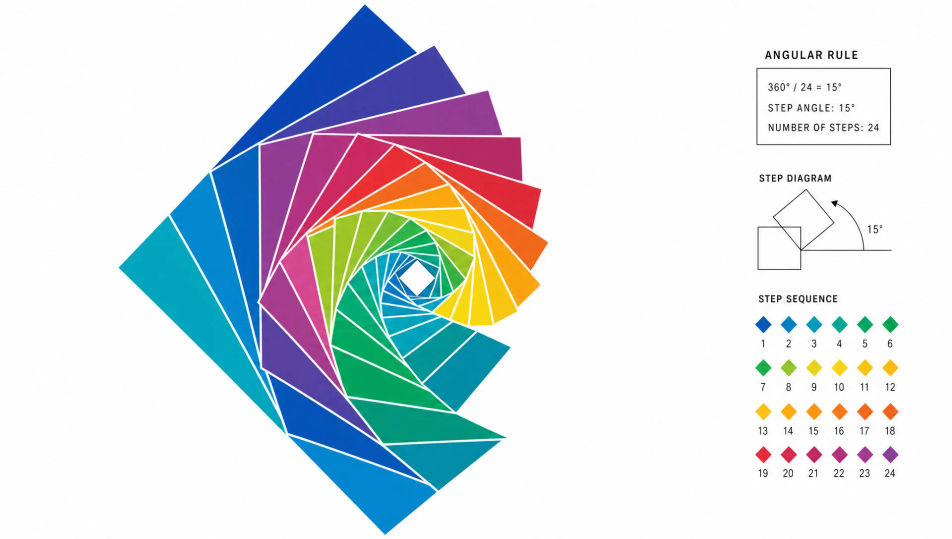
A Concrete-art construction of a square rotated in fixed angular steps, flat hard-edged copies overlapping into a measured spiral of planes on a white ground, systematic graded colour, the angular rule legible throughout, no shading and no nature reference.

Edit prompt

Rotated-square construction

Make Concrete art in three steps

  1. 01

    Describe your Concrete art

    Describe the Concrete art you want, in plain words.

  2. 02

    Generate the image

    Morphic generates a clean, ready-to-publish image on your canvas in seconds.

  3. 03

    Refine your Concrete art

    Tweak the prompt, regenerate variations, then download or share the frame.

Related workflows

You might also like

Simple pricing

Get started for free today, with the option to upgrade or cancel anytime.

Basic

$0/ month
billed as $0 per year

900 monthly credits

1 user only

All models

Workflows

Standard

$0/ month
billed as $0 per year

3200 monthly credits

1 user only

All models

Workflows

Pro

$0/ month
billed as $0 per year

6200 shared monthly credits

1 user

+ up to 4 more at extra cost

All models

Workflows

Pro Max

$0/ month
billed as $0 per year

24000 shared monthly credits

1 user

+ up to 9 more at extra cost

All models

Workflows

Enterprise

For higher limits

Custom

pricing and billing terms

Unlimited credits
Custom seat limits
All models
Workflows
Pricing Gradient

Free

For playing around

$0

forever free

Up to 20 credits
1 user only
Limited models
Workflows

FAQs

Where can I make Concrete art with AI?
You can create Concrete art directly in your browser on Morphic. Open the Image tool, describe the construction rule, the flat hard-edged planes, and the systematic colour, and Morphic produces the composition. No installs and no specialist software needed.
What defines Concrete art for an AI prompt?
Four locked-in choices: a visible construction rule (a fixed ratio, angular step, or module), flat hard-edged planes, systematic colour from a fixed sequence, and zero reference to nature or symbol. Name all four so the look reads as rational constructed Concrete art rather than decorative geometry.
What is the difference between Concrete art and Neo-plasticism in AI prompts?
Concrete art is constructed from a stated mathematical rule and allows diagonals, full colour sequences, and any geometry. Neo-plasticism is intuitive balance limited to primaries plus white and only horizontal and vertical black lines. Name "constructed by a fixed rule, diagonals allowed, systematic colour" for the Concrete reading.
How do I keep a Concrete art series feeling like one collection?
Use the Style Transfer workflow to lock the construction rule, the colour sequence, and the hard-edged finish before producing additional pieces, then reference that style card in every prompt. A series built on the same module stays consistent across the run.
Can I turn Concrete art compositions into animated video?
Yes. The Image to Video tool animates any still you generate, and a stepped reveal that builds the composition by its rule or a slow rotation of the constructed planes suits the register. Pair with the Music tool for a minimal systematic score.
Do I need any prior art experience to make Concrete art?
No. Morphic runs in your browser and you direct it with plain-language prompts. Anyone who can describe a row of squares growing by a fixed ratio or a grid of flat hard-edged colour cells can produce a Concrete art composition. No drafting tools required.