Design Op art in your browser with Morphic's Op art AI image generator. Build vibrating black-and-white or saturated contrast, warp a hard-edged grid into illusory depth and moire shimmer, lock the rhythm with Style Transfer, then animate any still with Image to Video.

Op art forms you can compose

Op art compositions you can design

Riley-style warped grid composition

A Bridget Riley-style Op-art composition, a full plane of hard-edged black and white squares bowed and stretched toward the centre into an illusory dome, crisp edges, no shading, the entire flat surface appearing to bulge from rhythmic contrast alone.

Edit prompt
Riley-style warped grid composition

Vibrating wave field

A Riley-style field of close parallel black lines on white sweeping across the frame, the spacing tightening into ripples so the whole surface shimmers and flickers, hard edges only, no tone, an unstable moire wave from pure rhythmic line repetition.

Edit prompt
Vibrating wave field

Vasarely-style colour bulge mural

A Victor Vasarely-style Op-art mural, a grid of saturated complementary cells scaled and distorted so several spheres seem to swell out of the flat wall, hard-edged units, no shading, the volume an illusion built from systematic distortion across the plane.

Edit prompt
Vasarely-style colour bulge mural

Concentric target composition

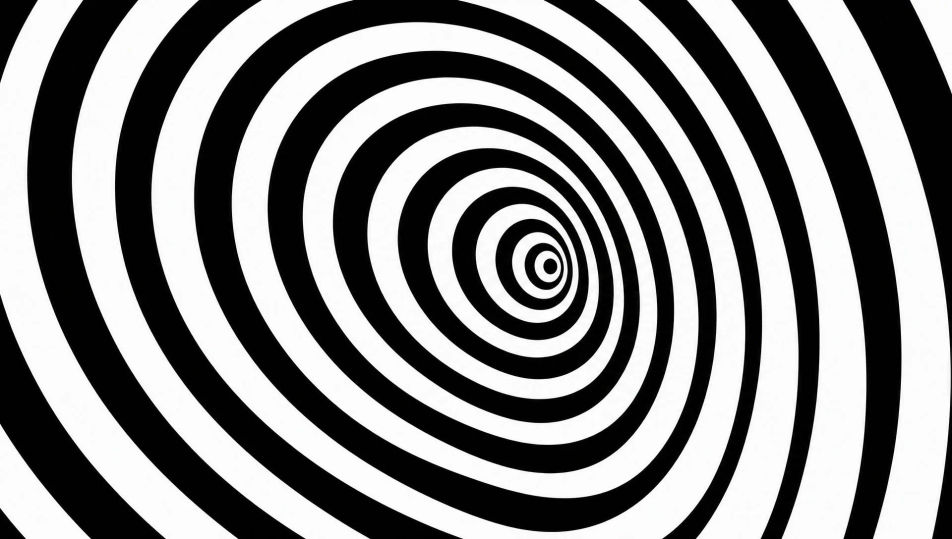
An Op-art composition of nested off-centre rings alternating hard-edged black and white, the widths shifting so the target seems to throb and the eye is pulled toward a drifting centre, crisp edges, no gradient, a vibrating optical pulse from rhythmic contrast.

Edit prompt
Concentric target composition

Make Op art in three steps

  1. 01

    Describe your Op art

    Describe the Op art you want, in plain words.

  2. 02

    Generate the image

    Morphic generates a clean, ready-to-publish image on your canvas in seconds.

  3. 03

    Refine your Op art

    Tweak the prompt, regenerate variations, then download or share the frame.

Related workflows

You might also like

Simple pricing

Get started for free today, with the option to upgrade or cancel anytime.

Basic

$0/ month
billed as $0 per year

900 monthly credits

1 user only

All models

Workflows

Standard

$0/ month
billed as $0 per year

3200 monthly credits

1 user only

All models

Workflows

Pro

$0/ month
billed as $0 per year

6200 shared monthly credits

1 user

+ up to 4 more at extra cost

All models

Workflows

Pro Max

$0/ month
billed as $0 per year

24000 shared monthly credits

1 user

+ up to 9 more at extra cost

All models

Workflows

Enterprise

For higher limits

Custom

pricing and billing terms

Unlimited credits
Custom seat limits
All models
Workflows
Pricing Gradient

Free

For playing around

$0

forever free

Up to 20 credits
1 user only
Limited models
Workflows

FAQs

Where can I make Op art with AI?
You can create Op art directly in your browser on Morphic. Open the Image tool, describe the vibrating contrast, the hard-edged rhythmic repetition, and the warping grid, and Morphic produces the optical composition. No installs and no specialist software needed.
What defines Op art for an AI prompt?
Four locked-in choices: vibrating contrast (black-and-white or saturated complementary), hard-edged rhythmic repetition, systematic warping or grid distortion, and an optical effect such as illusory depth, moire, or after-image. Name all four so the surface genuinely vibrates rather than reading as flat pattern.
What is the difference between Op art and decorative pattern in AI prompts?
Op art is built to trick the eye: the repetition is systematically warped to create illusory depth, shimmer, or movement, always hard-edged with no shading. Decorative pattern simply tiles a motif. Name "warped grid, vibrating contrast, illusory depth, no shading" for the optical reading.
How do I keep an Op art series feeling like one collection?
Use the Style Transfer workflow to lock the contrast scheme and the hard-edged repetition before producing additional pieces, then reference that style card in every prompt. A series of warped grids and wave fields stays consistent across the run.
Can I turn Op art compositions into animated video?
Yes. The Image to Video tool animates any still you generate, and a slow drift of the lines or a pulsing of the warped grid makes the optical illusion move, which suits the register especially well. Pair with the Music tool for a pulsing electronic score.
Do I need any prior art experience to make Op art?
No. Morphic runs in your browser and you direct it with plain-language prompts. Anyone who can describe a warped black-and-white checkerboard or a vibrating field of parallel lines can produce an Op-art composition. No precision drafting required.