Neutral seamless studio
A clean campaign studio: neutral seamless backdrop, one large soft key plus subtle rim, even commercial light, room for a full-length pose, polished and minimal.
Edit prompt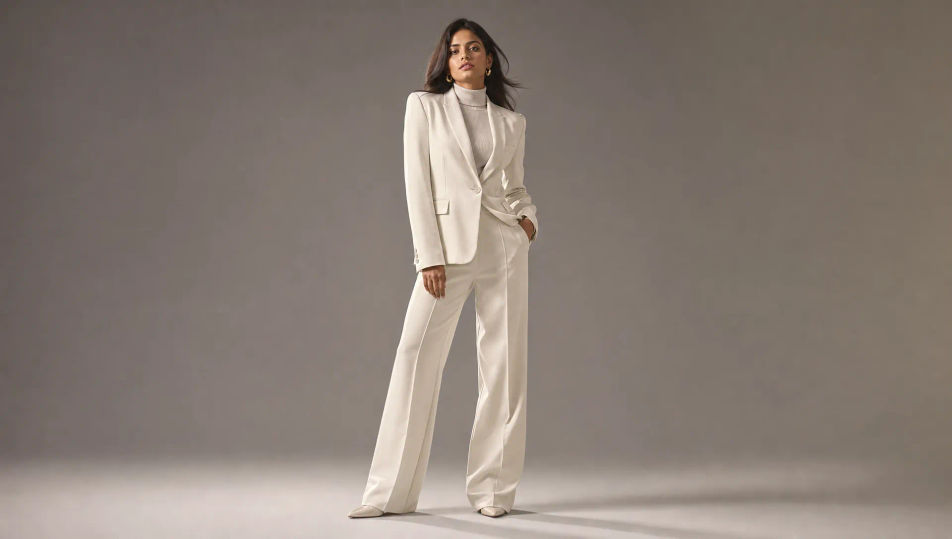
Create fashion photography images in your browser with Morphic's AI image generator. Generate a clean studio campaign look, a sunlit lookbook full-length, or a gel-lit beauty close-up. Keep one model consistent across a lookbook with Character Lineup, then animate any frame with Image to Video.
A clean campaign studio: neutral seamless backdrop, one large soft key plus subtle rim, even commercial light, room for a full-length pose, polished and minimal.
Edit promptA bright minimalist interior: pale plaster walls, warm raking sunlight, long soft shadows, sparse modern furniture, the airy aspirational set of a lookbook shoot.
Edit prompt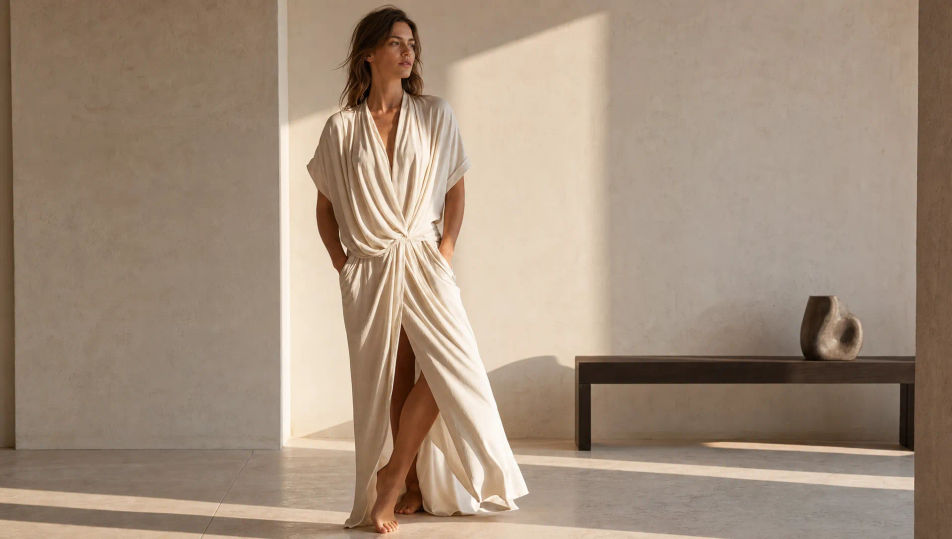
A moody beauty set: deep black background, magenta and cyan gels crossing the subject, faint haze catching the colored beams, glossy reflective surfaces, campaign intensity.
Edit prompt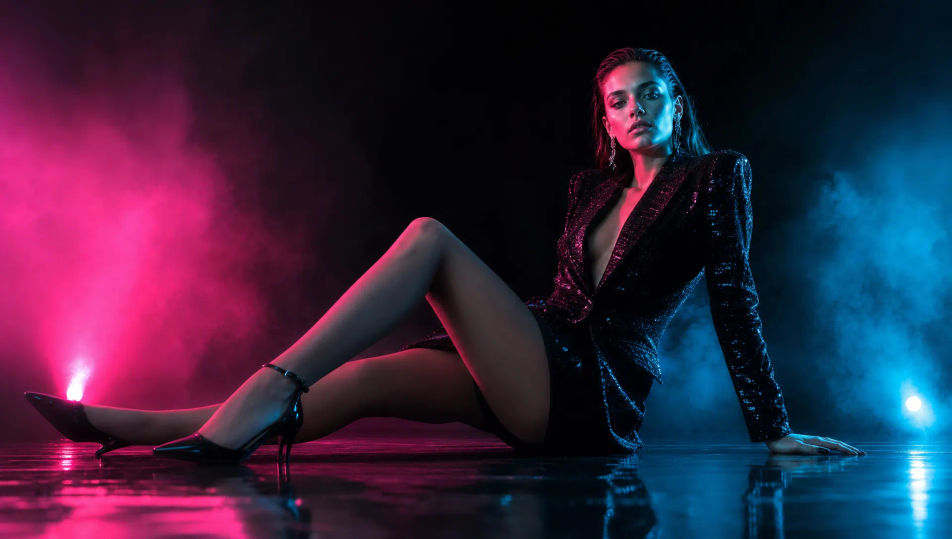
A raw architectural set: board-formed concrete walls, hard directional light and crisp shadow, clean geometric lines, an editorial high-end backdrop for a tailoring look.
Edit prompt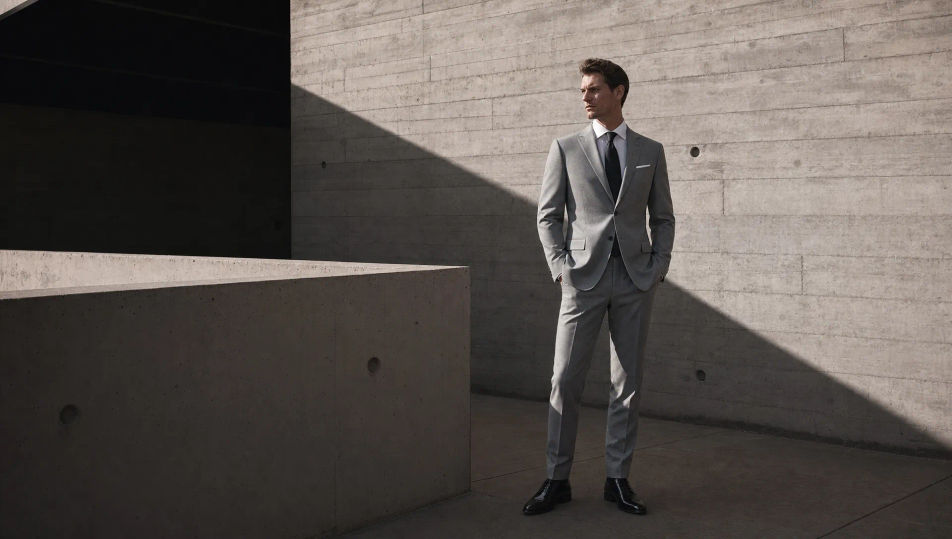
Describe the Fashion Photography you want, in plain words.
Morphic generates a clean, ready-to-publish image on your canvas in seconds.
Tweak the prompt, regenerate variations, then download or share the frame.
Pair a garment photo with a person photo. See them wearing it, identity stays intact.
Get a runway walk video clip with virtual try-on built in from a garment photo and a model photo.
Full model photoshoot from one photo of you
Upload a garment, and get a 27-second fashion reel with 9 styled shots.
Multi-shot product pitch video from a still, a person, and a script.

Generate a female AI influencer. Vertical output, ready for socials.
Editorial Fashion AI Images
Create AI Editorial Fashion images with Morphic. Generate Editorial Fashion shots, portraits, and visuals for any project in seconds.
Streetwear Photography AI Images
Create AI Streetwear Photography images with Morphic. Generate Streetwear Photography shots, portraits, and visuals for any project in seconds.
Studio Portrait AI Images
Create AI Studio Portrait images with Morphic. Generate Studio Portrait shots, portraits, and visuals for any project in seconds.
Portrait Photography AI Images
Generate studio-quality AI portraits from a prompt. Realistic lighting, skin texture, and lens looks. Free HD, no watermark.
Get started for free today, with the option to upgrade or cancel anytime.
Basic
2400 monthly credits
1 user only
All models
Workflows
Standard
3625 monthly credits
1 user only
All models
Workflows
Pro
6350 shared monthly credits
1 user
All models
Workflows
Max
24650 shared monthly credits
1 user
All models
Workflows
Enterprise
For higher limits
Custom
pricing and billing terms

Free
For playing around
$0
forever free