Grey seamless one-light
A pared-back studio frame: a single large octabox at 45 degrees, mid-grey seamless paper sweeping behind, soft shadow gradient on the backdrop, the subject seated on an apple box.
Edit prompt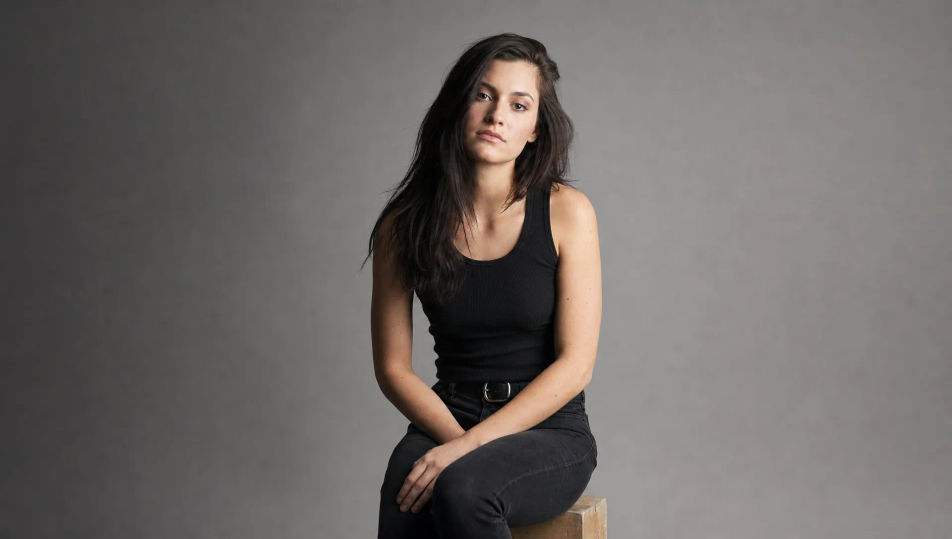
Create studio portraits in your browser with Morphic's AI image generator. Generate a Rembrandt-lit bust on a grey backdrop, a high-key beauty look on pure white, or a gel-lit duo of magenta and teal. Hold one subject consistent with Character Lineup, then animate any frame with Image to Video.
A pared-back studio frame: a single large octabox at 45 degrees, mid-grey seamless paper sweeping behind, soft shadow gradient on the backdrop, the subject seated on an apple box.
Edit promptA bright high-key studio: pure white cyclorama sweep, two backdrop lights blowing the background to clean white, soft frontal fill on the subject, airy and shadowless.
Edit prompt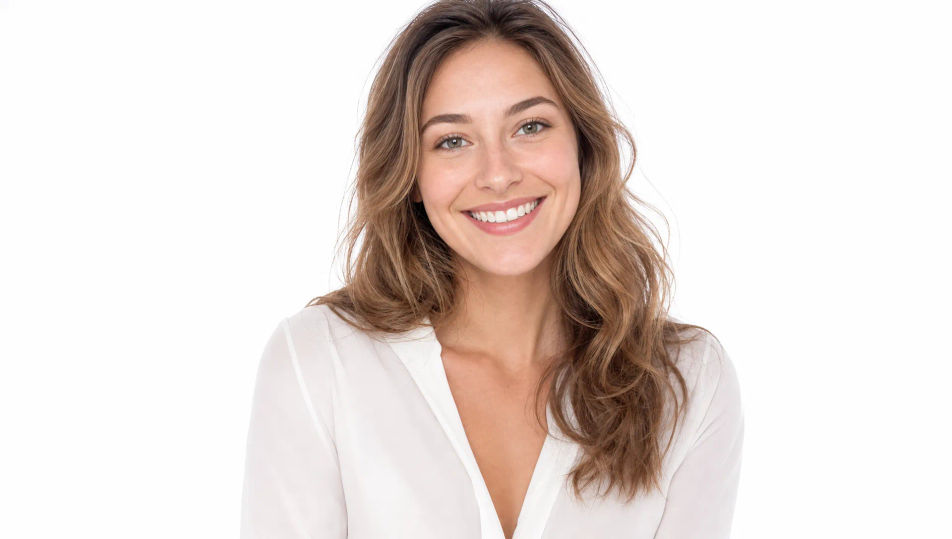
A moody studio lit by two colored gels, magenta from camera left and teal from camera right, faint atmospheric haze catching the beams, deep black background, glossy rim light.
Edit prompt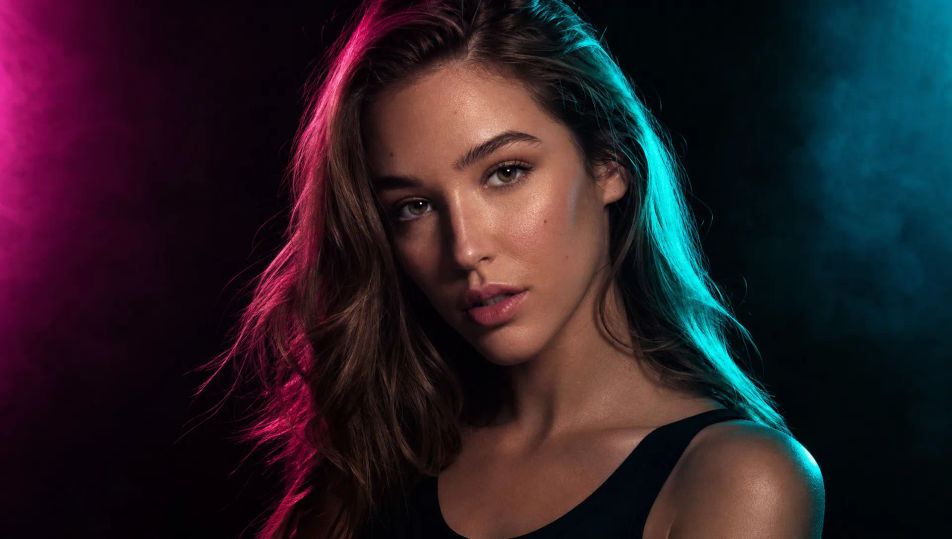
A low-key studio: black seamless paper, a single gridded source feathered across the subject, deep shadow swallowing the edges, fine highlight texture, quiet and dramatic.
Edit prompt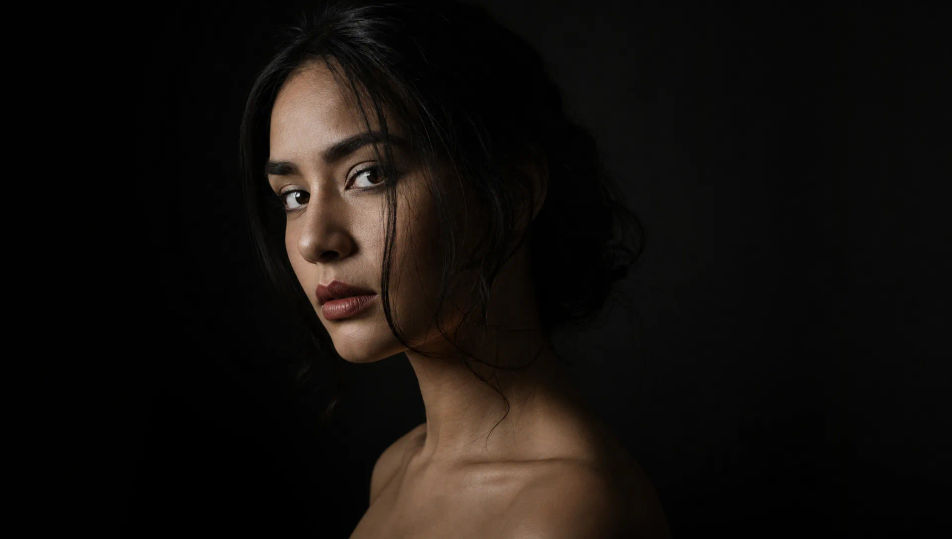
Describe the Studio Portrait you want, in plain words.
Morphic generates a clean, ready-to-publish image on your canvas in seconds.
Tweak the prompt, regenerate variations, then download or share the frame.
Fix plastic-looking AI skin. Adds natural texture, pores, and imperfections for realism.
One selfie becomes a set of professional headshots. Studio-quality, multiple styles.
Choose your viewing angles and get precise perspective shifts of any image with full camera control.
Convert any image to a new aspect ratio. Smart crop or extend the edges to fit.
Full model photoshoot from one photo of you

Upload a photo of a person or character and get a single grid image showing them at different life stages, from baby to elderly.
Portrait Photography AI Images
Generate studio-quality AI portraits from a prompt. Realistic lighting, skin texture, and lens looks. Free HD, no watermark.
Headshot AI Images
Create AI Headshot images with Morphic. Generate Headshot shots, portraits, and visuals for any project in seconds.
Black and White Portrait AI Images
Create AI Black and White Portrait images with Morphic. Generate Black and White Portrait shots, portraits, and visuals for any project in seconds.
Fashion Photography AI Images
Create AI Fashion Photography images with Morphic. Generate Fashion Photography shots, portraits, and visuals for any project in seconds.
Get started for free today, with the option to upgrade or cancel anytime.
Basic
2400 monthly credits
1 user only
All models
Workflows
Standard
3625 monthly credits
1 user only
All models
Workflows
Pro
6350 shared monthly credits
1 user
All models
Workflows
Max
24650 shared monthly credits
1 user
All models
Workflows
Enterprise
For higher limits
Custom
pricing and billing terms

Free
For playing around
$0
forever free