Ganesh art drawing on a sketchbook page
A wide view of an open sketchbook page with a worked Ganesh study on one side and small thumbnail studies of the trunk and hands on the other.
Edit prompt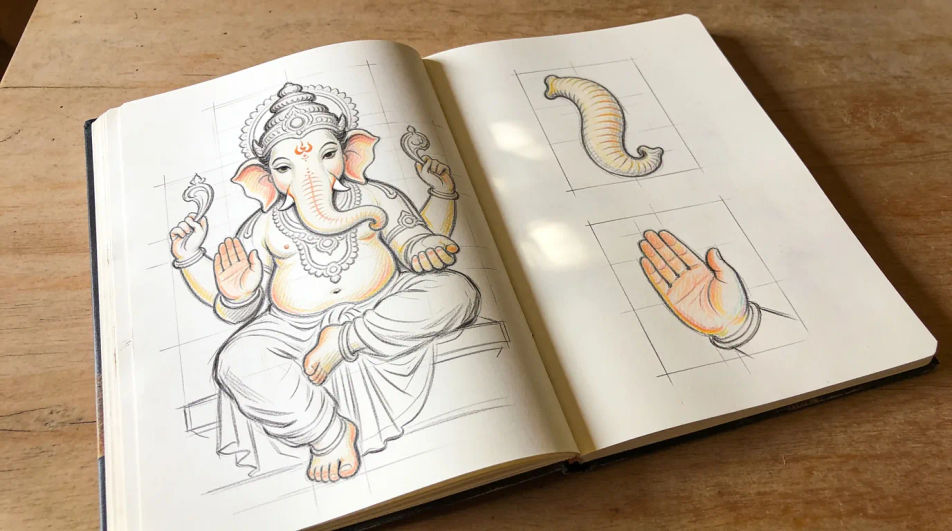
Describe the Ganesh sketch you want in Morphic's Image tool, from loose construction lines to a fully worked graphite study. Set the pose, the ornament, the medium and how finished the drawing should look, adjust the tone on the Canvas, then download it in HD.
A wide view of an open sketchbook page with a worked Ganesh study on one side and small thumbnail studies of the trunk and hands on the other.
Edit promptAn ink and wash composition of the seated figure with a plate of offerings and a lamp at the front, hatching kept loose in the background.
Edit prompt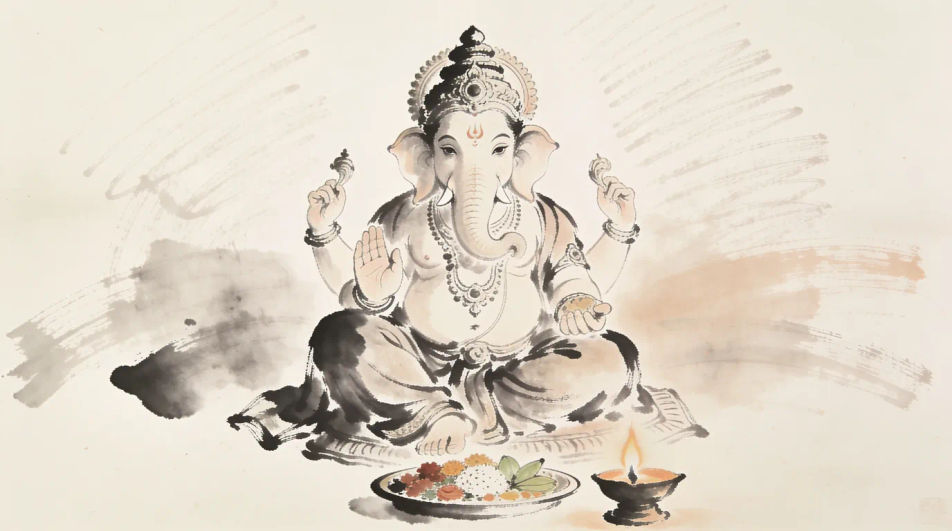
An upright graphite composition sized for a frame, the figure centred with even margins and the background left as untouched paper.
Edit prompt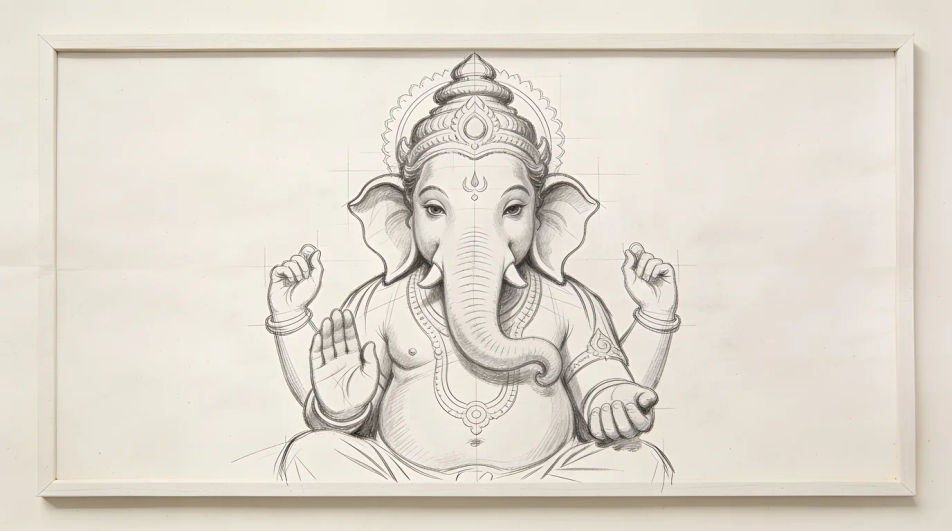
A reference sheet of four small studies, the curled trunk from two angles and a hand holding a modak, each drawn at the same scale in pencil.
Edit prompt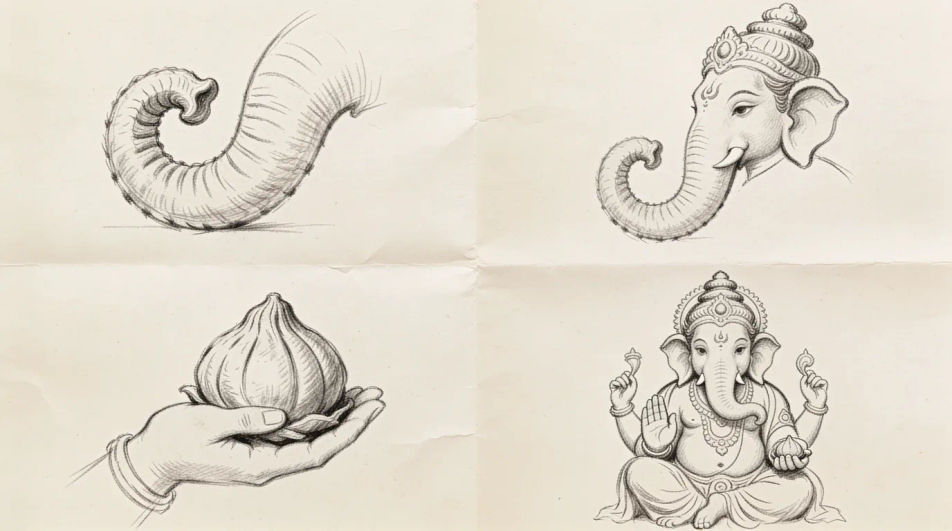
Describe the Ganesh drawing you want, in plain words.
Morphic generates a clean, ready-to-publish image on your canvas in seconds.
Tweak the prompt, regenerate variations, then download or share the frame.
Pick a reference image, apply its visual style to your own photo or artwork.
Convert any image to a new aspect ratio. Smart crop or extend the edges to fit.

Turn any sketch or drawing into a finished render.
Restyle any video in a completely new visual style. Every frame transforms, all motion stays intact.
Reimagine any anime character as a photorealistic, high-fashion live-action portrait.
One selfie becomes a set of professional headshots. Studio-quality, multiple styles.
Ganesh ji ki drawing generator
Turn a Ganesh ji ki drawing idea into a finished image in Morphic. Describe the line work and style, generate variations, then refine it on the canvas.
Creative Ganesh sketch images
Create creative Ganesh sketch images in Morphic. Describe the subject and the line work you want, generate versions.
Hanuman drawing generator
Turn a Hanuman drawing idea into a finished image in Morphic. Describe the line work and style, generate variations, then refine it on the canvas.
Dove drawings from symbol to feather study
Turn a dove drawing idea into a finished image in Morphic. Describe the line work and style, generate variations, then refine it on the canvas.
Get started for free today, with the option to upgrade or cancel anytime.
Basic
2400 monthly credits
1 user only
All models
Workflows
Standard
3625 monthly credits
1 user only
All models
Workflows
Pro
6350 shared monthly credits
1 user
All models
Workflows
Max
24650 shared monthly credits
1 user
All models
Workflows
Enterprise
For higher limits
Custom
pricing and billing terms

Free
For playing around
$0
forever free