Mascot pose sheet across expressions
A clean lineup of the same mascot in several poses and expressions, happy, surprised, waving, and thumbs-up, evenly spaced on a plain neutral backdrop.
Edit prompt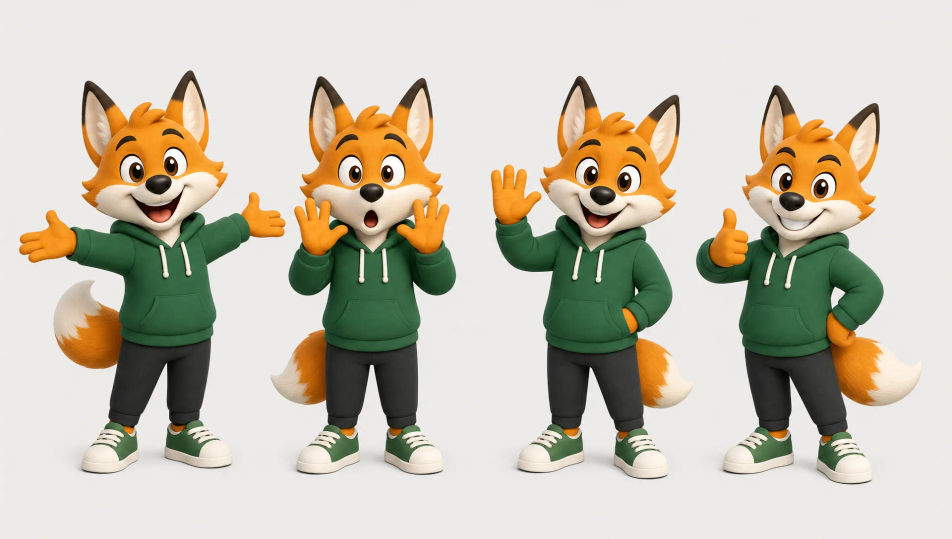
Design brand mascots in your browser with Morphic's AI image generator. Generate a friendly rounded app mascot, a bold sports team character, or a clean flat-vector brand figure. Hold one design across every pose with Character Lineup, then make it wave or bounce with Image to Video.
A clean lineup of the same mascot in several poses and expressions, happy, surprised, waving, and thumbs-up, evenly spaced on a plain neutral backdrop.
Edit promptThe mascot featured on a clean product box or app icon mockup, bright brand colors around it, soft studio light and a simple background for a polished look.
Edit prompt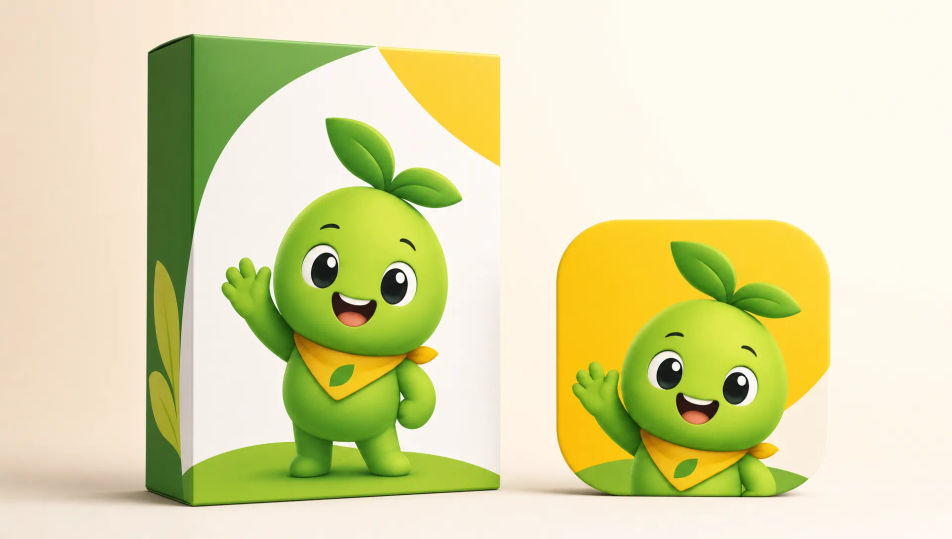
The mascot positioned to one side of a wide banner with open space for a headline, a smooth gradient background and a friendly welcoming wave.
Edit prompt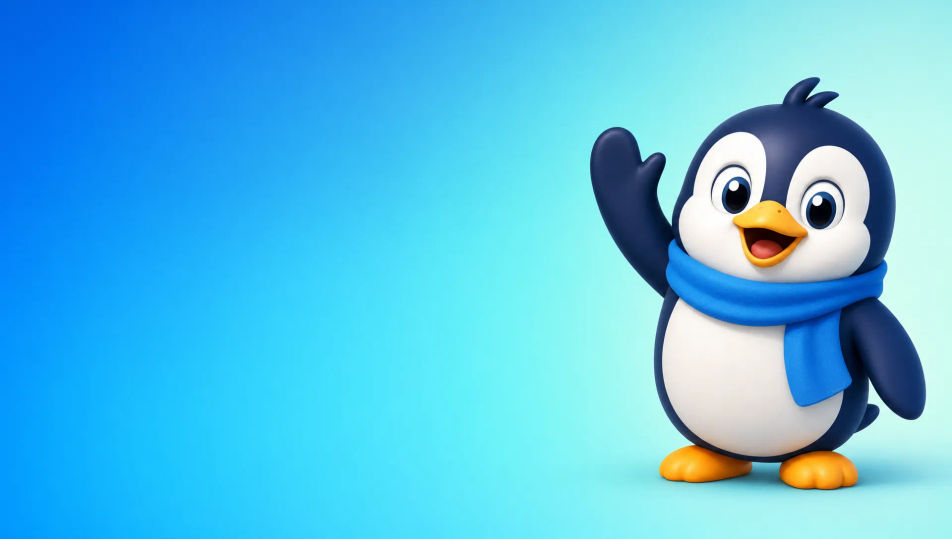
A grid of the same mascot as die-cut stickers, each a different reaction or pose with a clean white border, arranged neatly on a soft colored backdrop.
Edit prompt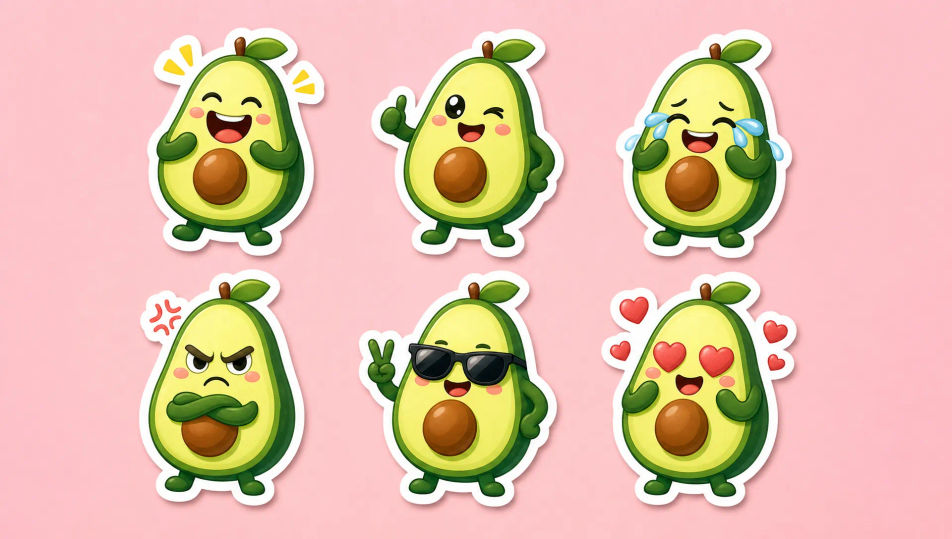
Describe the Mascot Character you want, in plain words.
Morphic generates a clean, ready-to-publish image on your canvas in seconds.
Tweak the prompt, regenerate variations, then download or share the frame.

Take any character image and generate 6 distinct facial expressions on a single reference sheet.

Share a scene description with character references. Get a full storyboard with shot angles and mood.

Turn any photo or description into an animated chibi sprite. Dance, jump, wave, attack, and more.

All your characters on a single lineup image, side by side with height comparison.
Drop in a photo of yourself. Get a 12-second cinematic movie with animation and a matched soundtrack.

Professional 7-panel location reference sheet from a single photo.
Anthropomorphic Animal AI Images
Create AI Anthropomorphic Animal images with Morphic. Generate Anthropomorphic Animal portraits, designs, and character art for any project in seconds.
Robot Character AI Images
Create AI robot character images on Morphic. Retro bots, sleek androids, battle droids, companion bots, and sci-fi scenes from plain-language prompts.
Original Character AI Images
Create AI Original Character images with Morphic. Generate Original Character portraits, designs, and character art for any project in seconds.
Cartoon Illustration AI art
Create cartoon illustrations with Morphic. Original characters, expressive scenes, and stylized panel art from a single prompt.
Get started for free today, with the option to upgrade or cancel anytime.
Basic
2400 monthly credits
1 user only
All models
Workflows
Standard
3625 monthly credits
1 user only
All models
Workflows
Pro
6350 shared monthly credits
1 user
All models
Workflows
Max
24650 shared monthly credits
1 user
All models
Workflows
Enterprise
For higher limits
Custom
pricing and billing terms

Free
For playing around
$0
forever free