Design Neo-geo art in your browser with Morphic's Neo-geo AI image generator. Create cold commercial hard-edge geometry, appropriated op-art and invented corporate logos, and glossy synthetic surfaces, lock the ironic corporate look with Style Transfer, then animate any still with Image to Video.

Neo-geo subjects you can compose

Neo-geo compositions you can design

Logo-and-stripe diptych

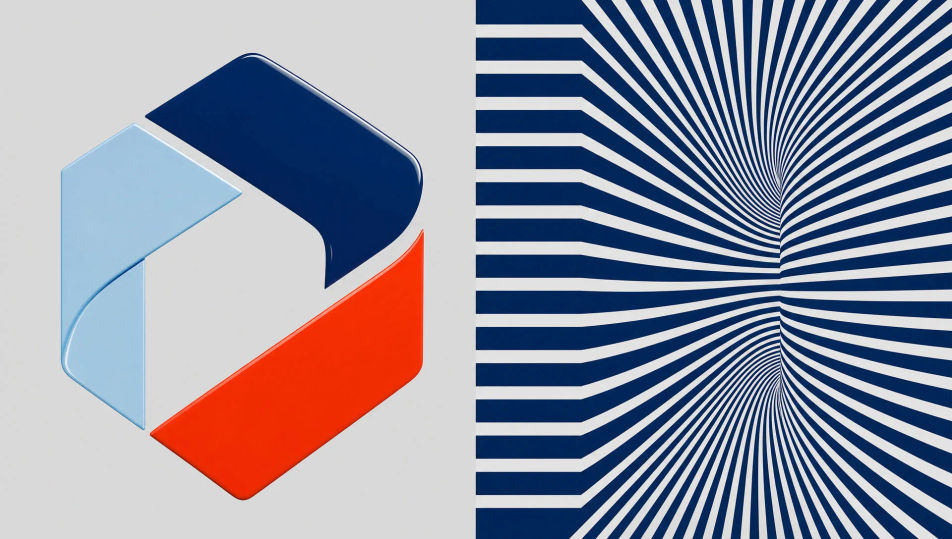
A Neo-geo two-panel composition, an invented glossy corporate logo on the left, cold op-art stripes warping on the right, hard-edge geometry, flat synthetic colour, machine-precise edges, ironic commercial coolness, the appropriated-corporate-abstraction register, no readable text.

Edit prompt
Logo-and-stripe diptych

Showroom of faux-plinths

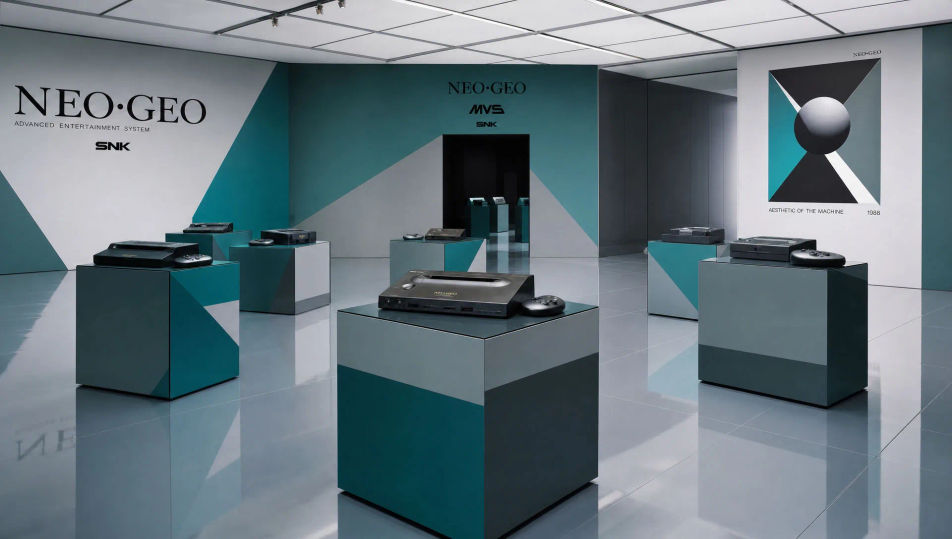
A Neo-geo showroom of glossy laminate plinth-cubes spaced on a flat reflective floor, cold hard-edge geometry, synthetic teal and grey facets, machine-flat lighting, ironic commodity-as-art coolness, the simulation-and-surface register of 1980s Neo-Geometric Conceptualism.

Edit prompt
Showroom of faux-plinths

Op-art accent wall

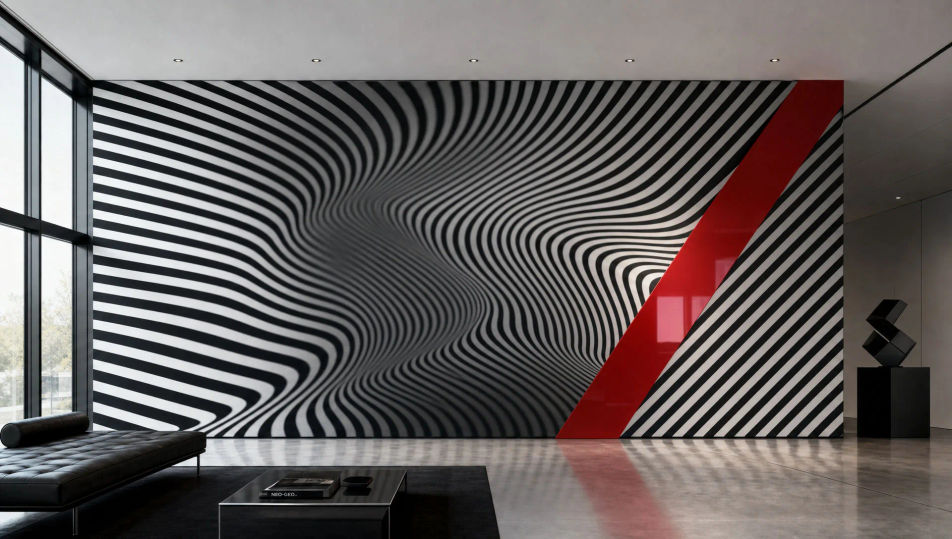
A Neo-geo accent wall of cold black-and-white optical stripes warping into a moiré, a single glossy synthetic accent band, hard-edge precision, flat machine-perfect surface, ironic detachment, the borrowed-optical-illusion register lifted into cool commercial abstraction.

Edit prompt
Op-art accent wall

Corporate lobby abstraction

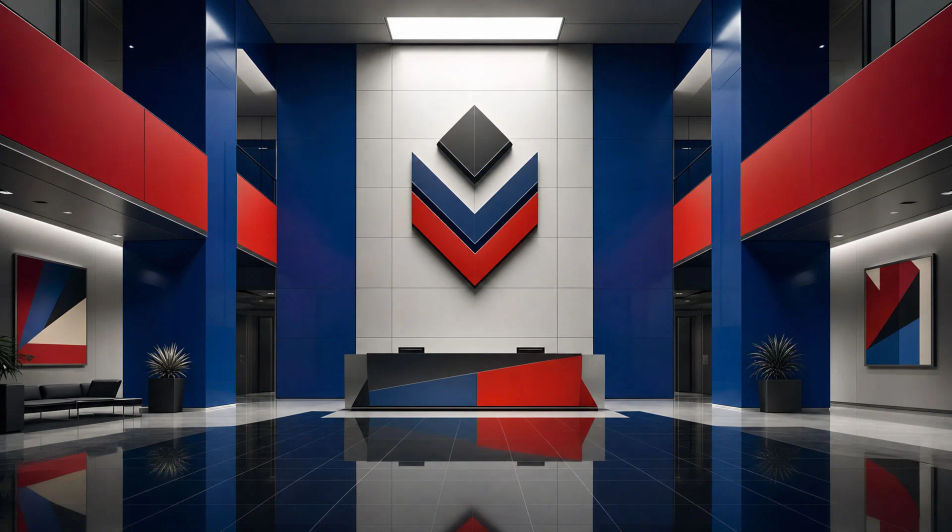
A Neo-geo idealised corporate lobby reduced to cold hard-edge volumes, glossy synthetic colour panels, an invented chevron emblem on the back wall, machine-flat reflections, ironic corporate-identity coolness, the appropriated-commercial-design register, no readable brand text.

Edit prompt
Corporate lobby abstraction

Make Neo-geo in three steps

  1. 01

    Describe your Neo-geo

    Describe the Neo-geo you want, in plain words.

  2. 02

    Generate the image

    Morphic generates a clean, ready-to-publish image on your canvas in seconds.

  3. 03

    Refine your Neo-geo

    Tweak the prompt, regenerate variations, then download or share the frame.

Related workflows

You might also like

Simple pricing

Get started for free today, with the option to upgrade or cancel anytime.

Basic

$0/ month
billed as $0 per year

900 monthly credits

1 user only

All models

Workflows

Standard

$0/ month
billed as $0 per year

3200 monthly credits

1 user only

All models

Workflows

Pro

$0/ month
billed as $0 per year

6200 shared monthly credits

1 user

+ up to 4 more at extra cost

All models

Workflows

Pro Max

$0/ month
billed as $0 per year

24000 shared monthly credits

1 user

+ up to 9 more at extra cost

All models

Workflows

Enterprise

For higher limits

Custom

pricing and billing terms

Unlimited credits
Custom seat limits
All models
Workflows
Pricing Gradient

Free

For playing around

$0

forever free

Up to 20 credits
1 user only
Limited models
Workflows

FAQs

Where can I make Neo-geo art with AI?
You can create Neo-geo images directly in your browser on Morphic. Open the Image tool, describe the cold hard-edge geometry, the appropriated op-art or invented logo, and the glossy synthetic surface, and Morphic produces the composition. No installs and no specialist software needed.
What defines Neo-geo for an AI prompt?
Four locked-in choices: cold hard-edge geometry, appropriated op-art or an invented corporate logo, a glossy synthetic surface, and ironic corporate detachment. Name all four for the 1980s Neo-Geometric Conceptualism register to land rather than generic geometric abstraction.
What is the difference between Neo-geo and op art?
Op art is sincere optical illusion. Neo-geo appropriates op-art and corporate-design motifs ironically, wrapping them in glossy synthetic surfaces as a cool comment on commodity culture. Name "glossy synthetic, appropriated, ironic corporate" and the look reads as Neo-geo, not earnest op art.
How do I keep a Neo-geo series feeling like one collection?
Use the Style Transfer workflow to lock the glossy synthetic surface and the cold hard-edge palette before producing additional pieces, then reference that style card in every prompt. A logo-panel series or a faux-plinth set stays consistent across the run.
Can I turn Neo-geo compositions into animated video?
Yes. The Image to Video tool animates any still you generate, and a slow shimmer across the op-art moire or a glossy specular sweep over a logo panel suits the cold synthetic register. Pair with the Music tool for a sparse, clinical electronic score.
Do I need any prior design experience to make Neo-geo art?
No. Morphic runs in your browser and you direct it with plain-language prompts. Anyone who can describe a glossy hard-edge panel, op-art stripes, and an invented logo can produce a Neo-geo composition. Spray booths and a fabrication studio are not required.