Design Kinetic art in your browser with Morphic's Kinetic art AI image generator. Suspend a Calder-style mobile of balanced floating shapes, build a rotating geometric contraption with motion-blur cues, lock the look with Style Transfer, then animate any still with Image to Video.

Kinetic art subjects you can compose

Kinetic art compositions you can design

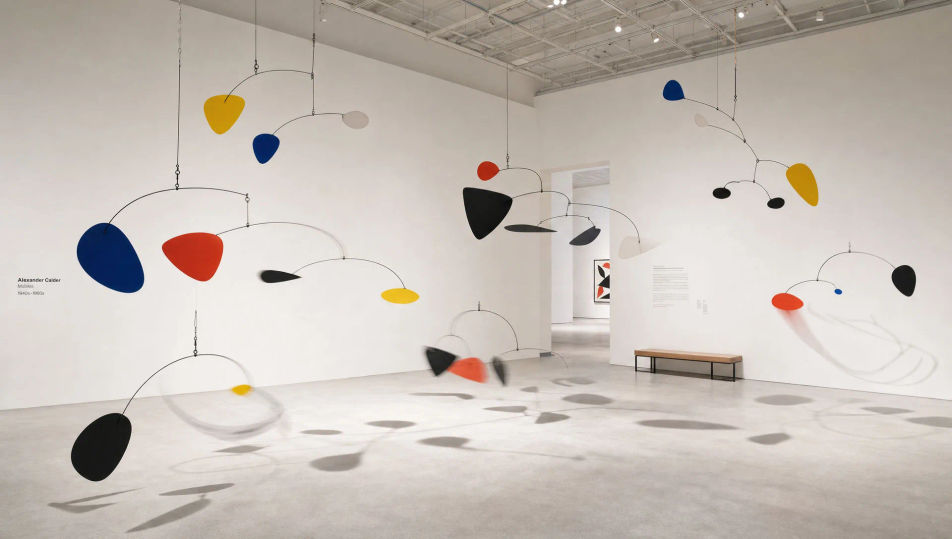
Gallery of suspended mobiles

A white-cube gallery hung with several Calder-style mobiles at different heights, flat primary-colour and black petals on thin steel wires, each in delicate balance, the lowest arms caught in soft motion-blur arcs, hard shadows raking the pale floor.

Edit prompt
Gallery of suspended mobiles

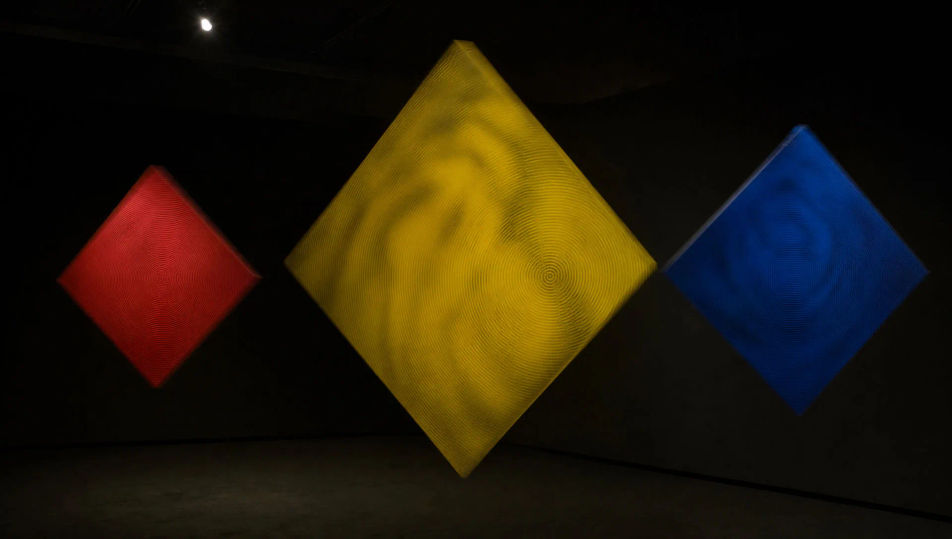
Rotating geometry installation

A dim gallery installation of motorised geometric panels, red, yellow, and blue squares rotating on hidden spindles, each surface blurred at a different speed so the room reads as overlapping moire planes, single spotlight, flat black ground.

Edit prompt
Rotating geometry installation

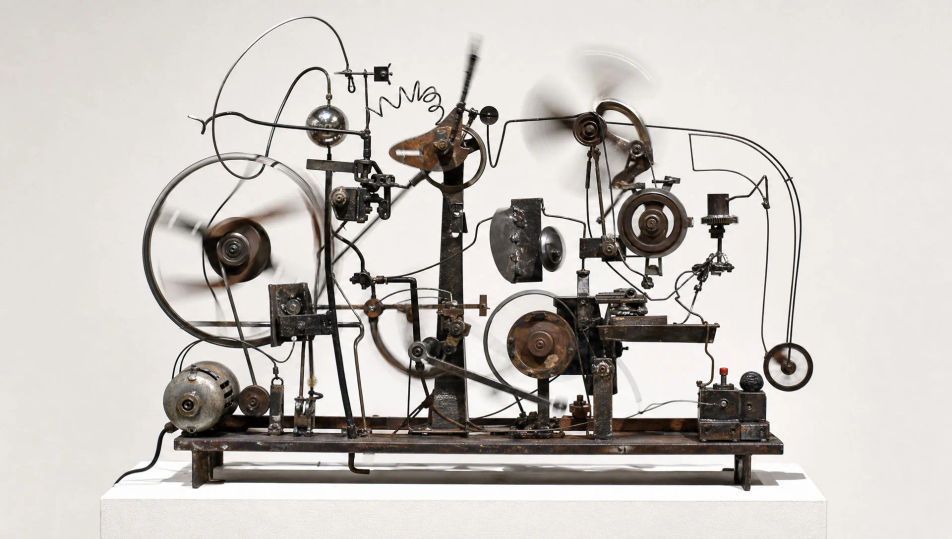
Mechanical contraption in motion

A Tinguely-style machine mid-cycle on a white plinth, welded cogs, bent wire, and a small motor driving eccentric cams, light motion-blur streaks tracing the fastest wheels, junk-metal palette of rust, black, and bare steel against a flat wall.

Edit prompt
Mechanical contraption in motion

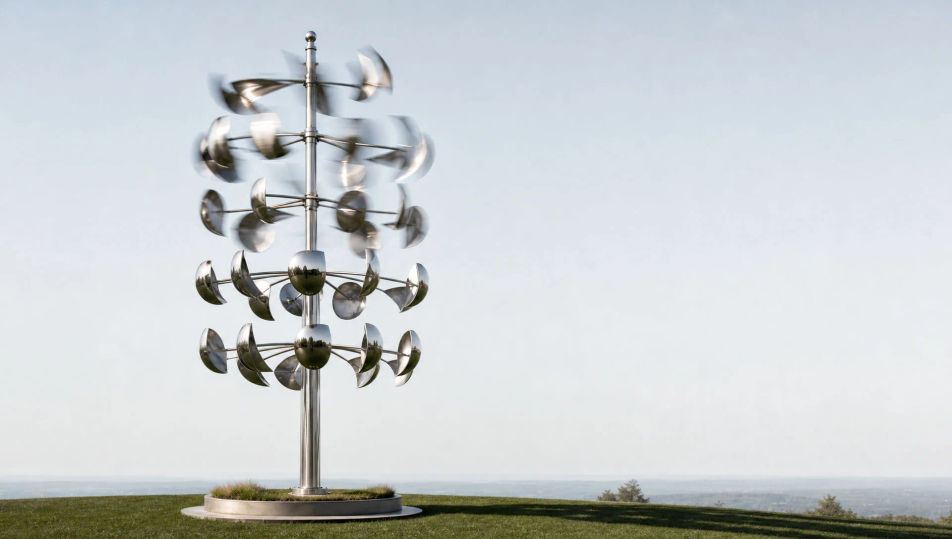
Outdoor wind-driven sculpture

A tall steel wind sculpture on a grass plinth, polished cups and curved vanes stacked in tiers, the upper rows blurred mid-rotation while the base stays crisp, mirror-metal catching a flat pale sky, long thin shadow across the lawn.

Edit prompt
Outdoor wind-driven sculpture

Make Kinetic art in three steps

  1. 01

    Describe your Kinetic art

    Describe the Kinetic art you want, in plain words.

  2. 02

    Generate the image

    Morphic generates a clean, ready-to-publish image on your canvas in seconds.

  3. 03

    Refine your Kinetic art

    Tweak the prompt, regenerate variations, then download or share the frame.

Related workflows

You might also like

Simple pricing

Get started for free today, with the option to upgrade or cancel anytime.

Basic

$0/ month
billed as $0 per year

900 monthly credits

1 user only

All models

Workflows

Standard

$0/ month
billed as $0 per year

3200 monthly credits

1 user only

All models

Workflows

Pro

$0/ month
billed as $0 per year

6200 shared monthly credits

1 user

+ up to 4 more at extra cost

All models

Workflows

Pro Max

$0/ month
billed as $0 per year

24000 shared monthly credits

1 user

+ up to 9 more at extra cost

All models

Workflows

Enterprise

For higher limits

Custom

pricing and billing terms

Unlimited credits
Custom seat limits
All models
Workflows
Pricing Gradient

Free

For playing around

$0

forever free

Up to 20 credits
1 user only
Limited models
Workflows

FAQs

Where can I make Kinetic art with AI?
You can create Kinetic art directly in your browser on Morphic. Open the Image tool, describe a Calder-style mobile or rotating contraption, name the balanced floating shapes and a motion-blur cue, and Morphic produces the composition. No installs and no specialist software needed.
What defines Kinetic art for an AI prompt?
Four locked-in choices: actual or implied movement (suspended mobile, rotating geometry, mechanical contraption), delicate balance and counterweighting, a motion cue such as soft motion-blur arcs or rotation streaks, and a clean gallery or outdoor ground. Name all four so the still reads as movement frozen mid-action.
What is the difference between Kinetic art and Op art?
Kinetic art uses real or depicted physical movement, mobiles, motors, and wind, with motion-blur cues for the action. Op art is static and creates the illusion of movement purely through pattern. Name a suspended mobile, a spindle, or motion-blur arcs and the look reads as Kinetic rather than Op.
How do I keep a Kinetic art series feeling like one collection?
Use the Style Transfer workflow to lock the palette, the wire-and-plate vocabulary, and the motion-blur treatment before producing more pieces, then reference that style card in every prompt. A mobile series or a contraption series stays consistent across the whole run.
Can I turn Kinetic art compositions into animated video?
Yes, and it suits the movement perfectly. The Image to Video tool animates any still you generate, so a mobile can drift, a disc can spin, or a contraption can cycle. Pair with the Music tool for a mechanical or chiming score.
Do I need any prior art experience to make Kinetic art?
No. Morphic runs in your browser and you direct it with plain-language prompts. Anyone who can describe a balanced mobile of floating shapes, thin steel wires, and a soft motion-blur arc can produce a Kinetic art composition. Welding and motors are not required.