Boards lined up on the sand
Five surfboards laid side by side on the sand seen from above, ink line, each outline a different shape and the sand texture kept light.
Edit prompt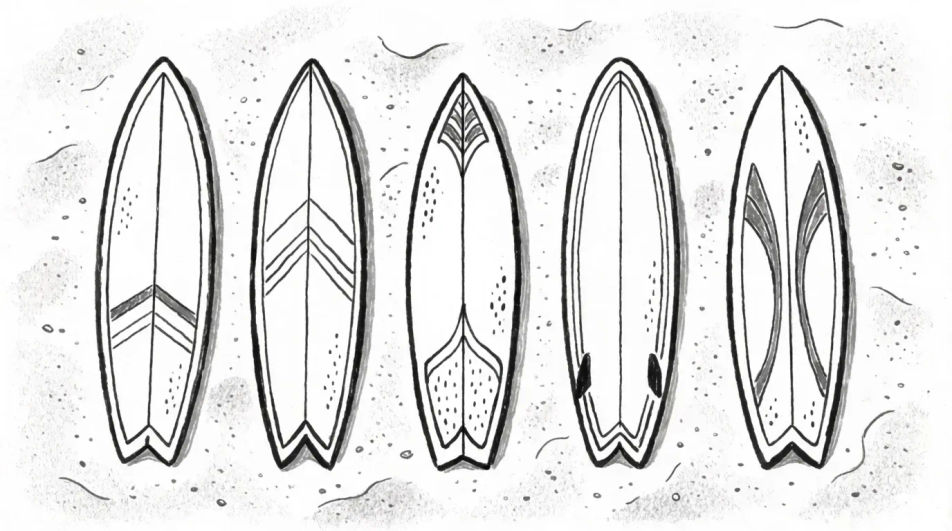
Describe the surfboard you want in Morphic's Image tool, from a clean shaper's outline to a decked-out board with stripes and a resin tint. Set the shape, the fin count, the deck artwork, the medium and the angle, adjust it on the Canvas, then download the drawing in HD.
Five surfboards laid side by side on the sand seen from above, ink line, each outline a different shape and the sand texture kept light.
Edit promptSix board outlines drawn flat in a row, shortboard to longboard, even line weight and no shading so the differences in shape read clearly.
Edit prompt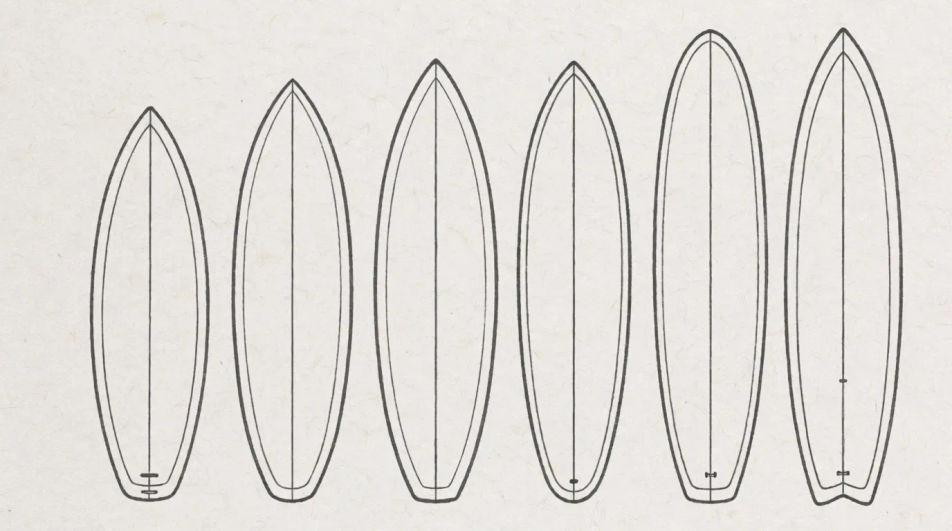
A surfer carrying a board under one arm toward the waves, graphite, the figure kept simple and the board given the sharper line.
Edit prompt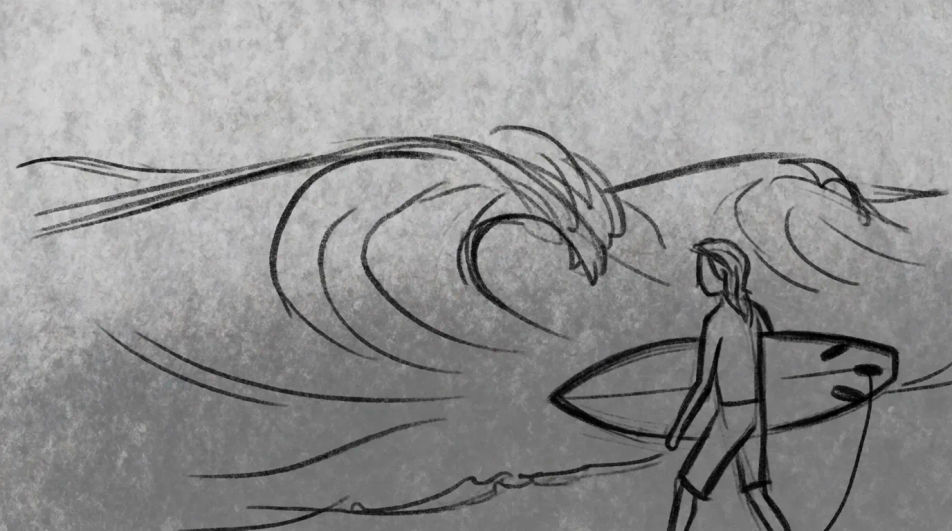
One large surfboard drawn flat as a bold outline with a blank deck and a centre stringer line, no shading, ready for a custom design.
Edit prompt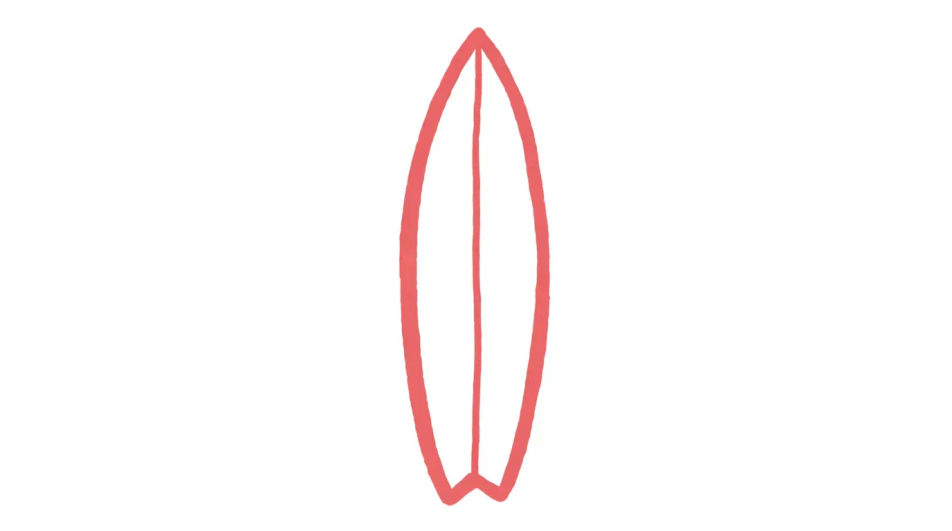
Describe the Surfboard drawing you want, in plain words.
Morphic generates a clean, ready-to-publish image on your canvas in seconds.
Tweak the prompt, regenerate variations, then download or share the frame.
Drop in a photo of yourself. Get a 12-second cinematic movie with animation and a matched soundtrack.

Dramatize any text conversation into a cinematic multi-shot video.
Cinematic time-freeze short film for any scene
Set the look with one reference image. Apply that exact grade to any scene or batch.
Choose your viewing angles and get precise perspective shifts of any image with full camera control.
Bring back any damaged, blurry, or low-res image. Get a sharp, detailed 4K version with natural clarity restored.
Beach drawing generator
Turn a beach drawing idea into a finished image in Morphic. Describe the line work and style, generate variations, then refine it on the canvas.
Waves drawings from flat motif to breaking swell
Turn a waves drawing idea into a finished image in Morphic. Describe the line work and style, generate variations, then refine it on the canvas.
Skateboard drawings in any medium
Turn a skateboard drawing idea into a finished image in Morphic. Describe the line work and style, generate variations, then refine it on the canvas.
Sports drawing generator
Turn a sports drawing idea into a finished image in Morphic. Describe the line work and style, generate variations, then refine it on the canvas.
Get started for free today, with the option to upgrade or cancel anytime.
Basic
2400 monthly credits
1 user only
All models
Workflows
Standard
3625 monthly credits
1 user only
All models
Workflows
Pro
6350 shared monthly credits
1 user
All models
Workflows
Max
24650 shared monthly credits
1 user
All models
Workflows
Enterprise
For higher limits
Custom
pricing and billing terms

Free
For playing around
$0
forever free