Wave sets rolling to shore
Three lines of waves stacked toward a low horizon in pencil, the near one broken and detailed, the ones behind reduced to simple parallel marks.
Edit prompt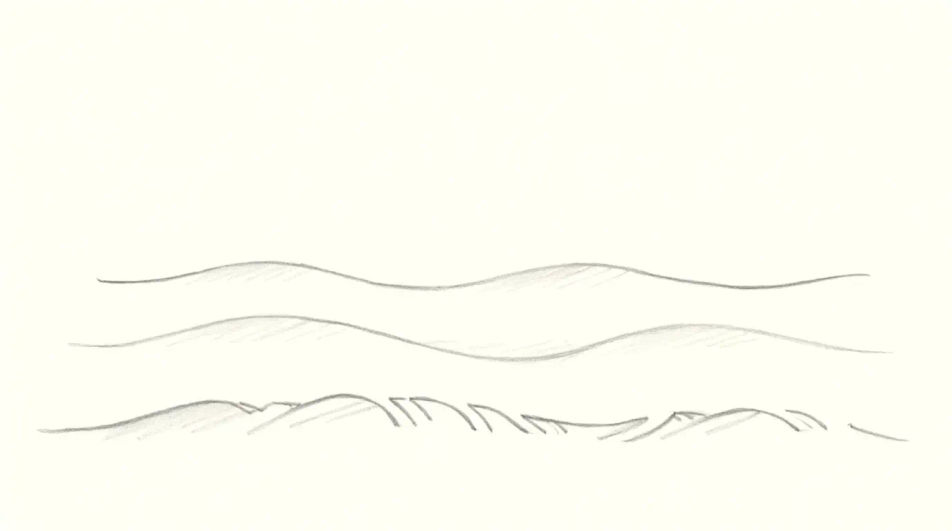
Describe the waves you want in Morphic's Image tool, from a flat repeating motif to a single breaking swell, and get a finished drawing back. Set the wave shape, the foam texture, the line weight and the paper, adjust it on the Canvas, then download it in HD.
Three lines of waves stacked toward a low horizon in pencil, the near one broken and detailed, the ones behind reduced to simple parallel marks.
Edit promptThe view from inside a curling wave in ink and wash, the tunnel opening to a bright circle of daylight and the water thinning to translucency overhead.
Edit prompt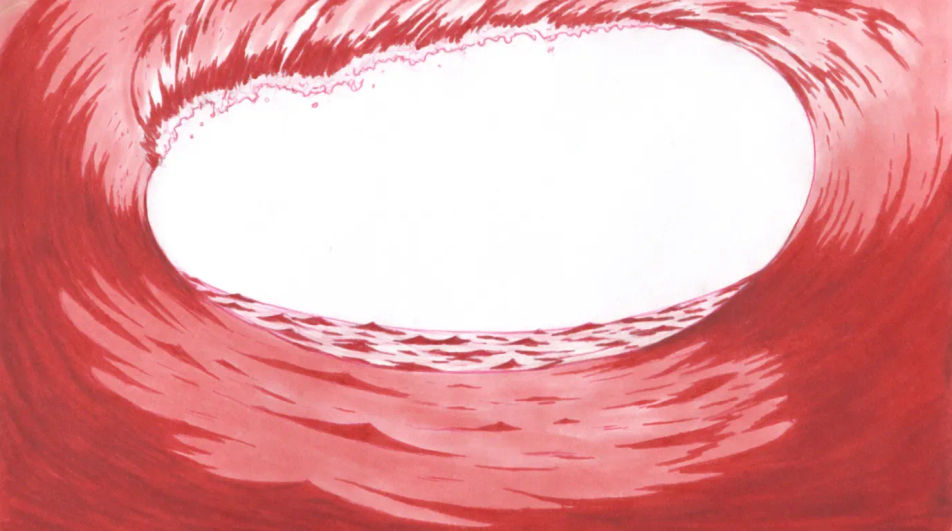
A band of identical wave arcs running the width of the frame at even weight, the space above left blank so the pattern can carry a header or a label.
Edit prompt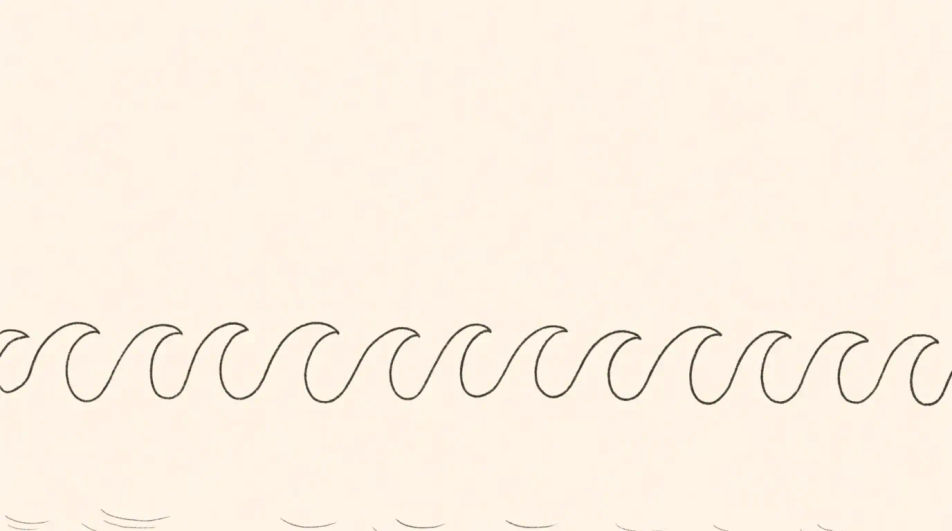
Water hitting a dark rock in charcoal, spray bursting upward in a ragged plume and the surface around the base churning into broken white texture.
Edit prompt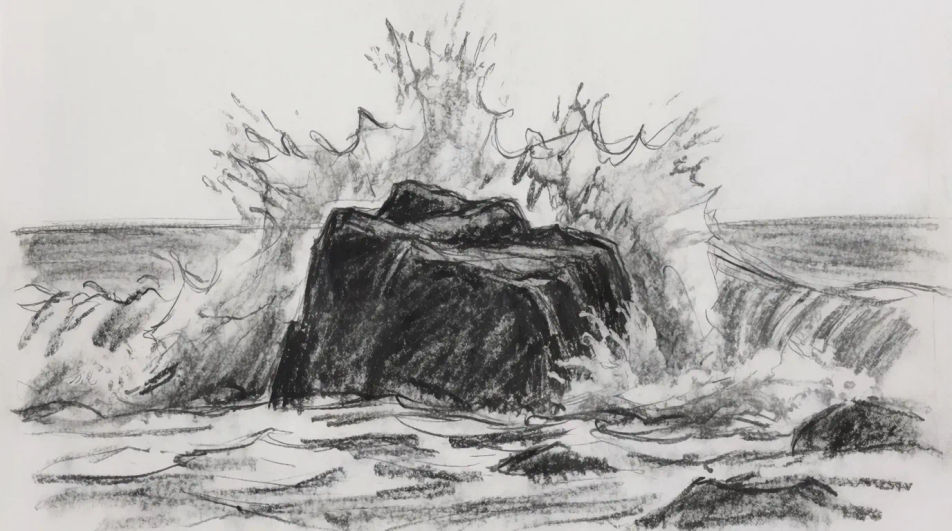
Describe the Waves drawing you want, in plain words.
Morphic generates a clean, ready-to-publish image on your canvas in seconds.
Tweak the prompt, regenerate variations, then download or share the frame.
Pick a reference image, apply its visual style to your own photo or artwork.
Convert any image to a new aspect ratio. Smart crop or extend the edges to fit.

Turn any sketch or drawing into a finished render.
Restyle any video in a completely new visual style. Every frame transforms, all motion stays intact.
Reimagine any anime character as a photorealistic, high-fashion live-action portrait.
One selfie becomes a set of professional headshots. Studio-quality, multiple styles.
Ocean drawing generator
Turn an ocean drawing idea into a finished image in Morphic. Describe the line work and style, generate variations, then refine it on the canvas.
Beach drawing generator
Turn a beach drawing idea into a finished image in Morphic. Describe the line work and style, generate variations, then refine it on the canvas.
Sunset drawing generator
Turn a sunset drawing idea into a finished image in Morphic. Describe the line work and style, generate variations, then refine it on the canvas.
Doll drawing for kids and craft projects
Turn a doll drawing idea into a finished image in Morphic. Describe the line work and style, generate variations, then refine it on the canvas.
Get started for free today, with the option to upgrade or cancel anytime.
Basic
2400 monthly credits
1 user only
All models
Workflows
Standard
3625 monthly credits
1 user only
All models
Workflows
Pro
6350 shared monthly credits
1 user
All models
Workflows
Max
24650 shared monthly credits
1 user
All models
Workflows
Enterprise
For higher limits
Custom
pricing and billing terms

Free
For playing around
$0
forever free