Wave over a coastal town
A tsunami rising behind a low cityscape in ink line, rooftops drawn small and sharp along the base so the wave reads as enormous, sky left as bare paper.
Edit prompt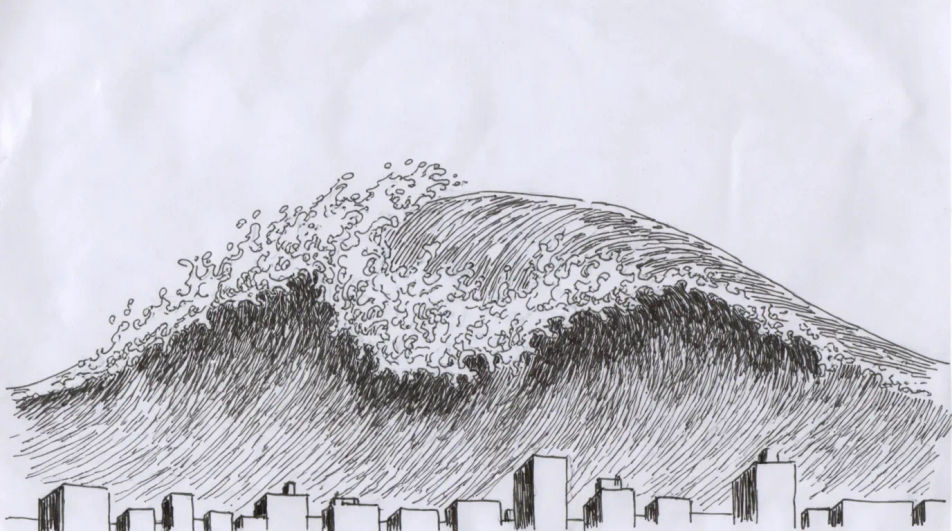
Describe the tsunami you want in Morphic's Image tool, from one curling wall of water to a whole flooded coastal landscape, and get a finished drawing back. Set the wave shape, the foam texture, the line weight and the paper, refine it on the Canvas, then download it in HD.
A tsunami rising behind a low cityscape in ink line, rooftops drawn small and sharp along the base so the wave reads as enormous, sky left as bare paper.
Edit promptThe quiet moment first, pencil scenery of a harbour with the water drawn back off the sea bed, boats tilted in the mud and a dark line on the horizon.
Edit prompt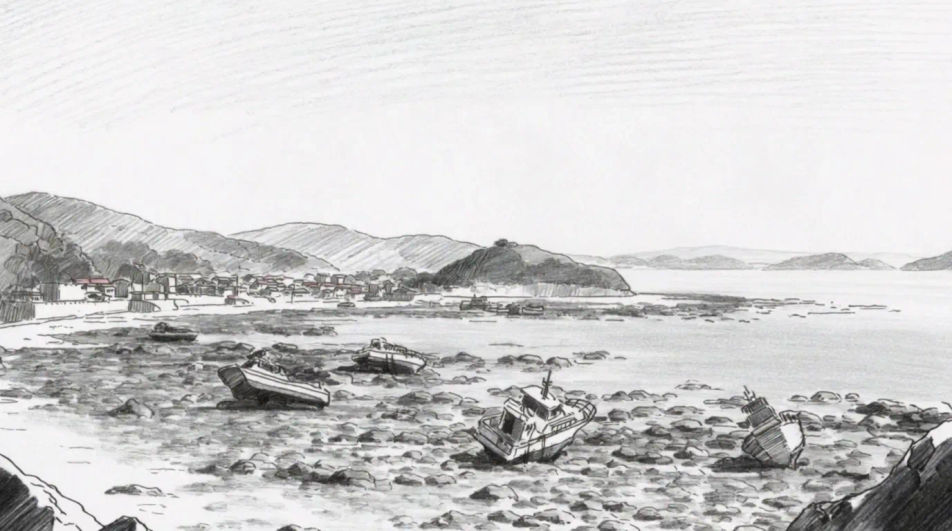
A cutaway of the same wave, the underwater half shown as long parallel lines running in from deep ocean, the surface crest inked heavily above them.
Edit prompt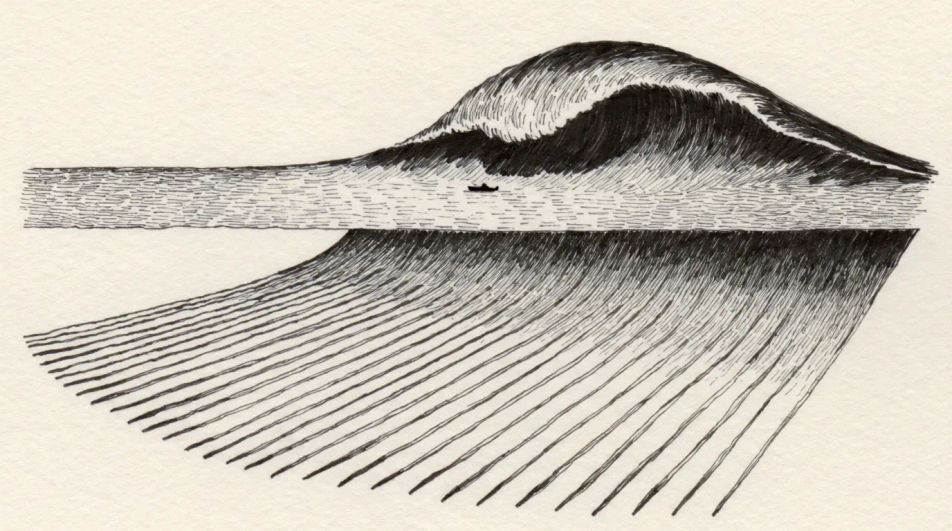
A wide landscape drawn from a hillside path, terraced roofs in the foreground and the flooded plain beyond, tone kept light so the scenery stays readable.
Edit prompt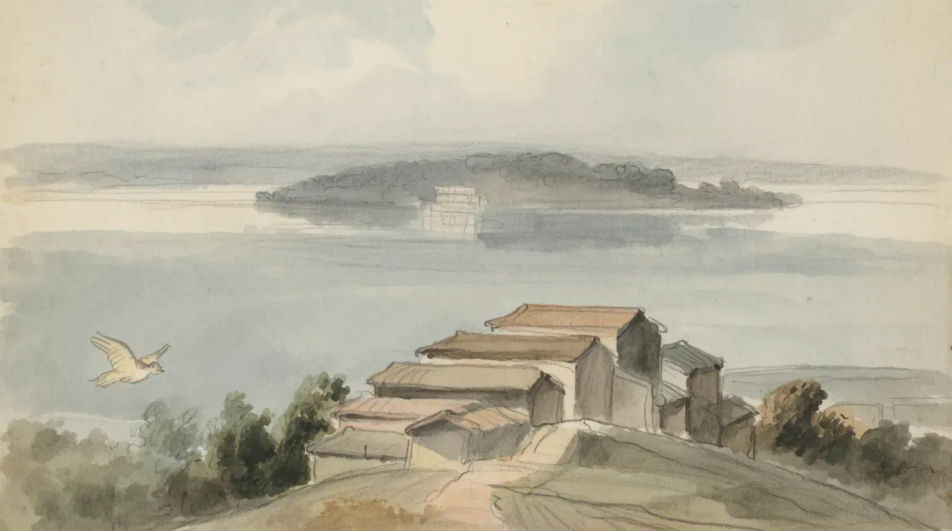
Describe the Tsunami drawing you want, in plain words.
Morphic generates a clean, ready-to-publish image on your canvas in seconds.
Tweak the prompt, regenerate variations, then download or share the frame.
Choose your viewing angles and get precise perspective shifts of any image with full camera control.

Professional 7-panel location reference sheet from a single photo.
Set the look with one reference image. Apply that exact grade to any scene or batch.
Restyle any video in a completely new visual style. Every frame transforms, all motion stays intact.

Take any character image and generate 6 distinct facial expressions on a single reference sheet.
Photo of any real-estate becomes a cinematic renovation timelapse video with construction SFX and music.
Waves drawings from flat motif to breaking swell
Turn a waves drawing idea into a finished image in Morphic. Describe the line work and style, generate variations, then refine it on the canvas.
Ocean drawing generator
Turn an ocean drawing idea into a finished image in Morphic. Describe the line work and style, generate variations, then refine it on the canvas.
River drawings from easy outline to full study
Turn a river drawing idea into a finished image in Morphic. Describe the line work and style, generate variations, then refine it on the canvas.
Taj mahal AI images
Create Taj Mahal images with Morphic's AI image generator. Design iconic symmetry, golden-hour, moonlit, and artistic renderings in seconds. No design skills needed, describe the perspective and lighting, then download HD art for any project.
Get started for free today, with the option to upgrade or cancel anytime.
Basic
2400 monthly credits
1 user only
All models
Workflows
Standard
3625 monthly credits
1 user only
All models
Workflows
Pro
6350 shared monthly credits
1 user
All models
Workflows
Max
24650 shared monthly credits
1 user
All models
Workflows
Enterprise
For higher limits
Custom
pricing and billing terms

Free
For playing around
$0
forever free